Security at Pachca
When it comes to work chat, security always matters. Here's what we do to protect your data and keep Pachca running reliably.
Privacy and personal data processing policyLatest external security audits
Compliance with data protection laws and standards
Reliable, fault-tolerant infrastructure

Servers in Russia
For reliability, Pachca runs on Selectel's geographically distributed server network.
All of them are located in Russia
Selectel products we use
- • Dedicated servers
- • Cloud servers and VMware-based cloud
- • Managed Kubernetes and cloud databases
- • Cloud storage
- • Veeam backup
- • DDoS protection
Internal security practices and procedures
Data encryption
Data is encrypted at rest and in transit and stored in secure infrastructure. All traffic is encrypted with TLS v1.3, DTLS, SRTP and AES-128
SLA
Contracts on the Corporation plan guarantee 99.9% uptime (SLA). If Pachca is down for longer than that, we issue compensation to affected customers.
Attack protection
Independent experts assess our security every year. Latest external audit: Positive Technologies, 2026
Regular updates
Our infrastructure has an established process for managing security updates.
Documents
External security assessment reports, the personal data security assessment report for our information system and the system architecture diagram are available on request.
Internal testing
We run our own penetration tests (following the OWASP WSTG methodology), social engineering awareness tests for employees and load tests.
Data center protection
Our data centers are protected against DDoS attacks. Application-layer protection (WAF) can be added as well
Data backups
We back up your data automatically every day
Data hashing
We use AES algorithms to encrypt and hash data
Multi-layered protection
Manage employee access via API
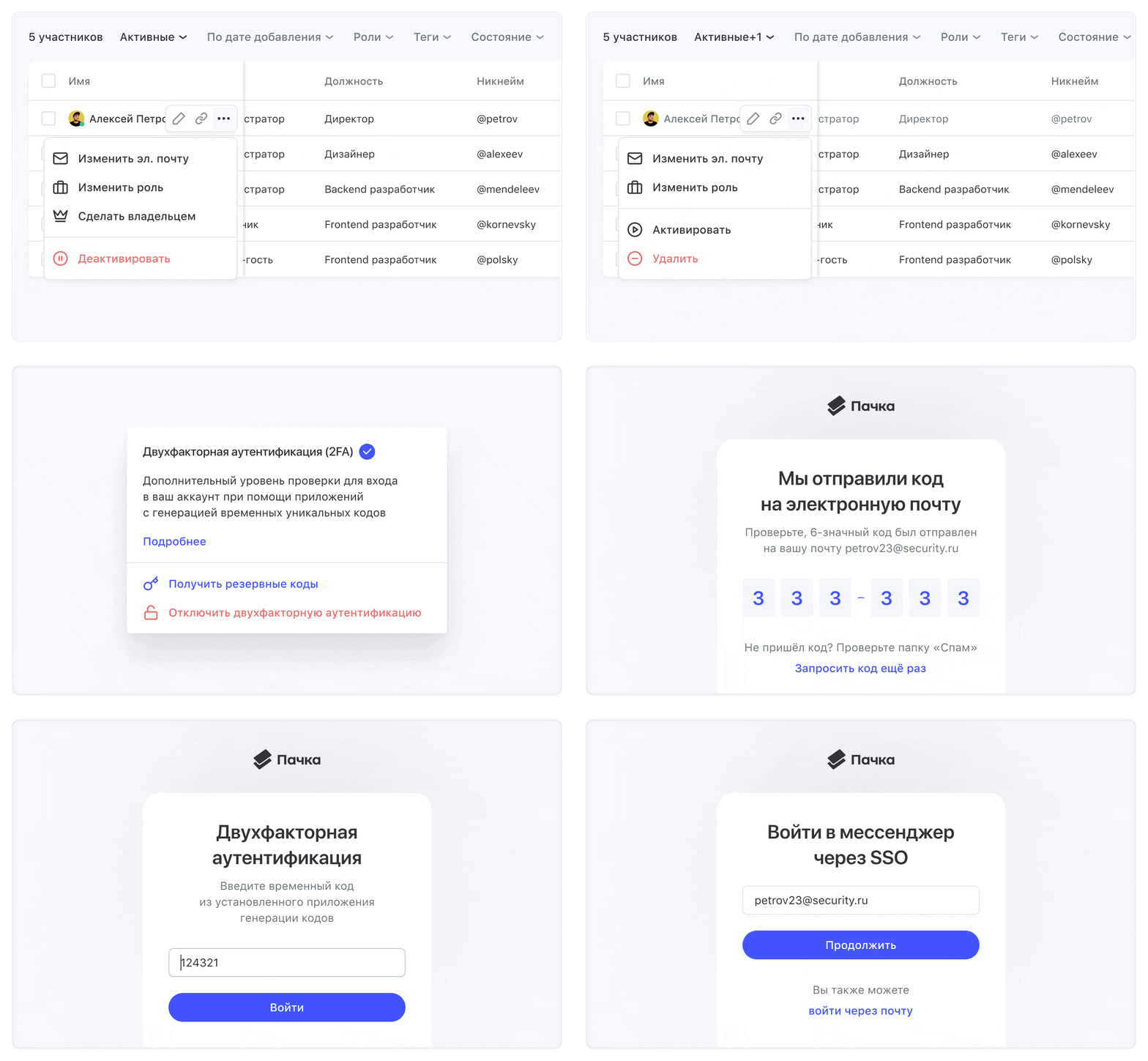
Pachca gives your company its own private workspace. Inside it, you manage user roles: assign administrators, add employees and multi-guests. When someone leaves the company, you can revoke their access to every chat in one click. You can automate all of this via the API, too
Group policy management
Manage Pachca app settings and updates through group policies. Installers are available on request: .msi (Windows), .dmg (macOS), .deb/.rpm (Linux)
SSO sign-in and user management
To manage large groups of users and tighten security, connect Pachca to your company directory, such as Active Directory (AD), Keycloak, Yandex 360 or other services
Block file access outside your corporate network
Add the IP addresses of your company's private network, like your office networks, in workspace settings. Anyone who opens Pachca from another network won't be able to view or download files in chats
Built-in real-time antivirus
Turn on antivirus scanning in system settings. Every file sent is scanned automatically, and suspicious files are blocked and flagged
DLP integration
We help you set up custom DLP integrations over ICAP, tailored to your workflows
VPN tunnel setup
On request, we can set up a VPN between your company's resources and Pachca
Logging and audit log API
The API gives you access to logs of events in your workspace. Events can be forwarded to a dedicated server or a monitoring service (SIEM) for processing
Session list and controls
Every user can see their active sessions in their profile and end any of them. Each session shows the IP address, location, device type and last active time
Two-factor authentication (2FA)
Every user can add an extra layer of verification to their account. An authenticator app generates one-time codes to enter when logging in to Pachca. Workspace administrators can filter members to see who hasn't turned on 2FA