
Pachca: the MS Teams alternative
for companies in Russia
Everything you use in Microsoft Teams, from chats and threads to video calls and bots, only simpler. Plus servers in Russia and support in Russian.
Does Microsoft Teams work in Russia in 2026?
Microsoft Teams isn't officially blocked, but it comes with restrictions: some features are unavailable to users in Russia, and outages happen from time to time. Microsoft has stopped selling new licenses in Russia, so renewing your subscription keeps getting harder.
Microsoft Teams packs a lot of features and flexible Microsoft Office integrations, but it isn't always easy to use. People often use it only for the most important stuff and do their actual chatting in Telegram or WhatsApp*.
Pachca is a Microsoft Teams alternative with core features designed to keep work communication simple, so nobody feels the urge to escape to personal messaging apps.
Same features, less complexity
Pachca has most of Microsoft Teams' features, just built a little differently. They're easy to pick up for power users and less tech-savvy folks alike.
Chats
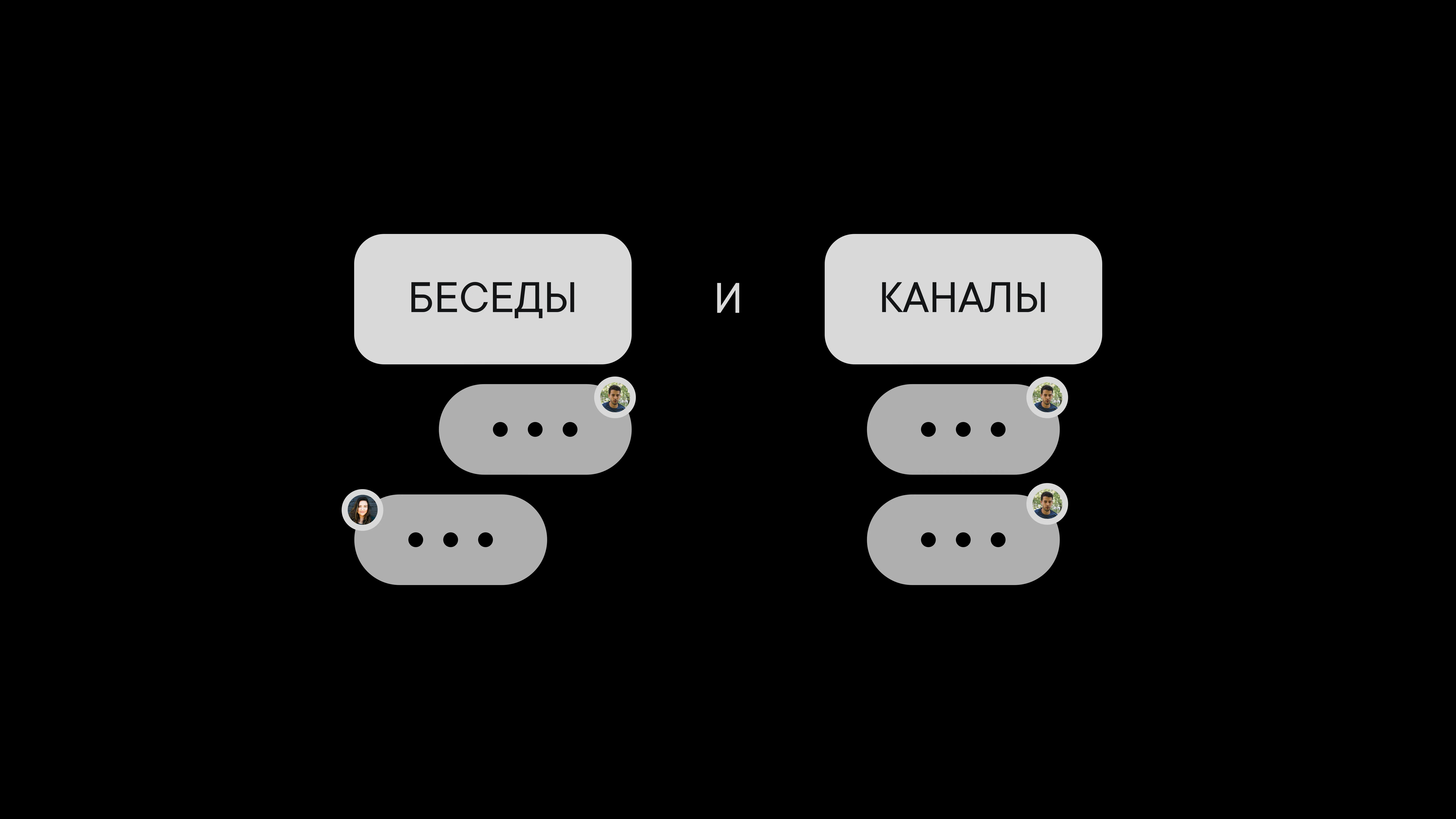
Microsoft Teams splits chats into two sections, “Teams” and “Chat.” In the first, an admin organizes chats for you. In the second, you create chats yourself but have no way to organize them. That can hold people back from actually talking through important issues.
In Pachca, all chats live in one place and are automatically sorted into group and direct messages. And everyone can organize their chats however they like: add folders and sort chats into them, rearrange folders and pin the most important chats to the sidebar for quick access.
Threaded replies
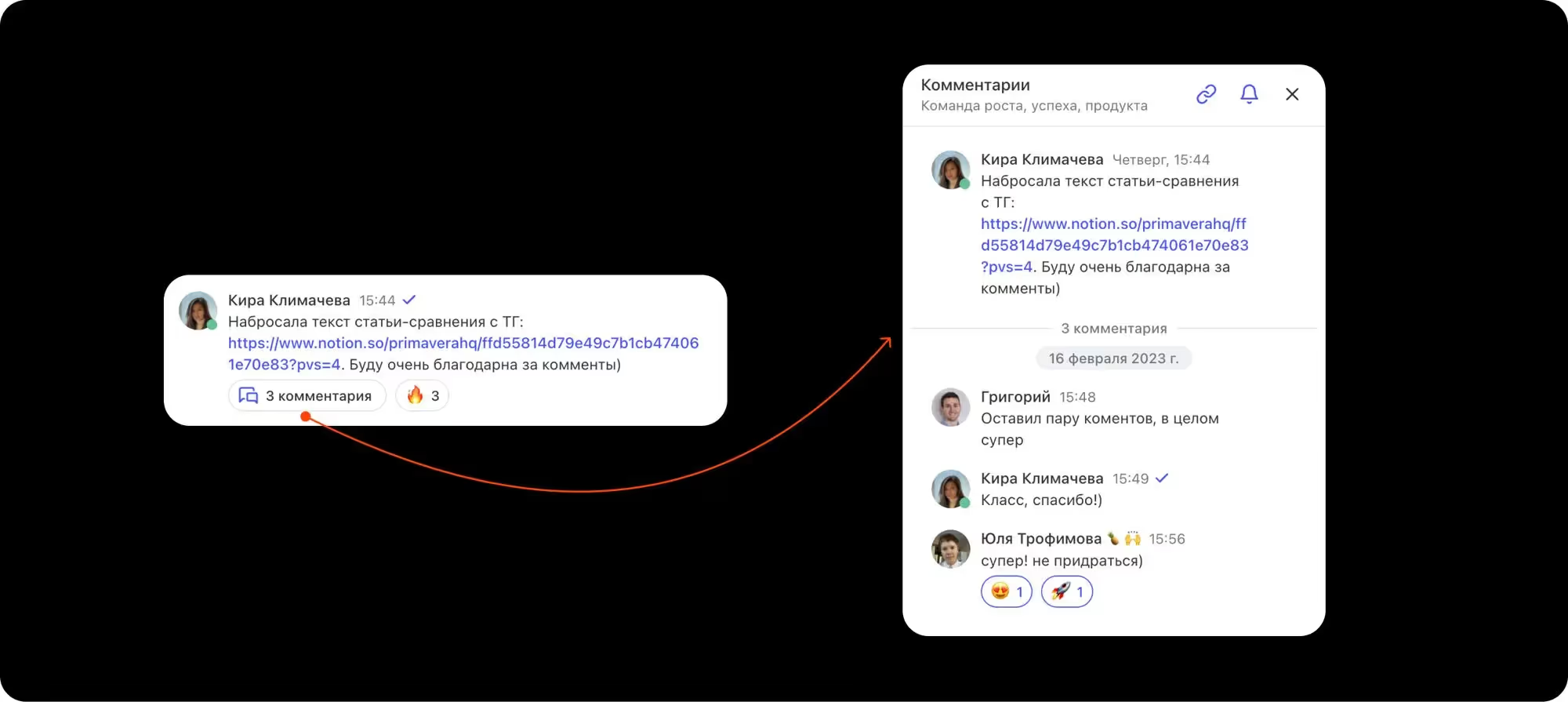
In Microsoft Teams, replies are grouped under a message only in the “Teams” section. Regular chats can't do that, so they quickly get cluttered. It's easy to lose track of the discussion, and questions take longer to get answered.
In Pachca, replies under a message are called threads. They work like comments on a social media post. If a question comes up in a chat and needs discussion, a thread is the easiest place for it. Unlike MS Teams, Pachca lets you start threads in any kind of chat, group or direct. Keep discussions focused and everyone on the same page.
Member management
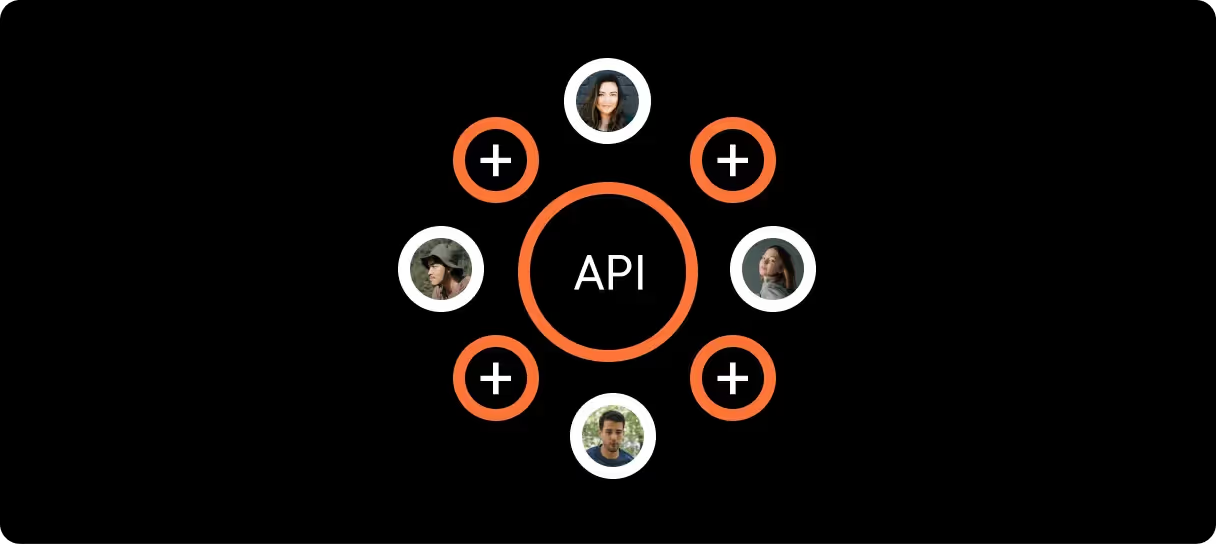
Microsoft Teams has an advanced admin center, but only on its most expensive plans.
In Pachca, you can manage users by hand in the “Members” section. When you need to, you can automate admin work with the open API and SSO integration. For example, you can automatically add people to the right chats, fill in their profiles, assign tags and more.
Chatbots and integrations
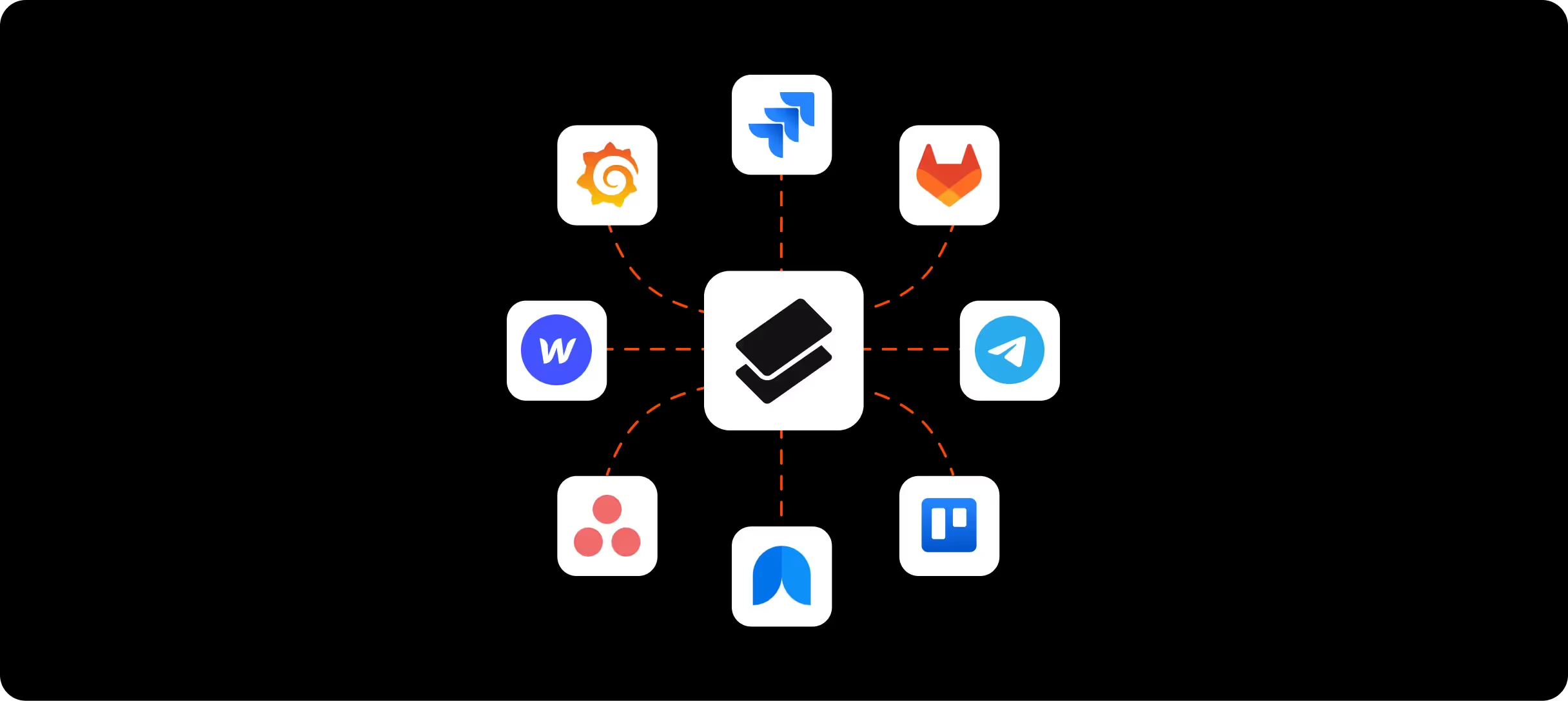
MS Teams offers webhook integrations and a chatbot builder. But a bot can only be tied to one chat and can't be used anywhere else. So in Teams, you can't build an integration that lots of people can use at once.
Pachca has both too, but here anyone can create a chatbot for themselves or for the whole company. For example, build a meeting room booking bot once, and everyone can add it to their chats and put it to work.
Unread messages and comments
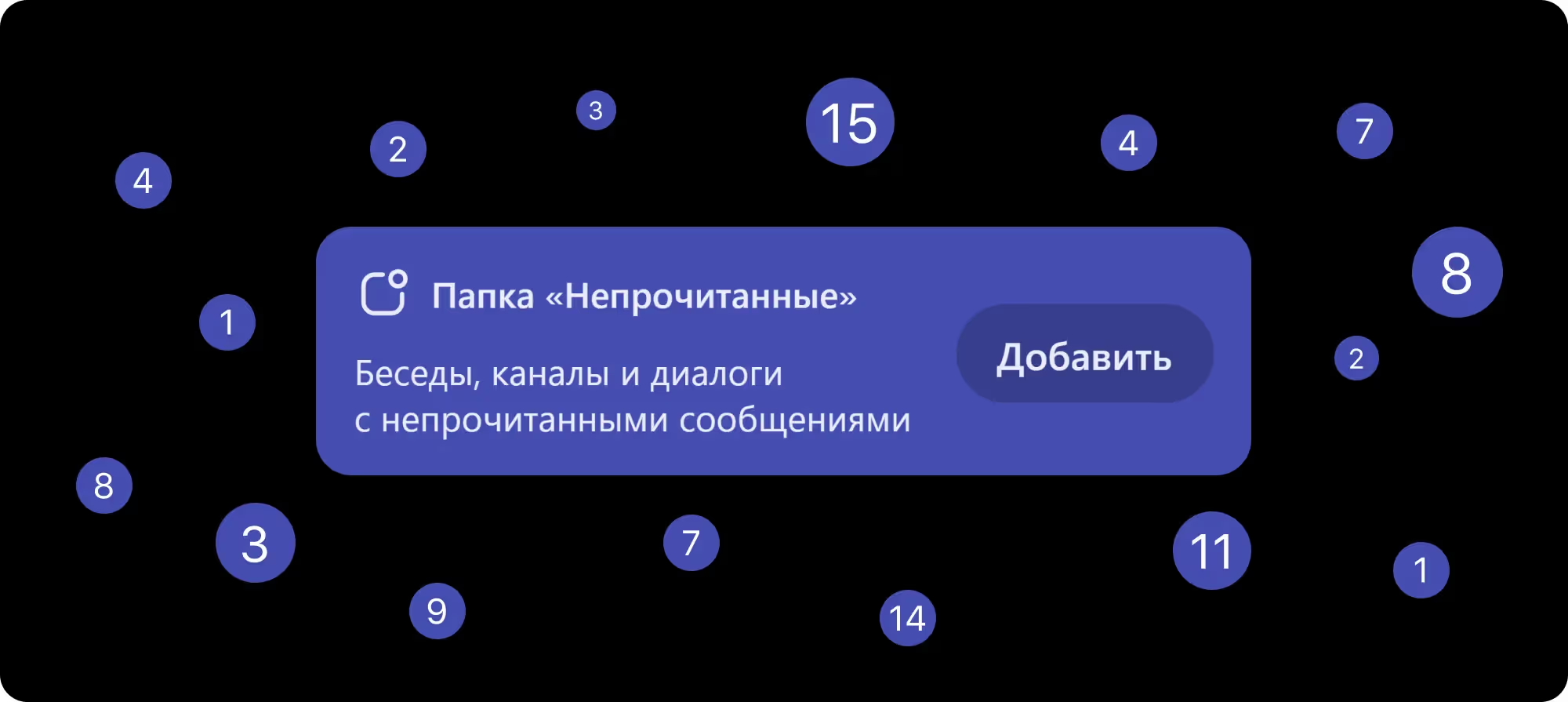
In Microsoft Teams, if you have unread chats, you have to hunt them down, open each one and scroll through the new messages. There's no single place to see everything new at once.
In Pachca, anyone can add an Unread folder. It only shows chats with new messages, and once you've caught up, it's empty. Threads have their own section too, which you can filter by unread comments.
Social features that keep your team engaged
Microsoft Teams was built as a collaboration platform centered on Microsoft Office integrations. That makes the interface cluttered and pushes social features into the background. Pachca is the opposite: it's built around communication and makes it enjoyable.
In Pachca, you can add several reactions to any message, including custom ones, and see who reacted. Everyone can set a custom status with an emoji to let the team know what they're up to. And a dedicated section for public chats lets people start their own interest groups and invite colleagues.
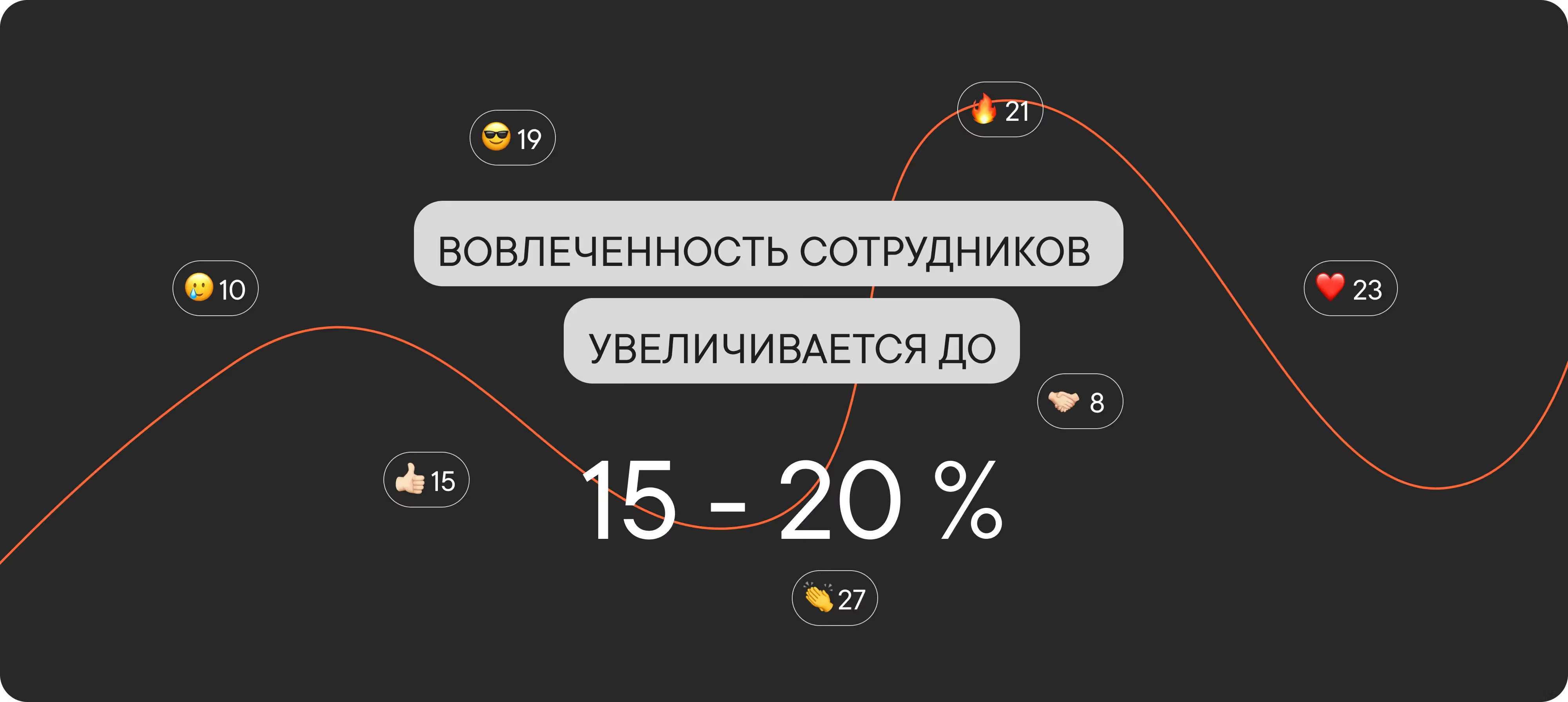
Customers tell us the employee engagement rate in Pachca climbs to 15–20%, about twice as high as in MS Teams on average. People spend more time in the team chat app and talk less about work in Telegram/WhatsApp.
Pachca vs Microsoft Teams:
a side-by-side comparison
| Criteria | Microsoft Teams | Pachca |
|---|---|---|
| Availability in Russia | Restrictions, outages, no new licenses | ✅ No restrictions |
| Servers | Data centers outside Russia | ✅ Russia (Selectel) |
| Russian Software Registry | No | ✅ Yes |
| Threads | Only in the “Teams” section | ✅ In any chat, cross-chat |
| API | Only on expensive plans | ✅ On every plan |
| Support | In English | ✅ In Russian, replies within 15 min |
| Price | From $6/mo (Microsoft 365) | ✅ From 0 ₽ |
Switching from Microsoft Teams to Pachca: FAQ
How are Pachca threads better than Microsoft Teams threads?
How are chats organized in Pachca?
Can I automate admin work in Pachca too?
What kind of support does Pachca offer?
Does Microsoft Teams work in Russia in 2026?
How do I move from Microsoft Teams to Pachca?
How much does Pachca cost compared to Microsoft Teams?
More stories from teams
that switched from Microsoft Teams



Compare team chat apps
Get a detailed, feature-by-feature comparison of popular team chat apps
* Meta Platforms Inc. (Facebook, Instagram) declared extremist and banned in Russia.