
More and more companies in Russia are looking for a Telegram alternative that meets security requirements and keeps their data confidential. Here's how a team chat app can fully replace Telegram, and where a purpose-built tool just does the job better.
One shared workspace
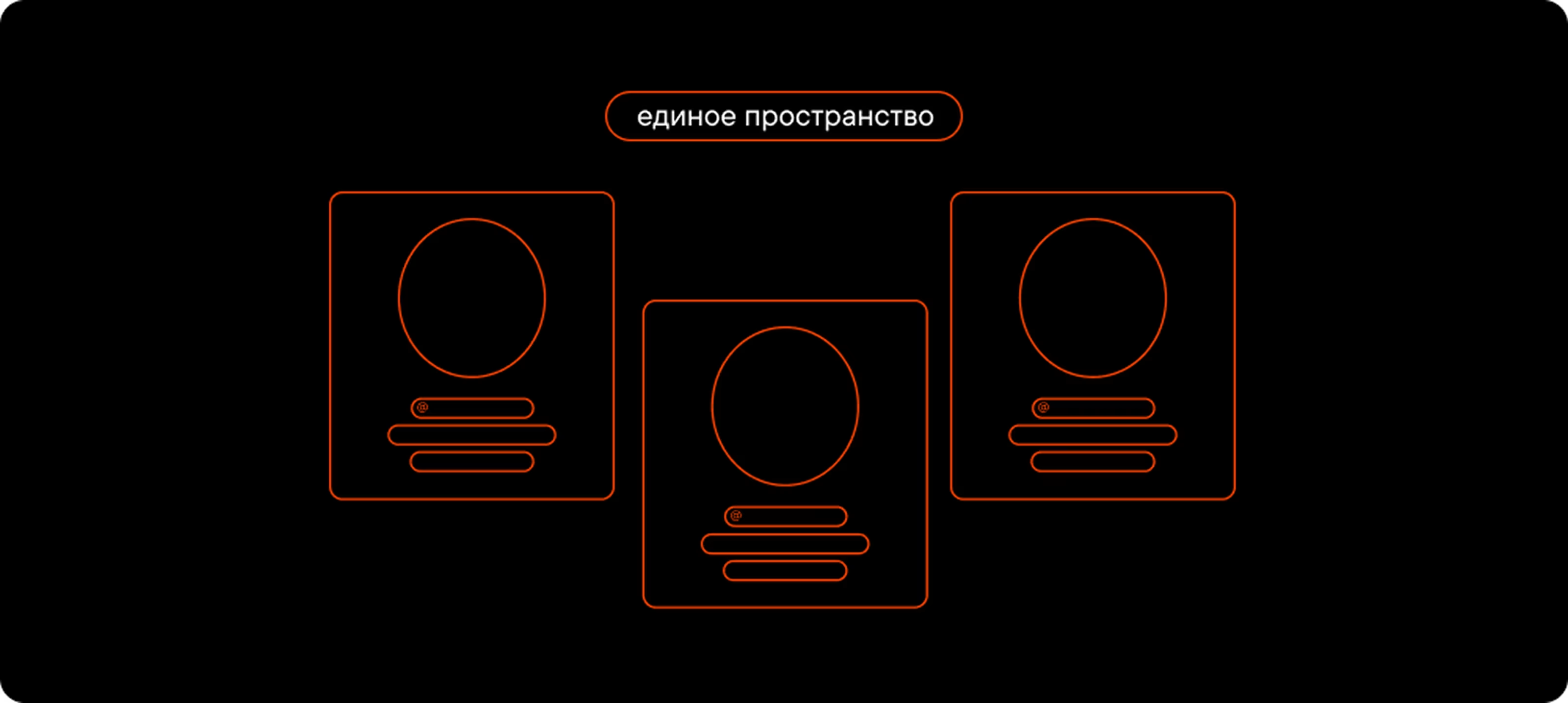
All communication in Pachca happens in one shared workspace. Anyone on your team can join with an invite link, and no outsiders can get into your work chats. You can also message colleagues directly without adding them to your contacts.
Manage members in two clicks

When someone new joins, Telegram makes you add them to every chat by hand. It takes time, and it's easy to miss a chat or add the wrong person. Same with new chats: you either add everyone manually or send out invite links.
Pachca solves this with tags (like “marketing_team”, “designers” and so on) for adding people to chats and setting up new ones. To add a new hire to every chat they need, just give them the right tags. Same when you create a chat: assign it a tag, and everyone with that tag is in.
When someone leaves, you have to remove them from every Telegram chat manually and sort out ownership of any chats they created. In Pachca, one click removes them from the workspace, and they lose access to every chat and all sensitive information. By the way, you can also add and remove members and create chats in Pachca through the API.
Member directory

Pachca's admin tools live on a dedicated page with info about every member. You can see phone numbers, emails and other details (like birthdays), and every field is customizable. People can use this page to find each other and start a conversation, too. No more asking around for the contact of “someone from the team next door.”
No more lost discussions
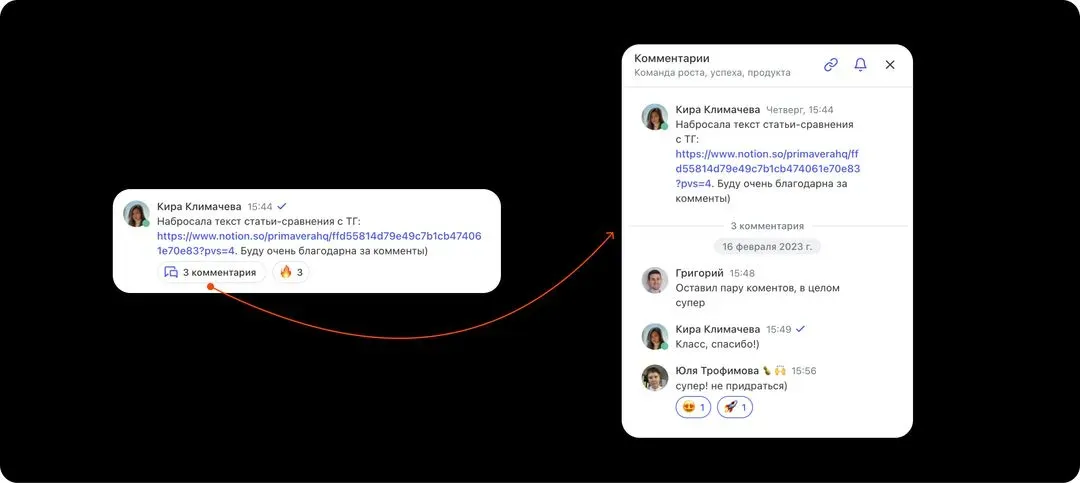
In Telegram, discussions often get buried in the chat, and threads only work for members of that particular chat. To bring in a colleague who's not in the chat, you have to forward messages or start a new chat. Information ends up scattered across DMs or drowned in big group chats.
Pachca has cross-chat threads: separate discussions under a message. They keep problem-solving in one place and your chat free of clutter. The key advantage is that threads are open to your whole team, not just the people in the chat. Just @mention the right colleague in a thread (this works in DMs too), and they get access to the conversation. No more spinning up new chats or forwarding messages. Everything stays in one place.
Fewer distractions, tighter security

Telegram stopped being just a messaging app long ago. It's a full-blown media platform. Alongside chats with friends, it's packed with channels for news, analysis, memes and everything else. That's dozens, if not hundreds, of notifications a day. A separate app for work helps you stay focused and tune out the noise.
Those chats with friends hide another Telegram downside: there's always a risk of forwarding sensitive information to the wrong place. It's one thing if it lands with a friend, but what if it's a client? Just two careless clicks stand between confidential information and the outside world. With a separate app for work, that simply can't happen.
No risk of being blocked

Pachca is a Russian team chat app listed in the Russian Software Registry.
We're also an accredited IT company, so we keep running smoothly even when access to foreign services is restricted.
Replacing Telegram with Pachca: FAQ
How do I move my chat history from Telegram to Pachca?
How are Pachca tags different from regular Telegram groups?
How do cross-chat threads work in Pachca?
Can I use Pachca's API for automation?
How does Pachca prevent accidental data leaks?
Could Pachca get blocked like other messaging apps?
Stories from teams
that switched from Telegram



Compare team chat apps
Get a detailed, feature-by-feature comparison of popular team chat apps