What is a thread in a team chat app: cross-chat threads for teams that get things done
Cross-chat threads help cross-functional teams communicate better. Here's how to speed up work across departments and cut down on forwarding

A thread is a side discussion inside a chat. It lets you talk through a specific topic separately without cluttering the main team chat.
A cross-chat thread is a thread where you can reach any colleague, even if they aren't in the chat.
Unlike a regular thread, a cross-chat thread lets you talk to colleagues directly, so you don't need extra chats or forward messages back and forth.
Who they're for
Cross-chat threads are a great fit for cross-functional teams whose people are spread across lots of chats. They also help managers and team leads who get flooded with questions from every direction.
Here are a few cases where they're especially useful:
1. Collaboration between departments
- Marketing and engineering: A marketer is discussing an ad launch with a colleague. To measure how well it performs, they need a tracking code on the website, and that takes help from engineering.
- Engineering and support: A support agent gets a report about a critical bug from a user. The bug needs to reach a developer fast, along with a few follow-up questions.
- Marketing and legal: A marketer made an ad creative featuring a competitor's logo, but it needs sign-off from legal before it can run.
2. Collaboration between managers and their teams
Developers, marketers and other specialists are constantly checking details with their manager or team lead. The manager can't answer every question, so they have to ask others and spend time going back and forth.
⚠️ In a regular chat app, the manager would have to message everyone individually to get the details, then relay messages back and forth.
Say you forward 10 messages every workday. Each one takes about 30 seconds* (find the chat, tweak the message, double-check before sending). There are 247 workdays in a year. That means you lose (10*30*247)/60 = 1,235 minutes a year on this alone. If you're a project manager, the time lost could be 2, 3 or even 5 times higher.
*average time per forward, based on the author's own estimate
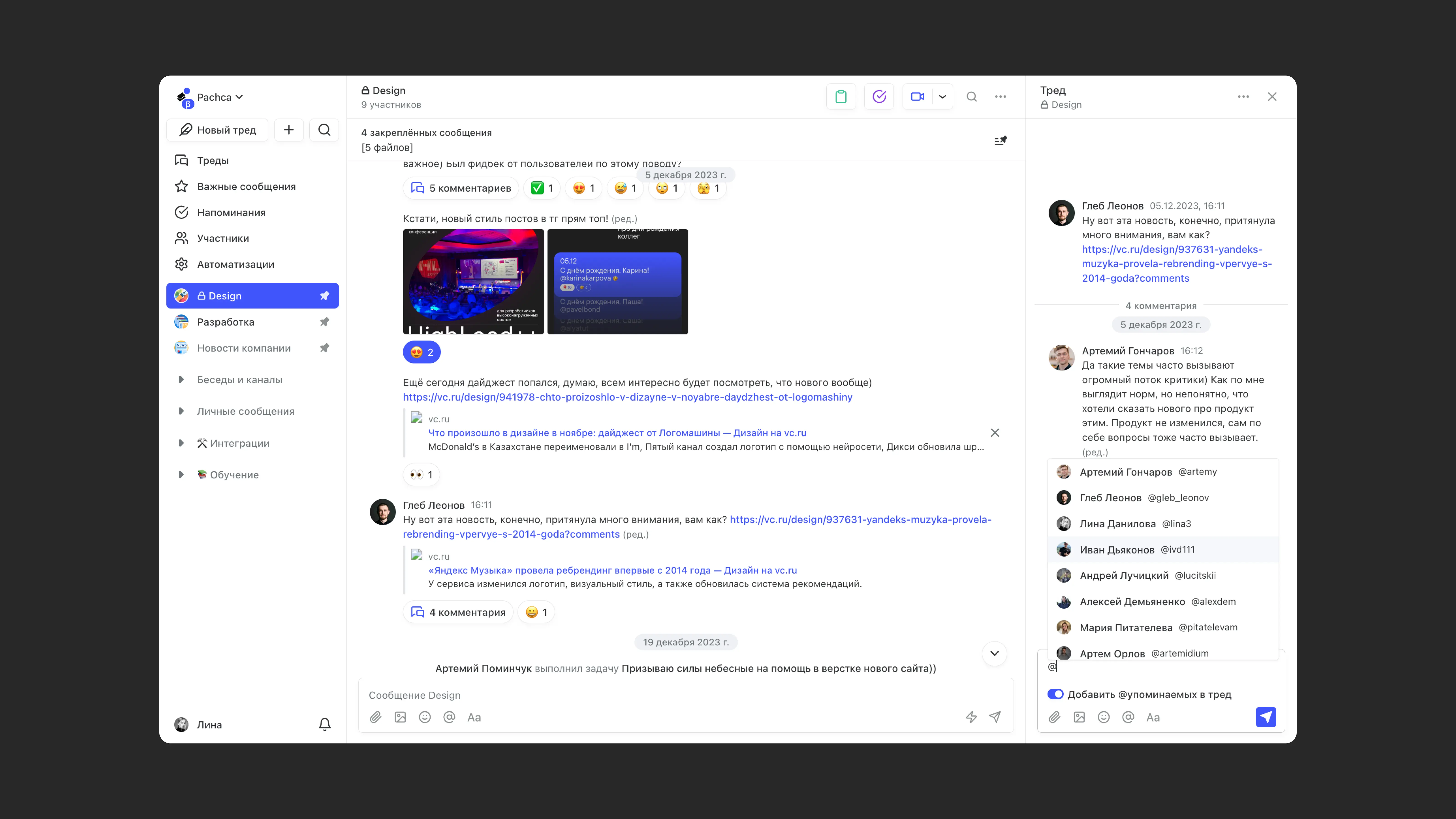
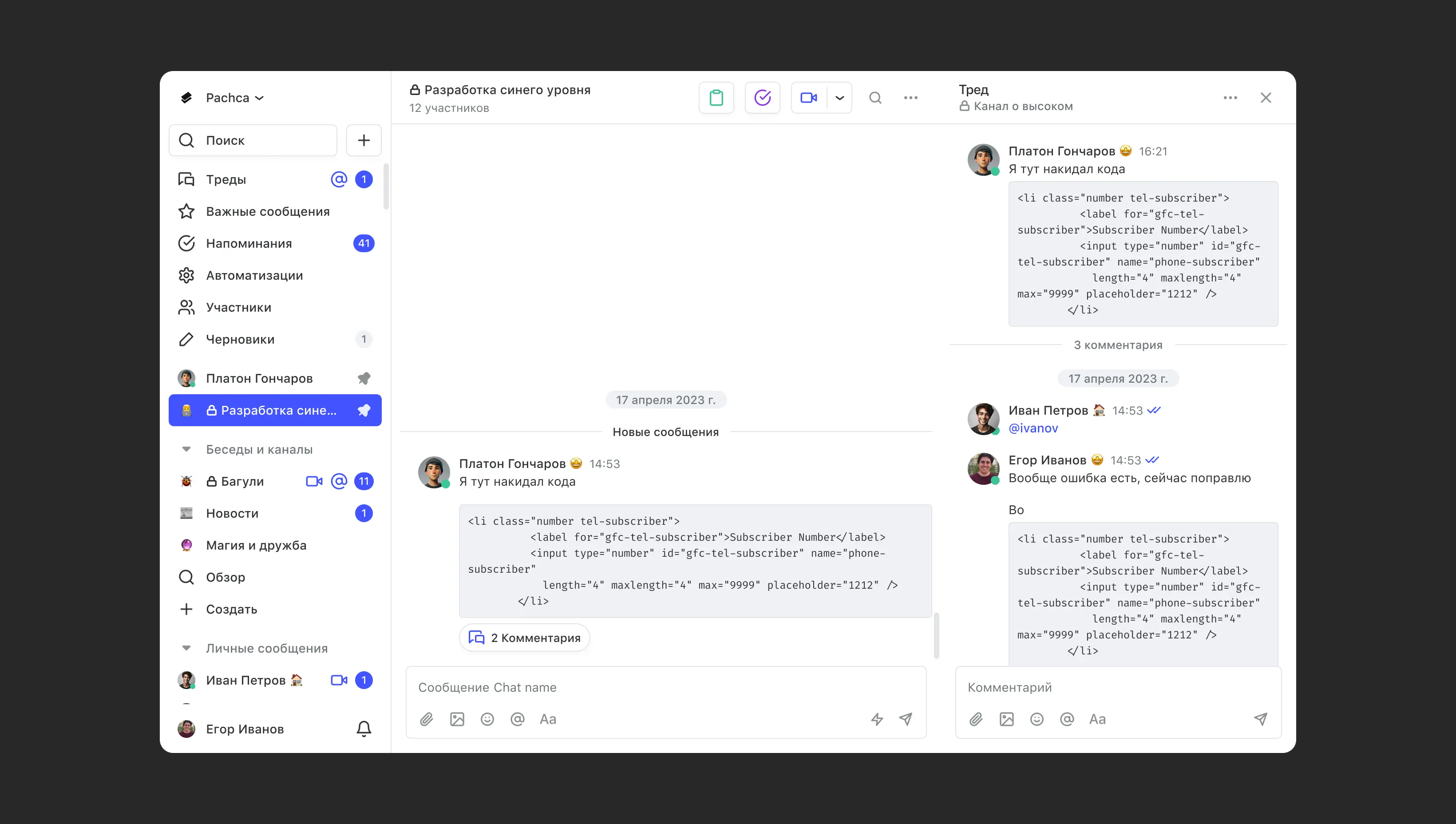
In Pachca, this kind of communication takes just one step: @mention the right person in the thread. They get access to the thread and the parent message, but not to the rest of the chat.
How to use cross-chat threads in a team chat app
They work just like regular threads. Click the comments button on a message and @mention the person you need. They'll get a notification about the mention and about all other activity in the thread.
Good to know: when you type "@", Pachca lets you choose whether to make the thread cross-chat.
Regular threads vs. cross-chat threads in practice
Before
You're talking in a regular thread. You can only @mention members of the chat where the thread started. But then a question comes up for a developer who isn't in the chat. Now you have to message them directly. You get the answer, pass it on, then send the reply back. That's inefficient communication, and it eats up a lot of time.
The same thing happens all the time in Telegram. Unlike team chat apps, it doesn't have threads at all. So forwarding messages is the only way to solve a problem together without creating a group chat.
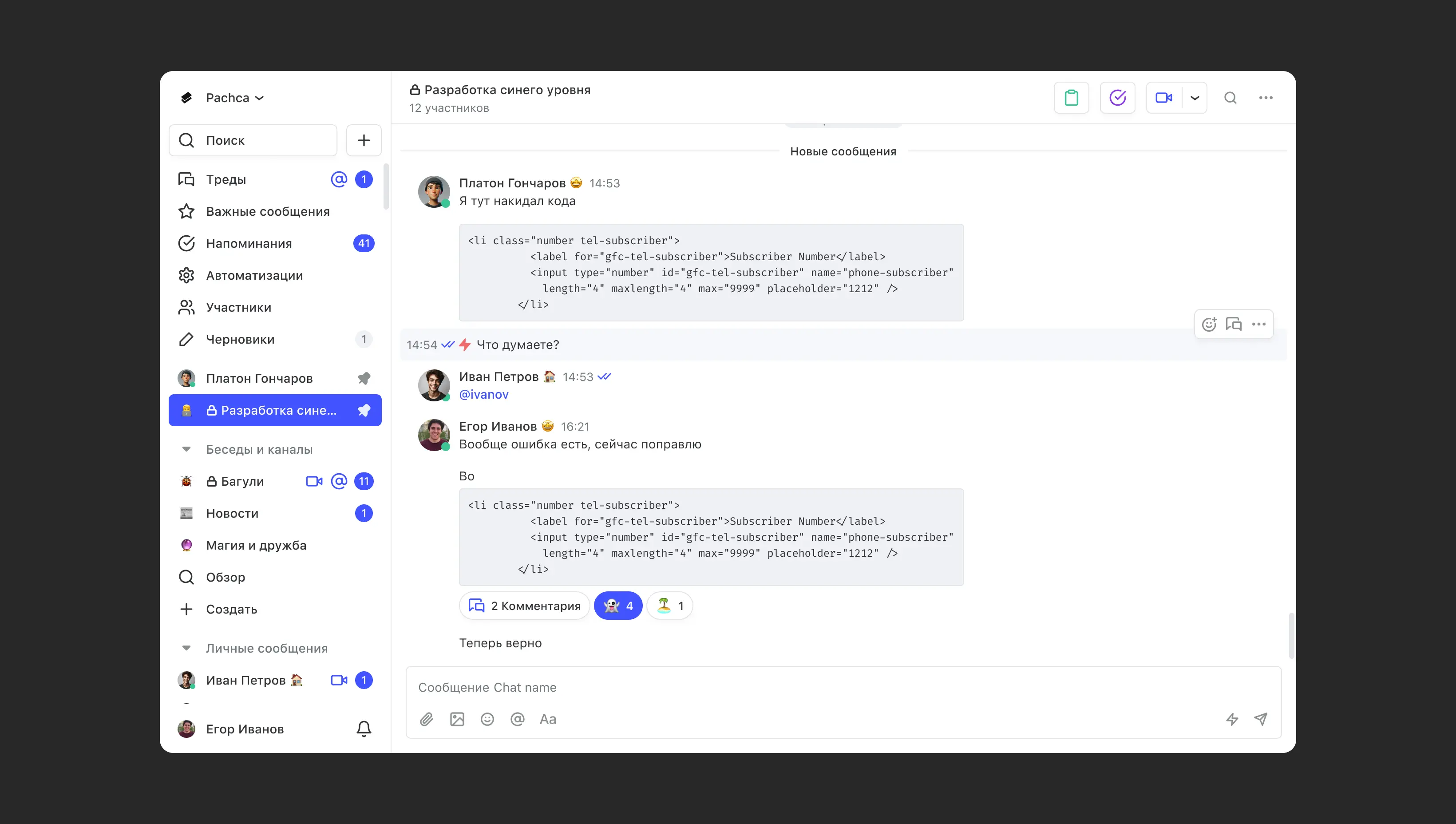
If you run into this a lot, check out our comparison of Pachca and Telegram. Your team may be better off switching to a team chat app now.
After
With cross-chat threads, you just @mention everyone you need in the thread, and questions get resolved in one place. The chat history stays private: people you bring into the thread won't see anything they shouldn't.
Takeaways
- The faster your team communicates, the more effectively it works and the faster you get things done.
- Cross-chat threads speed up communication in cross-functional teams because you can go straight to the right person.
- If you need to bring in a third person to help, @mention them in a cross-chat thread instead of creating direct messages, group chats and channels.