How to connect your favorite tools to Pachca
A detailed guide to every way you can connect your work tools to the Pachca team chat app

Pachca's API and guides for building your own integration
We're all used to our work being spread across different tools. On the one hand, that's convenient, since each one is built for a specific job. On the other, switching between them eats up a lot of time, and there's always a risk of missing an important update.
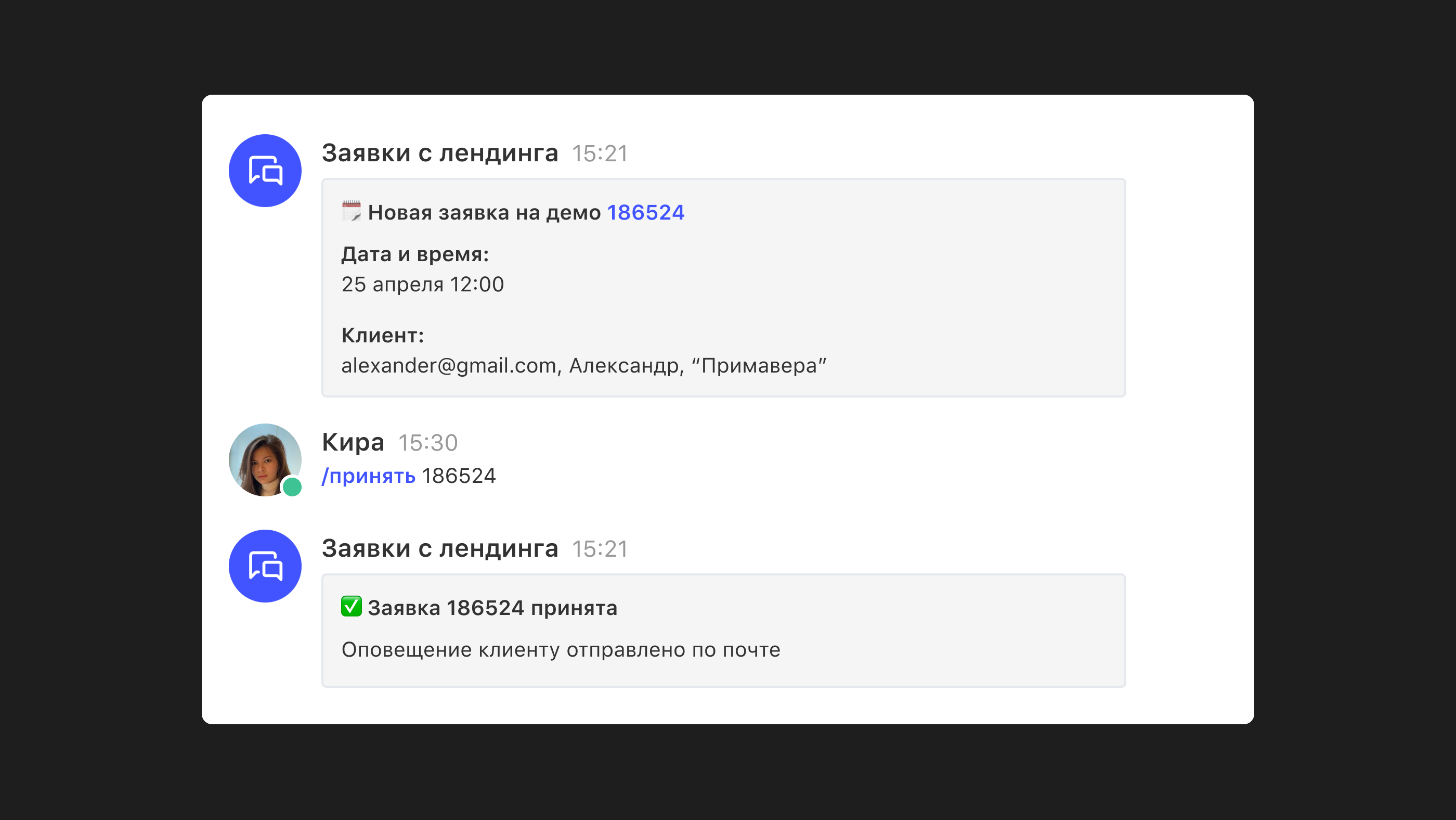
How do you fix that? Connect your work tools to Pachca. You'll get their notifications right in your chats and can respond from there too, for example by telling your task tracker to create a task. Pachca also has an AI agent that runs chains of actions on its own right in threads, from creating a task to requesting data.
It all runs on bots. You create a bot in Pachca and connect it to a third-party service. When certain events happen, the bot pulls information from the service and posts it to Pachca, and in some cases it also passes a reply from the chat back to the service.
There are several ways to create these bots.
Built-in integrations
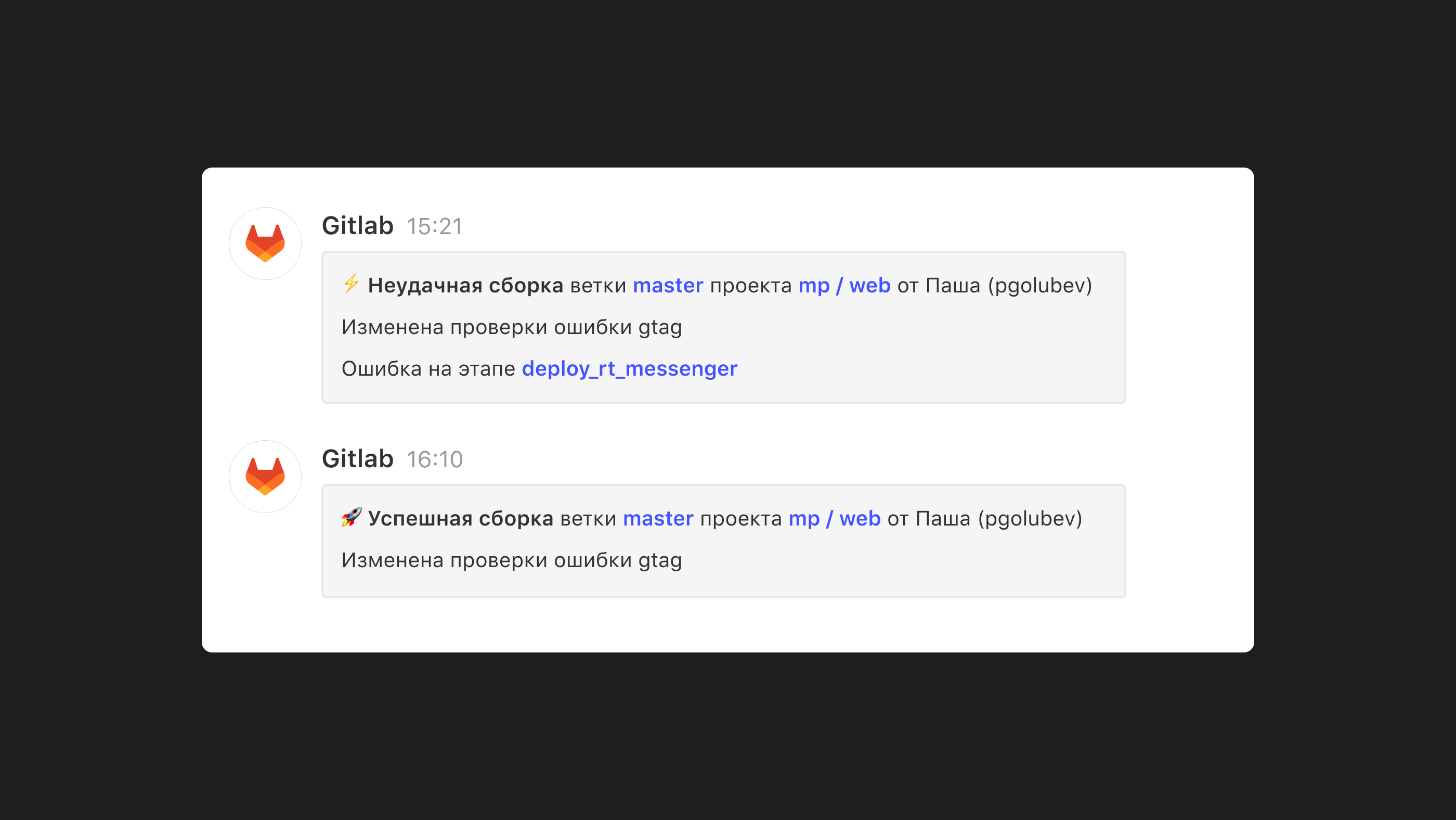
Pachca has two built-in integrations: Gitlab and Grafana. These are essentially bots we built ourselves and connected to those two services. All you need to do is copy a URL from Pachca and paste it into your Gitlab or Grafana settings. That's it, the integration is ready (note that it only sends information to Pachca).
You'll find detailed setup instructions in separate articles: Pachca x Gitlab and Pachca x Grafana. They also explain who can create these integrations and which events get sent to Pachca.
Custom integrations with the bot platform
For everything else, Pachca has a bot platform. It lets you create bots right inside Pachca and connect them to the services you want to link to the app.
There are two ways to set up the connection:
1. Via webhook
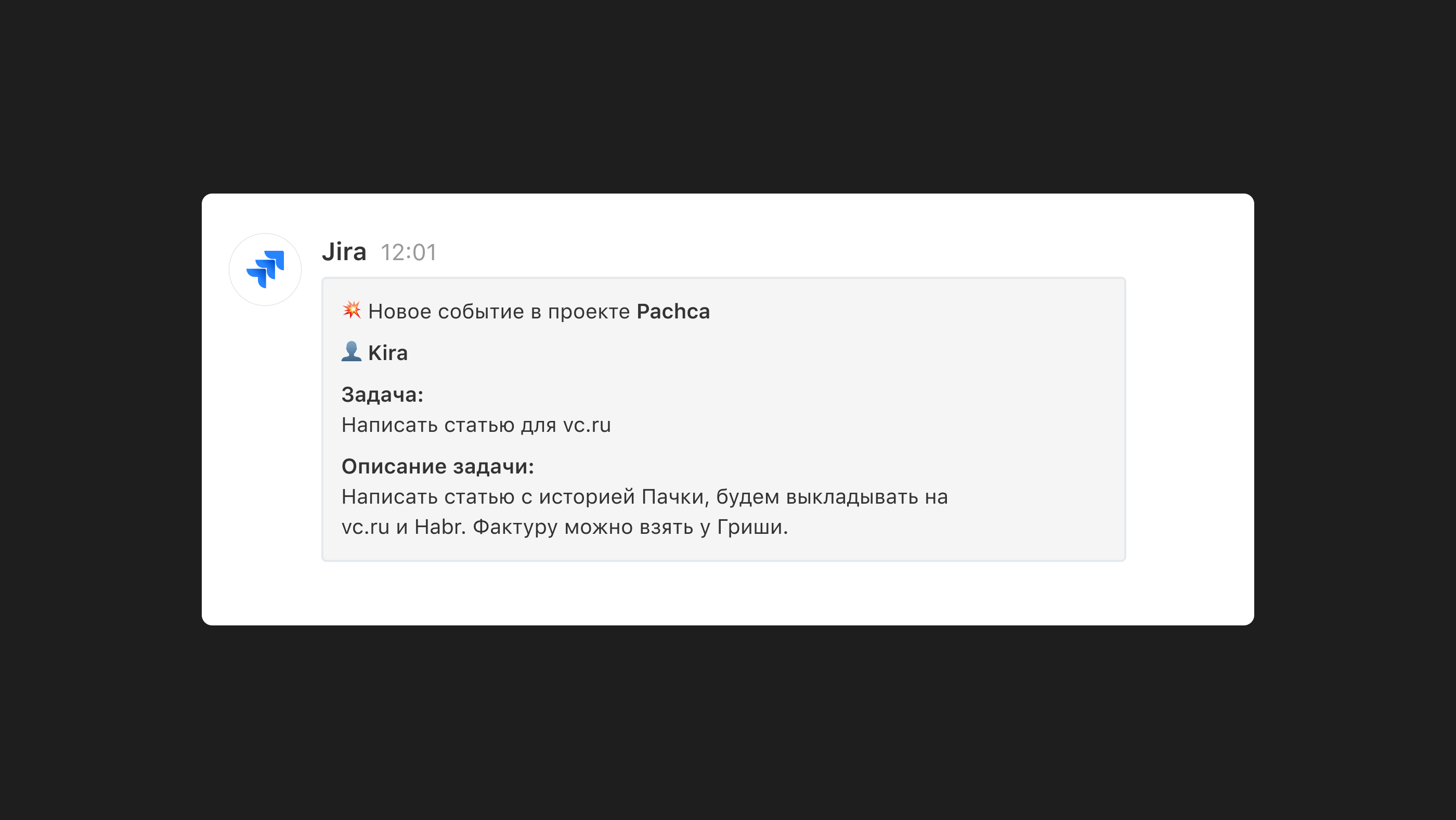
A webhook is a way to notify another system about an event using user-defined HTTP callbacks. There are incoming and outgoing webhooks. Incoming webhooks let you receive events from a third-party service, and outgoing webhooks let you send information.
Pachca supports both incoming and outgoing webhooks, so you can receive information and send a reply. The only requirement is that the service you want to connect supports webhooks (outgoing ones to send data to Pachca, incoming ones to receive a reply).
In fact, hundreds of services support webhooks (you can check on the website of the tool you want to connect to Pachca). For example, you can use webhooks to connect your CRM (Bitrix24, AmoCRM), project management tools (Jira, Confluence) and many other services to Pachca.
We explain how to create a bot and connect it to a third-party service via webhook in this article.
2. Via API
If the service you want to connect to a Pachca bot doesn't support webhooks, or the events available through them aren't enough, you can set up an integration through the API.
With this approach, you write the program that connects the Pachca bot to the third-party service yourself, using the API methods available in both services (the connection can be two-way or one-way).
It's more complex than a webhook integration, but it opens up even more use cases. You can also connect the bot not just to third-party services but to your own custom program, and end up with a standup bot, a reminder bot and so on. You can read about everything the Pachca API can do here. And if you'd like to build these flows without code, check out the Pachca and n8n combo. We cover it in "What is n8n".
💡 We have a dedicated blog section where we explain how to connect specific services to Pachca via webhook or API, or walk through use cases for these integrations. There's a lot of useful stuff there, and it's updated all the time.
Integrations through Albato
Albato is a platform that helps connect different tools to each other (CRMs, analytics systems, team chat apps and more). Albato lets you connect more than 250 services to Pachca. And it's pretty easy: everything is set up in a built-in visual builder, so you don't have to write any code.
But there's a significant difference: when you integrate through Albato, no bot is created in Pachca, and all notifications come from the user who connected the integration. One more important point: Albato is a paid service.
You can read more about connecting a service to Pachca through Albato in this article.