new
newCall transcription: now in beta 🎧
Transcripts included
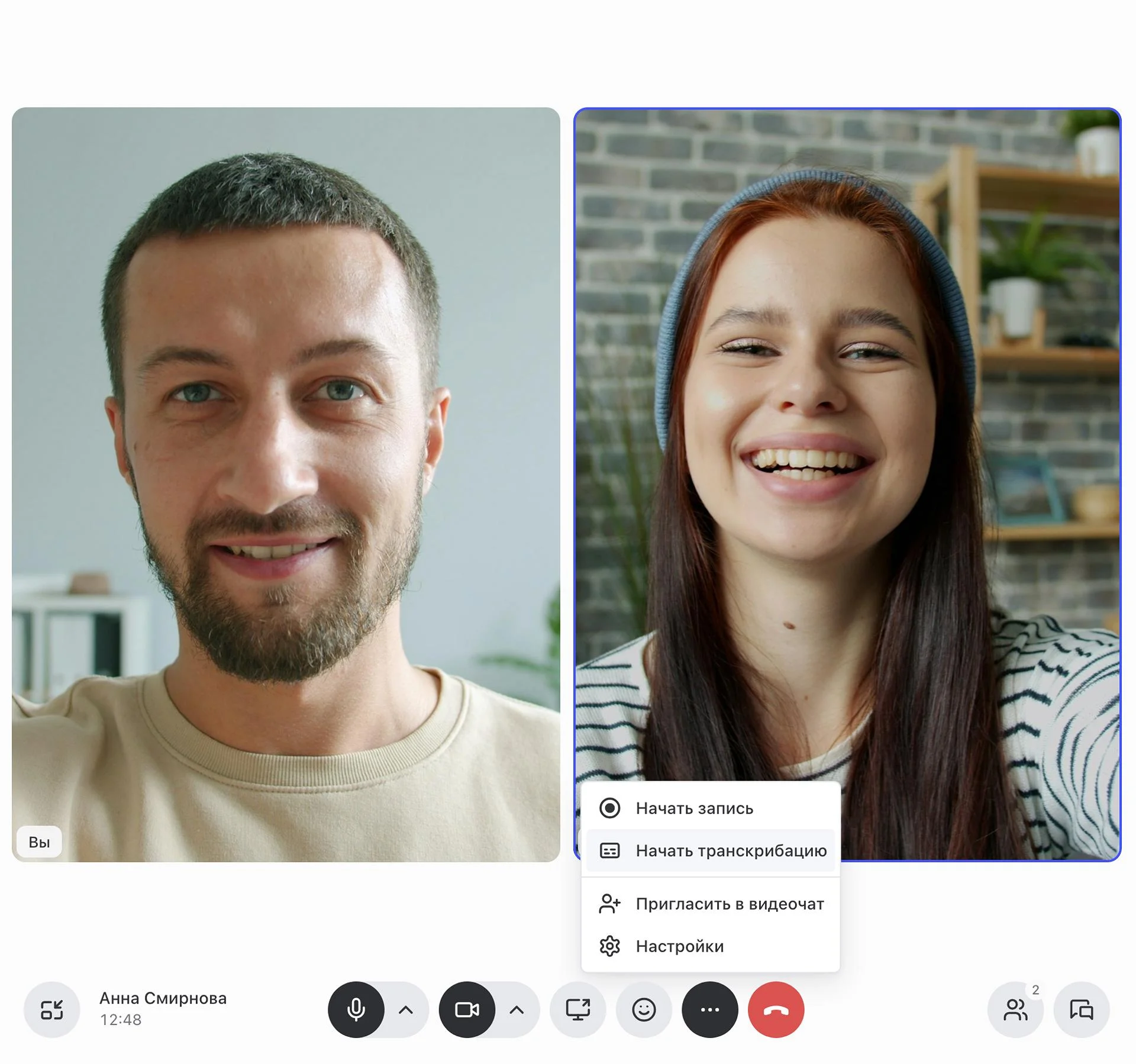
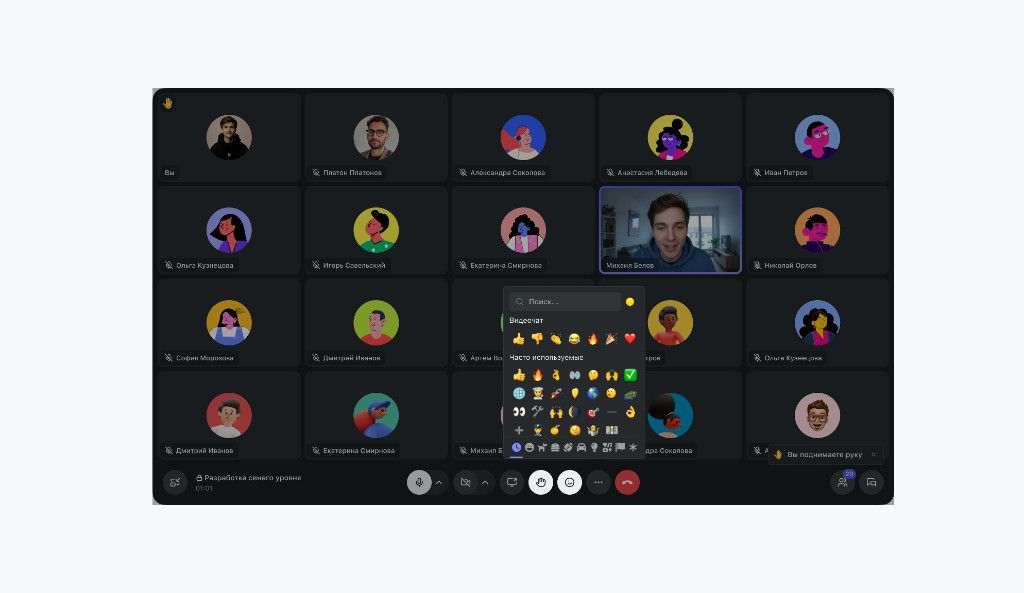
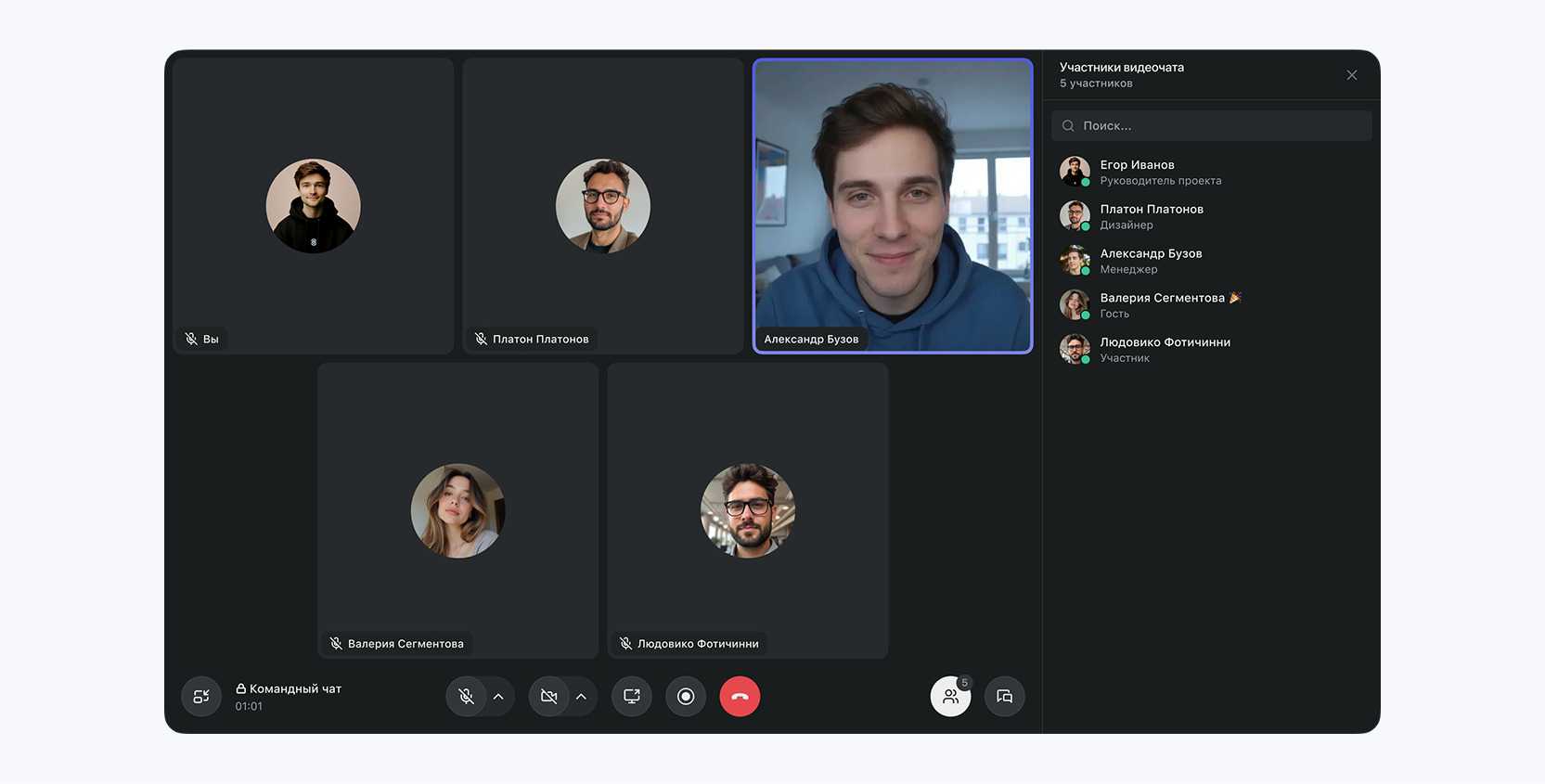
Video call transcription is now in public beta. We're rolling it out gradually, and everyone will get access over time. It turns on automatically in group calls, and in one-on-one calls you can start it from the call menu with "Start transcription". After the meeting, an AI summary and the full transcript are posted to the thread.
You can customize the summary from the video call button menu.
Beta means the feature works and we're still improving it: names and terms may not always be recognized correctly yet.
Drafts in the API
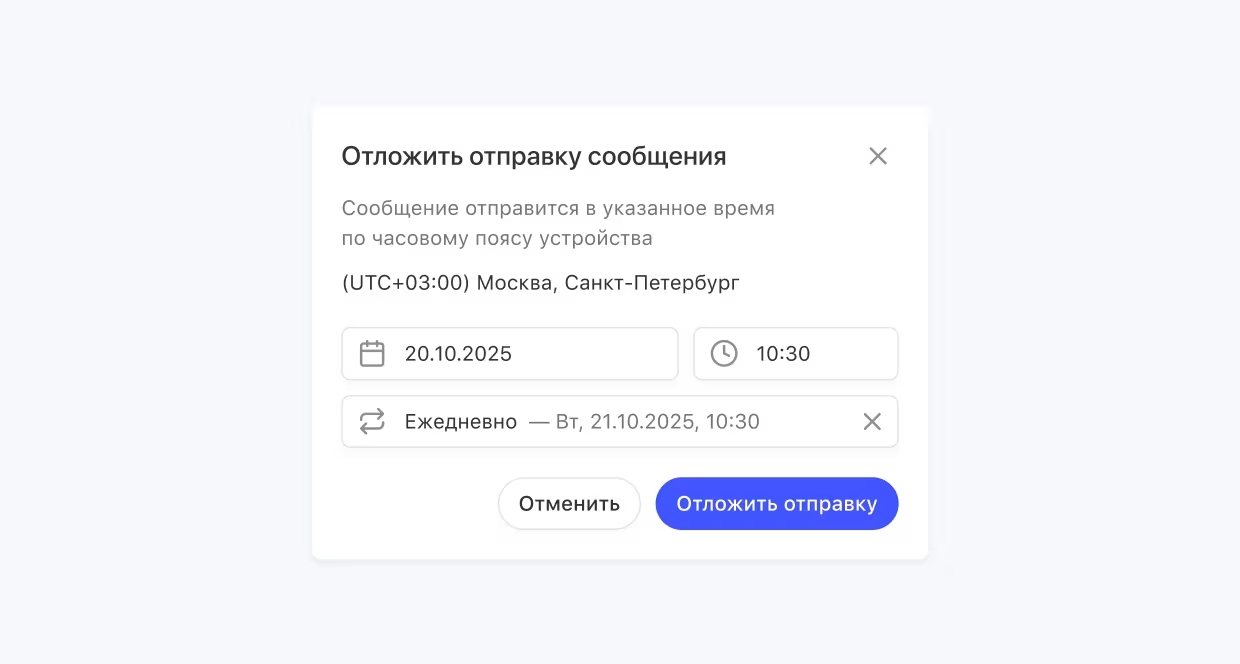
If you've connected your own AI agent to Pachca, like Claude Code, Cursor or something you built yourself, it can now save a message as a draft in the message field of the right chat instead of sending it right away. You review it and send it yourself. Scheduled messages are created the same way. You'll need a personal token with the drafts:read and drafts:write scopes. Drafts aren't available to bots.
Learn more on our developer portal.
Message a bot from a shared chat
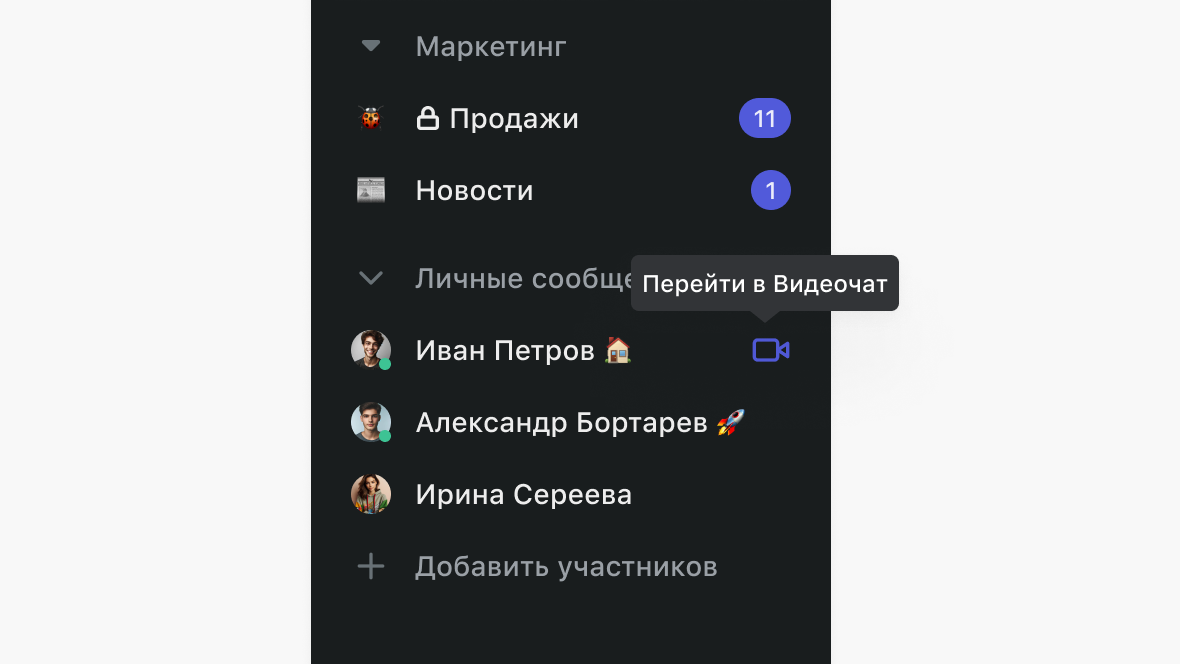
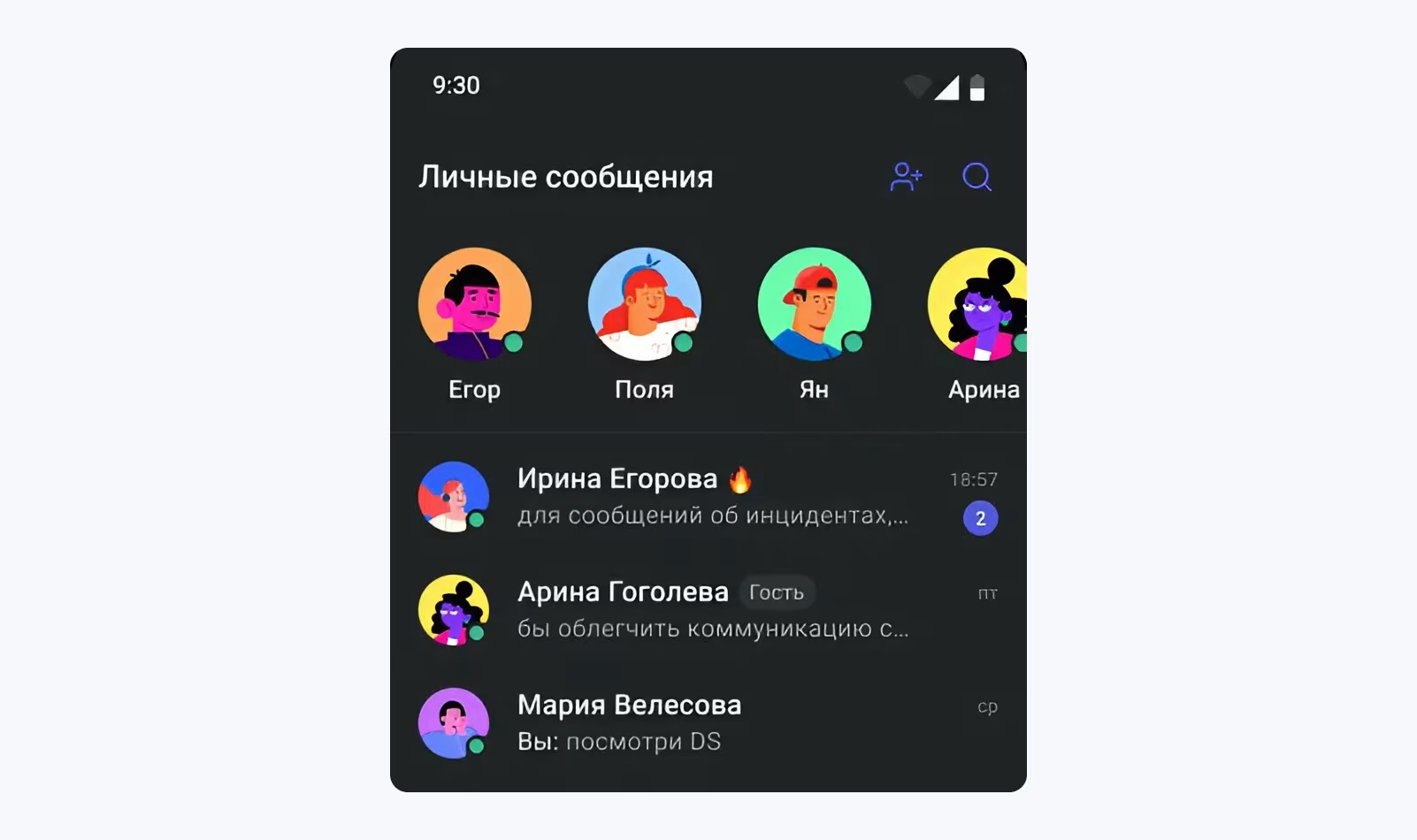
You can now message a bot directly if you share a chat or channel with it: open its profile and click "Message". Previously, the bot had to be public or message you first.
Also new ✨
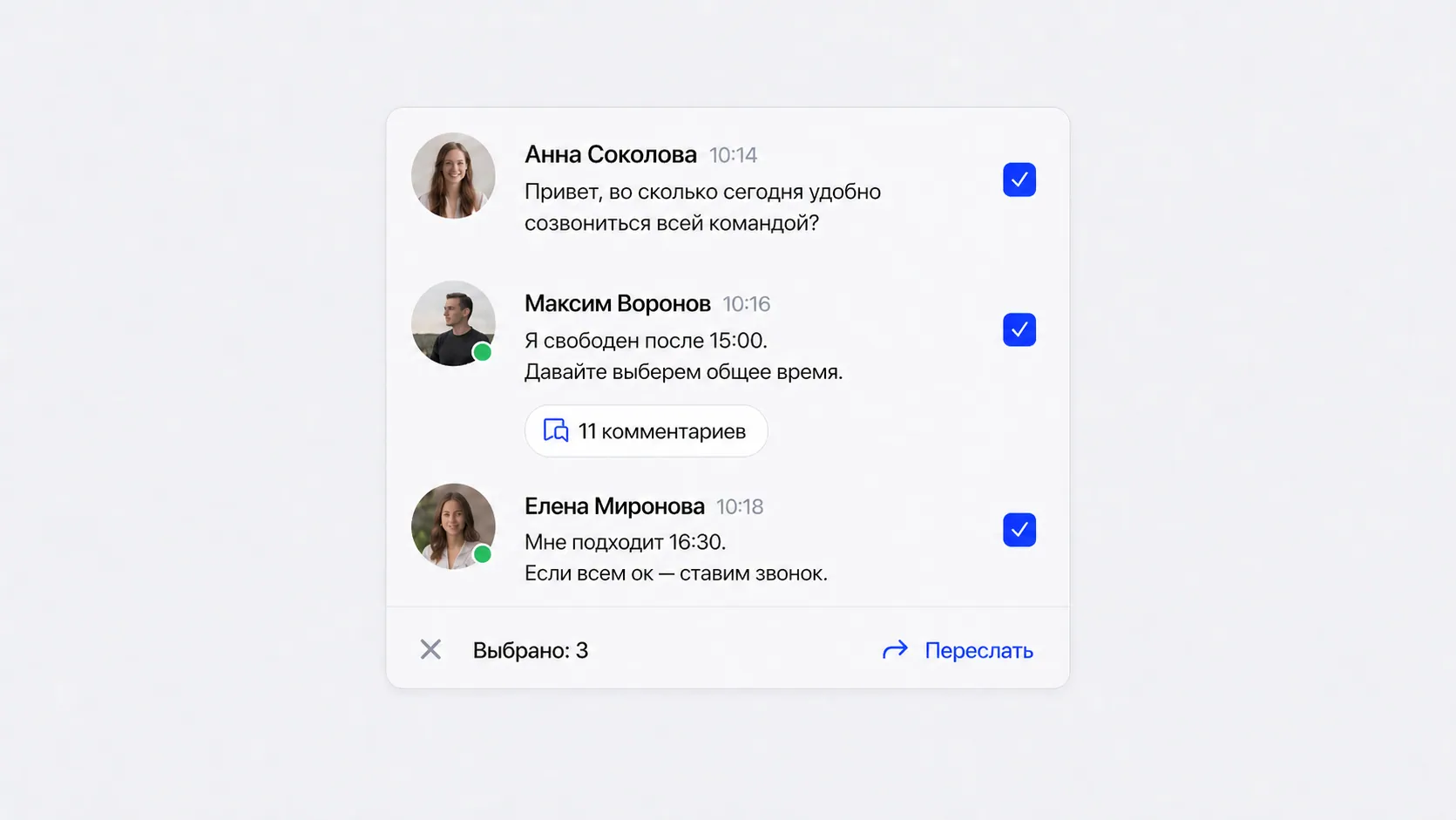
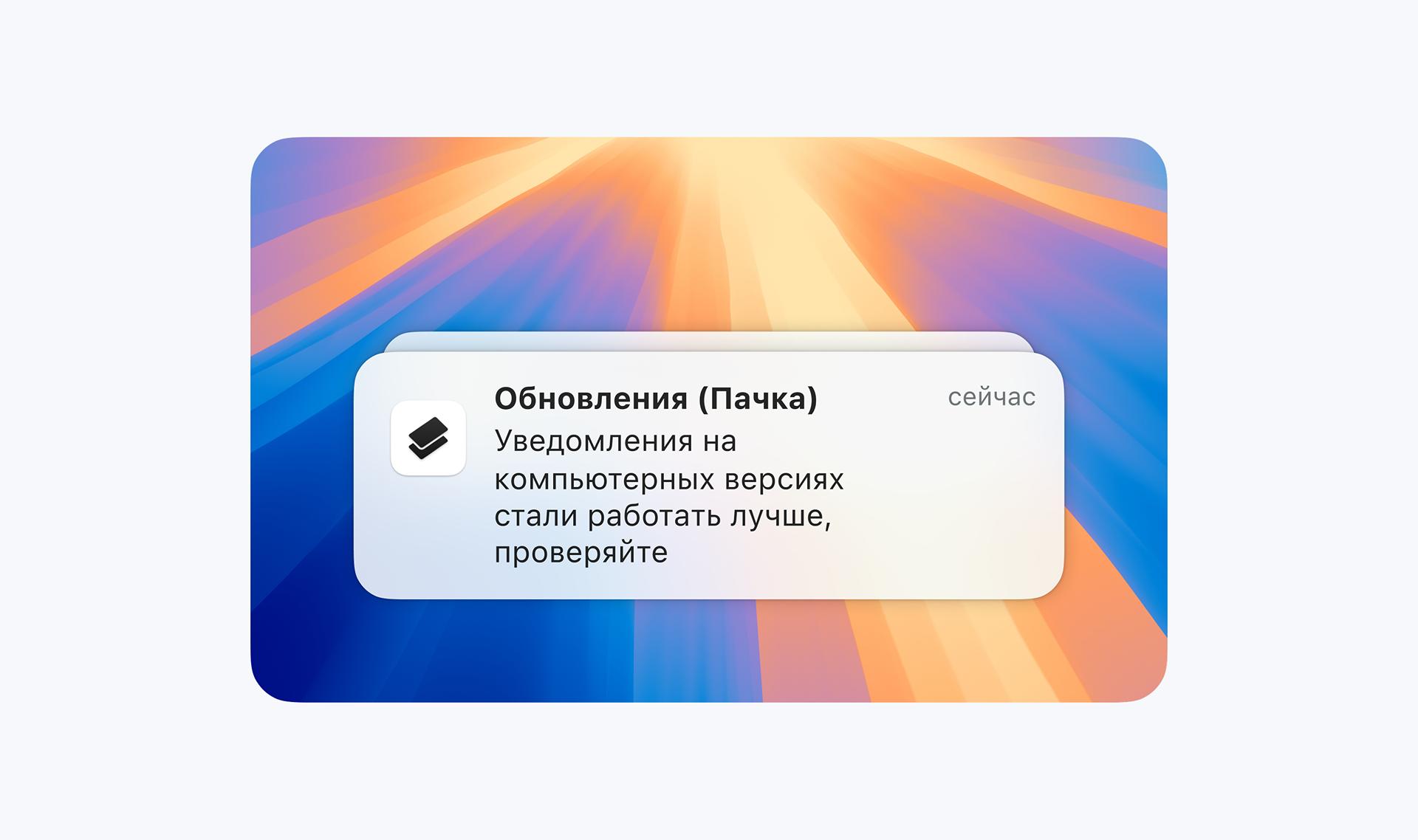
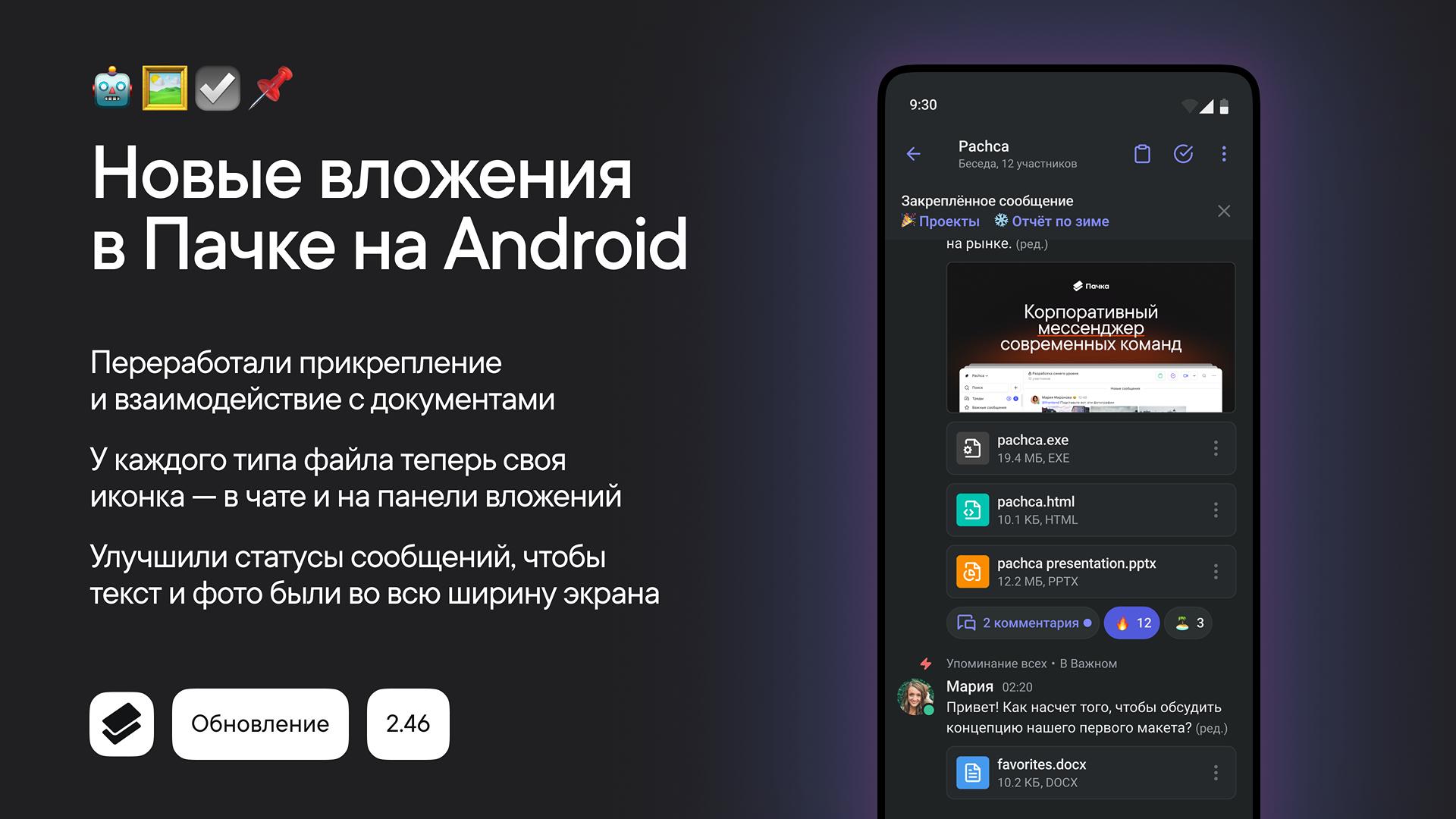
- If a message has several files, you can download them all at once with the new "Download all files" option in the message menu.
- Chats now have emoji avatars: a new chat gets a random emoji, and you can pick your own when creating the chat or in chat settings.
- Markdown documents with complex lists, quotes and code blocks now open and save without errors.
- Fixed standalone threads so they now open when you click them in "Favorites".
- Fixed duplicate drafts in threads and other bugs.
.avif)

 (1) 1.avif)
 1.avif)

 1.avif)

 1 (1).avif)
.avif)
.avif)