Personal vs. team AI agents in a team chat app: what's the difference
Your own agent (Claude Code, Cursor, Codex) with access to your conversations, and a shared bot your colleagues @mention in threads. What to give each one, how they work in the same discussion and what to tell your security team when agents start multiplying
CLI, Agent Skills, MCP and llms.txt: every way to connect an agent to Pachca
There are two kinds of AI agents in Pachca. A personal agent is the one you work with yourself, in Claude Code, Cursor, Codex or a similar app. Connecting it to Pachca gives it access to your conversations, so it can handle tasks with extra context by pulling in the threads where they were discussed. A team agent is a bot your colleagues @mention in threads to run recurring work: run tests, make a small fix, write some copy, do a bit of research, translate a text and so on.
We've published a guide to connecting a personal agent to Pachca. It takes two minutes: install the CLI and log in. We've also written a breakdown of the architecture behind a team agent. This post is about how their jobs differ: what to give your own agent and what to give the shared one.
What to give your personal agent
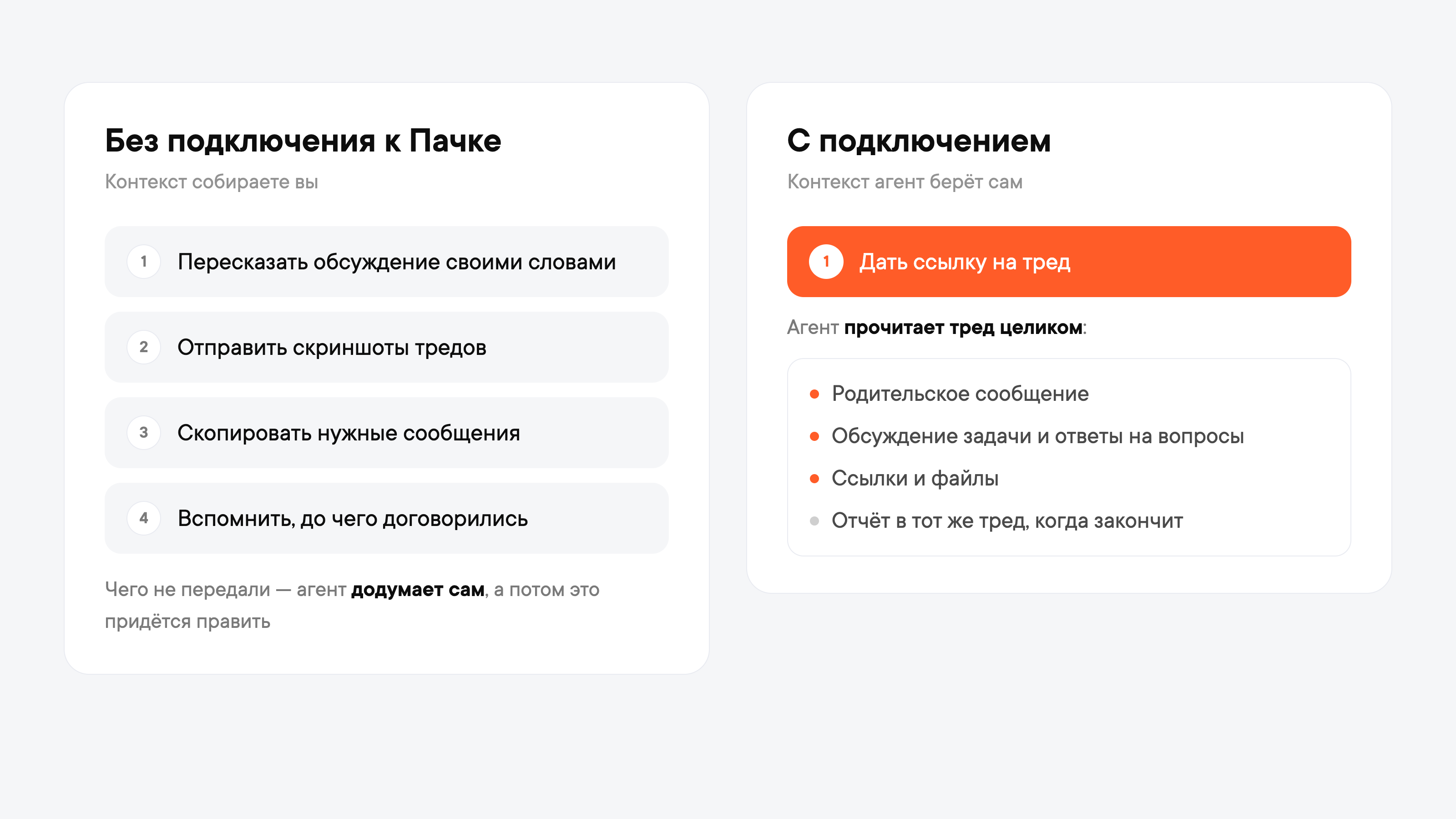
Every agent's output depends on context. Whatever's missing from the task, the agent fills in on its own, and then you have to fix it. Usually you feed context to a personal agent by hand: you retell the discussion, send screenshots of threads, copy the right messages and try to remember what everyone agreed on in the end.
An agent connected to Pachca can pull context from the discussion itself. Just give it a link to the thread or ask it to find the discussion, and it reads the whole conversation: the parent message, the task discussion, answers to every question, links and files. When it's done, it reports back in the same thread: what it did and what to look at.
The same goes for any task that needs your conversations: find what you agreed on with a client, or sum up what people wrote in chats while you were on vacation. The agent acts on your behalf and sees the same chats and threads you do.
What to give your team agent
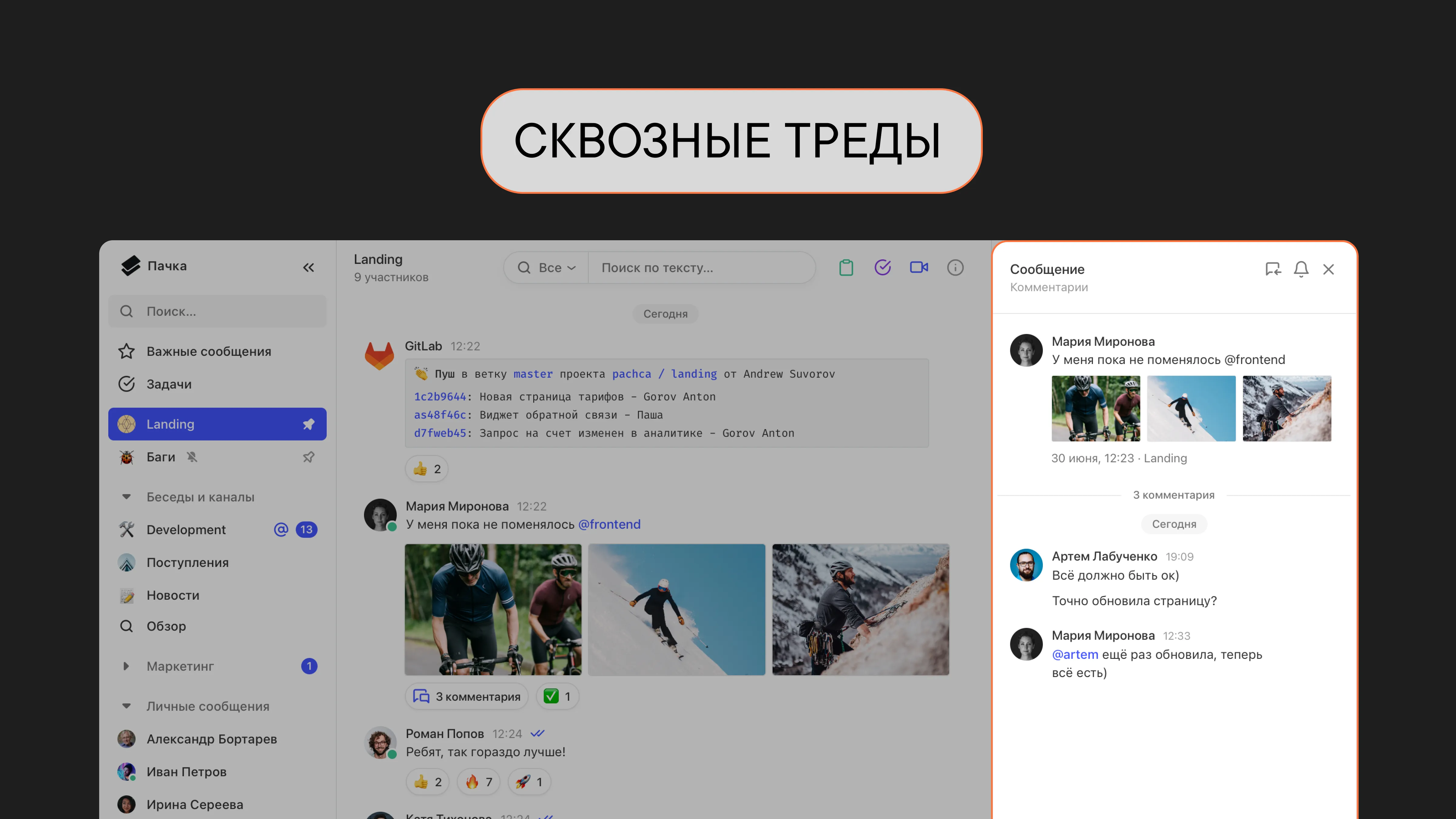
A team agent is set up as a separate team member: a bot with its own name and avatar. People @mention it in a thread like a colleague, and it replies right there. The agent already has access to the task's context: it's right inside the discussion and can pull any information it might need.
A team agent is great at routine tasks and the scenarios that come up for everyone on the team:
- create a task in the tracker after a discussion, with context, an assignee and a due date;
- run tests, explain what's going on in a PR or why CI failed;
- pull together a client brief from the web, the CRM and past conversations before a call;
- make a small fix to the website or docs based on a request from a chat;
- sum up a long thread for someone who joined later;
- answer a new hire's question from the knowledge base, with links to sources.
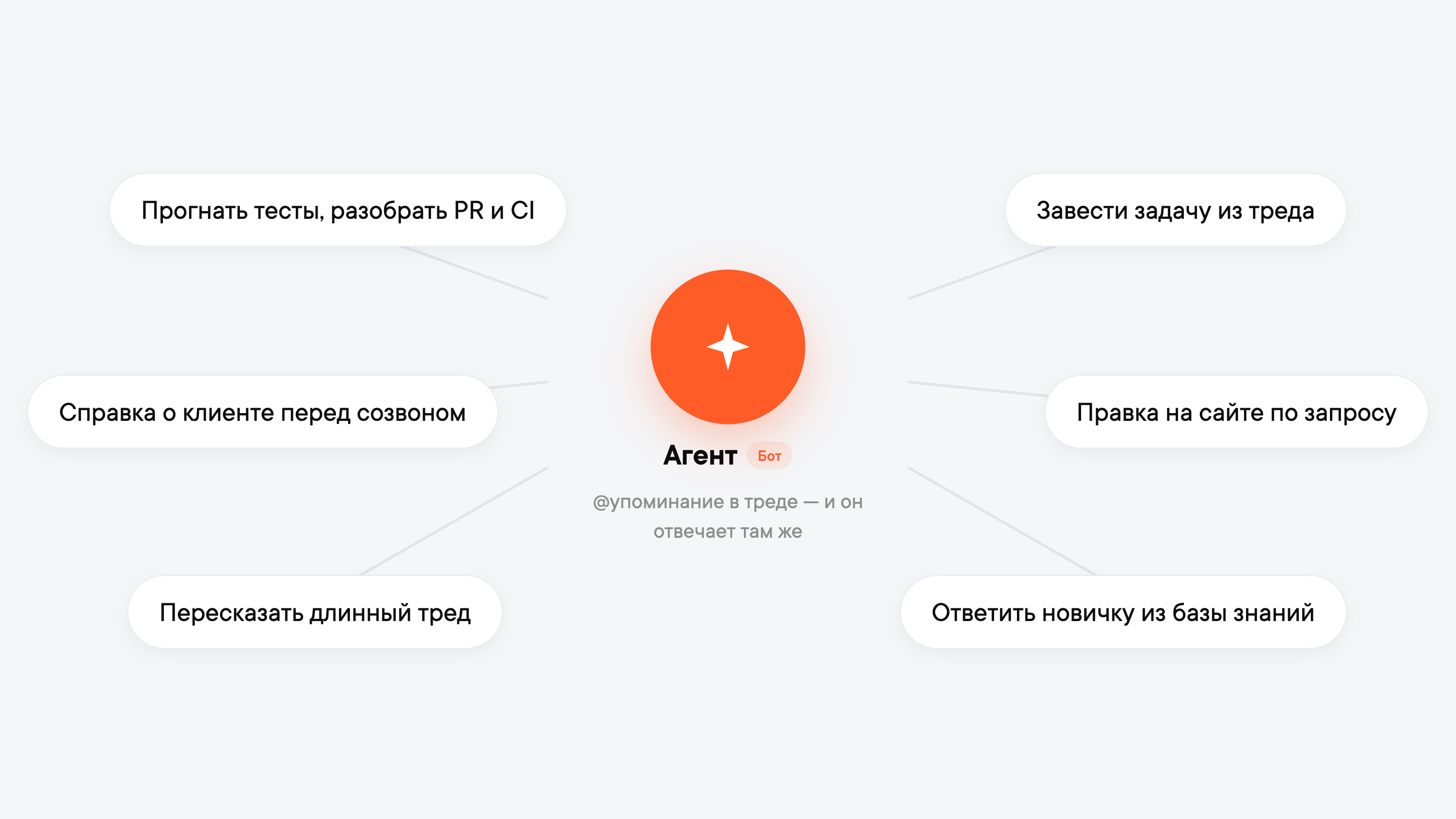
That's how our agent Kai works. Someone writes "@Kai, why did the tests fail in the last PR" in a thread, and it goes to CI, reads the logs, finds the cause and posts a ready PR with the fix to the thread. We make a lot of website edits through it too, and it handles about 90% of our content tasks. It gets access to the tracker, repository and docs on request: when it needs the tracker, it sends a login link, and a person approves the connection.
Technically, it's a service that receives events from Pachca through a webhook and replies through the API. Someone on your team will have to build and maintain it: if the service goes down, the agent stops responding.
How they work together
Both agents use the Pachca API and can post in the same threads, so both can take part in one task, each handling its own piece.
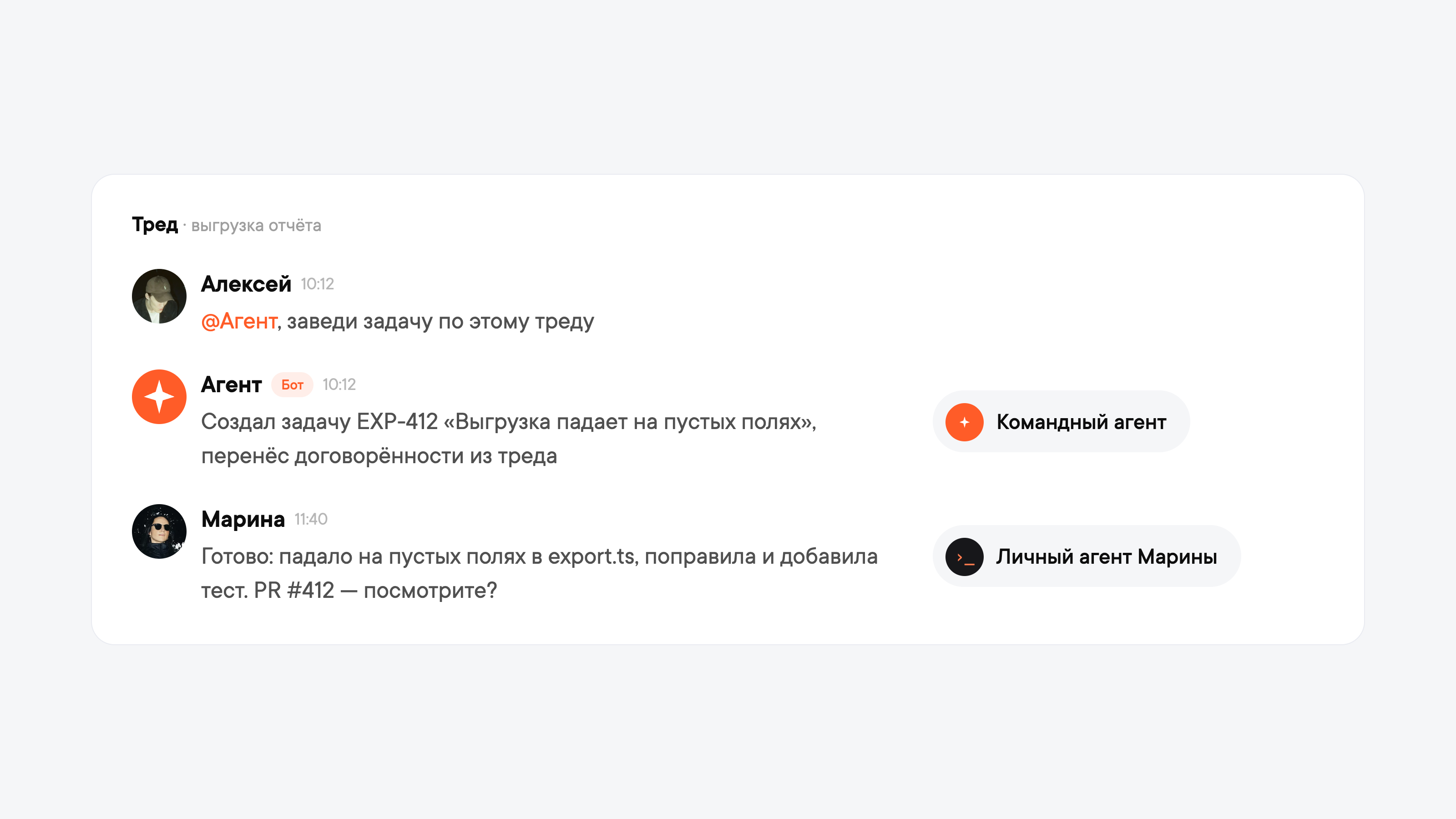
From a bug in a thread to a PR. A thread discusses a bug in a report export. A manager @mentions the team agent: "@agent, create a task from this thread." It creates a task in the tracker and carries over what was agreed. A developer gives their own agent a link to the thread: the agent reads the discussion, sees the task in the tracker, assigns it to the right person, fixes the bug, opens a PR and posts in the thread on the developer's behalf what's done and what to check. Nobody had to retell the context to anyone, human or agent.
Incident review. A service goes down overnight, and the on-call team gathers facts in the incident thread. The on-call engineer uses their agent to dig the root cause out of the logs and posts in the thread what broke and how it was fixed. In the morning, the manager asks the team agent to sum up the thread and create follow-up tasks. The team agent pulls together takeaways for everyone, while the personal agent did a narrow job for one person.
What your security team will ask
Once agents show up in several departments, your security team and workspace administrators come with three questions.
Who can connect an agent? Whoever is allowed to in the workspace settings. Personal tokens are controlled by the "Who can use the API" setting, and bots by "Who can create integrations." Until members are given access, only administrators can create tokens and bots.
What will the agent see and what can it do? Nothing beyond what it's been allowed. A personal agent sees the same things the employee does. A team agent sees public channels, and among private channels, chats and threads, only the ones it's been added to as a member. It can't see anything else. You can set scopes for an employee's token: for example, read-only access to messages, with no user or chat management and no posting.
How do you track it and stop it? Actions taken through the API go into the audit log just like actions in the interface, and every entry has an author: an employee or a bot. The audit log is available on the Corporation plan. You can revoke an employee's token or disable a bot, and access is cut off immediately.
For more on features for large companies, including SSO and Active Directory, DLP and the audit log, see the Enterprise page.
What's next
Connect your personal agent and give it its first task with a link to a thread. When there's work for a shared bot, you'll find the architecture breakdown and the docs for AI agents useful.
Frequently asked questions
A personal agent (Claude Code, Cursor, Codex or another app) connects to Pachca with an employee's personal token: it pulls context from their conversations and posts on their behalf. A team agent is a bot running on a server that colleagues @mention in threads. It takes on the team's recurring work (tests, PRs, tracker tasks, edits, briefs) and posts under its own name.
It's easier to start with a personal one: it connects in two minutes with no server, and it shows you which tasks keep coming up for your team. Those tasks then become the basis for a team agent.
The "Who can use the API" and "Who can create integrations" workspace settings decide who's allowed to create tokens and connect agents. You can set scopes on a token so it only gets the permissions it needs. Among private chats, the agent only sees the ones the employee or the bot itself has been added to. Everything it does through the API goes into the audit log. You can revoke a token or disable a bot at any time.