Ranking team chat apps for AI agents in 2026
We compared 10 popular team chat and messaging apps on how ready they are to work with AI agents: from context and threads to CLIs, MCP and dedicated agent tools.
AI agents are gradually becoming part of how teams work: they use the context of a conversation, look up information, take actions in other services and post the result right back to the work chat.
We compared popular team chat and public messaging apps to see how ready each one is for this way of working. We looked beyond APIs and bots to how each handles context, events, threads and actions, and whether it offers dedicated tools for AI agents.
Contents
Russian team chat apps
International team chat apps
Public messaging apps
How we compared
It's not enough for an AI agent to send messages through a Bot API. It needs its own status indicators, an understanding of the chat's context, a visible history of its reasoning and actions, and it should be available to the whole team in group discussions with a simple @mention. So we looked at the agent's entire workflow inside the app:
- can it receive events and the context of a discussion;
- can it work with messages and threads;
- can it take actions, not just reply;
- which APIs, webhooks, SDKs and other tools are available to developers;
- are there dedicated tools, docs and interfaces built specifically for AI agents.
- are there native ways to connect agents: an official MCP server, a CLI and a Skills library
These requirements make up the final table at the end of the post: end-to-end interaction with the agent in discussions, plus separate agent-designed methods for working with the app. We go through the same points for each service: what's already there, what's still missing and where the service stands.
An important caveat: the market is still taking shape. Even the most advanced platforms are still figuring out what an AI agent inside a team chat app should look like. So we look at where each solution stands today and where it's heading.
Russian team chat apps
Russian platforms already offer plenty for bots and automation, but for most services the shift to full-fledged AI agents is just getting started. The main difference right now is whether an app simply provides an API or also adapts the platform for AI.
Pachca
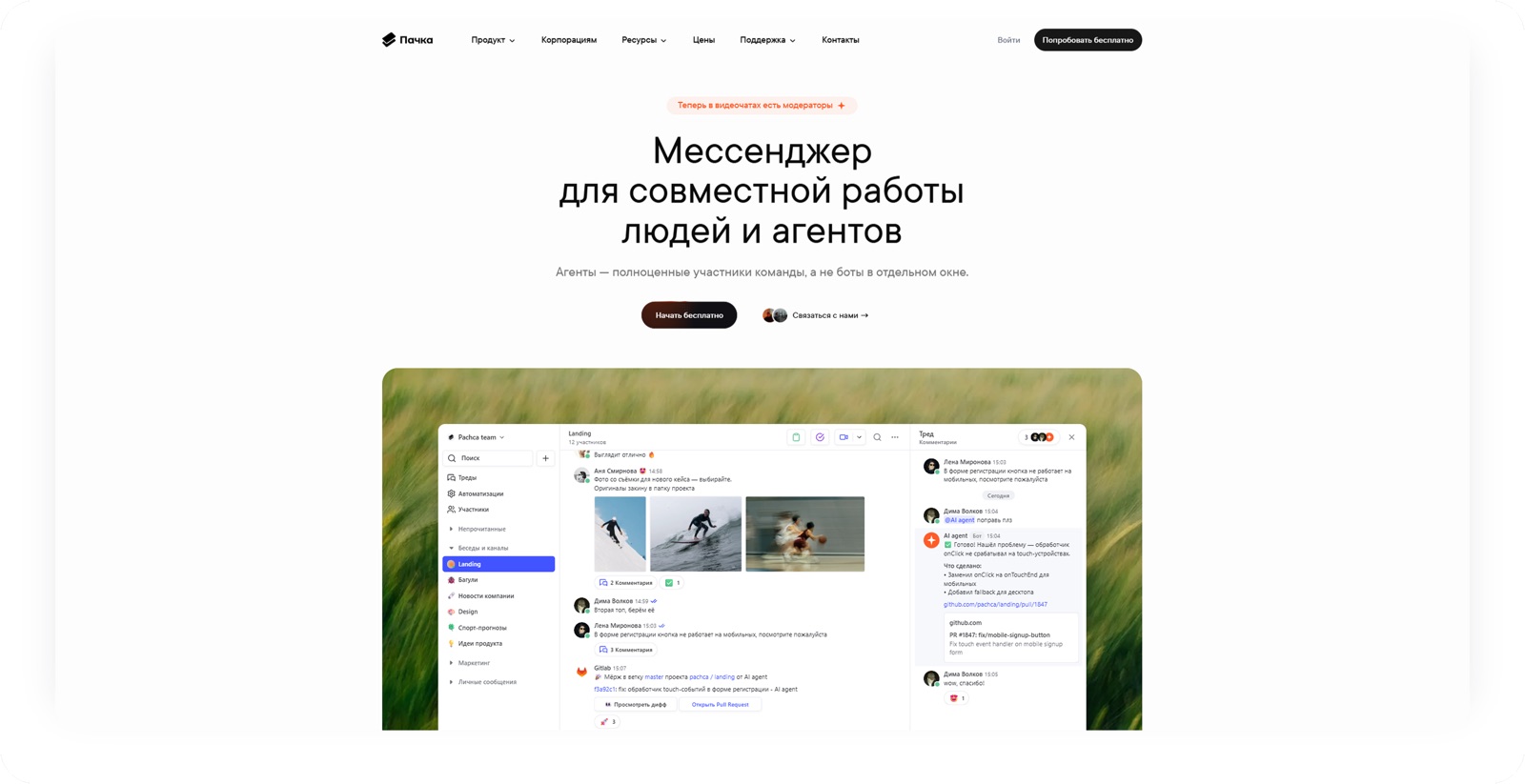
Pachca is a team chat app for large and midsize businesses with high demands for integrating with internal systems. It's built by Primavera, an independent company, and used by many tech companies: Lamoda, Renaissance Health, Burger King, Yandex products and major banks such as Alfa-Bank and PSB.
It has one of the most advanced open APIs, bots that can render custom forms and webhooks. An agent can receive workspace events, work with messages and threads and take actions inside the app.
This is where Pachca starts to differ from a typical bot platform. Pachca unifies how people interact with agents through cross-chat threads: you can @mention an agent in any discussion, and it picks up the context, does the task and agrees on the result with the team right there. There are standalone threads not tied to a main chat, and cross-chat threads, where you can bring in the right people while keeping the context. Pachca's docs describe this model explicitly as people and an agent working together in the same discussion. While the agent works, the interface shows a request timer, and long answers in .md and research in .html open and read right in the app, without downloading a file.
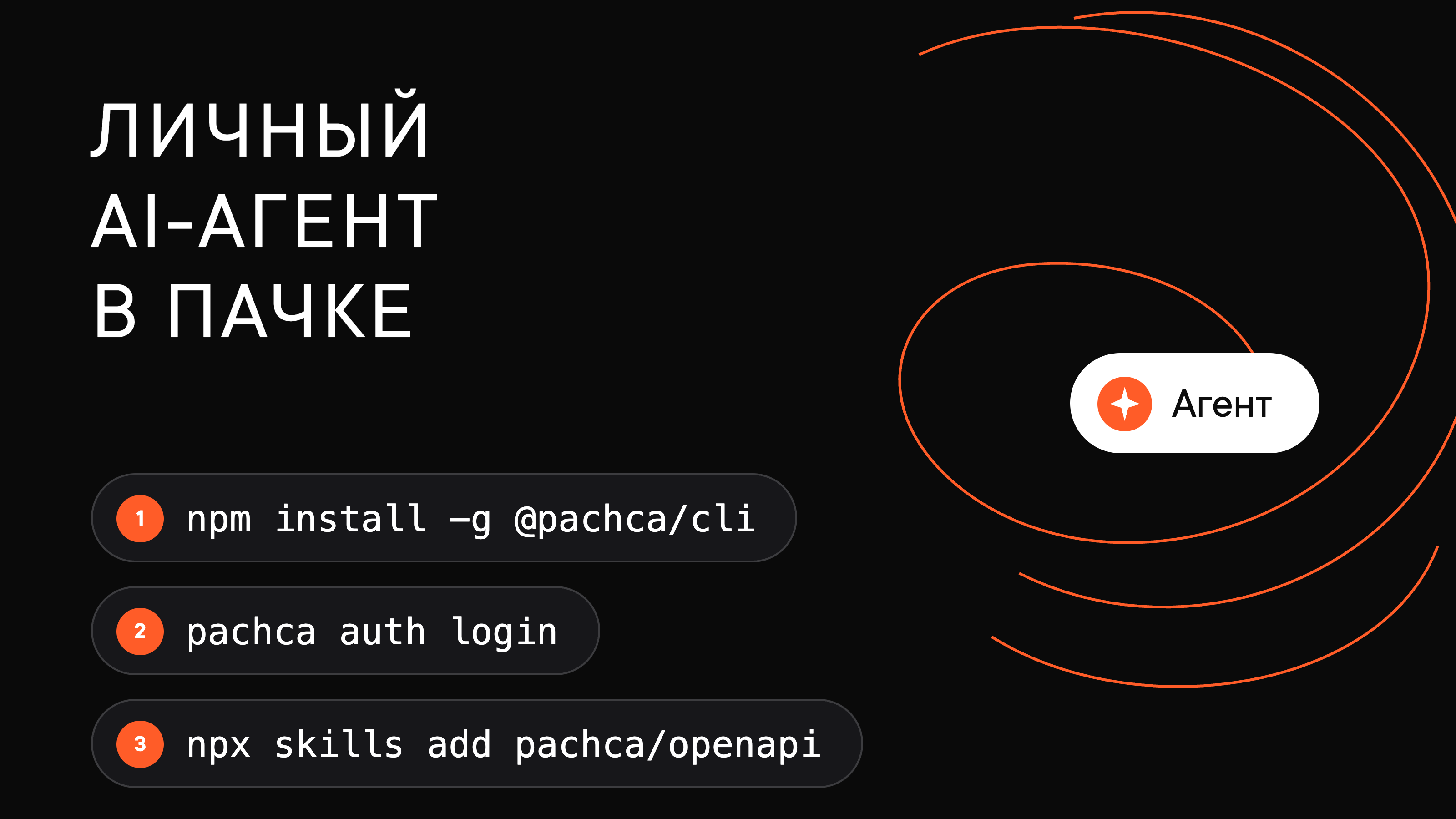
Pachca has developer tools designed with agents in mind: a version of the docs for language models, Agent Skills, a CLI, OpenAPI, Arazzo, typed SDKs and docs access via Context7. It's not just about giving an agent API access: the platform helps the agent understand what capabilities exist and how to use them step by step.
What's missing so far: an agent connects as a bot, and the platform doesn't have a separate account type for agents. There's no builder for creating an agent without code, no artifacts for collaborating on results and no official MCP server: you connect an agent through the API, SDKs and Skills. There's no native indicator of the agent's reasoning yet, though you can build something similar by editing a message.
The verdict on AI agents: among Russian team chat apps, Pachca has gone furthest in moving from a "chat app + bot" model to an environment where an agent works directly within the team's context. The main gaps aren't in how discussions work but in the packaging: a dedicated agent account, a builder and MCP.
Yandex Messenger
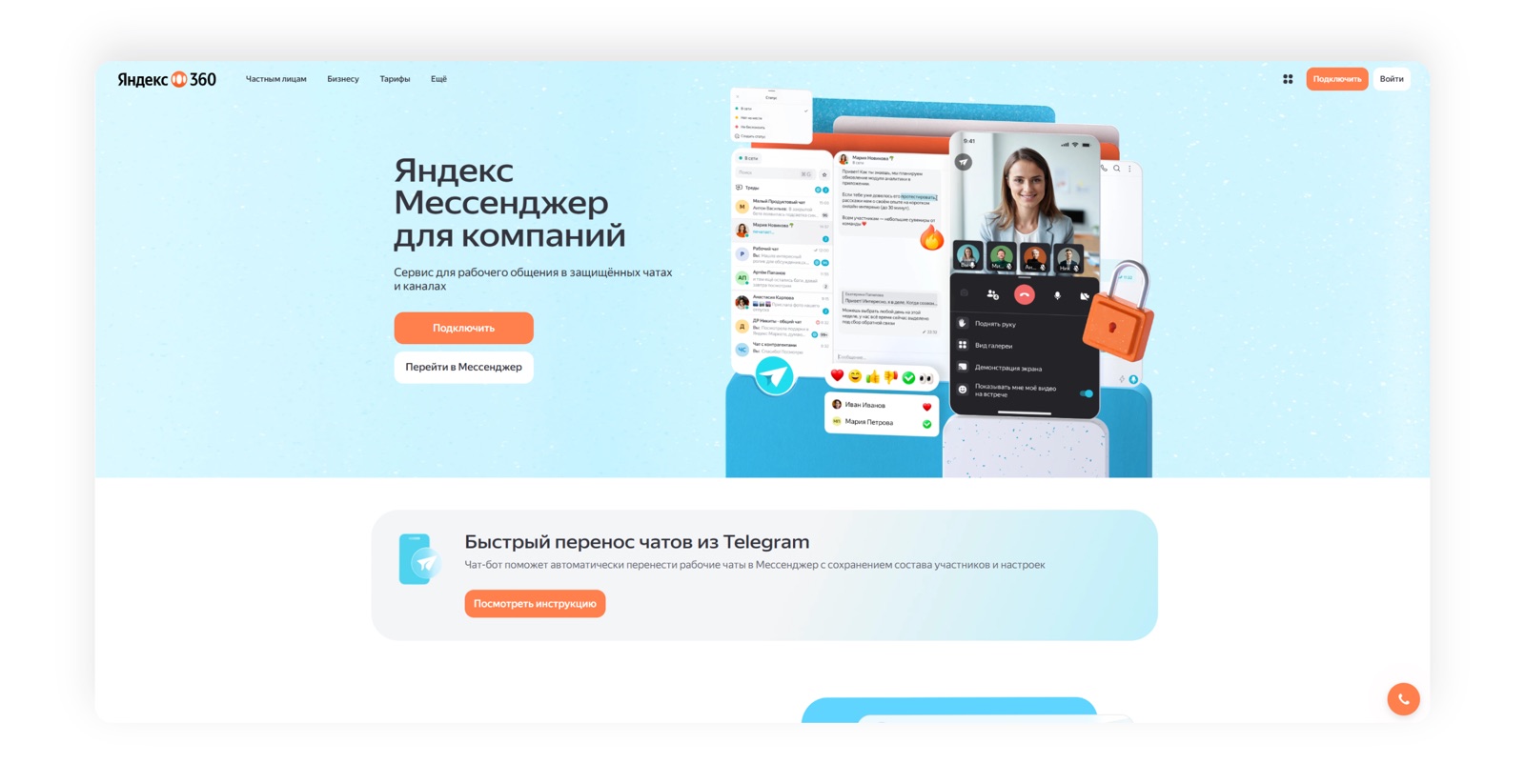
Yandex Messenger is the team chat app in Yandex 360 for Business. It's designed for companies that already use Yandex services (email, drive, documents and calendar) and offers a familiar work structure of chats, channels and threads. Many large companies use it, including Cherkizovo, VkusVill, KDL and Renna.
The basic developer features are there. The Bot API lets you create bots, send and receive messages, work with threads and add interactive elements, and webhooks let you receive events from the app and trigger external logic. On top of that, you can build your own AI agent that reads messages, calls a language model and takes actions.
The closest thing to an agent workflow here is a regular bot working in chats: you can @mention the agent in a conversation, and it replies in the same place. But interaction is limited to the chat. The platform doesn't support a model where you bring an agent into any discussion along with its context and team.
The rest of the agent layer isn't there yet: no separate agent account type, no request timer and no reasoning indicator. Users only see the final message, and a long answer in .md, .html or .txt can't be viewed inside the chat. As with other Russian team chat apps, there's no agent builder and no collaborative artifacts yet.
There are also no tools built for the agent itself yet: no official CLI, no MCP server and no agent-specific methods for working with the app. Developers have to build all the scaffolding (context, tools, action sequences) themselves.
The verdict on AI agents: a strong foundation for building your own agent, but for now most of the agent infrastructure has to be built on top of the existing Bot API. You can build a bot, but not yet a full participant in discussions.
eXpress
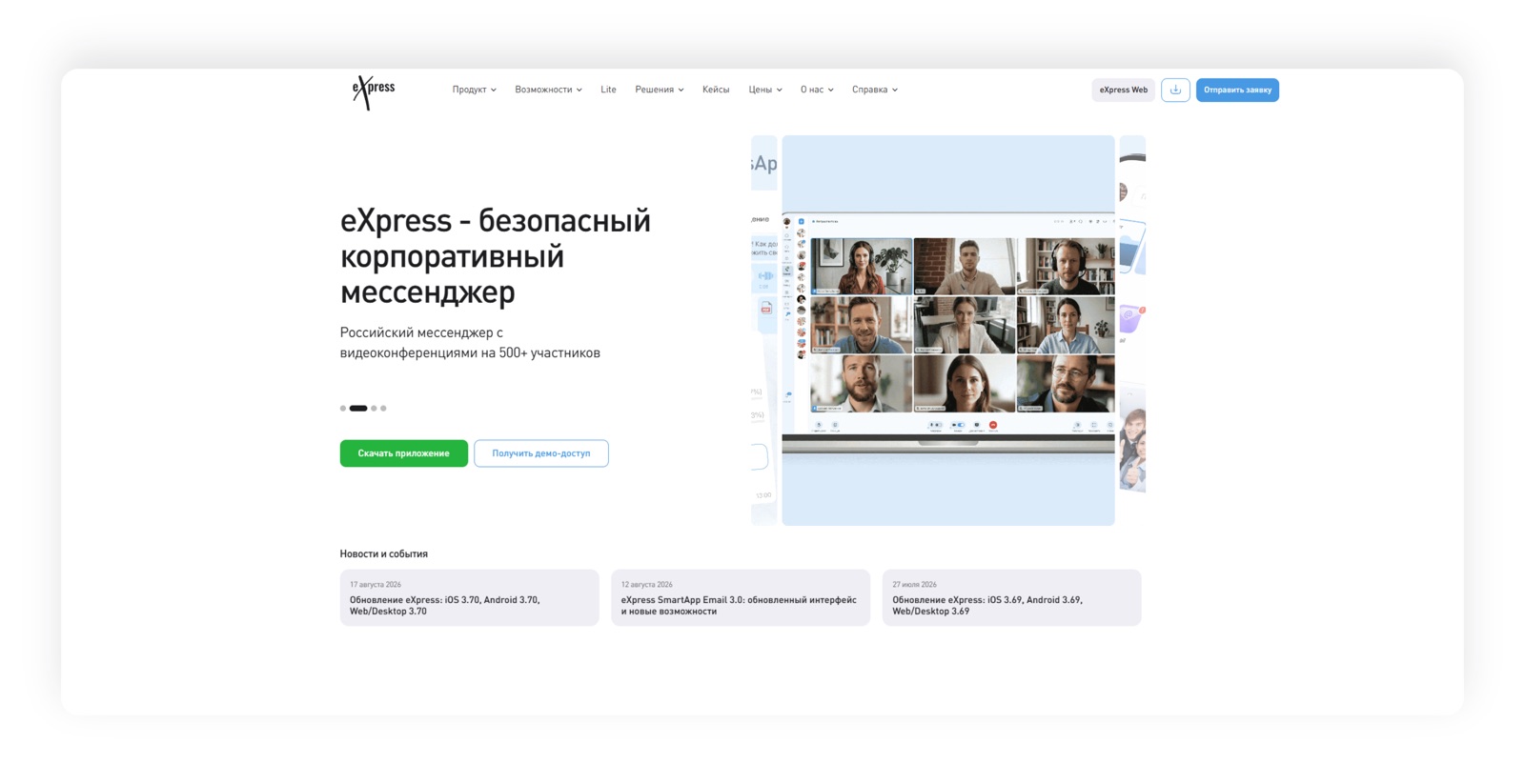
eXpress is a Russian enterprise communication platform. Besides the chat app, it includes calls, meetings and built-in corporate apps. Its customer stories include small, midsize and large businesses as well as the public sector. Customers include state-owned companies and holding groups with strict data protection requirements: Rosagroleasing, Rosatom, the Federation Council of Russia and Moskollektor.
eXpress has a mature bot platform: through BotX, bots work with messages, files and interactive elements, and SmartApps let you build more complex embedded apps and connect the chat app to corporate systems. You can build an AI bot or your own agent on top of this.
The closest thing to an agent workflow here is SmartApps and bots working in chats: you can bring an agent into a conversation, and it receives the message and posts the result in the same place. For now, interaction is limited to the chat. The platform doesn't support a model where you bring an agent into any discussion along with its context and team.
The rest of the agent layer is missing for now: no separate agent account type, no timer or progress indicator, no native viewing of long answers, no artifacts or builder, and no official CLI or MCP server. Developers have to build the architecture for working with a language model and corporate tools separately.
The verdict on AI agents: eXpress works well for rolling out standard corporate bots and automation but doesn't yet have an environment designed specifically for AI agents.
VK WorkSpace
VK WorkSpace is VK's enterprise ecosystem, which includes email, calendar, cloud storage and the VK Teams chat app. It's designed for midsize and large companies and the public sector, and it's sold as a single set of work tools rather than a standalone chat app.
Developers get the chat app's Bot API and webhooks. With them, you can send messages to users and group chats, work with files, commands and interactive buttons, and receive events from conversations. That's enough to connect a language model and build an AI agent that responds to messages and takes actions in the app.
The platform doesn't have a dedicated agent layer yet. There's no end-to-end interaction and no separate agent account type, no timer or activity indicator, and no native viewing of long answers, artifacts or builder. An official CLI, MCP server and agent-specific methods for working with the app aren't available yet either. Here, an agent is still a regular bot, and developers write all the logic themselves.
The verdict on AI agents: VK WorkSpace offers a working set of API features and strong infrastructure, but in terms of AI agent readiness, it's at the level of basic integrations.
International team chat apps
International platforms started experimenting with AI in work communication earlier. Even so, their approaches vary widely: from dedicated interfaces for agents to plugins and do-it-yourself builds on open infrastructure.
Slack
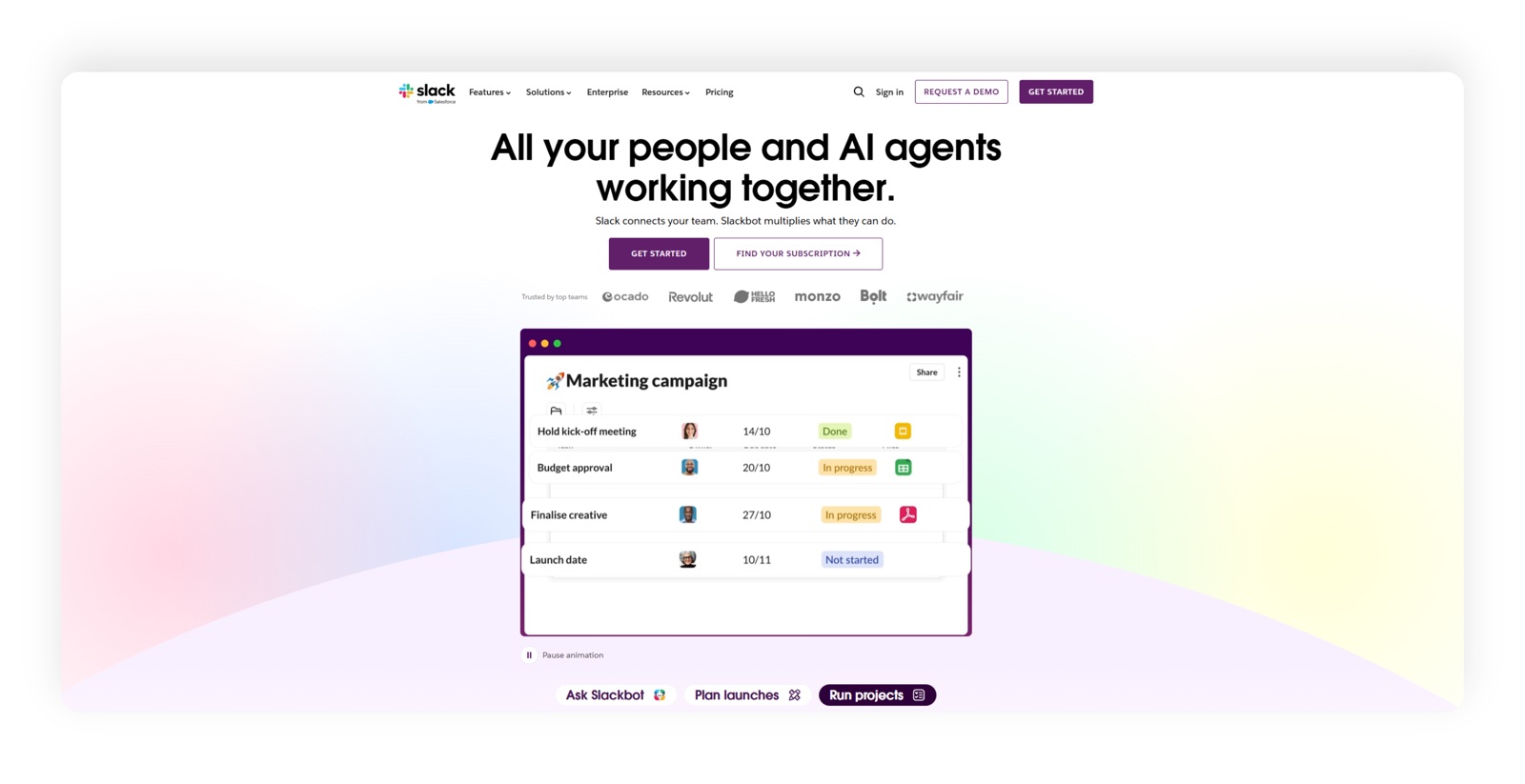
Slack is one of the world's largest team chat apps, with hundreds of thousands of business customers. For many companies, it has long been more than a place to chat: it's the entry point to internal systems and workflows.
The base platform provides the Web API, Events API, webhooks and full support for messages, channels and threads. That's enough to build any bot, but for several years now Slack has been building a separate layer for AI apps on top of it.
This is where the differences begin. Slack has a separate agent app type: an AI assistant isn't a regular bot but a distinct platform entity with its own rules for working in threads. You can bring an agent into a discussion, and it sees the context and replies right there. These apps get suggested prompts, execution states, split view and their own interface elements. The agent's output can become an artifact the team works on together, not just a message. Developers get an official CLI and MCP server, so you can connect an agent natively.
What's missing: there's no request timer, and the indicator shows the agent is busy, but no reasoning history is saved. Long answers have limited viewing support, effectively just .md and .txt. There's no no-code agent builder, and the API stays general-purpose: Slack doesn't offer separate methods for working with the app designed specifically for agents.
The verdict on AI agents: Slack is currently one of the market's benchmarks for how deeply an agent can be integrated into a team chat app. It's strongest in how the agent lives in the interface and weaker in how transparent its work is.
Microsoft Teams
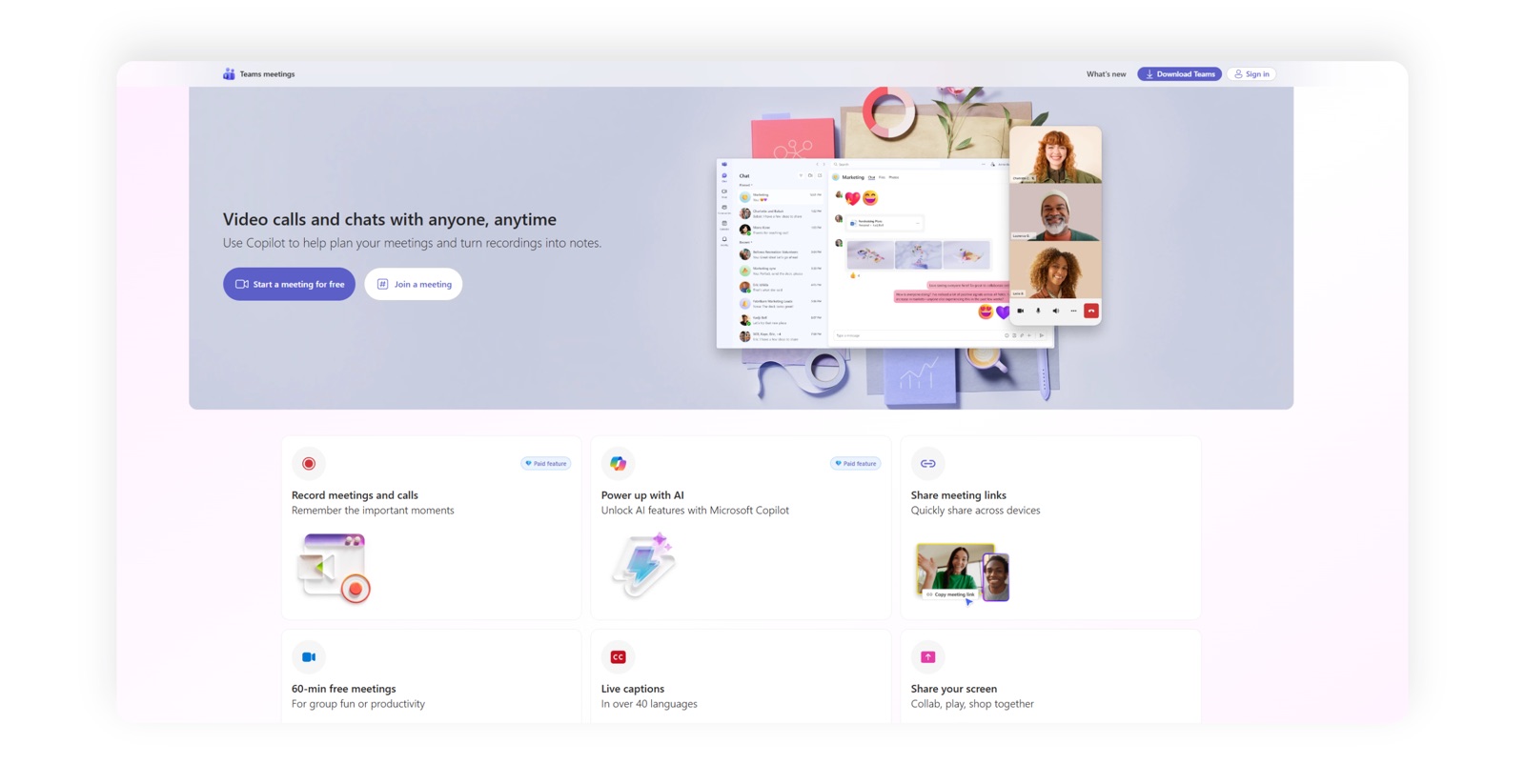
Microsoft Teams is the team chat app in the Microsoft 365 ecosystem and the world's largest by number of customers. Beyond chats and channels, it brings together calls, meetings, documents and business apps, so many companies use it as their shared work environment rather than a standalone chat tool.
Through the Teams SDK and Microsoft Graph, apps work with messages, company data and external tools. Agent workflows are tightly tied to Microsoft 365, so an agent can take part not only in conversations but in the company's broader workflows.
Its set of agent features is one of the most complete. An agent is a distinct platform entity: you can bring it into a discussion along with the context, and its output lands in a document the team works on together. There's a builder for creating agents without code and an official CLI. Another strength is the depth of integration: the agent can reach email, documents and calendar in the same ecosystem.
The flip side is that a lot of this is tied to Copilot. The builder and saved reasoning history are available in Copilot scenarios, not for any third-party agent. There's no request timer, long answers are limited to .md and .txt, and MCP exists but not as an official platform solution. Teams doesn't offer separate agent-specific methods for working with the app itself either.
The verdict on AI agents: along with Slack, Teams is among the leaders here, especially for companies whose processes are already built around Microsoft 365. But the further a scenario is from Copilot, the closer the platform gets to plain SDK work.
Mattermost

Mattermost is a widely used open-source team chat app that you can deploy on your own infrastructure. It's mostly chosen by technical teams and organizations that want to run an open-source solution in-house and are ready to dedicate a team to system administration and customizing the platform.
Developers get a REST API, a WebSocket API, webhooks and a plugin system that lets you extend the platform at the product level, not just with external services.
On top of that, Mattermost is building a separate AI track: the Mattermost Agents plugin, which connects AI bots. The agent works via @mentions in a channel, helps with long threads and unread messages, highlights decisions and next steps, creates summaries and works with the content of discussions. In other words, it sits inside the work context rather than off to the side. While it's busy, an activity indicator is shown, and long answers can be opened in the interface, though in limited formats. There's an official CLI and MCP server, and the plugin settings let you choose and configure the model.
That said, the builder here is limited to configuring the model: you can't build a full agent with logic and tools without code. There's no separate agent account type, no request timer, no collaborative artifacts and no saved reasoning history. There are no agent-specific methods for working with the app either. The open architecture gives you more control over the model and infrastructure but requires more setup and in-house maintenance.
The verdict on AI agents: Mattermost already goes beyond a regular bot platform and is among the most interesting options for companies that care about both agents and control over their infrastructure. It lags behind Slack and Teams on the interface side but keeps pace with them on developer tools.
Rocket Chat
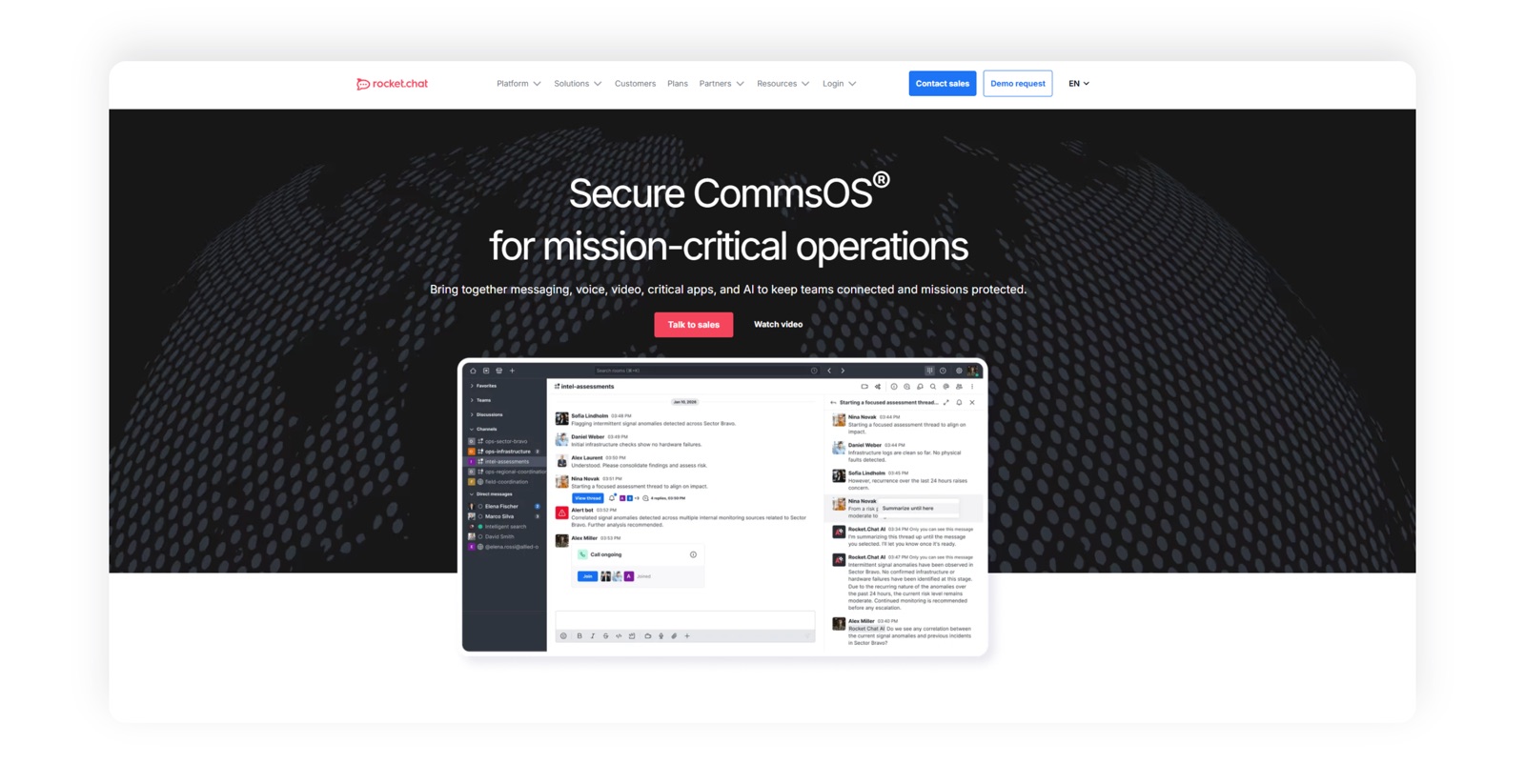
Rocket Chat is an open communication platform you can deploy on your own servers and use not only for internal chat but also for talking with customers. It's often chosen as an alternative to Mattermost.
Rocket Chat has a REST API, an SDK and an app marketplace. Custom apps built with the Apps-Engine can add commands, buttons, modals and other interactive elements, embedding right into the workspace interface.
The platform now has a dedicated AI app too. It works with a self-hosted language model and can, for example, answer questions and summarize threads: you can bring an agent into a discussion and get an answer inside it. The app is currently in beta. There's also a ChatGPT integration in the Marketplace, and you can choose and configure the model in the settings. Developers get an official CLI.
Then come the limitations. The builder comes down to configuring the model, there's no separate agent account type, and there's no timer or progress indicator either: users just wait for the answer. Long answers are available in limited formats, there are no collaborative artifacts, and MCP exists but not as an official platform solution. Rocket Chat doesn't offer agent-specific methods for working with the app.
The verdict on AI agents: Rocket Chat is already building in AI features, but its agent platform is less mature than Slack's, Teams' and Mattermost's. It's more of an open app platform that's carefully adding AI.
Public messaging apps
Telegram
Telegram is a public messaging app with a huge audience that has long outgrown personal chats: people build channels, services, stores and entire products on it. Companies use it for work too, but as a public messaging app rather than a corporate environment.
Its bot ecosystem is one of the most mature on the market. The Bot API lets you receive and send messages and work with commands and interactive elements, and Mini Apps let you build a full user interface inside Telegram. That makes Telegram a great fit for public AI bots, personal assistants and services where the messaging app is a convenient entry point to AI.
Interaction with such an agent is limited to the chat: you message the bot or @mention it in a group and get the answer in the same place. Unofficial MCP servers for Telegram exist, so connecting an agent to the app isn't hard.
But the rest of the agent layer is missing: no separate agent account type, no timer, no reasoning indicator, no native viewing of long answers, no artifacts, no builder and no official CLI or MCP. And it's not just about tools: Telegram wasn't built around a corporate workspace, with a company structure, work threads, employee roles and shared team context.
The verdict on AI agents: one of the most convenient options for consumer AI bots, but not a direct equivalent of a corporate environment where the agent works as a member of the team.
Discord
Discord is a community platform built around servers, channels and voice chat. It grew out of the gaming audience, but today it's home to developer teams and educational and professional communities.
Its bot and app platform is well developed: through the API, you can work with events, messages, channels, threads, commands and interactive elements. That makes it relatively easy to build AI bots and custom community services on Discord.
When it comes to discussions, Discord is closer to team chat platforms than Telegram: you can bring an agent into a channel or thread, and it works inside that discussion alongside the members. While it prepares an answer, the interface shows an activity indicator. Unofficial MCP servers exist too.
Beyond that, the features don't always go far enough: there's no separate agent account type, no request timer, no saved reasoning history and no native viewing of long answers either. There are no collaborative artifacts and no agent builder. The product itself has historically focused on communities and social chat rather than corporate workflows.
The verdict on AI agents: a strong technical foundation for AI bots and agents in communities, but a different use case compared to team chat apps.
Comparison table
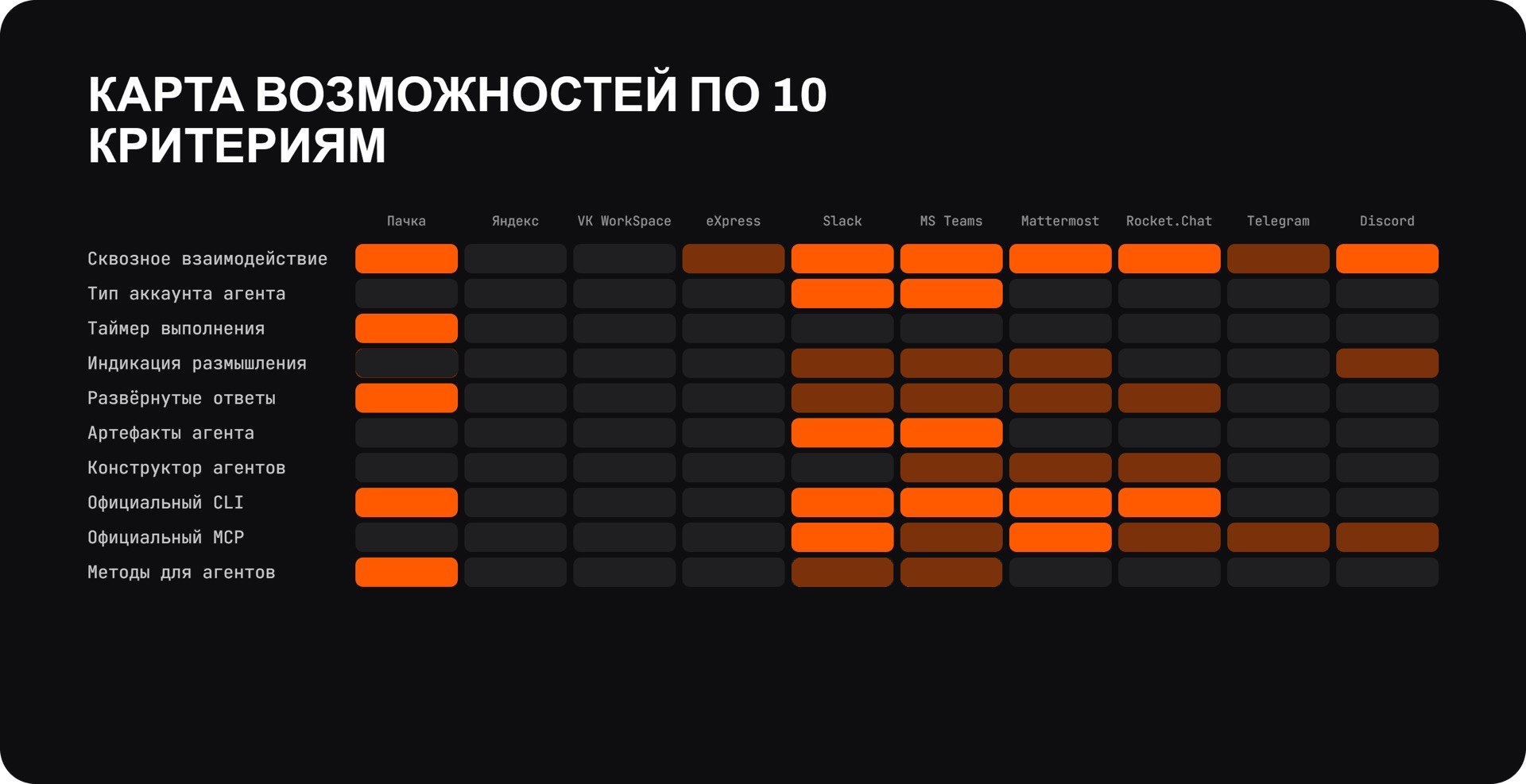
In the table below, + means the feature is available, ± means it's partially implemented and - means it's missing.
| AI agent feature | Pachca | Yandex | eXpress | VK WorkSpace | Slack | Teams | Mattermost | Rocket Chat | Telegram | Discord |
|---|---|---|---|---|---|---|---|---|---|---|
| End-to-end interaction with agents | + | ± | ± | - | + | + | + | + | ± | + |
| Separate agent account type | - | - | - | - | + | + | - | - | - | - |
| Request timer | + | - | - | - | - | - | - | - | - | - |
| Reasoning progress indicator | - | - | - | - | ± | ± | ± | - | - | ± |
| Native viewing of long answers | + | - | - | - | ± | ± | ± | ± | - | - |
| Collaborative agent artifacts | - | - | - | - | + | + | - | - | - | - |
| Agent builder | - | - | - | - | - | ± | ± | ± | - | - |
| Official CLI | + | - | - | - | + | + | + | + | - | - |
| Official MCP | - | - | - | - | + | ± | + | ± | ± | ± |
| Agent-specific methods for working with the app | + | - | - | - | ± | ± | - | - | - | - |
Partial implementation in the source table means:
- Yandex Messenger, eXpress and Telegram: end-to-end interaction with agents only in chats;
- Slack, Mattermost and Discord: there's an activity indicator but no saved reasoning history; in Teams, this is only available for Copilot;
- Slack, Microsoft Teams, Mattermost and Rocket Chat: long answers are limited to
.md/.txt; - in Mattermost and Rocket Chat, the builder is limited to configuring the AI model, and in Microsoft Teams, to Copilot's capabilities;
- MCP for Microsoft Teams, Rocket Chat, Telegram and Discord is marked as unofficial in the source table.
What the comparison shows
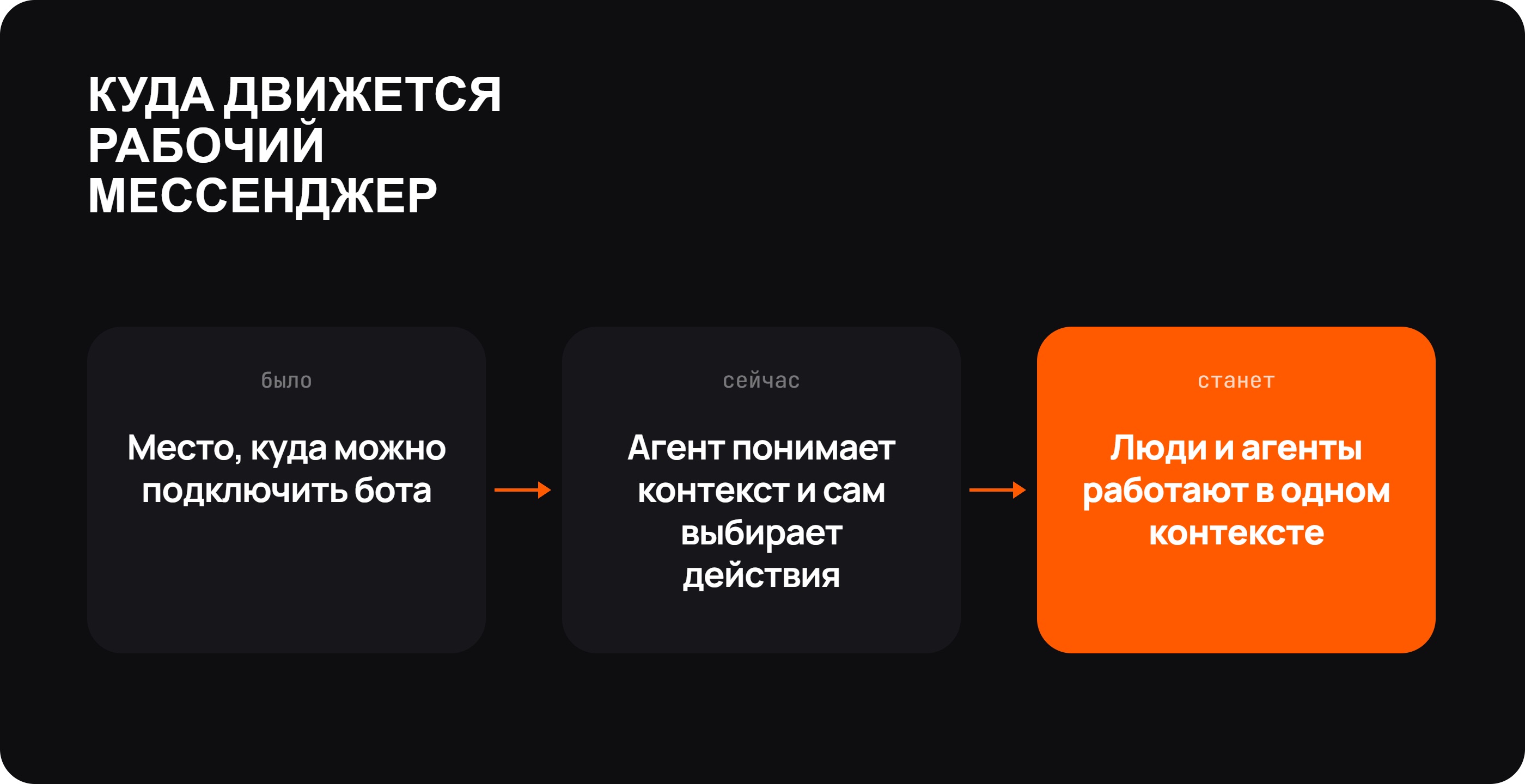
In 2026, team chat apps are only starting to build a new layer of features around AI agents.
Slack and Microsoft Teams are setting the direction right now: the agent is gradually becoming a distinct part of the workspace rather than a regular bot with a language model plugged in.
Among Russian team chat apps, Pachca has gone furthest along this path. What sets it apart isn't just the API and webhooks but the fact that the developer platform itself is being adapted for AI agents.
Mattermost and Rocket Chat are pursuing a similar idea through open infrastructure and their own AI tools.
Still, there's no clear leader yet. Some platforms integrate agents more deeply into the interface, others give you more control over infrastructure and others have stronger developer tools.
But the direction is already clear: the team chat app is gradually changing from a place where you can plug in a bot into a space where people and AI agents work together on the same task, in the same context.