Yandex Messenger no longer gets updates: where to move your team
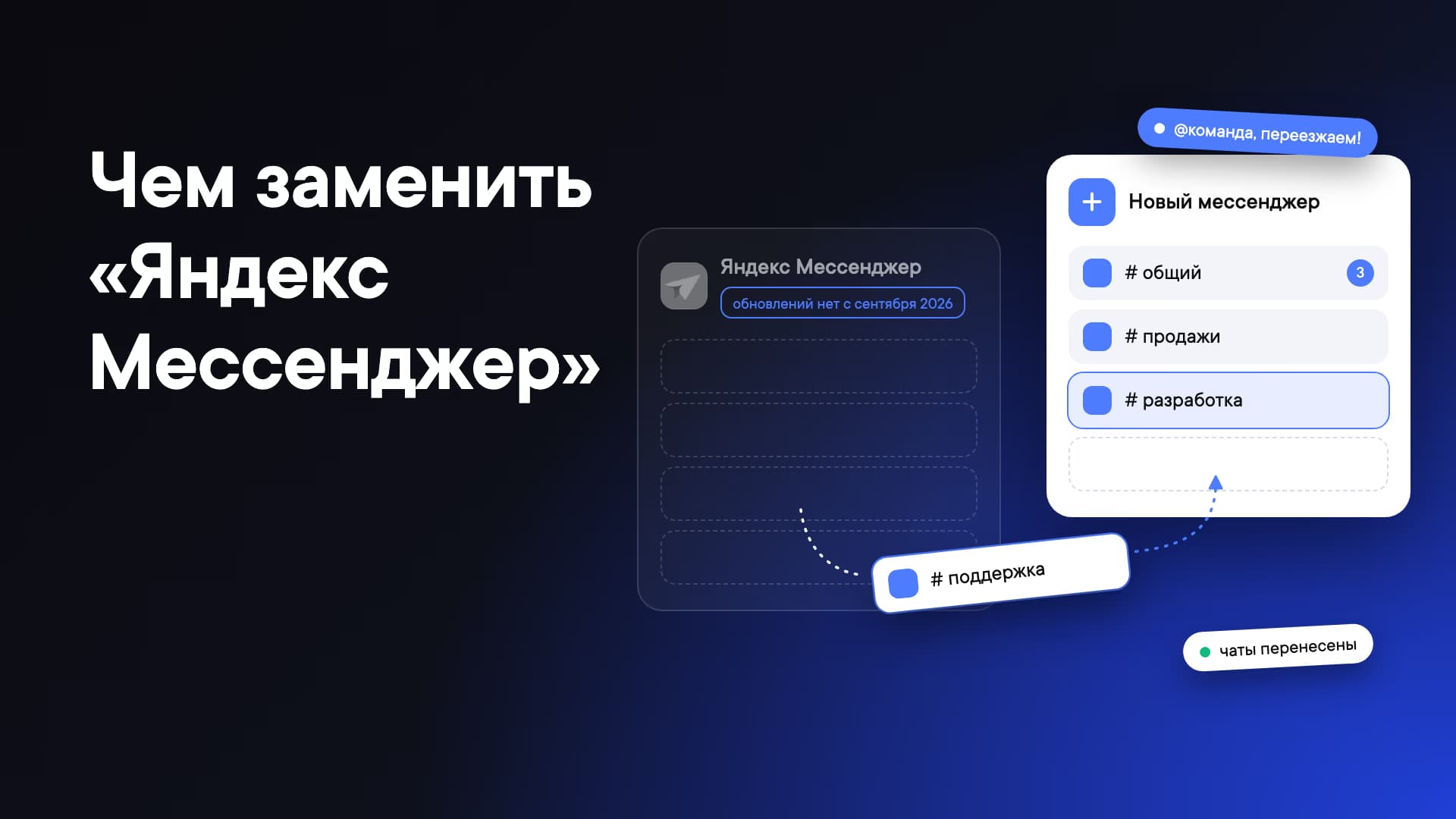
Yandex has stopped developing Messenger and moved its features into Telemost. Here's what that means for companies, which team chat apps make a good replacement and how to move your team without the stress.
Contents
- What happened to Yandex Messenger
- What companies should do
- What to replace Yandex Messenger with
- Comparison table
- How to switch: a checklist and tips
What happened to Yandex Messenger
On September 21, 2026, news broke that Yandex Messenger had stopped receiving updates. You can still use the service, but there won't be any new features. The latest app versions in the stores date from mid-September.
The project isn't officially being shut down, but as CNews points out, that may only be a matter of time. Yandex hasn't disclosed the reasons for the decision.
Messenger's work won't go to waste: the company has moved it into Telemost. "We're now focused on developing Telemost, where chats, calls and video meetings are already available," Yandex representatives told TASS. Telemost launched in the summer of 2020 as a video conferencing service competing with Skype and Zoom. In August 2024, it was relaunched on the Yandex 360 platform, and in the first half of 2026 its audience passed 8 million users.
This isn't Yandex's first attempt at a chat app. In 2008, the company launched Ya.Online on the Jabber protocol and shut it down in 2016. In 2017, Yamb appeared as part of Yandex Connect, along with Yandex Chats. Those grew into Yandex Messenger, which later became part of Yandex 360 for Business.
What companies should do
There's no need to panic: your messages won't disappear, and Messenger still works for now. But companies that relied on it as their main work channel have two options.
1. Choose a team chat app where chat is the core product. This works for companies where messaging is the main work tool and meetings supplement it. Since you'll need to move anyway (at least to Telemost), it's a good moment to rethink your tools and pick a service that's being developed specifically as a team chat app.
What to look for:
- Easy messaging: threads, folders, mentions and workspace-wide search.
- Bots and integrations: an open API, webhooks and other ways to move your automations over from Yandex Messenger and build new integrations with external services.
- Built-in calls: video calls right from a chat, with recording, ringtones and transcription.
- Administration: SSO and Active Directory, grouping users by department and team, member management and an audit log.
- Price: public pricing and a free trial period.
Pick two or three services that fit and test them with a small team: collect feedback and go with the best option.
2. Stay in Yandex 360 and move to Telemost. The easiest path if your team already lives in the Yandex ecosystem: mail, Disk, Docs, Tracker. Your history will move over on its own. But keep in mind that the product now centers on video meetings, with chats built into a video calling service. For teams that do most of their work in chat, that may be inconvenient.
What to replace Yandex Messenger with
We picked seven team chat apps and compared them on chat features, what the license includes, whether pricing is public and deployment options. For a detailed breakdown of each service, see "Yandex Messenger alternatives". Pricing and feature data is current as of September 2026, so check the vendors' websites.
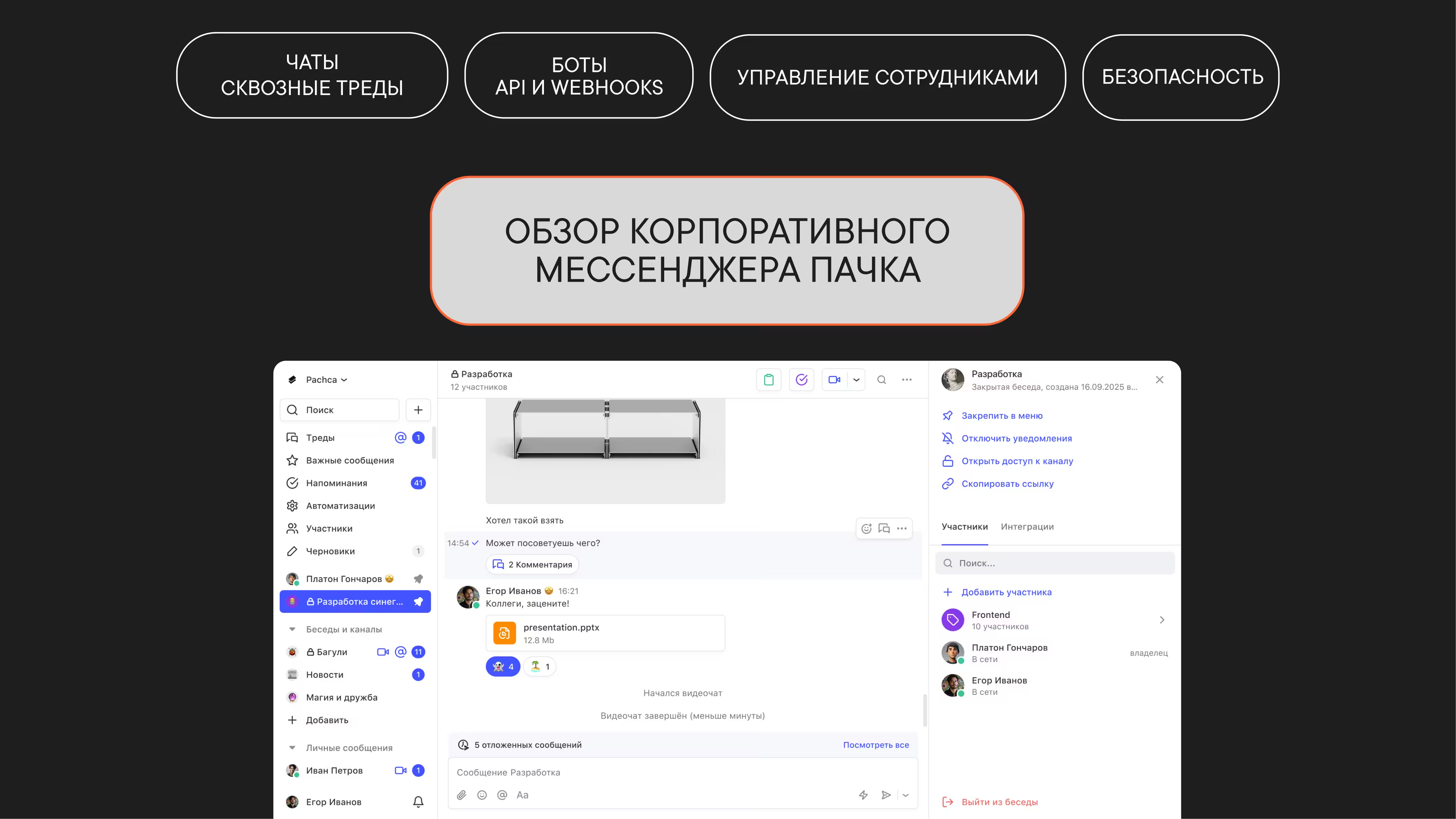
Pachca
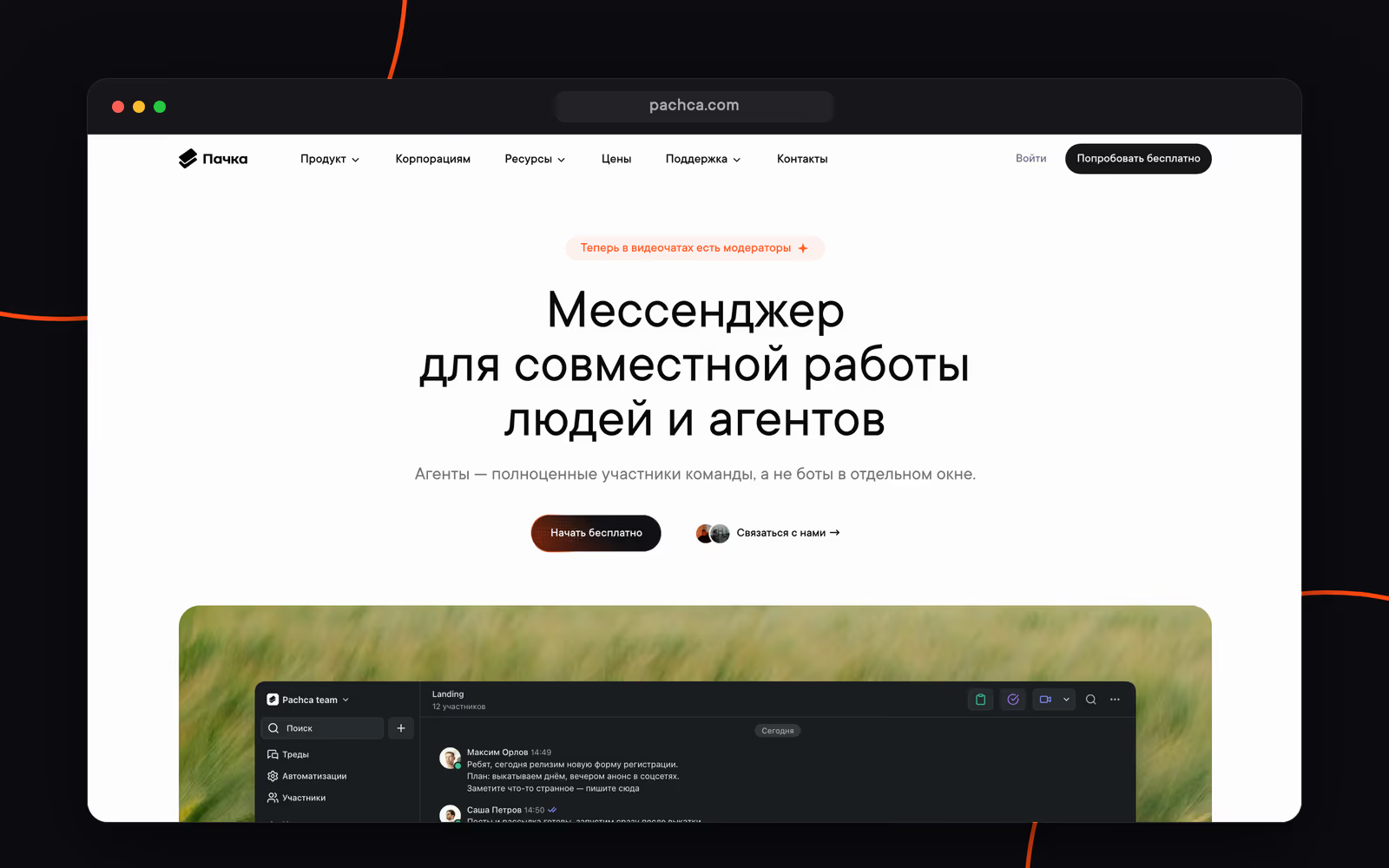
Pachca is a team chat app for mid-size and large businesses with advanced integrations and AI agents.
- cross-chat threads: you can @mention a colleague into a thread even if they aren't in the chat;
- video conferencing for up to 1,000 participants with recording, screen sharing, moderation, transcription and summaries;
- a platform for connecting AI agents: CLI, Agent Skills, an OpenAPI spec and docs in llms.txt;
- open API, audit log, built-in DLP and AD/SSO integration;
- cloud or hybrid on-premise (BYOK) with full control over your data.
Pachca is listed in the Russian Software Registry. It has more than 1,000 customers, including Lamoda, Ivi, Burger King, Yandex products and major banks.
Limitations: no webinar mode.
Deployment: cloud / hybrid on-premise (BYOK)
Pricing:
- Free Starter plan
- from 159 ₽/mo per user: the base plan, support included
- from 399 ₽/mo per user: SSO, Active Directory, hybrid on-premise (BYOK) and advanced security features
- 20% off with annual billing, 75% off for educational institutions and nonprofits
MTS Link Chats
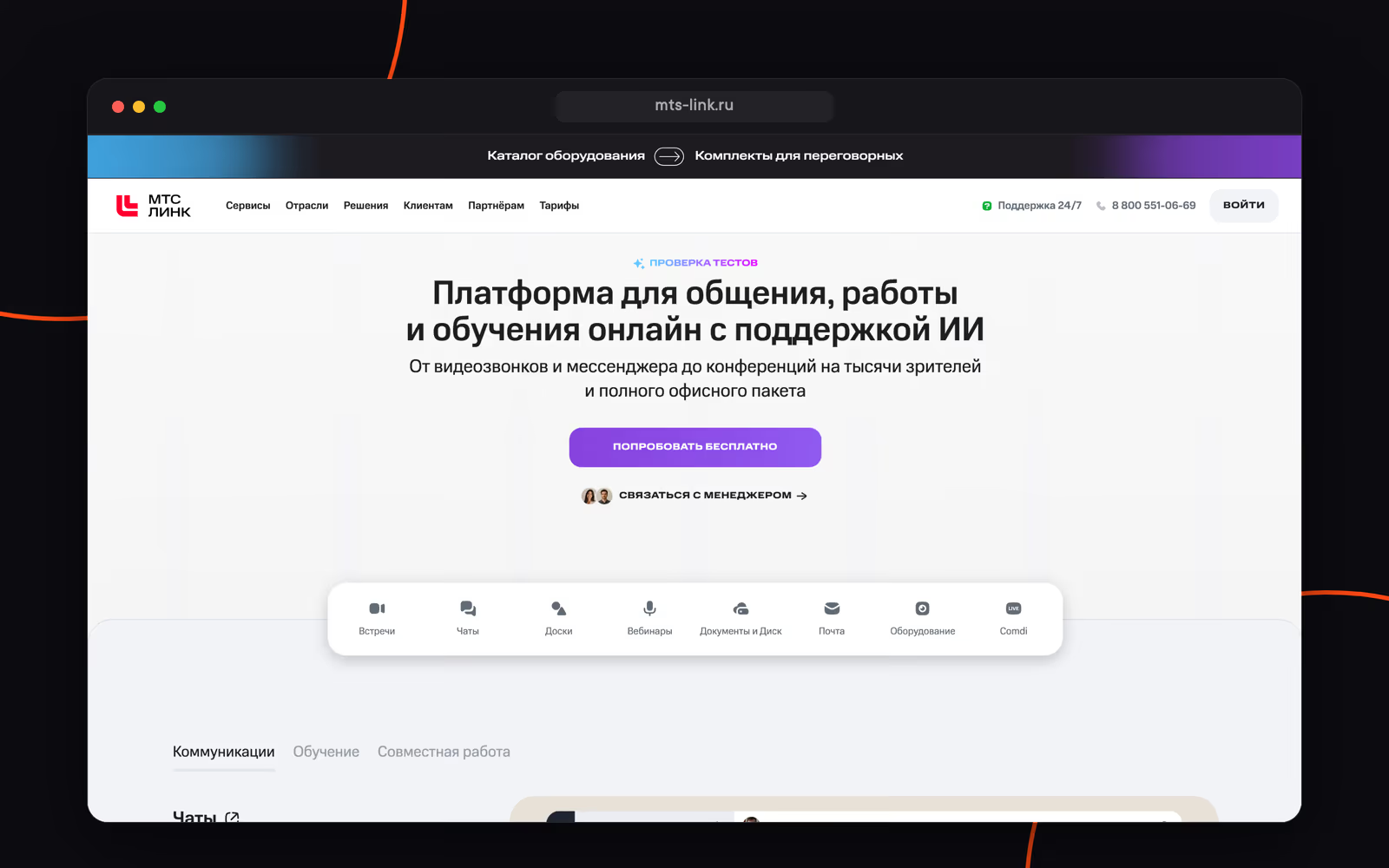
MTS Link Chats is the chat app within the MTS Link communication platform. The platform grew out of the Webinar service and is built around meetings, webinars and training. Chats include group chats, threads, chatbots, API and webhooks, plus calls for up to 1,000 participants with transcription and automatic summaries.
It's a good fit if you already run meetings and webinars in MTS Link. Limitations: no chat folders, voice messages are mobile-only, and the bot platform and AI agent support are limited. More on MTS Link alternatives.
Deployment: cloud / on-premise
Pricing:
- Free version: meetings for up to 30 participants, 60 minutes each, and a chat history of 2,000 messages
- "Коммуникации" subscription: from 15,600 ₽/year per user with 30 licenses down to 4,268 ₽/year with 300 or more
Kontur.Talk
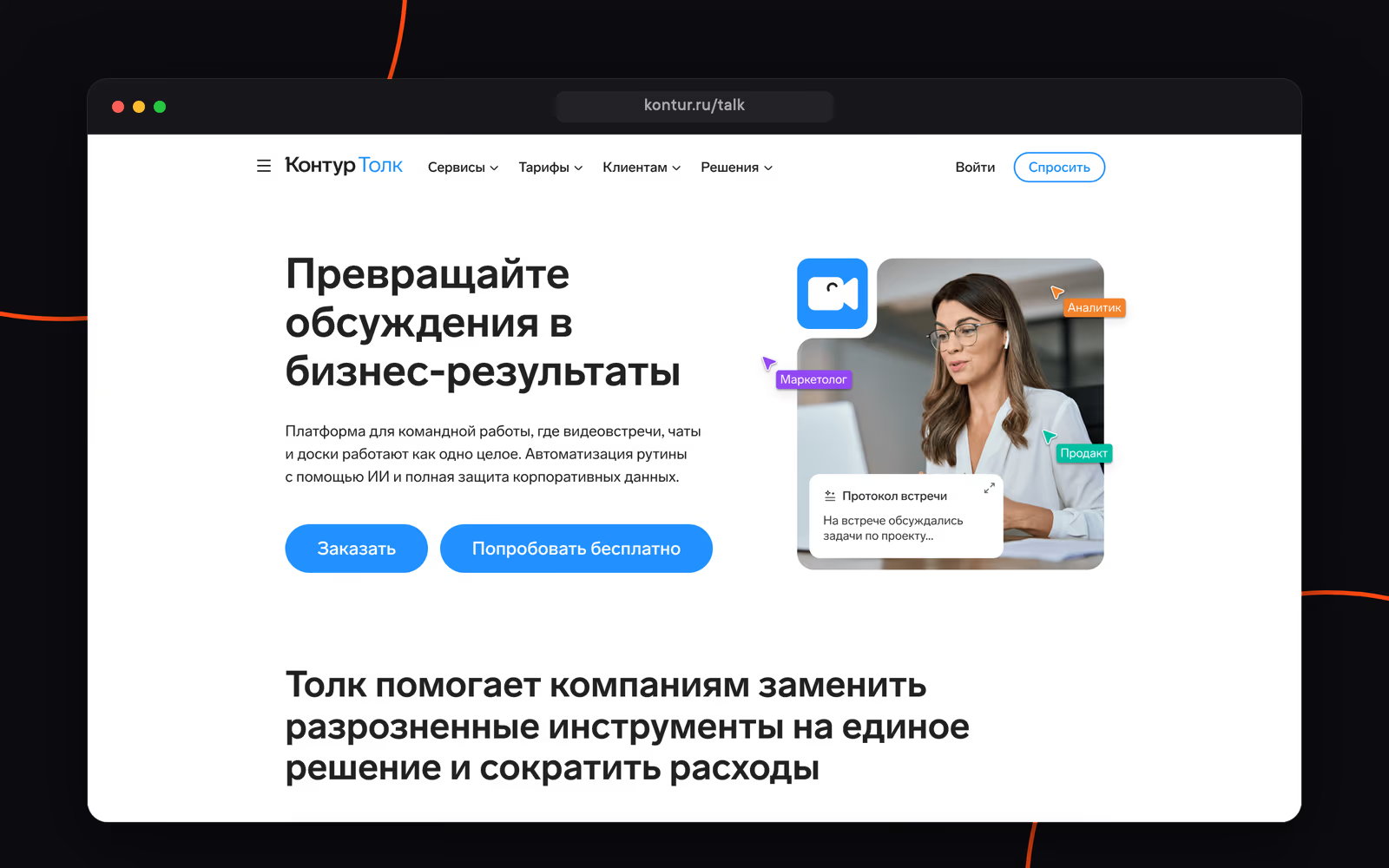
Kontur.Talk offers chats and video meetings from SKB Kontur. The platform grew out of video calling, and chats complement meetings for 400 participants, webinars and online whiteboards. There are AI transcripts with timestamps and automatic meeting notes.
It suits organizations where meetings are at the center of their workflows. Chats are a paid add-on to a video meeting plan. Chats have no folders, voice messages, guest access or tasks. More on Kontur.Talk alternatives.
Deployment: cloud / on-premise
Pricing:
- Free "Старт" plan: meetings for up to 50 participants, no chats
- Chats: 1,500 ₽/year per user on top of any paid video meeting subscription; meeting plans are quoted on request
eXpress
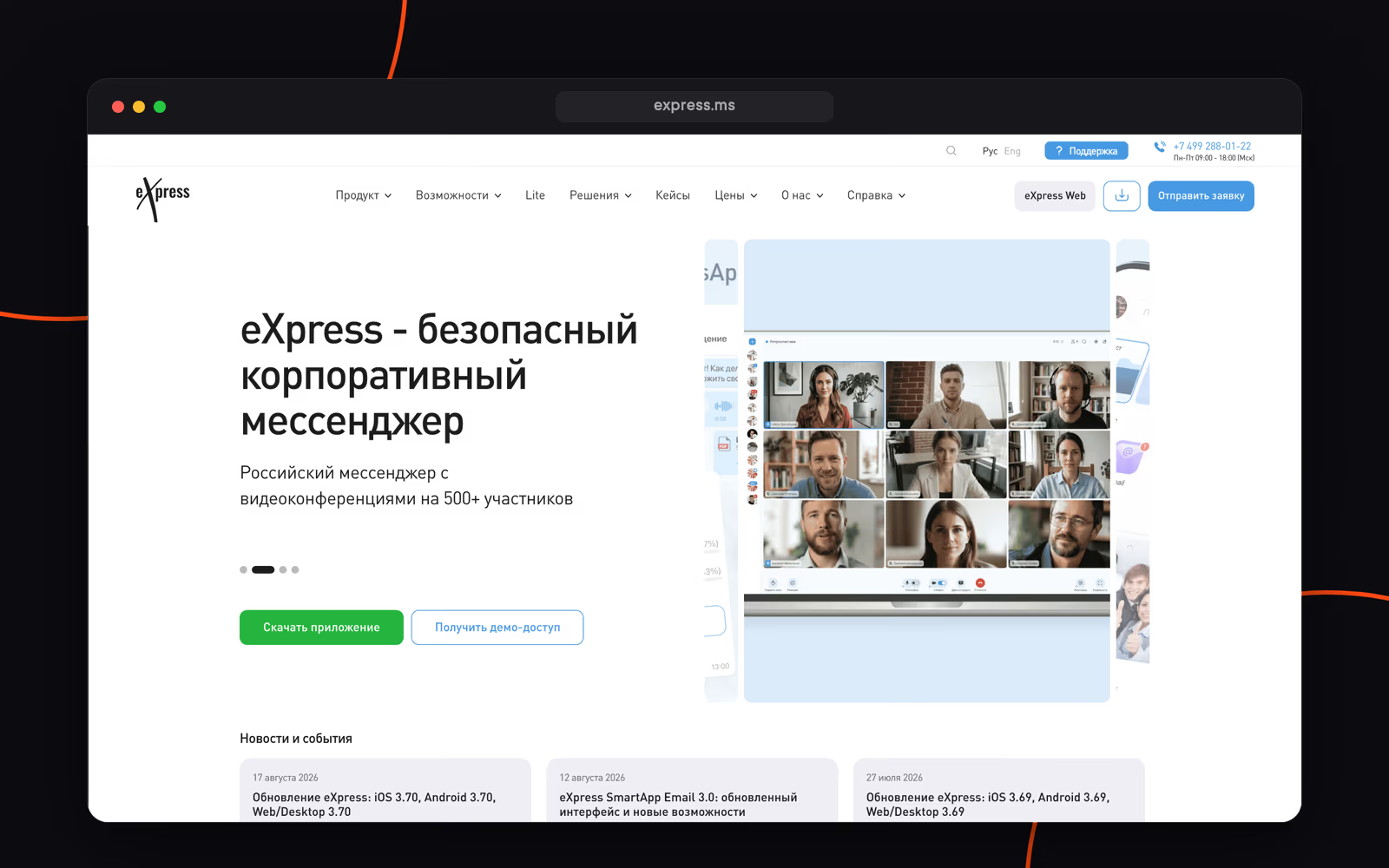
eXpress is a secure team chat app for very large businesses and the public sector. Chats with threads and channels, video conferencing for up to 512 participants, email, tasks and SmartApps. Its main selling point is security: FSTEC certification, GOST cryptography, end-to-end encryption and support for air-gapped environments.
Limitations: no workspace-wide search and no administration via API, and full functionality is only available with an on-premise deployment. More on eXpress alternatives.
Deployment: cloud / on-premise
Pricing:
- Free public version
- 200 ₽/mo per user (SaaS); enterprise licenses start at roughly 3,000 ₽/year per user according to public sources
VK WorkSpace
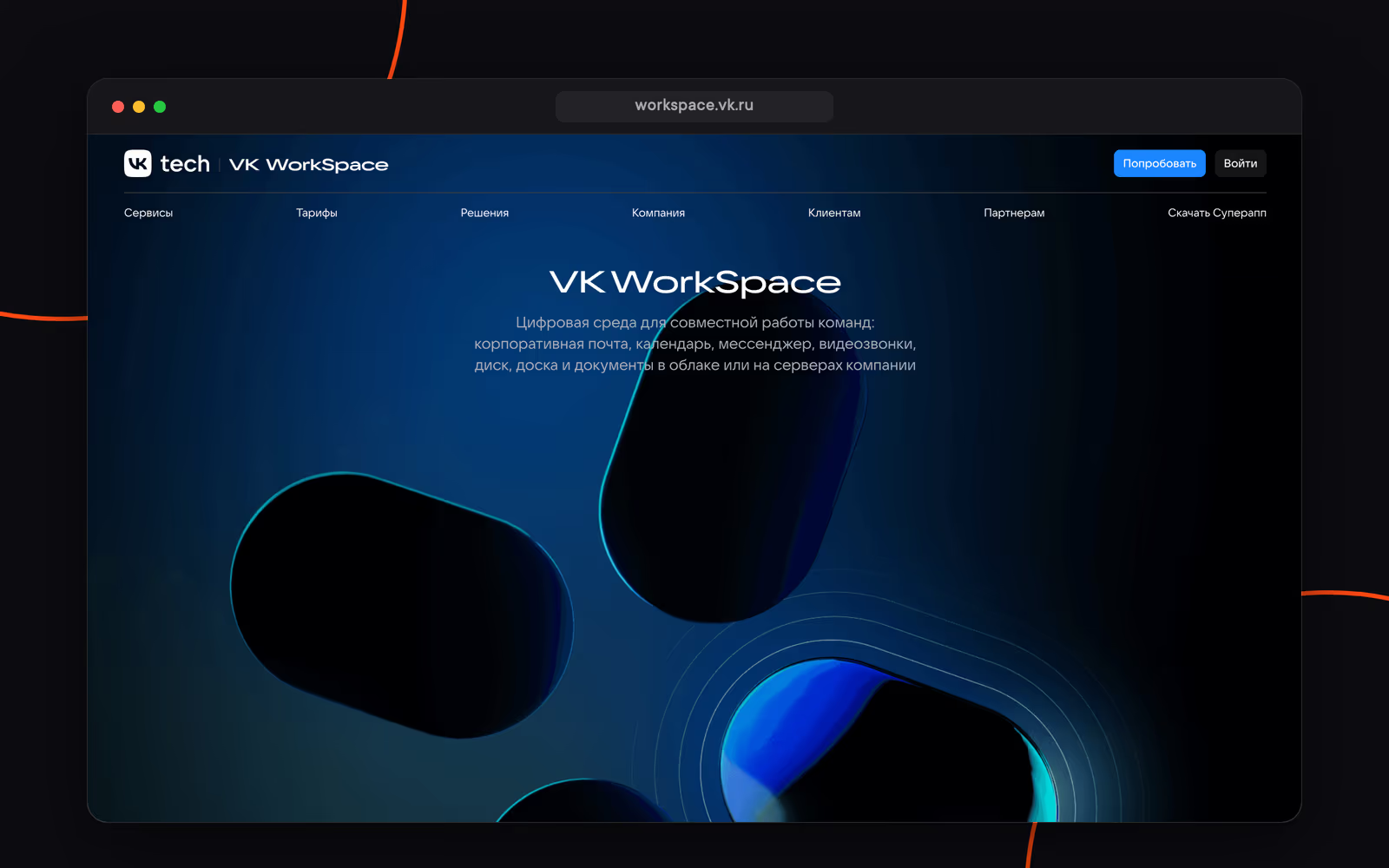
VK WorkSpace is VK Tech's platform: a team chat app (formerly VK Teams), email, video conferencing, cloud storage and docs. It's the closest to the Yandex 360 format, with a single set of services in one subscription. The chat app has group chats, channels, threads, folders and smart folders, and bots with a Bot API.
Limitations: no file previews or group tags, bots only work in chats, and SSO and on-premise are only available on higher-tier plans. More on VK Teams alternatives.
Deployment: cloud / on-premise
Pricing:
- Free "С рекламой" version for up to 5 users
- "Базовый": 309 ₽/mo per user (calls for up to 100 participants), "Расширенный": 499 ₽/mo (up to 300 participants, SSO, audit); "Индивидуальный" with on-premise: on request
Compass
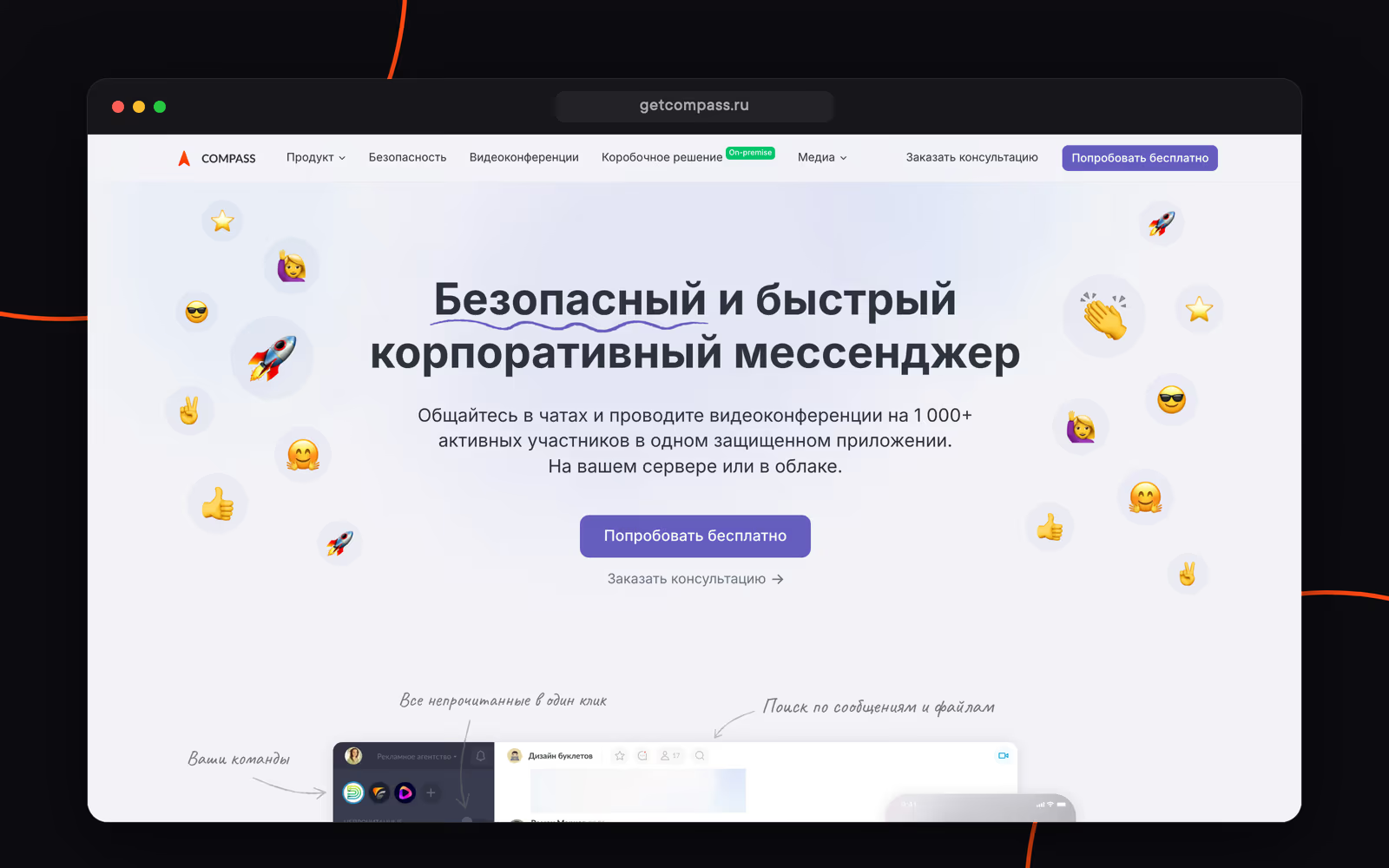
Compass is a team chat app for work communication. Team chats, calls for up to 1,000 participants and team engagement stats. It's available in the cloud and as an on-premise version.
Limitations: no web version, no administration via API, no bulk adding to chats, no public chats and no pinned messages. SSO and Active Directory are on-premise only. More on Compass alternatives.
Deployment: cloud / on-premise
Pricing:
- No free plan since January 2026
- 390 ₽/mo per user on the "Бизнес" plan, 490 ₽/mo on-premise
Loop
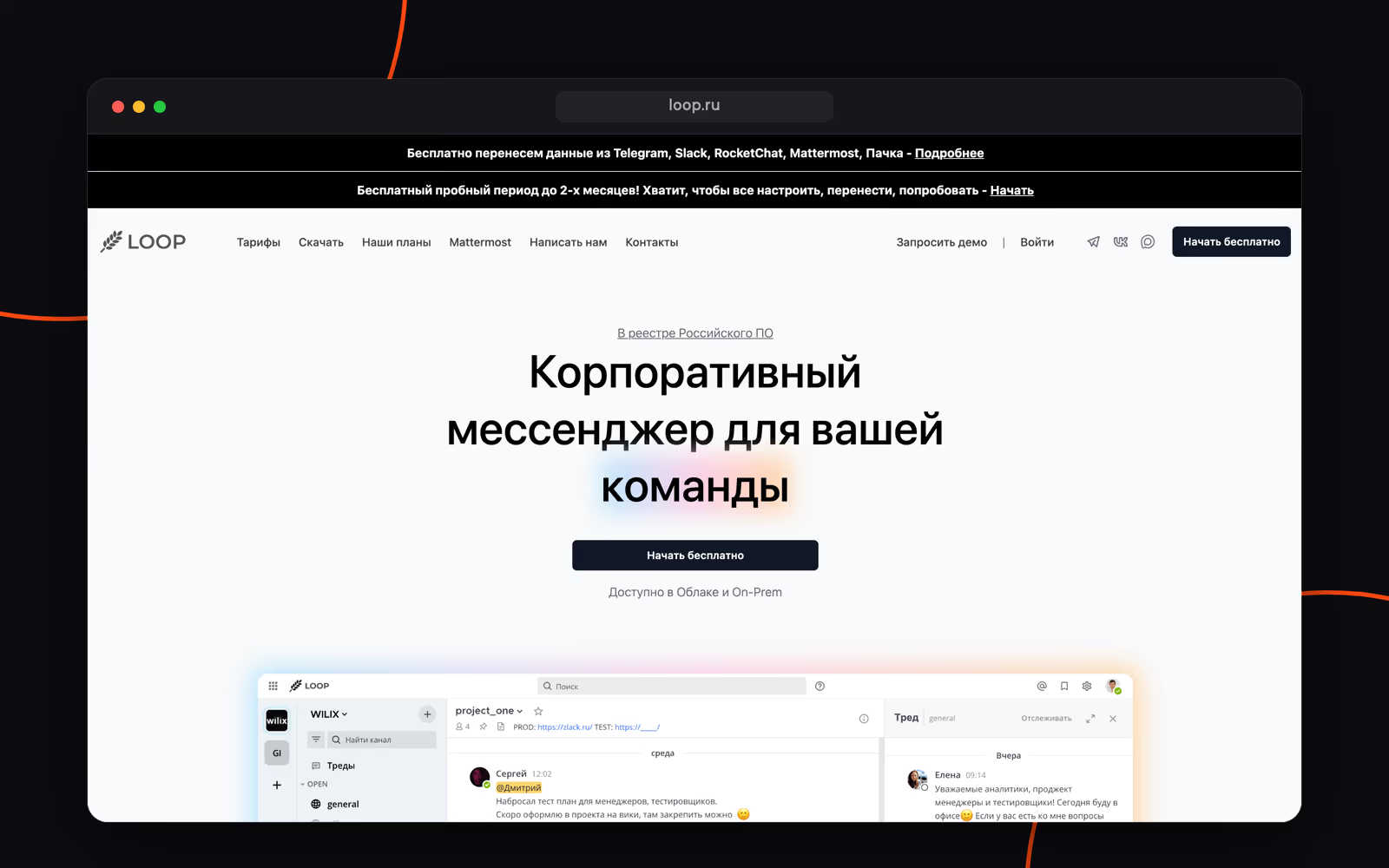
Loop is a team chat app built on Mattermost. Channels, threads, team workspaces, isolated teams, voice messages and scheduled sending.
Limitations: no video call recording and no app in RuStore, and bots only work in chats. More on Loop alternatives.
Deployment: cloud / on-premise
Pricing:
- Free version with limitations
- "Командный": 119 ₽/mo per user, "Профессиональный": 199 ₽/mo, 20% off with annual billing; on-premise on request
Comparison table
| Service | Free plan | Price per user | Chat folders | Voice messages | Tasks | Meeting transcription | On-premise |
|---|---|---|---|---|---|---|---|
| Pachca | ✓ | from 159 ₽/mo | ✓ | ✓ | ✓ | ✓ | hybrid on-premise (BYOK) |
| MTS Link Chats | ✓ | from 4,268 ₽/year | — | mobile only | — | ✓ | ✓ |
| Kontur.Talk | ✓ | 1,500 ₽/year | — | — | — | ✓ | ✓ |
| eXpress | ✓ | 200 ₽/mo | ✓ | ✓ | ✓ | ✓ | ✓ |
| VK WorkSpace | ✓ | 309 ₽/mo | ✓ | ✓ | ✓ | — | ✓ |
| Compass | — | 390 ₽/mo | — | mobile only | — | — | ✓ |
| Loop | ✓ | from 119 ₽/mo | ✓ | ✓ | — | — | ✓ |
For a full comparison across 100+ criteria, see our ranking of team chat apps for 2026.
How to switch: a checklist and tips
Messenger still works for now, so you can plan the move calmly.
- Assign an owner and set a date: after that date, all work conversations happen only in the new service.
- Take stock of your chats: list active chats, their owners and members, and don't bother moving abandoned ones.
- Save what matters: guides, documents and other files. Your history only moves over automatically to Telemost.
- List your bots and integrations: in Pachca, for example, you can rebuild them with webhooks and the API, and there are tools for connecting AI agents: CLI, llms.txt, SDK, Agent Skills and more.
- Set up your workspace in advance: connect SSO, create department tags and set up chats from the list in step 2.
- Move in stages: start with teams that are ready for change, and on "day X" switch old chats to read-only.
- Give external contacts a heads-up: invite contractors and partners as guests.
- Help with the apps: share links to the desktop and mobile apps and ask people to check that push notifications work.
- Agree on communication rules: where to discuss tasks, when to reply in threads and how to name chats. Learn more in our guide to moving to Pachca.
If you choose Pachca, support will help at every step, and you can import your chat history from Telegram, Slack and Mattermost.
Frequently asked questions
Not officially: the service keeps working, but in September 2026 Yandex stopped developing it, so there won't be any more updates or new features. Yandex moved all of Messenger's features into Telemost, where contacts, message history and attachments carry over automatically.
If chat is your main work tool, look at Pachca, eXpress, Compass and Loop: messaging is their core product. In MTS Link and Kontur.Talk, chats complement video meetings, while VK WorkSpace is closest to the Yandex 360 format, with a chat app, email, cloud storage and video conferencing in one subscription.
History only moves over automatically to Telemost. If you're switching to another service, save important files, pinned messages and agreements in advance, and check with your Yandex 360 admin or support about options for exporting the full archive.
Pachca (Starter), Loop, eXpress (public version), VK WorkSpace (up to 5 users) and MTS Link (meetings for up to 30 participants, 60 minutes each, and a chat history of 2,000 messages) all have free plans. Compass has had no free plan since January 2026, and Kontur.Talk's free plan only includes video meetings.
For a small team, a few days: sign up, create chats and invite employees. For a large company with SSO, bots and integrations, plan for two to four weeks, including a pilot with one team.