Loop alternatives: 7 team chat apps for work communication in 2026
A look at Loop alternatives for work chats and team communication: we compare features, pricing and deployment options.
Loop is a team chat app built on Mattermost, with channels, threads and isolated teams in a single workspace.
We picked seven team chat apps that cover the same work communication needs. We compared them on criteria you can verify: chat features, what the license includes, whether pricing is public and deployment options.
What is Loop
Loop is a product from WILIX, a company that has been building digital services and internal enterprise systems since 2012.
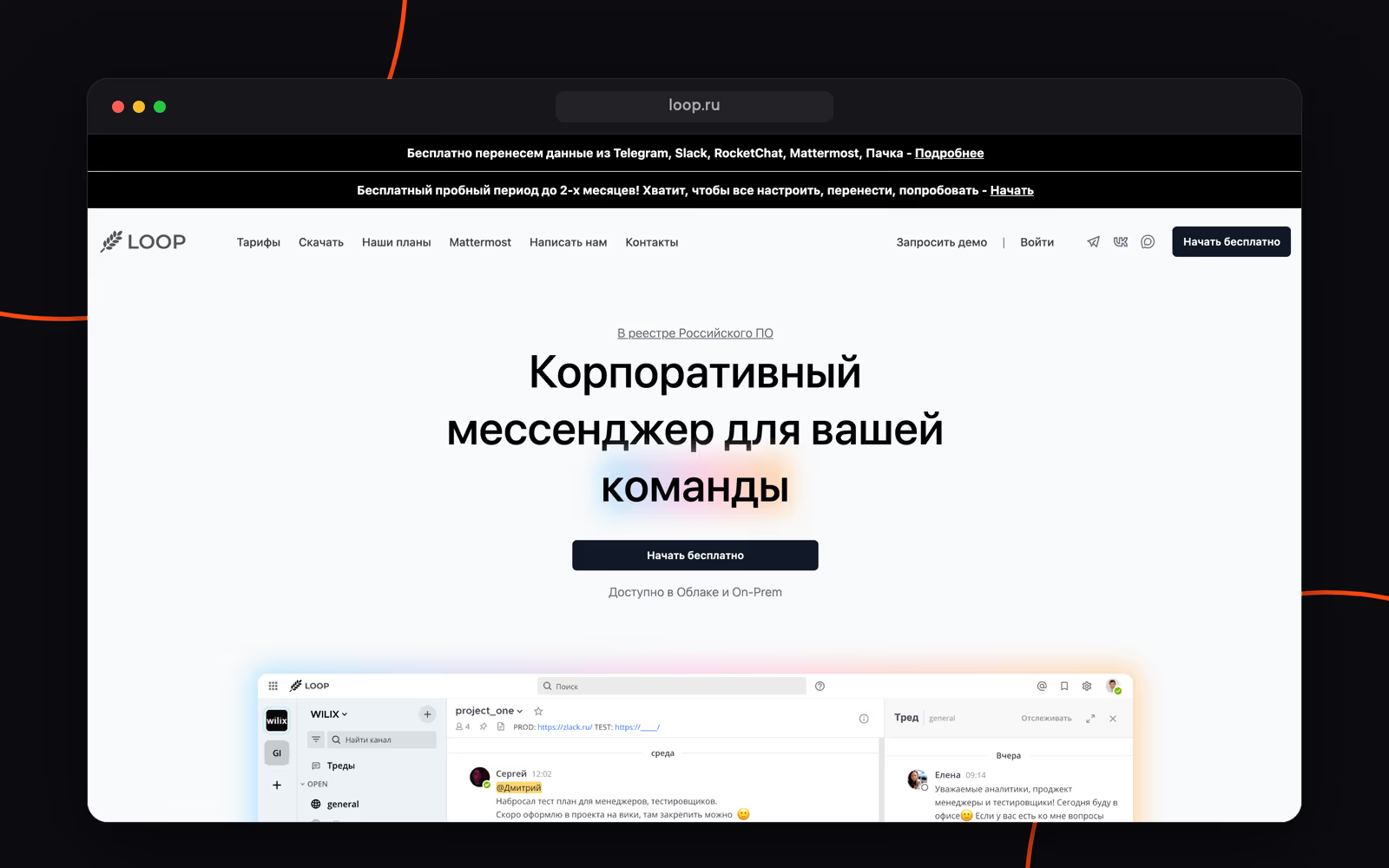
Loop is built on the open-source Mattermost platform, which gives it its channel structure, threads and team workspaces.
The app has public and private channels, isolated teams with their own chats and members, voice messages and scheduled messages, plus one-on-one calls and group calls in channels. Bots, webhooks and an open API are available on every plan, and the mobile app supports AI agents. Apps are available for web, Windows, macOS, Linux, iOS and Android. Loop is listed in the Russian Software Registry and can be deployed in the cloud or on your own servers.
How we compared
- Chat features: threads, folders, bots and AI agents, API. The things that make up everyday work in a team chat app.
- What the license includes: whether one subscription covers chats, meetings and tasks, or each product is sold separately.
- Public pricing: whether you can find out the price without talking to a sales rep.
- Meetings inside the chat app: which video calls are built in and what the limits are.
- Deployment and status: cloud, on-premise, the Russian Software Registry, certifications.
Pricing and feature data is current as of August 2026 and may change, so check the vendors' websites.
Loop alternatives for work communication
Pachca
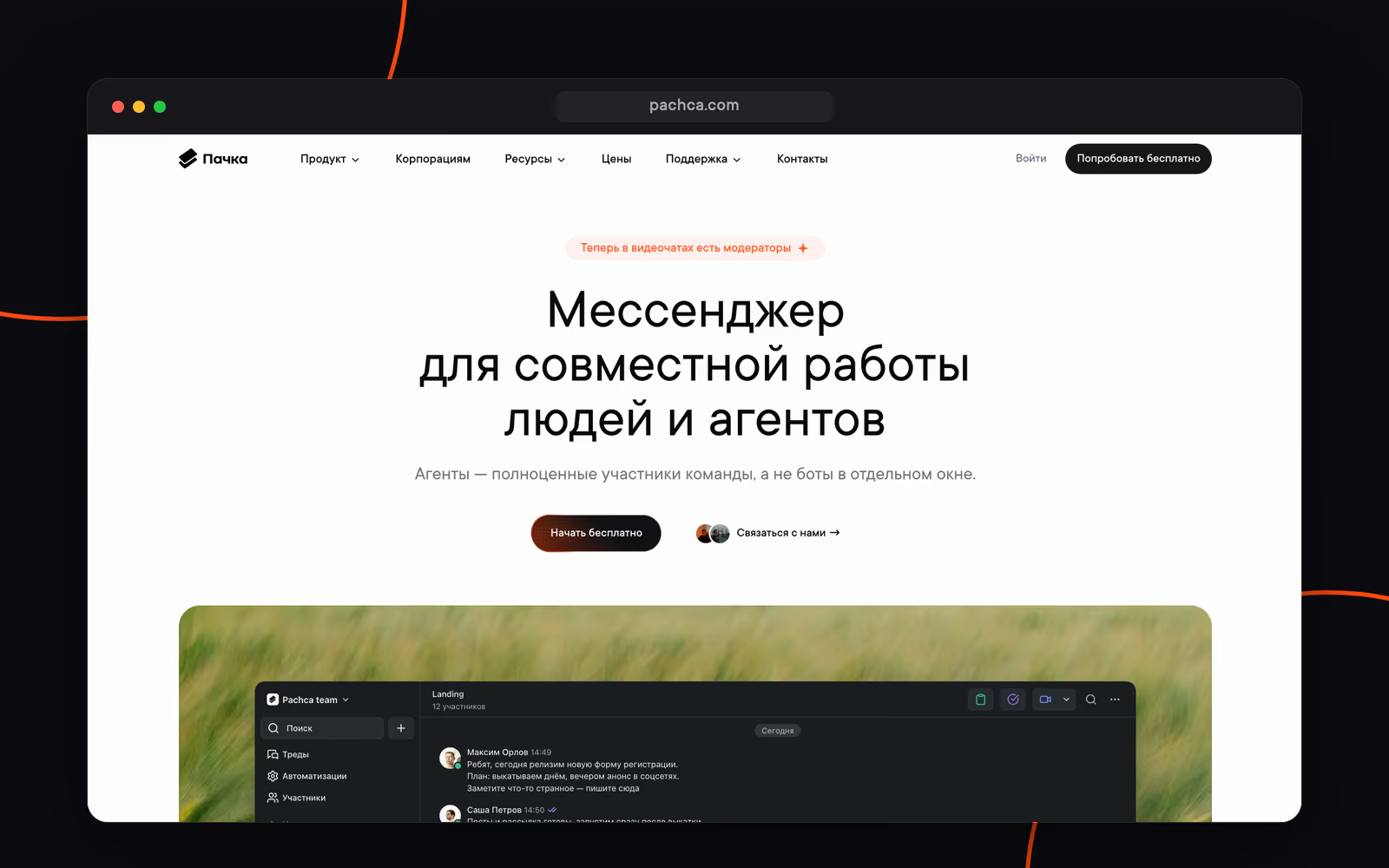
Pachca is a team chat app for large and mid-sized businesses with rich integrations and AI agents.
Highlights:
- a platform for connecting AI agents natively, with all the tools you need: CLI, Agent Skills, an OpenAPI spec and developer docs in llms.txt;
- not just SaaS but also hybrid on-premise (BYOK), which gives you full control over your data;
- cross-chat threads for fast collaboration: @mention a colleague to bring them into a thread, even if they aren't in the chat;
- video meetings for up to 1,000 participants with recording, screen sharing, moderation, transcription and summaries;
- an open API, event audit log, built-in DLP and AD/SSO integration.
Pachca is listed in the Russian Software Registry. It has more than 1,000 customers, including Lamoda, Ivi, Burger King, Renaissance Health, Yandex products and major banks such as PSB and Alfa-Bank.
The main limitation: there's no webinar mode with landing pages and attendance stats.
Deployment: cloud / hybrid on-premise (BYOK)
Pricing:
- Free Starter plan
- from 159 ₽/mo per user: the base plan, support included
- from 399 ₽/mo per user: SSO, Active Directory, hybrid on-premise (BYOK) and advanced security features
- 20% off with annual billing, 75% off for educational organizations and nonprofits
MTS Link Chats
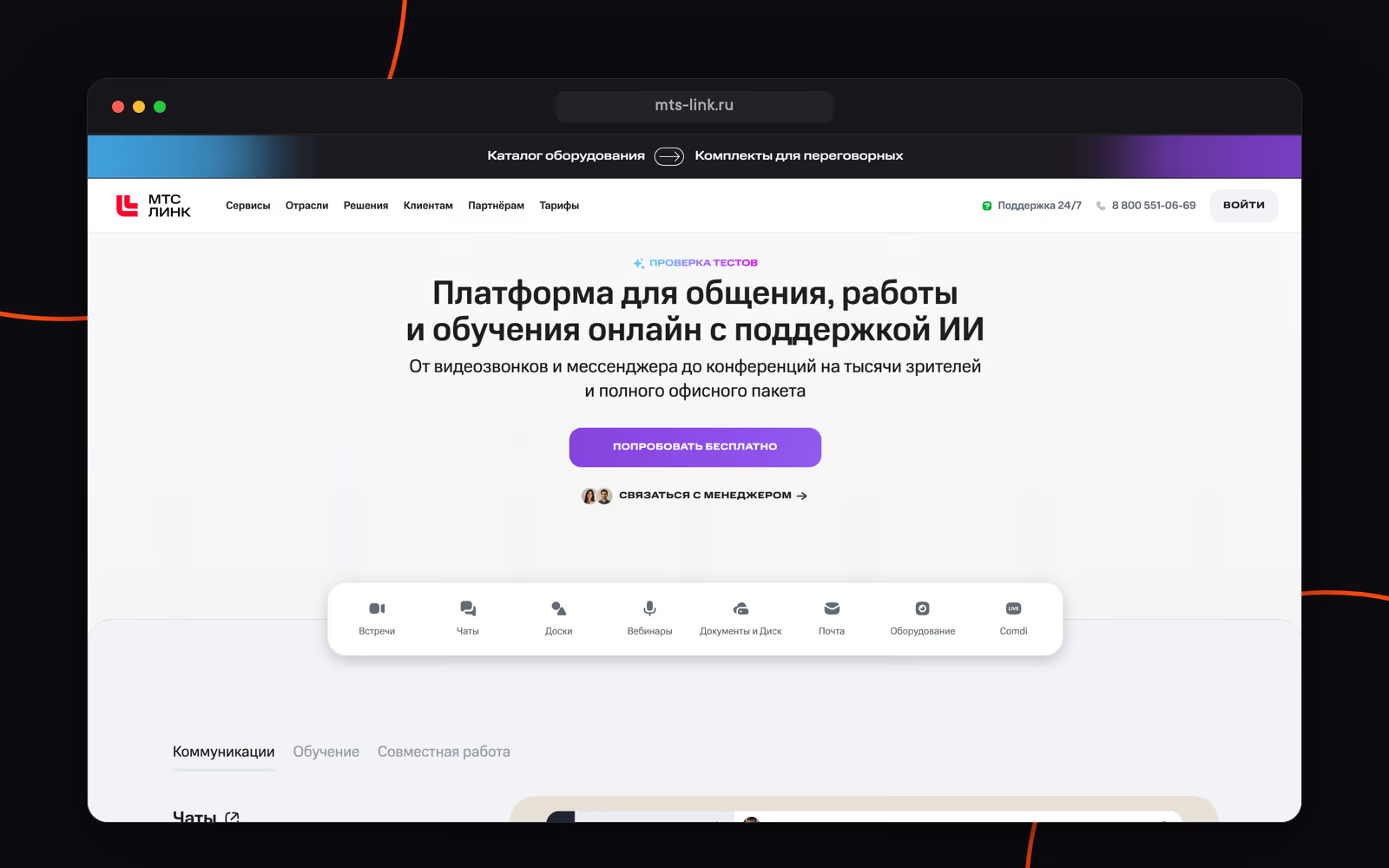
MTS Link Chats is the chat app within the MTS Link communication platform. The platform grew out of the Webinar service and is built around meetings, webinars and training. Chats support group chats, threads, chatbots and integrations through the API and webhooks, and calls in chats support up to 1,000 participants. There's transcription and automatic meeting summaries.
A good fit for companies that already run meetings and webinars in MTS Link and want to keep work conversations in the same ecosystem.
That said, the chats themselves have no folders, voice messages are mobile-only, and the bot platform and AI agent support are limited.
Deployment: cloud / on-premise
Pricing:
- Free version: meetings for up to 30 participants, 60 minutes each, and a chat history of 2,000 messages
- "Коммуникации" subscription (meetings + chat app): from 15,600 ₽/year per user with 30 licenses down to 4,268 ₽/year with 300 or more
Kontur.Talk
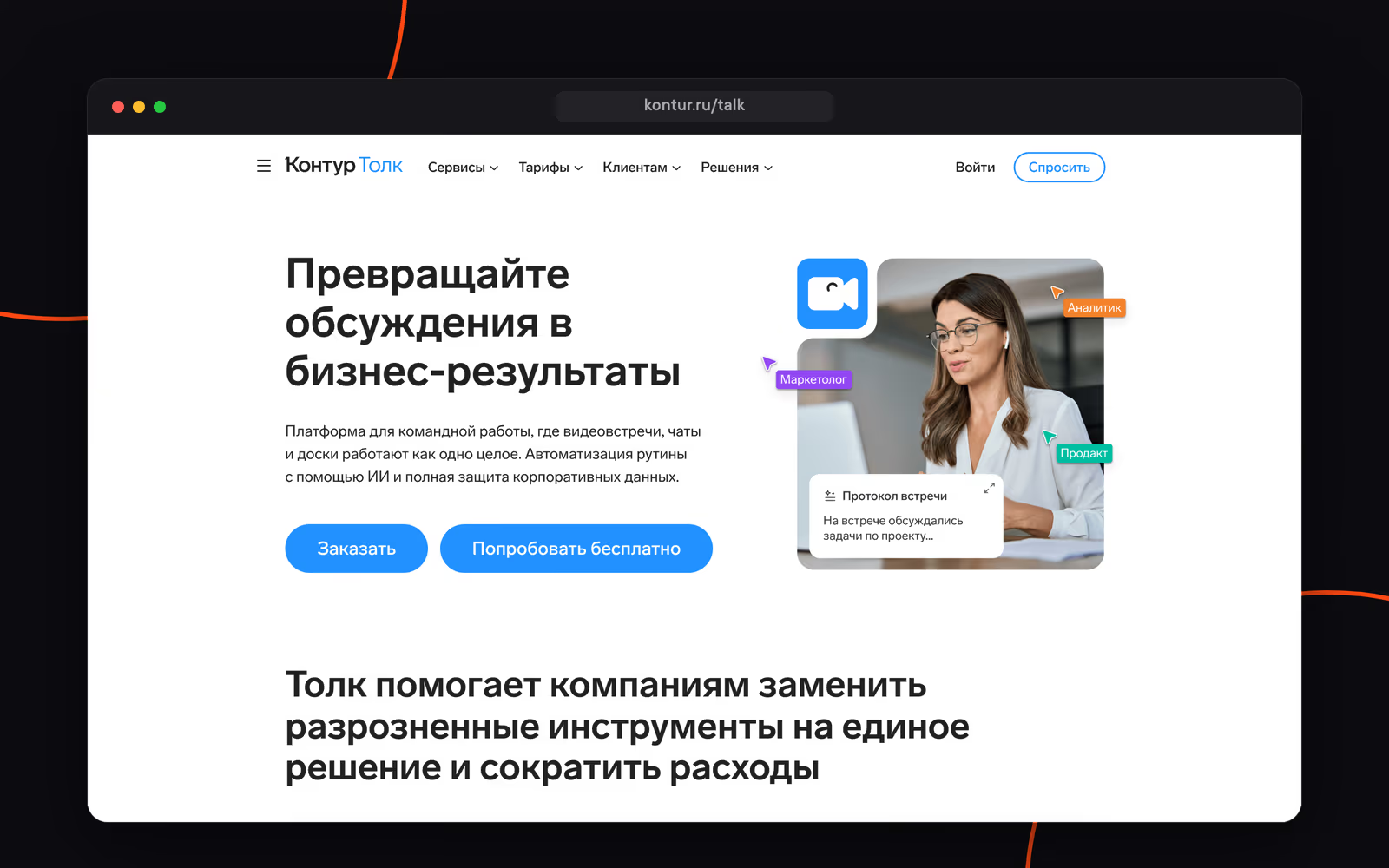
Kontur.Talk offers chats and video meetings from SKB Kontur. The platform grew out of video calling, and chats complement meetings, webinars and online whiteboards. The chat app has pinned messages, chatbots and group tags. Meetings support up to 400 participants, with AI transcription with timestamps and automatic meeting notes.
The service is aimed at organizations where online meetings are central to how they work: training, team meetings, working with branch offices. Chats are an add-on to any paid video meeting plan, and the platform can be deployed in the cloud or on your own servers.
The main limitations are in the chats themselves: there are no folders, voice messages or guest access, tasks aren't built in and AI agents aren't supported. Pricing for the main plans is available on request.
Deployment: cloud / on-premise
Pricing:
- Free "Старт" plan: meetings for up to 50 participants, no chats
- Chats: 1,500 ₽/year per user, added to any paid video meeting subscription; meeting plan pricing on request
eXpress
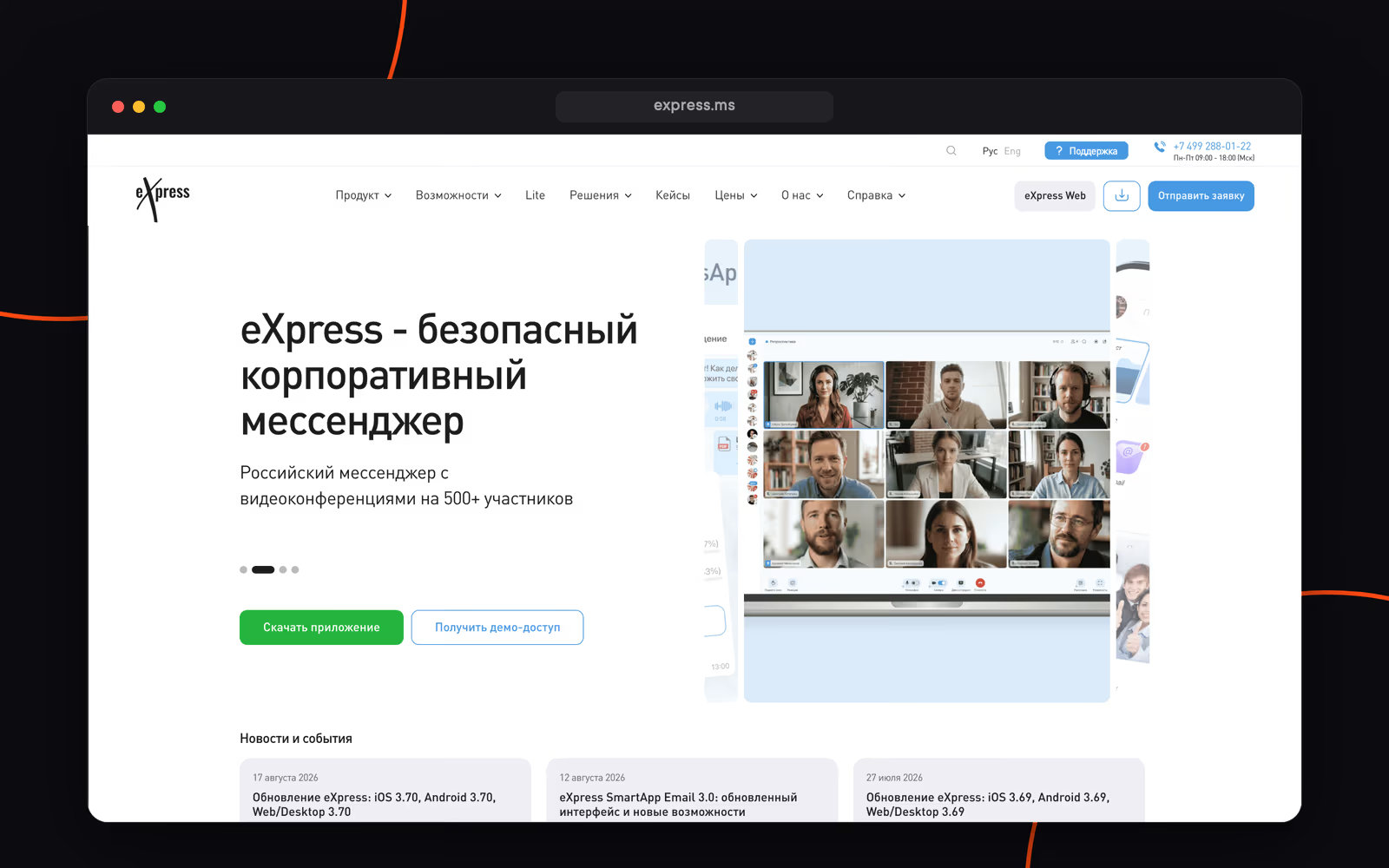
eXpress is a secure team chat app. It offers chats with threads and channels, tag-based folders, video conferences for up to 512 participants, email, tasks and SmartApps. Its main selling point is security: FSTEC certification, GOST cryptography and support for isolated networks. Its customer stories include rollouts at small, mid-sized and large businesses, as well as in the public sector.
Limitations: there's no workspace-wide search and no admin through the API, and bots and AI agents only work in chats. Full functionality is only available on-premise.
Deployment: cloud / on-premise
Pricing:
- Free public version
- 200 ₽/mo per user (SaaS); enterprise licenses start at roughly 3,000 ₽/year per user according to public sources, with the exact price depending on the configuration and hosting
VK WorkSpace
VK WorkSpace is a communication platform from VK Tech: a chat app (formerly VK Teams), email, video conferencing, cloud storage and documents. The chat app supports group chats and channels, threads, folders and smart folders, and bots with an official Bot API. It's evolving into a super app, with email, a calendar and document co-editing living right next to chats.
Pricing is public: "Базовый" costs 309 ₽/mo per user with calls for up to 100 participants, and "Расширенный" costs 499 ₽/mo with calls for up to 300 participants, SSO and audit logs. The mobile apps are distributed through RuStore and directly from the website.
Limitations: there are no file previews, group tags or custom reactions, and bots and AI agents only work in chats, with no @mentions in threads. SSO and on-premise are only available on higher plans.
Deployment: cloud / on-premise
Pricing:
- Free ad-supported version: up to 5 users
- "Базовый": 309 ₽/mo per user; "Расширенный": 499 ₽/mo; "Индивидуальный" with on-premise: on request
Yandex Messenger
Yandex Messenger offers work chats as part of Yandex 360 for Business. Along with the chat app, the subscription includes email, Disk, Docs and Telemost: video meetings with no time limit and up to 500 participants on higher plans. There's AI meeting note-taking with short summaries.
A good fit for companies that already use Yandex services and want chats, email and meetings in one place.
That said, some enterprise features are limited: the bot platform is only available on pricier plans, and there's no notification scheduling by time or type, no scheduled messages and no outgoing webhooks. The only listed support channel is email. There's no AI agent support. There's no classic on-premise option either: the service runs only in the Yandex cloud.
Deployment: cloud
Pricing:
- Free version with limitations
- "Чаты и звонки" plan (Messenger, Telemost, Calendar, Disk): 199 ₽/mo per employee; the plan with meetings for up to 500 participants: 549 ₽/mo
Compass
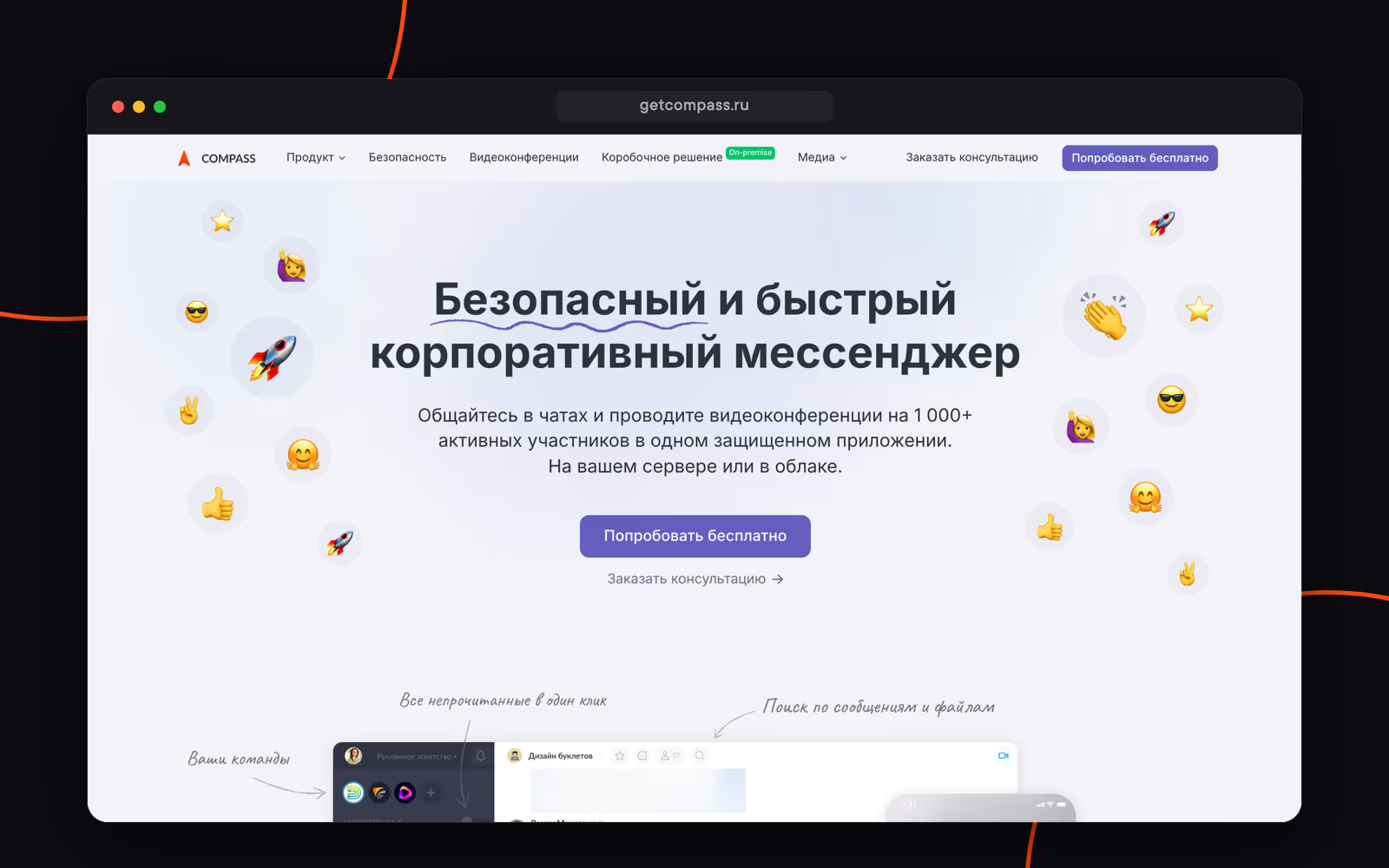
Compass is a chat app for work communication. It offers team chats, calls for up to 1,000 participants and tools for working with messages and files. One unusual feature: team engagement analytics. It's available in the cloud and as a self-hosted version.
At the same time, Compass has limited tools for managing large teams: there's no web version, no admin through the API and no bulk adding to chats. For everyday use, it lacks public chats and pinned messages, and there's no AI agent support. SSO and Active Directory are only available in the on-premise version.
Deployment: cloud / on-premise
Pricing:
- No free plan since January 2026
- 390 ₽/mo per user on the "Бизнес" plan, 490 ₽/mo on-premise
Comparison table
| Service | Free plan | Price per user | Chat folders | Voice messages | Tasks | Meeting transcription | On-premise |
|---|---|---|---|---|---|---|---|
| Loop | ✓ | from 119 ₽/mo | ✓ | ✓ | — | — | ✓ |
| Pachca | ✓ | from 159 ₽/mo | ✓ | ✓ | ✓ | ✓ | hybrid on-premise (BYOK) |
| MTS Link Chats | ✓ | from 4,268 ₽/year | — | mobile only | — | ✓ | ✓ |
| Kontur.Talk | ✓ | 1,500 ₽/year | — | — | — | ✓ | ✓ |
| eXpress | ✓ | 200 ₽/mo | ✓ | ✓ | ✓ | ✓ | ✓ |
| VK WorkSpace | ✓ | 309 ₽/mo | ✓ | ✓ | ✓ | — | ✓ |
| Yandex Messenger | ✓ | from 199 ₽/mo | ✓ | ✓ | — | ✓ | — |
| Compass | — | 390 ₽/mo | — | mobile only | — | — | ✓ |
Data as of August 2026, based on official websites and our comparison of team chat apps across 100+ criteria.
Frequently asked questions
Standalone team chat apps where chat is the core product are Pachca, eXpress and Compass. In MTS Link Chats and Kontur.Talk, chats are part of video meeting platforms, and in VK WorkSpace and Yandex Messenger, they're part of office ecosystems with email, cloud storage and documents. If you need chats, calls for up to 1,000 participants with transcription and hybrid on-premise (BYOK) in a single license, go with Pachca.
Free plans are available from Pachca (Starter), Yandex Messenger, eXpress (public version), VK WorkSpace (a version for up to 5 users) and MTS Link (meetings for up to 30 participants, 60 minutes each, and a chat history of 2,000 messages). Compass hasn't had a free plan since January 2026, and the Kontur.Talk free plan only includes video meetings, no chats.
Among the apps on this list, eXpress: FSTEC certification, GOST cryptography and support for isolated networks. Classic on-premise is also supported by MTS Link, VK WorkSpace, Compass and Kontur.Talk, while Pachca offers hybrid on-premise (BYOK) with your own encryption keys.
According to the official pricing page, there are four plans. "Базовый" is 0 ₽: 1 GB for files, the last 10,000 messages in history, one team, 5 plugins, unlimited users and no guests. "Командный" is 119 ₽/mo per user: unlimited messages and files, shared channels, SSO via OAuth/OIDC and 20 guests. "Профессиональный" is 199 ₽/mo: guest accounts, unlimited teams and plugins, SAML/ADFS and user sync from AD/LDAP. "Корпоративный" is priced on request: deployment on your own hosting or in a private cloud, data retention settings, Elasticsearch-powered search, channel export and audit logs. Annual billing gets you 20% off, the trial lasts up to two months and you're billed for each day. Nonprofits, educational organizations and startups get up to 75% off.
Yes: Pachca transcribes and summarizes video calls, MTS Link provides transcripts and automatic meeting notes, Kontur.Talk offers transcripts with timestamps, eXpress transcribes calls and Yandex 360 offers AI note-taking for meetings in Telemost.