Flowwow
How a flower and gift marketplace moved 500+ employees to Pachca and built an ecosystem of 50+ automations
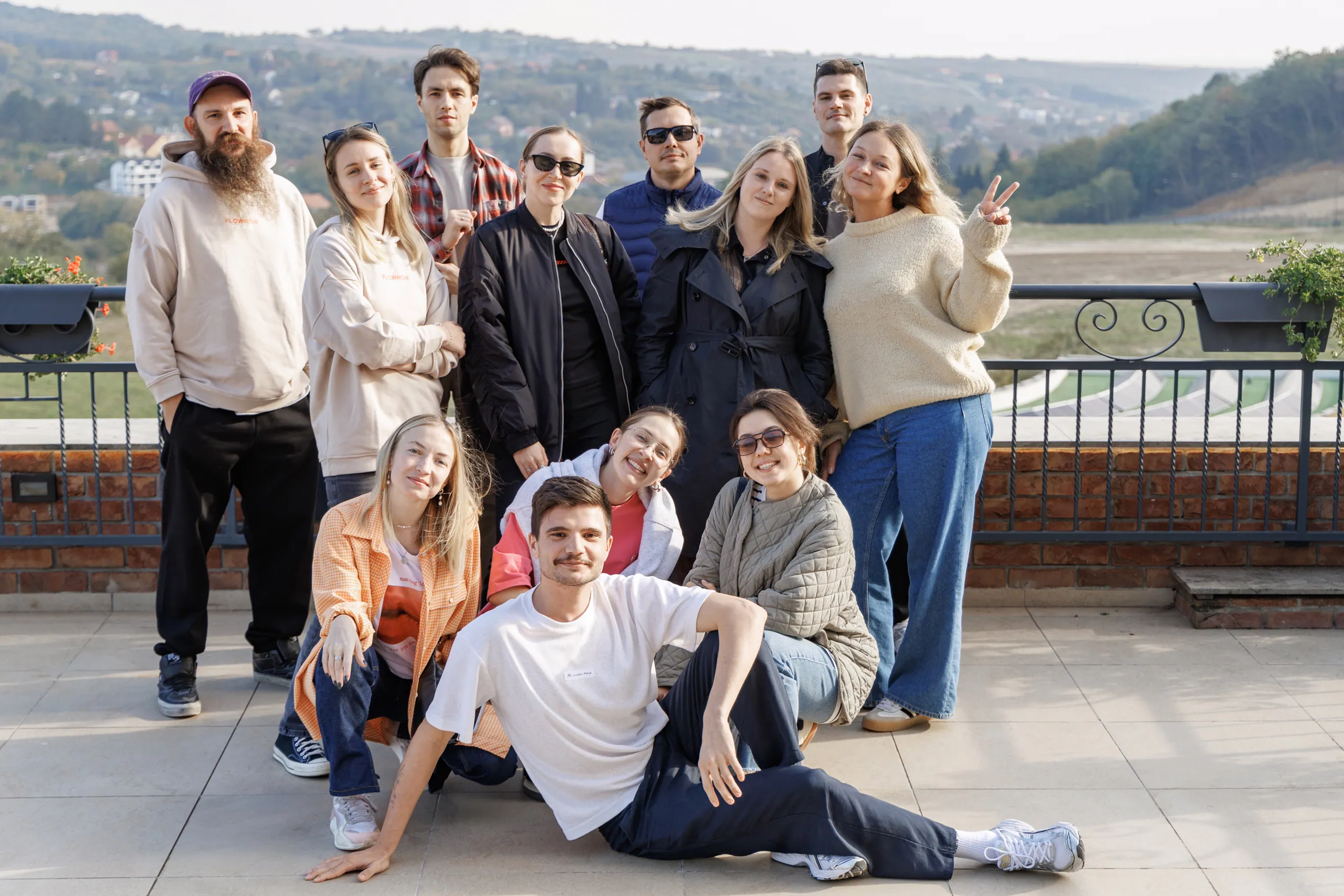

About the company
I'm Ekaterina Chichkova, head of processes at Flowwow, a flower and gift marketplace. We're an accredited IT company with a product-driven approach.
Our ecosystem includes a web platform for sellers and buyers, plus mobile apps for customers, sellers and self-employed couriers. In 2023, we launched our own ERP system, Hoog, which sellers use for basic inventory tracking and to streamline their business processes.
Life before Pachca
We used Slack almost from the day we started building the Flowwow platform. But after the first cases of companies getting cut off, it became clear that the app could leave the market entirely and that relying on it alone wasn't practical. So we started looking for alternatives early.
Flowwow's IT infrastructure team ran a comparative analysis of more than 40 team chat apps. They evaluated them on criteria like automation capabilities, cross-platform support, active feature development, a product that keeps evolving, how open the vendor's team was to discussing work questions at every stage, value for money and more. On top of that, we ran several pilots with the solutions that came out best in the analysis.
While researching the market, we realized Pachca was one of the few team chat apps that met all our requirements. By the time we had to disconnect from Slack, we were already in the final stage of deciding on the move. Without that research up front, it would have been a lot more painful.
The moment we knew Pachca was the one
The key criterion was automation. So many of our processes were automated inside our team chat app that we didn't even consider platforms without a flexible API. Pachca let us not only keep the processes our team was used to, but take them further.
How Pachca changed the way we communicate
At Flowwow, the team chat app is a single window for all work tasks. We try to make every minute of an employee's time count, and we design every process so it doesn't add unnecessary steps.
For example, we try to automate task management so that all the small actions are handled by a bot or can be done right in Pachca, without switching between apps and tabs. In a year, we rolled out more than 50 different types of automations that save about 6,000 person-hours a month. Otherwise, we'd have to hire another 30 people.
It all starts with everyday processes. For example, task management can live entirely inside Pachca. To create a task for IT support, an employee just posts in the right channel, and the task is automatically created in the task tracker. Reacting to the message with an emoji showing the assignee's photo assigns the task to them. If the request is missing context, a bot reminds the employee which details to include so work can get started.
All the routine stays in Pachca: statuses change automatically based on reactions to the post. For example, you can close a task by adding a green check mark emoji. The task tracker lets us track statuses, review key metrics and workload, and plan work or even hiring.
My team's channel has 18 members: 6 people and 12 bots.
The really interesting challenges start when AI comes in. Our database holds about 10,000 documents stored in different places, covering the product, technical and operational information people need to do their jobs. So employees don't have to switch to other systems and search for answers by hand, we deployed our own LLM inside our closed network. Now you can ask a bot in Pachca a question, and it finds the answer in about 30 seconds.
Our own AI assistant runs in the same closed network. We use it to shorten texts, check spelling and more. Right now we're actively launching AI agents in Pachca, since the app has recently added lots of new tools for that. For example, we're rolling out several agents: one can create a calendar event right from a thread, and another gives a short summary of a long discussion with hundreds of messages.
Tips for making the switch
Start preparing your migration plan early and bring every stakeholder into the process. Try to set up the new workspace before you invite employees.
In our case, only the colleagues responsible for automation joined first. They did all the prep work, and only then did the rest of the team start moving over.
Most importantly, build communication with your employees: write detailed guides, record video walkthroughs and run a training webinar for the whole company. If you organize the move well, it will be as painless as possible, and the integrations and bots you set up will take your team's productivity to the next level.


