MIPT
How MIPT staff moved to the Pachca team chat app after Slack blocked them
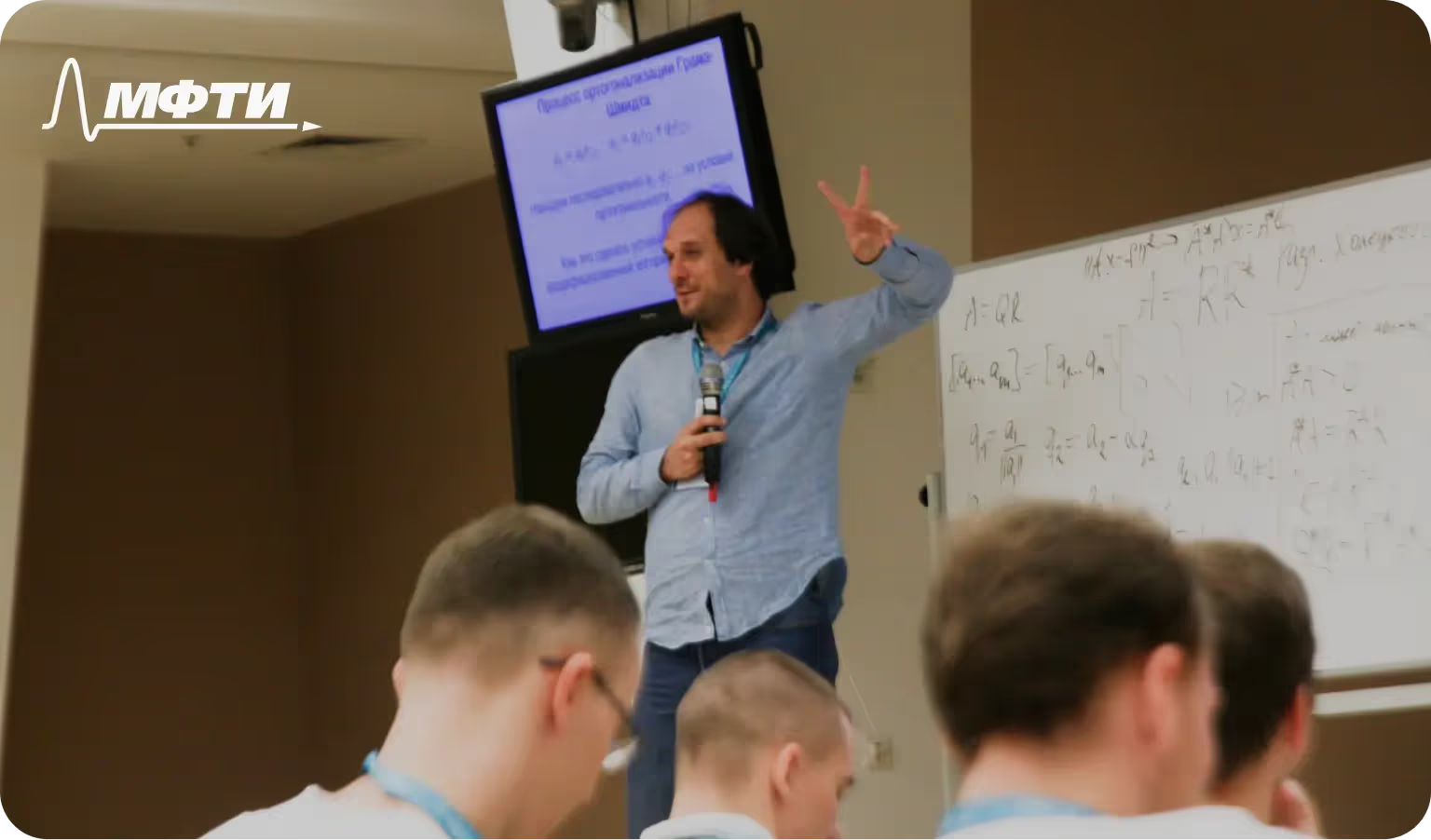
The MIPT team had known about team chat apps for a while and used the free version of Slack for short projects. They worked that way for about two years. Then, roughly a year ago, they found Slack's education program, submitted the required documents and upgraded to a paid plan with an education discount. That made it possible to move teamwork into the app and stop getting scattered across news feeds.

But in February 2023, the MIPT workspace was first downgraded to the free plan, and then a plan limit kicked in: a free workspace only shows messages from the last 3 months. That didn't work for the team. Slack held books, articles and files they needed for work, and at the same time it was where they discussed projects and wrote research papers and a book. So they needed a team chat app without limits.
First attempt:
At first, they decided to try paying for Slack anyway and keep the education discount. Friends at European universities helped out by sharing the documents needed to get the discount and pay for the app. But after paying a year in advance and working in the new workspace for a couple of weeks, Slack blocked the workspace. Two days later, it emailed a warning that the account would be blocked.

Of course, they tried to get a refund and contact support to find out why they'd been cut off. But Slack never replied, so they had to keep looking for a new solution, this time on a tight timeline, since nearly all work communication had ground to a halt.
Second attempt:
They decided to look for a team chat app that was a bit friendlier to users in Russia. They considered switching to Mattermost, but it was blocking Russian companies too. So they decided against Western apps. They also looked at Chinese solutions, but those didn't meet MIPT's needs. In the end, they settled on Russian team chat apps.
Their expectations for Russian solutions were simple: don't lose much in quality, and have the developers based in Russia for more reliability. And if a product did fall short on quality and features, they wanted to see a team actively developing it, open to feedback and to help from users in shaping the service.
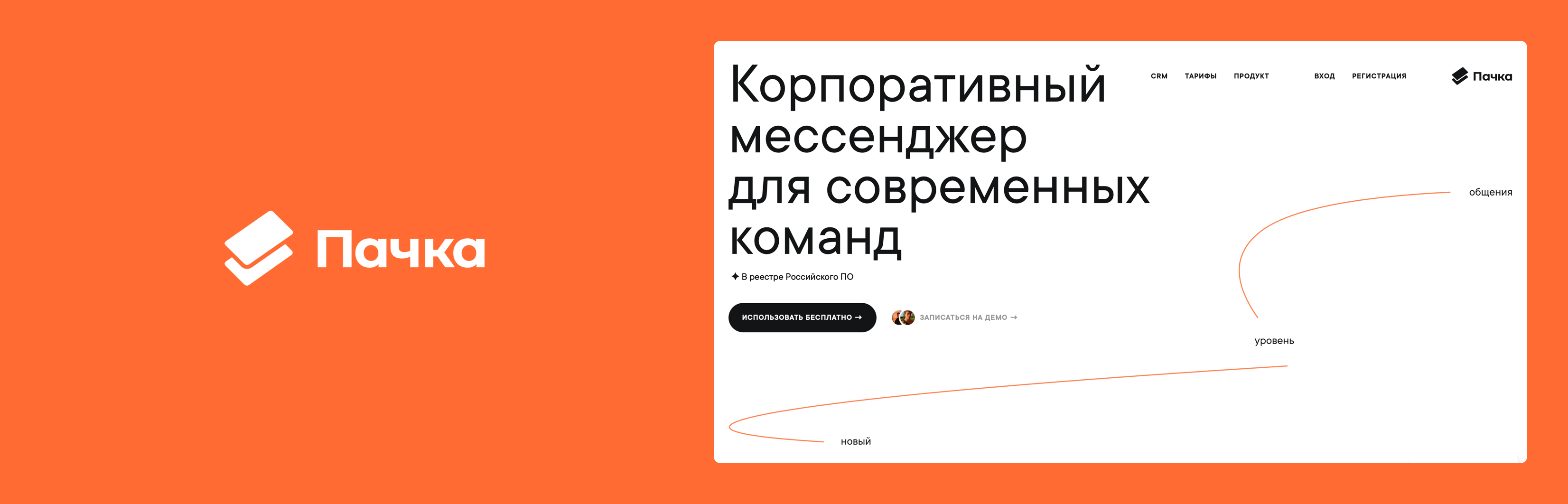
Pachca was one of the first options they noticed, and they decided to check it out, since there weren't many other Russian options. A small team tried it out for three days and decided to stay with Pachca. There were several reasons:
We'd been using Slack heavily for more than three years. When it was suddenly taken away from us, we didn't think we'd find anything comparable. Pachca is every bit as good as Slack on the things that matter most to us. And in a number of ways, Pachca turned out to be even more convenient.
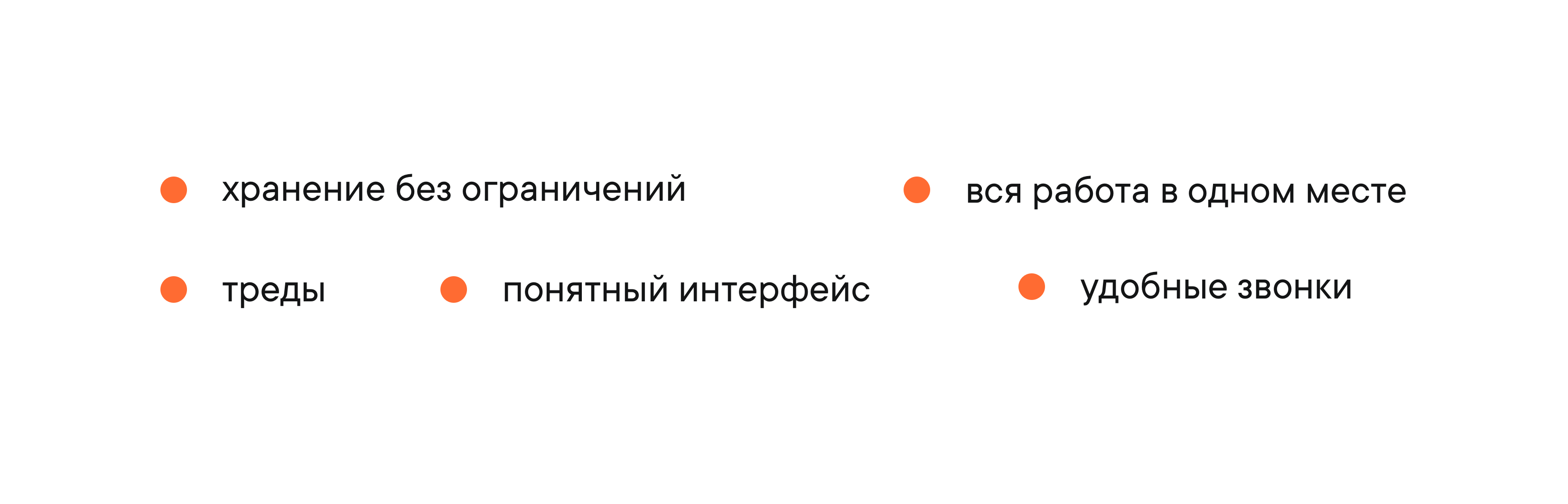
- MIPT uses channels as a place to store articles, books and other information. Free team chat apps aren't convenient for that, and in Slack information disappears after three months. In Pachca, you can store everything without limits.
- Specific projects and work chats are all in one place. That makes work easier, because you don't have to chase anything down or search for it. When all your work revolves around communication, collaboration and education, a dedicated team chat app is the best fit. For example, 15 people in the MIPT workspace are currently working on a single book. To keep that team organized, they split into channels by chapter and keep discussions focused there. When their work overlaps, it's easier to sort everything out on group calls.
- Threads save the chat from extra messages. Without threads, it's hard to discuss a specific task properly and reach a decision in large work chats.
- A clear interface without unnecessary bells and whistles.
- Calls are more convenient than in Slack, and you can meet even with a large team.