How summer changed Pachca
A look at our latest updates

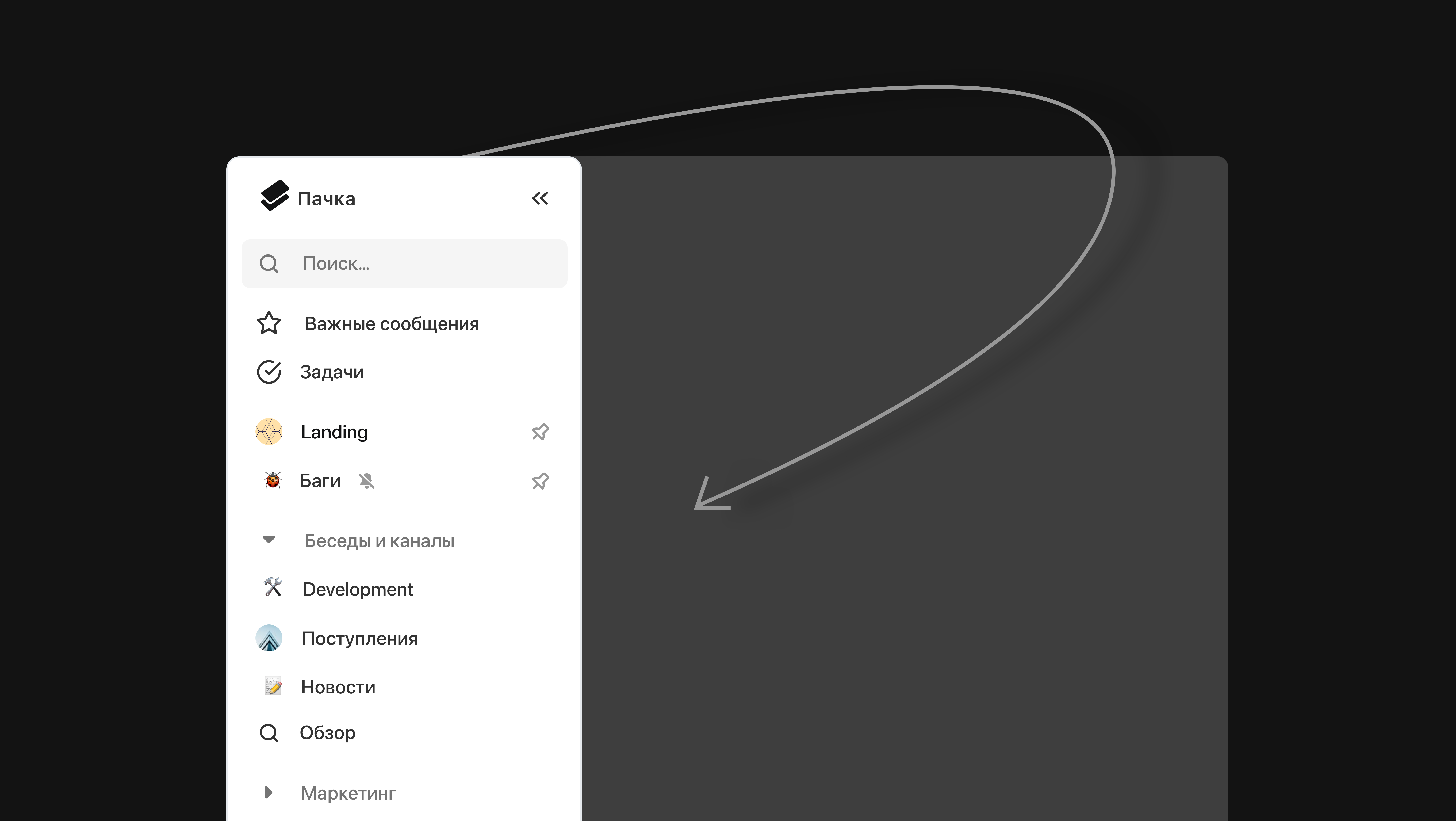
A new sidebar
This is the one we were most excited about) The old Pachca interface didn't let you group chats. Every chat sat in a single feed, like in WhatsApp*. That made it hard to work with lots of chats, and the UI looked a bit dated too)
In fact, grouping chats matters even more for work communication than for personal messaging. There are lots of work chats, they keep popping up in the feed, pull you away from work and get mixed in with your direct messages.
That's why folders became one of the biggest new features. You can now group the long list of chats in the left sidebar into folders however you like and pin your most important chats above them. And you can create as many folders as you want.
Along with folders, we added public chats and global search. Both are another step toward making lots of chats easy to handle:
- You don't have to remember where to look for a message. Just find it by searching across all chats.
- You don't have to stay in a chat you don't need. Public chats are always available, like an open community on social media.
A new website and look
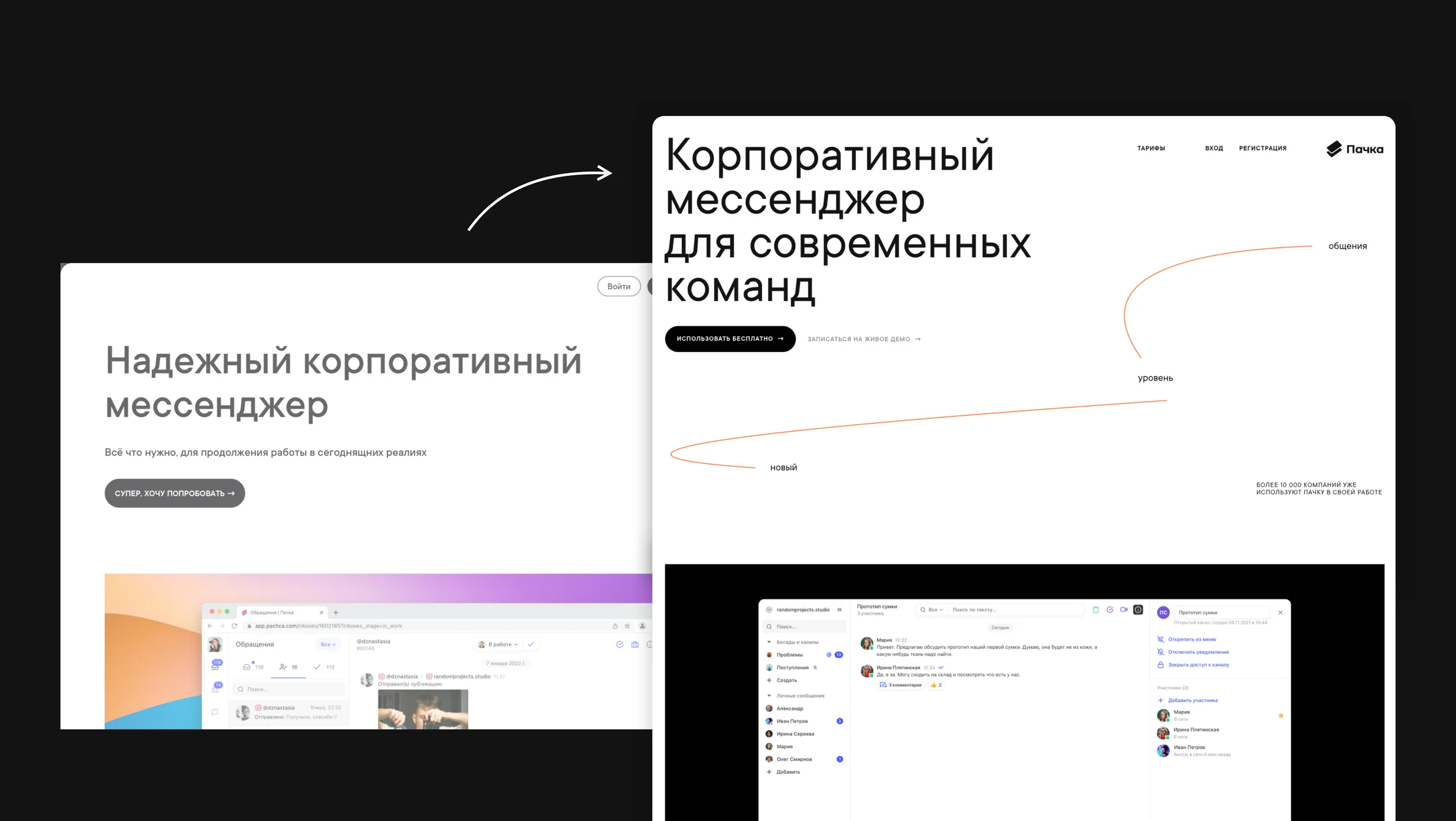
After the interface, we turned to the website. We wanted to tell the story of the product better and make the design more recognizable. We added orange accents and graphics, reworked the product and company sections, completely redesigned the Help Center and much more.
The refresh covered all our social media accounts too.
Employee statuses and long-awaited emoji
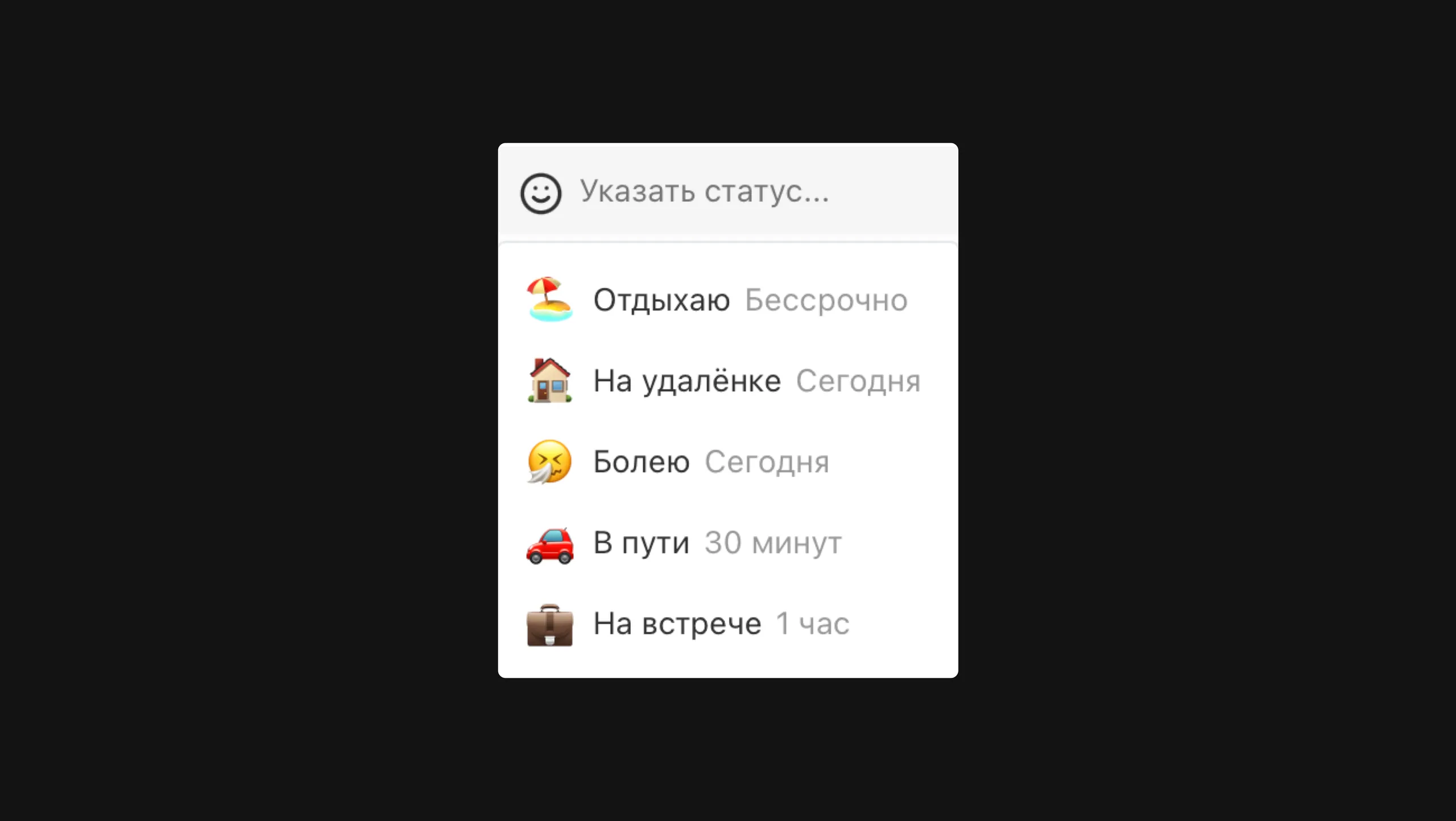
This one was by popular demand) We kept getting requests to add emoji, and we used them to build employee statuses too. Statuses let colleagues know you're busy or on vacation, so they don't bother you unless they need to)
A neat thing about statuses: each one has its own expiration time and clears automatically when it's up.
Sneak peek: custom statuses are coming very soon) You'll be able to create any status that fits your work😉
Small quality-of-life touches
We added lots of improvements that aren't obvious at first glance but will definitely make working in Pachca better:
- Pinned messages in chats
- A more convenient thread view (unread threads are now marked in the list, which makes them visually easier to use)
- Improvements to file uploads and sending messages (we made lots of small fixes here. For example, the message input now expands, so it's easy to send long messages)
Bug fixes: desktop apps
At the end of the summer, we got serious about improving our platforms. After the big interface update, the desktop apps still had some annoying bugs.
We shipped 3 updates. Here's just a short list of what we fixed:
- Calls open in the browser.
- External links also open in the browser instead of a separate app window.
- Improved app startup.
- Fixed logging in to the app with Google and Mail.ru.
- [mac] The Pachca icon now shows in the tray. It displays a badge with the number of unread messages in chats and threads. Right-click the icon to bring the app to the front or close it.
- [mac] Fixed an issue that blocked the app from closing.
- [mac] Fixed a black screen when closing the app in full-screen mode.
- [win] The icon also shows in the tray. The unread counter appears in the taskbar.
- [win] The window menu is hidden. Press Alt to show it.
- [win] When minimized, the app stays in the taskbar.
- [win] If the app is already running, launching it again brings it to the front.
Backlog and plans
We could go on for a while here.
First, we'll keep our focus on stability: any bug is a priority and will be fixed fast. Within a month, we expect to ship a major iOS update. Major because it will make the app much faster and more stable (and because the iOS team has spent several months rewriting the code from scratch to get there🙃)
Second, we'll be shipping lots of new things. Already in testing:
- An integrations section. You'll be able to create bots that connect to popular services and send notifications from them.
- Custom statuses
Coming up:
- Guest access and a new activity-based billing system. You'll be able to add external users to a limited number of chats and pay only for employees who actively used the system
- Dark mode🖤
- A Linux app
- Lots of video call improvements
- Meta Platforms Inc. (Facebook, Instagram) declared extremist and banned in Russia.