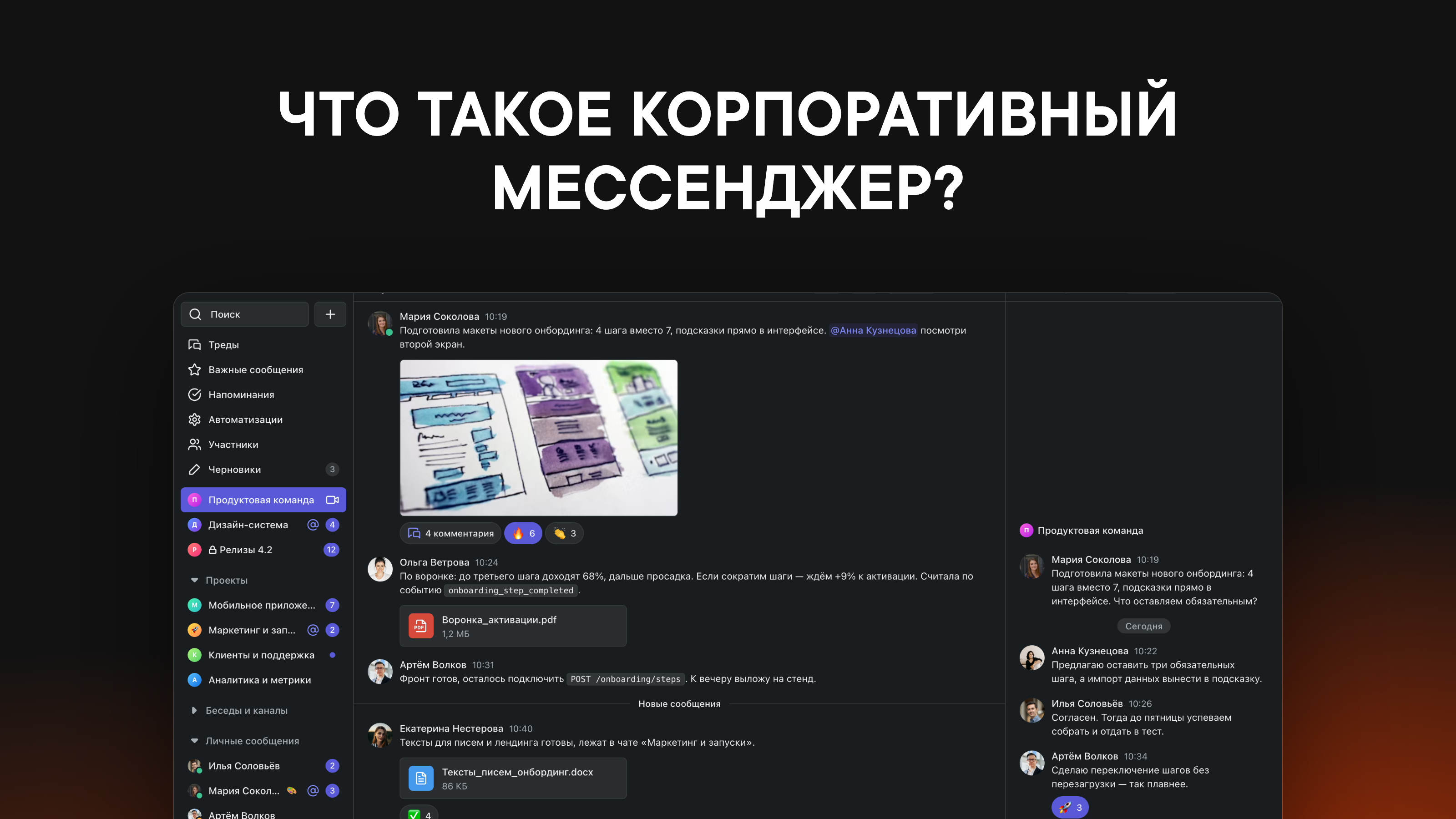
Business etiquette for team chat apps
Best practices for work communication

We've pulled together all the best practices for using team chat apps we've picked up over the past 6 years to help make your team communication more pleasant.
Skip the direct messages
Group chats have a few advantages that direct messages don't:✦ The whole team gets involved. When a colleague sees an interesting request in a shared chat, they might come up with great ideas they can take on themselves. DMs don't let you tap into the team's full potential.✦ Finished work gets more visibility. When someone posts the results of their work in a shared chat, they get feedback in the form of reactions from colleagues.✦ A message in a group chat feels like less pressure than a direct message
But there are exceptions to this rule. We don't recommend using group chats for:❌ Personal requests❌ Casual conversations with a specific person❌ Feedback for an employee
Comment only in threads
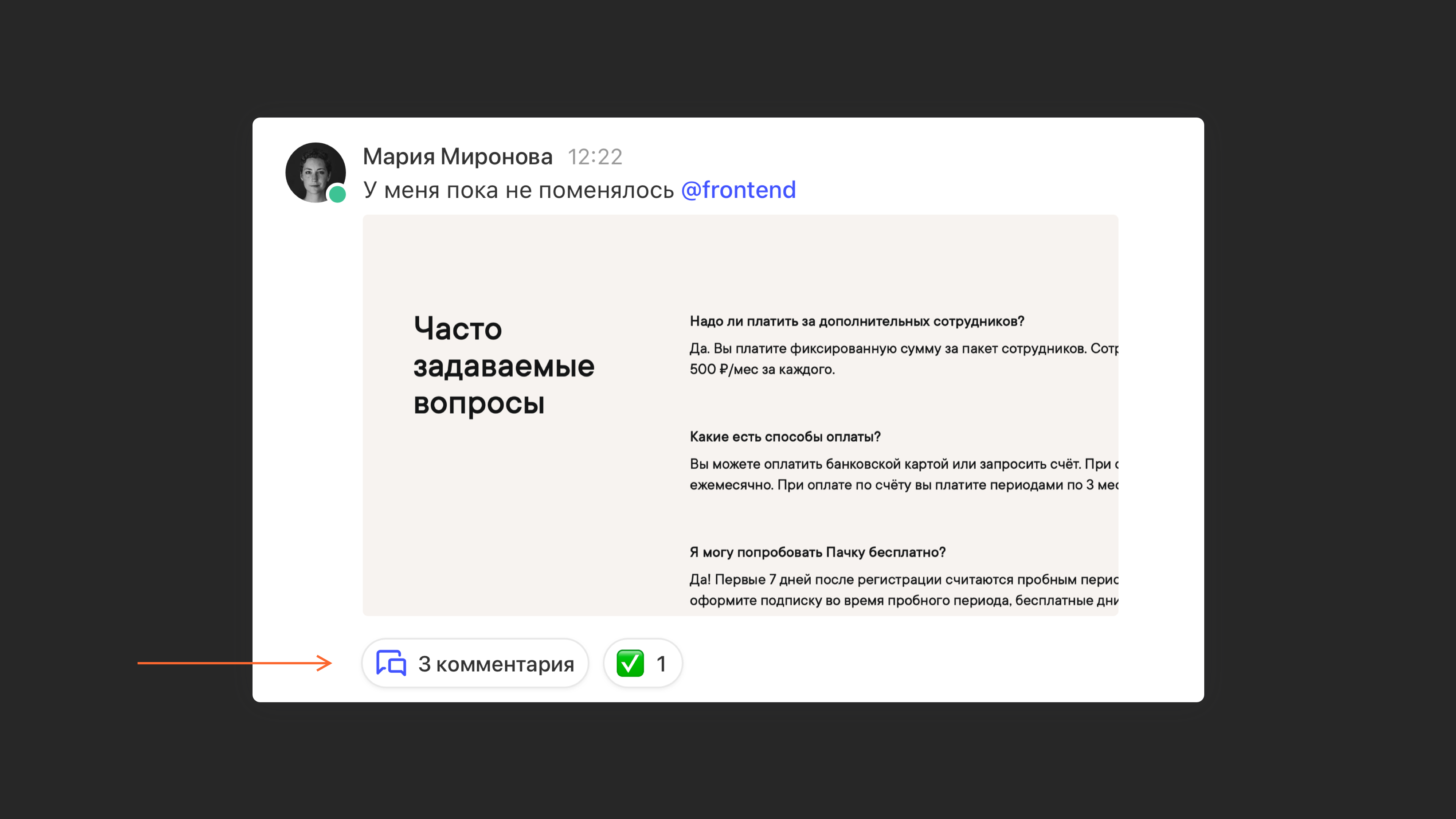
If you reply to a colleague's message right in the chat, at some point it will scroll far out of view and the chat will get cluttered.
Work communication needs structure, so we always leave comments in a thread, not in the main feed.
Use reactions instead of replies
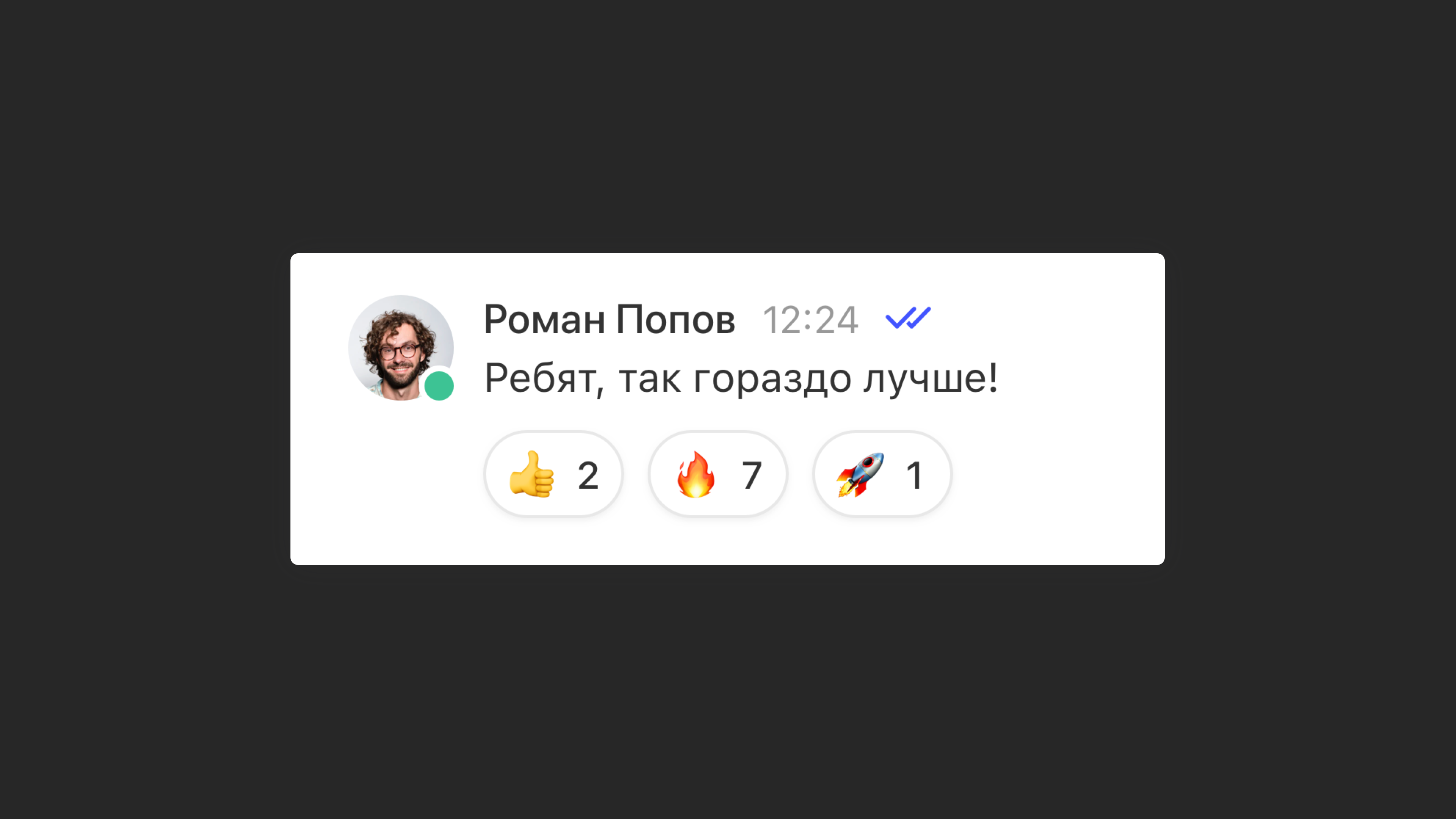
To thank someone or react to a message, use an emoji instead of text. That cuts down on unnecessary notifications and repetitive replies that add nothing.
Use @mentions in threads, not direct messages
You'll often need help from someone who isn't in the shared chat. The usual instinct is to create a new chat or send a DM, but that means losing context and piling up dead chats.
To solve this, we recommend using threads and @mentions. With them, you can @mention anyone under a message in any chat.
Here are some scenarios where this combo works great:
1. One-on-one discussions
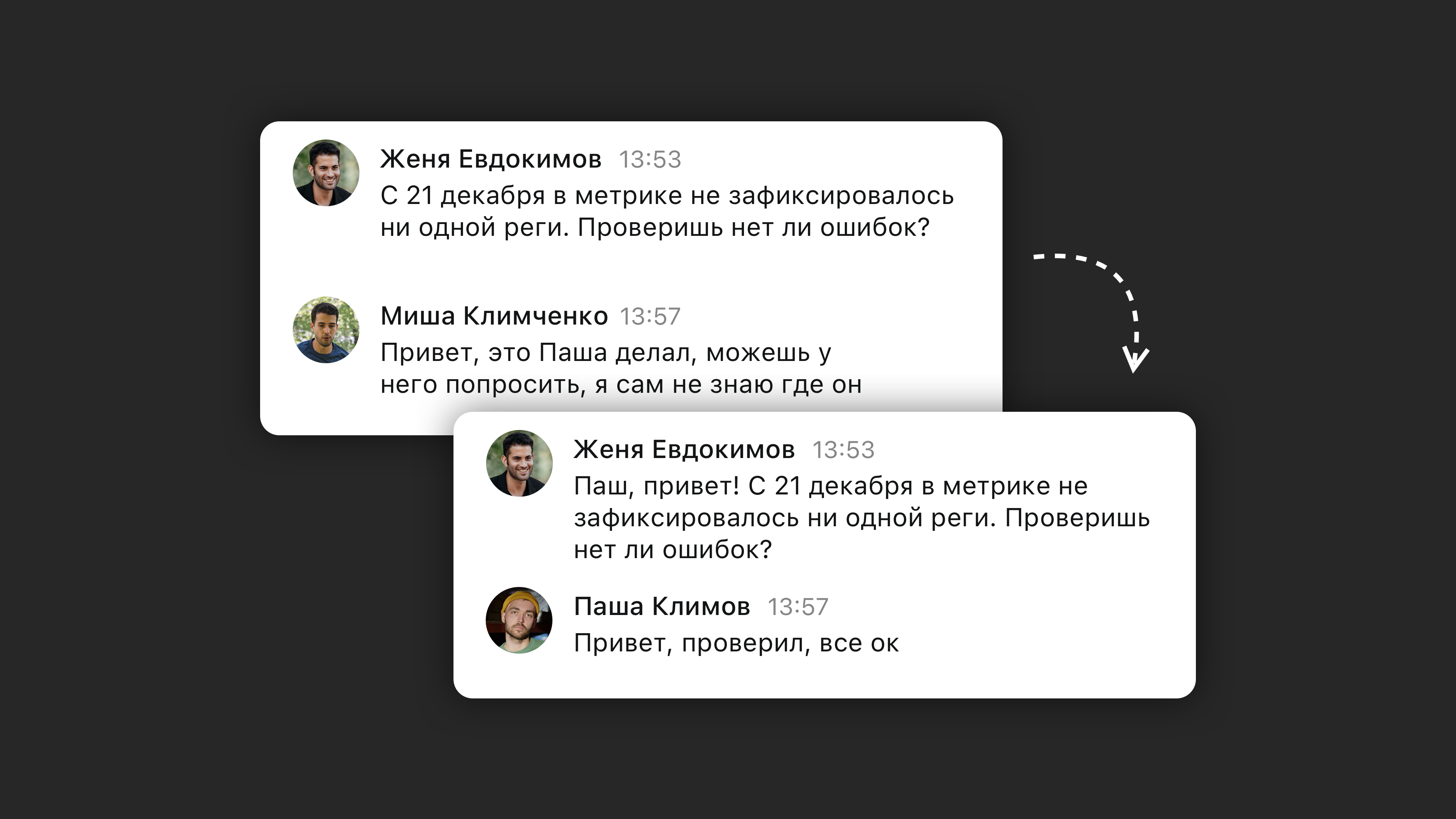 Don't do this
Don't do this
Don't do this
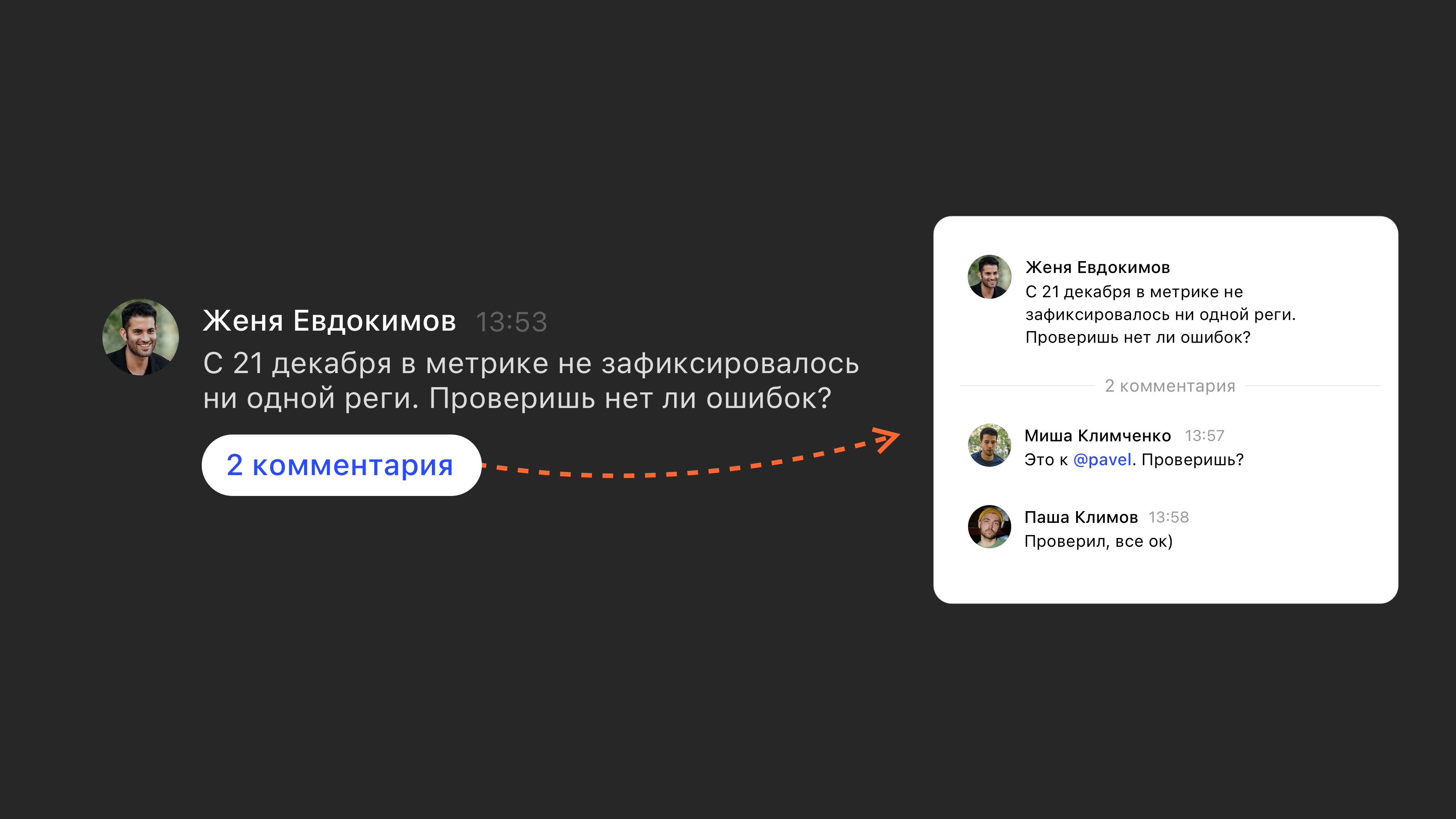 Do this
Do this
Do this
You're discussing an ad launch with a colleague. To analyze it, you need a tracking code on the website, and you can't add it without a developer.
Your next steps could be:
- Message the developer directly. The problem is that you'll have to keep forwarding messages from chat to chat. Miss one, and work grinds to a halt.- Create a new chat for the three of you. After a while, that chat will be abandoned.
In this case, the most effective option is a thread plus an @mention. Open a thread on the relevant message and @mention the developer. It saves time and keeps all three of you in the loop.
2. Group work
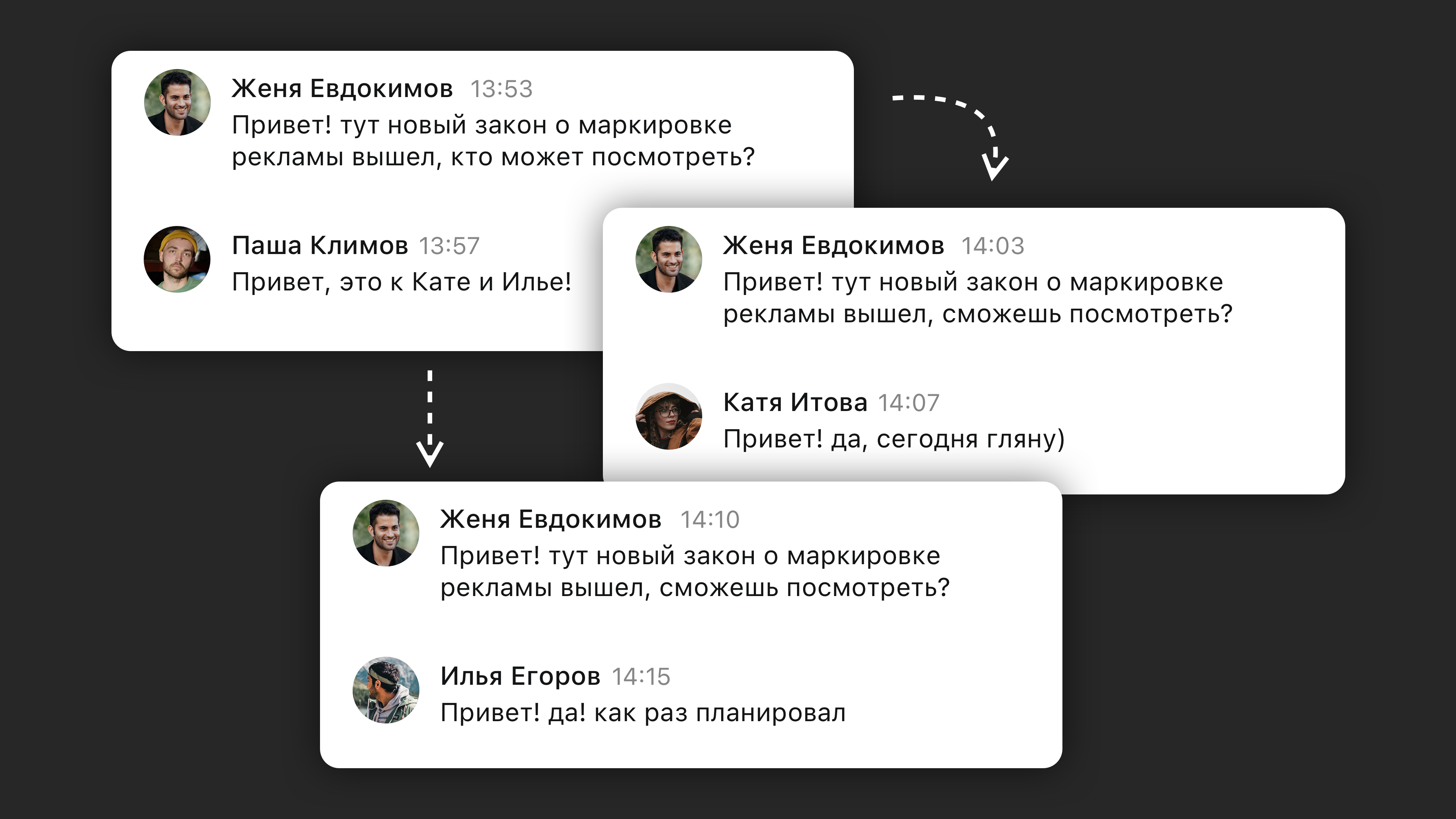 Don't do this
Don't do this
Don't do this
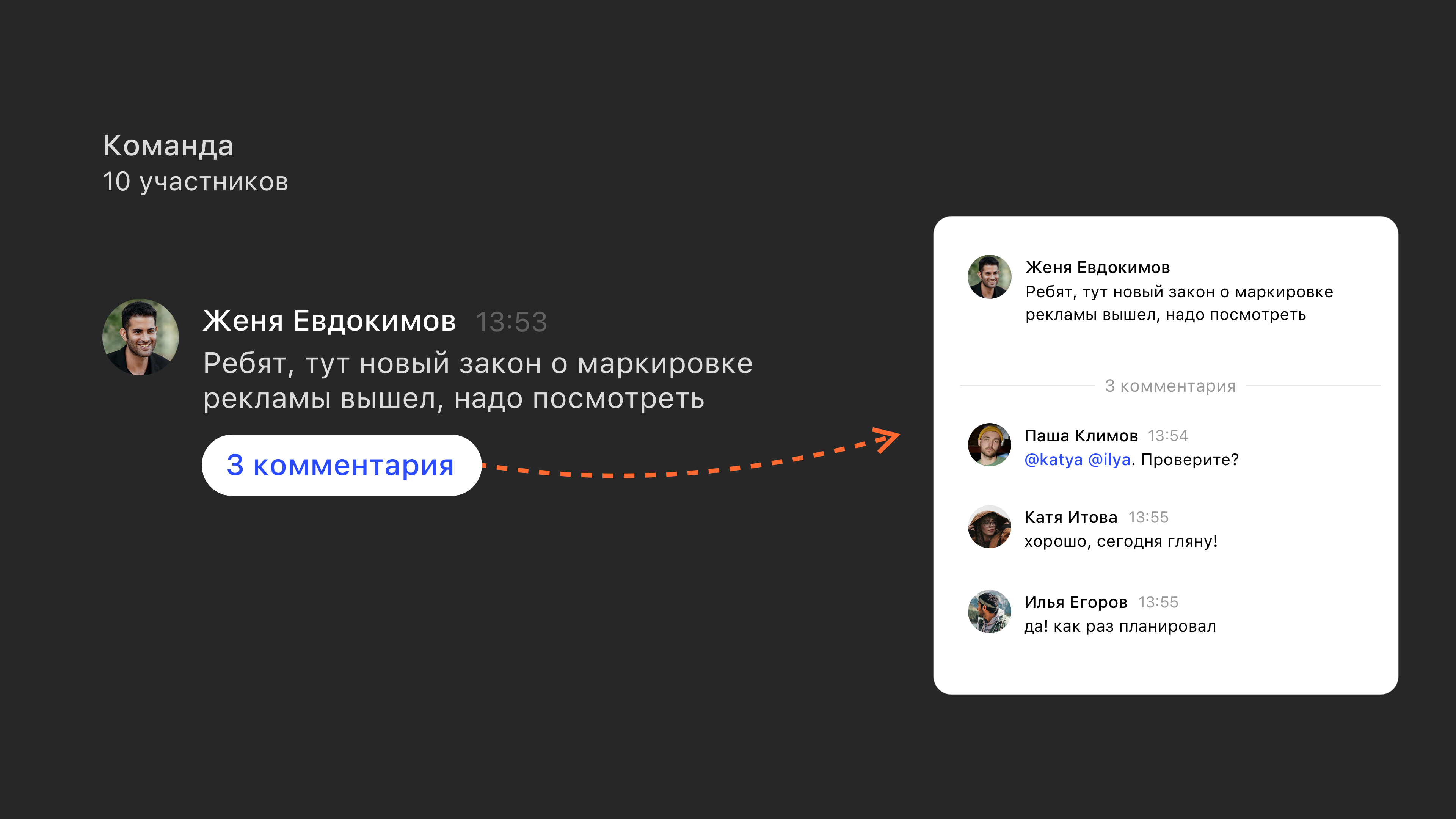 Do this
Do this
Do this
The marketing team runs into a legal question in its group chat. Solving it takes input from several specialists at the company who aren't in the chat.
Your next steps could be:
- Message the two lawyers directly. You'll be forwarding even more messages than in the first example. That's a hassle.- Invite them to the chat. The chat doesn't have the information the lawyers need. It will sit idle in their feed, sending them a steady stream of notifications. They'll also get the entire chat history, most of which has nothing to do with them.
With a thread plus an @mention, you can tag the right people in a few clicks and start the discussion right under the main message. The conversation history stays visible only to the people in it.
Keep your status up to date
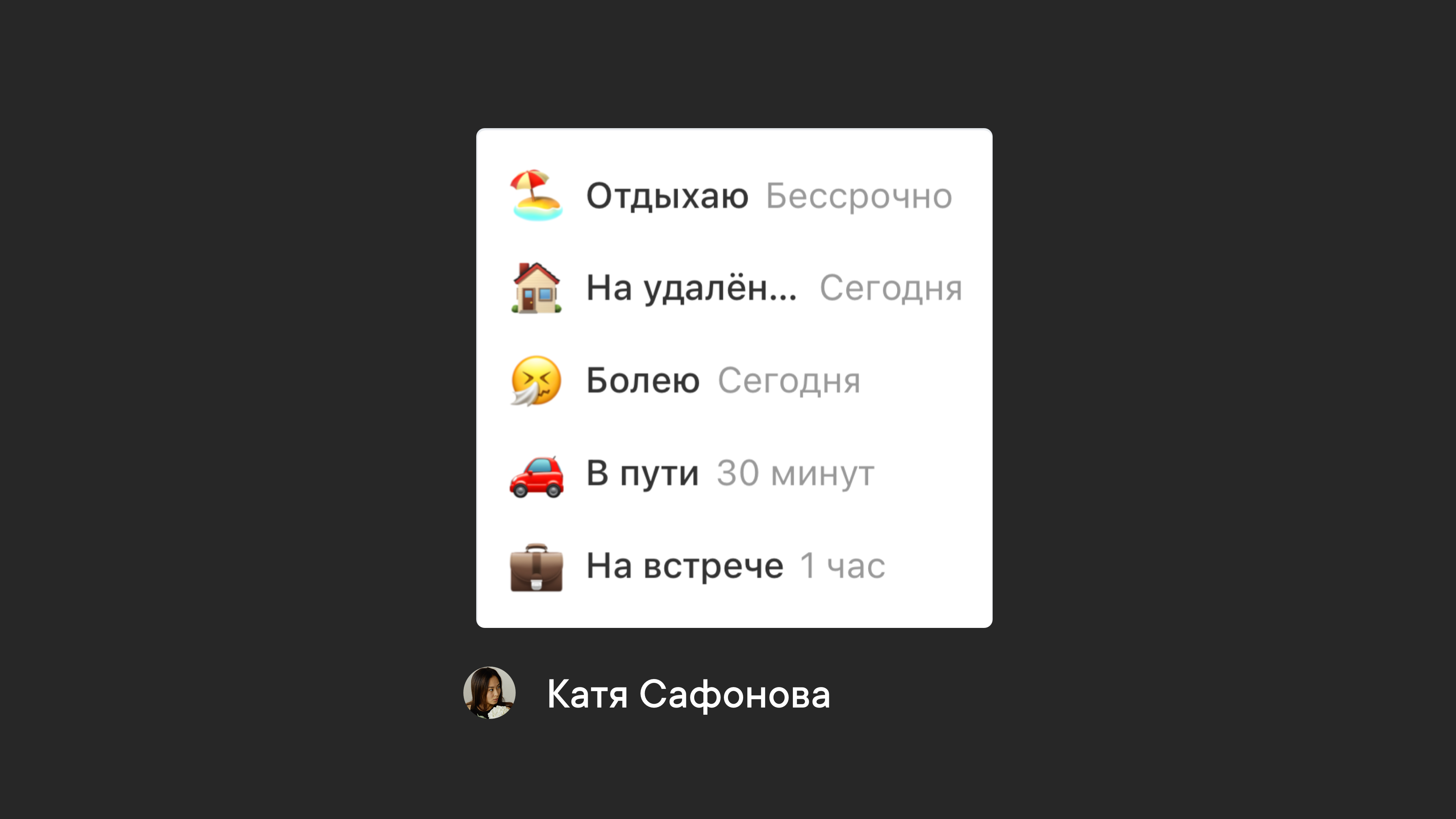
If you're traveling or going on vacation, be sure to update your status so colleagues aren't waiting on a reply from you.
Pachca has custom statuses that let you tell colleagues what's keeping you busy right now.
Write clear messages
1. Don't split your messages
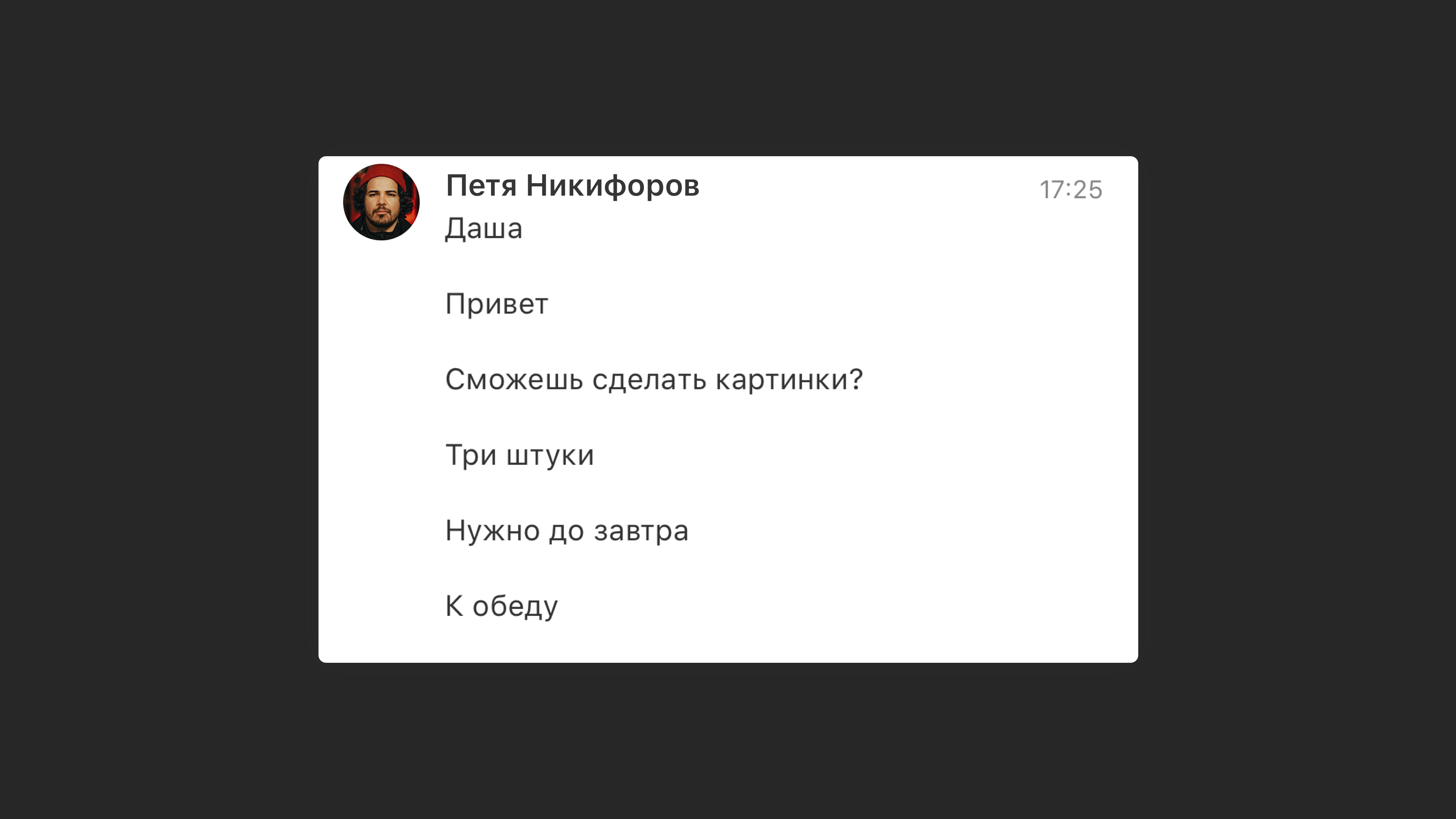
If you write 10 lines as separate messages, your colleague gets 10 separate notifications. It's even worse because people usually have sound and vibration turned on for work chats. So try to write 1 longer message instead of several short ones.
2. Get straight to the point
It's really annoying when someone writes "hi" and waits for a reply. Usually they don't get a quick response that way.
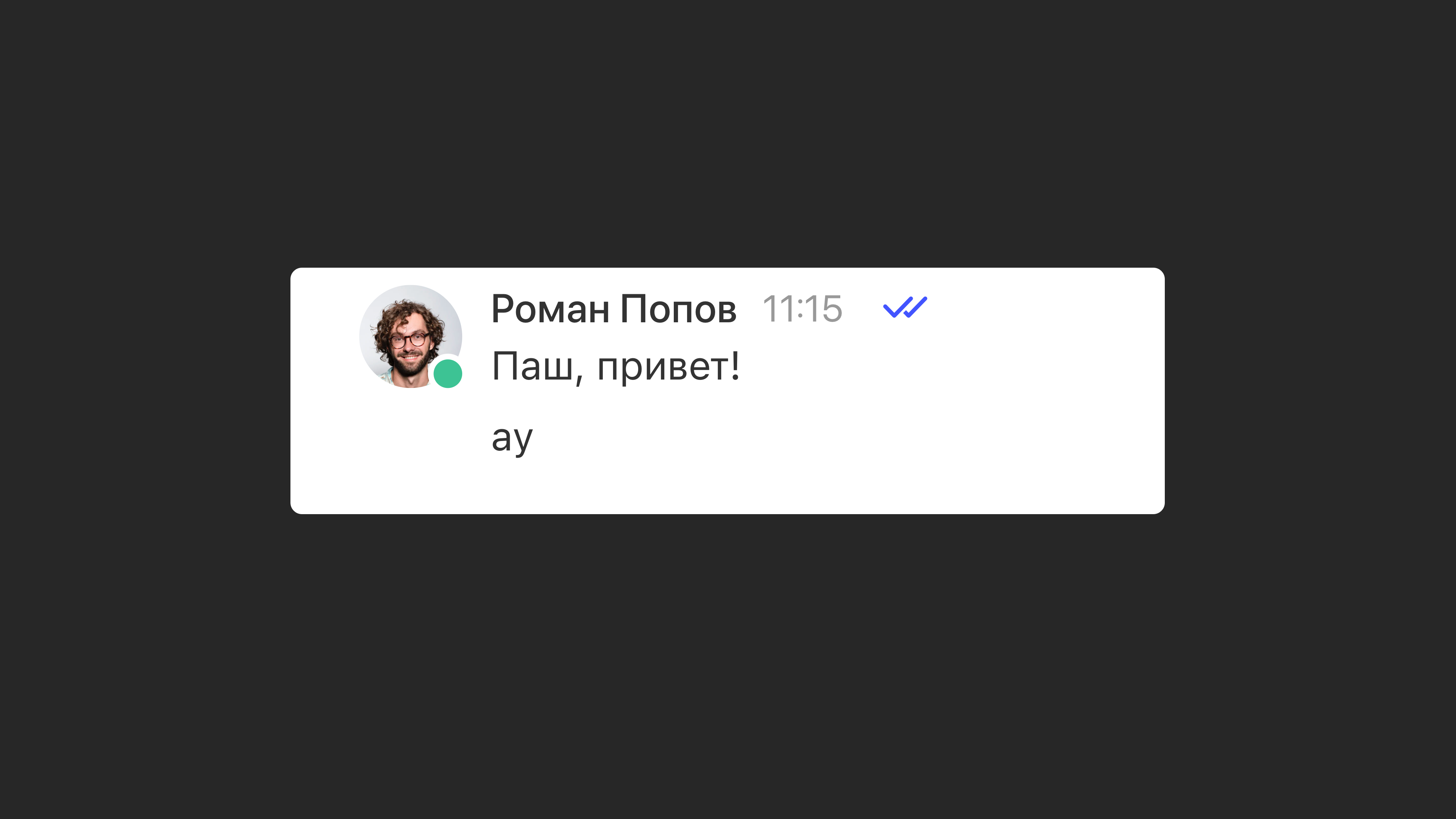
When you write "hi," add the purpose and topic of your message right away so your colleague knows what you need.
By the way, there's a great article on this
3. Format your messages
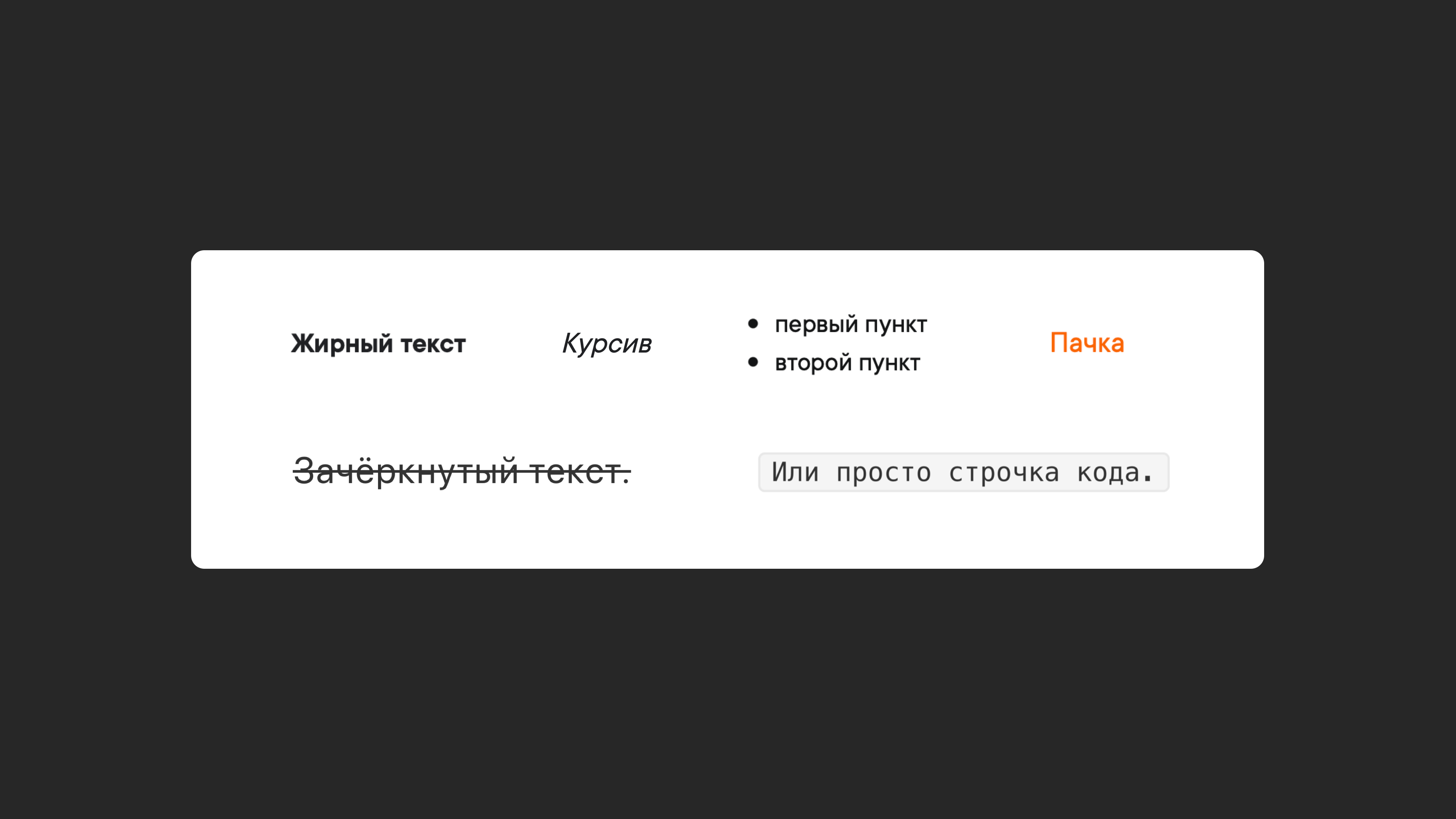
To make messages easier to read, we use formatting: lists, headings, text styles, quotes and so on.
What's next
Share this guide with your teammates in your shared chat and use it to set your own team chat rules.
Use this link to share it straight to your team's Telegram chat.