What is a corporate AI assistant and how do you choose one?
How a corporate assistant differs from an AI model in a personal account, what kinds of assistants there are and how to choose the right one
How to connect an assistant to Pachca
A corporate AI assistant is an AI model a company gives its employees for work. It answers questions, drafts emails and summarizes documents, just like the GigaChat or ChatGPT that employees use in their personal accounts. The difference is that the company grants access to the corporate assistant and can connect it to its internal documents. Choose an assistant by its tasks: a ready-made service is enough for emails and summaries, while answers by company rules need an assistant connected to the company's documents.
What an AI assistant is
An AI assistant is a program built on a large language model that you talk to in a conversation. An employee writes a question or a request in plain words, and the assistant replies in text: it drafts an email to a client, summarizes a twenty-page contract, explains a spreadsheet formula, translates a manual. GigaChat, Alice, ChatGPT and Claude all work this way.
An assistant knows what the model learned in training, what it was sent in the conversation and what it found on the web. It knows nothing about a particular company's rules, products or clients. If a sales manager asks whether they can give a client 15% off for paying a year upfront, an assistant in a personal account will answer in general terms and suggest checking with a manager.
How a corporate assistant differs from a personal one
A corporate assistant runs on the same language models as a personal one. It differs in three ways: what data it answers from, who grants access to it and where requests are processed.
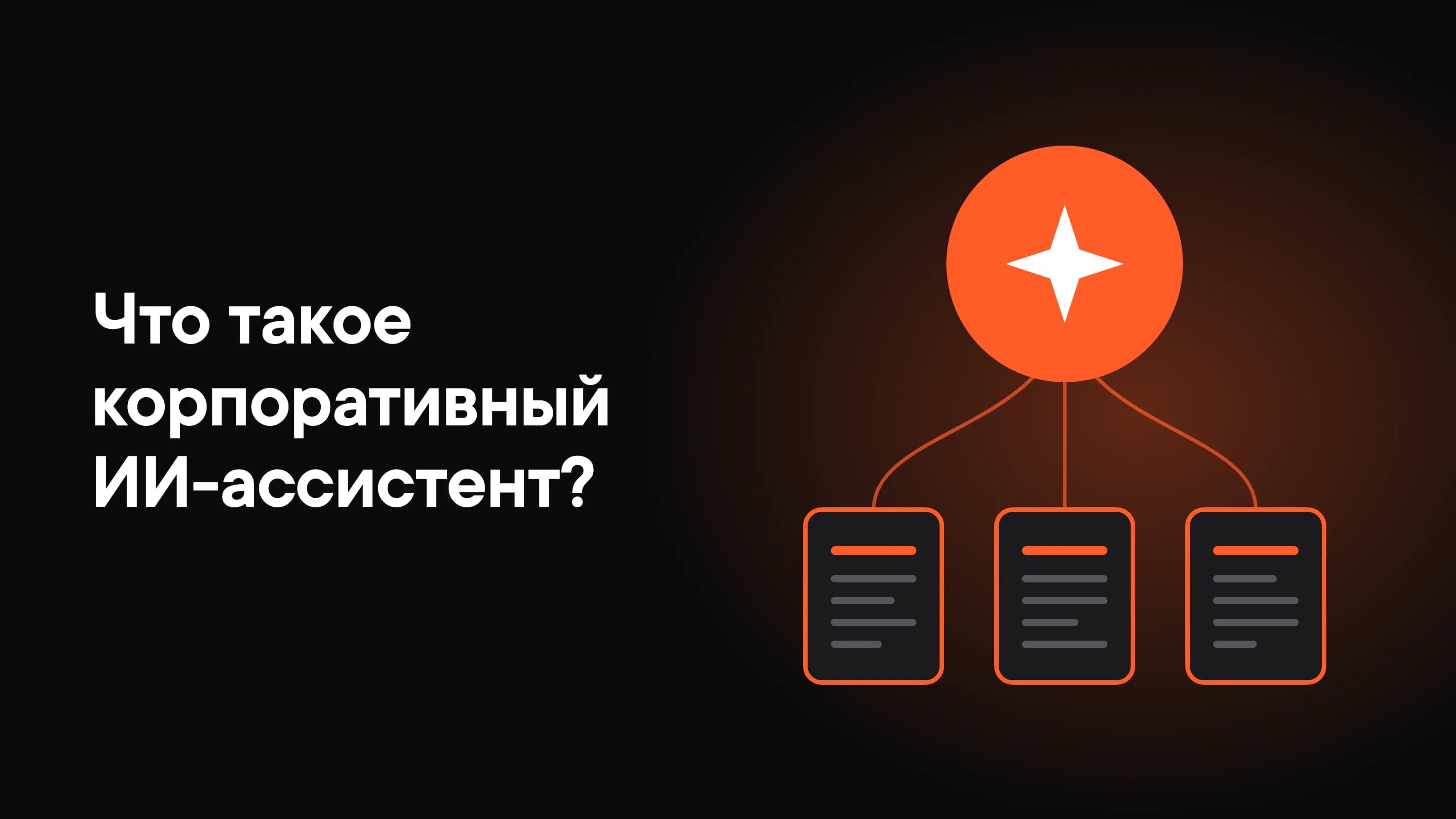
It answers from the company's documents. The assistant is connected to a knowledge base: policies, instructions, product and pricing descriptions. Before answering, it finds the relevant documents there, answers from them and can link to the source so the employee can check the answer. This way of answering from retrieved documents is called RAG.
AI model in a personal account
Can I give a client 15% off if they pay for a year?
The discount depends on your company's rules. Check with your manager which discounts are allowed for annual payment.
Corporate assistant in the team chat
Thread
[Team] Sales

The company grants access. An administrator decides which employees work with the assistant and which documents the assistant can see. Access can be granted on day one together with email and the team chat, and revoked on departure together with the other work accounts.
The company knows where requests go. When talking to an assistant, employees retell client conversations and internal figures. From a personal account, this data goes to a service the company never chose. The company chooses the corporate assistant, so it knows where requests are processed.
Without a corporate assistant, employees still work with AI models, just in personal accounts. In our survey in summer 2026, 88% of the employees of Russian companies we surveyed used AI at work, and 58% of them handled work tasks in personal accounts. This is called shadow AI.
How an assistant differs from an AI agent
An assistant answers a question, and the decision and the action stay with the person. An AI agent takes a task and carries out the steps in work systems itself. Asked about the discount, an assistant will say what discount the company's rules allow, while an agent will issue the client an invoice with the discount itself.
The same model works as an assistant while it only answers in text, and as an agent once it gets access to a task tracker, email or a customer database (CRM). We covered how an agent differs from a chatbot and when you need one in a separate article.
What kinds of corporate assistants there are
Assistants differ in where employees work with them and what data they can see.
A separate service. Employees open the assistant in a separate browser tab or app, like GigaChat or Alice, only with work accounts. The downside is that employees copy the conversation and documents for each task into the assistant's window themselves, and then retell the answer to colleagues.
An assistant inside a work tool. The AI model is built into email, a document editor, a task tracker or a team chat app and works with what's already in that tool: it summarizes a long email and suggests a reply. Nothing needs copying, but each such assistant sees only its own tool.
Your own assistant on the company knowledge base. A developer connects a model to the company's documents and builds the assistant into the place where employees ask questions, such as the team chat. This assistant answers by internal rules, but someone has to build and set it up and keep the documents in the knowledge base up to date.
These options can be combined. For example, an assistant in email helps write messages, and your own assistant answers questions about policies in the team chat.
How to choose a corporate AI assistant
Choose an assistant by the tasks it will get and by where employees will work with it.
If employees need emails, translations and summaries, you don't need a knowledge base. A ready-made assistant in a separate service or one built into email and documents is enough. Look at which AI models employees already use in personal accounts and give them work access to a similar service, so they don't have to learn a new tool.
If you need answers by company rules, you need an assistant connected to a knowledge base. First check that those rules are written down. If only a manager knows the discount or refund terms, the assistant has nothing to answer from.
If requests will include client data, choose a service that processes requests on servers in Russia, such as Sber's or Yandex's models. Another option is to run an open model, such as DeepSeek or Qwen, on your own servers. This is called self-hosting: employees' requests never leave the company, but you need servers with GPUs and an engineer to maintain them.
Put the assistant where work already happens. If work questions are discussed in a team chat app, an assistant in the team chat saves employees from copying conversations into a separate window.
Before rolling the assistant out to the whole company, give it to one department for two or three weeks. By then you'll see whether employees keep coming back to it and which questions it lacks documents for.
How an AI assistant works in a team chat
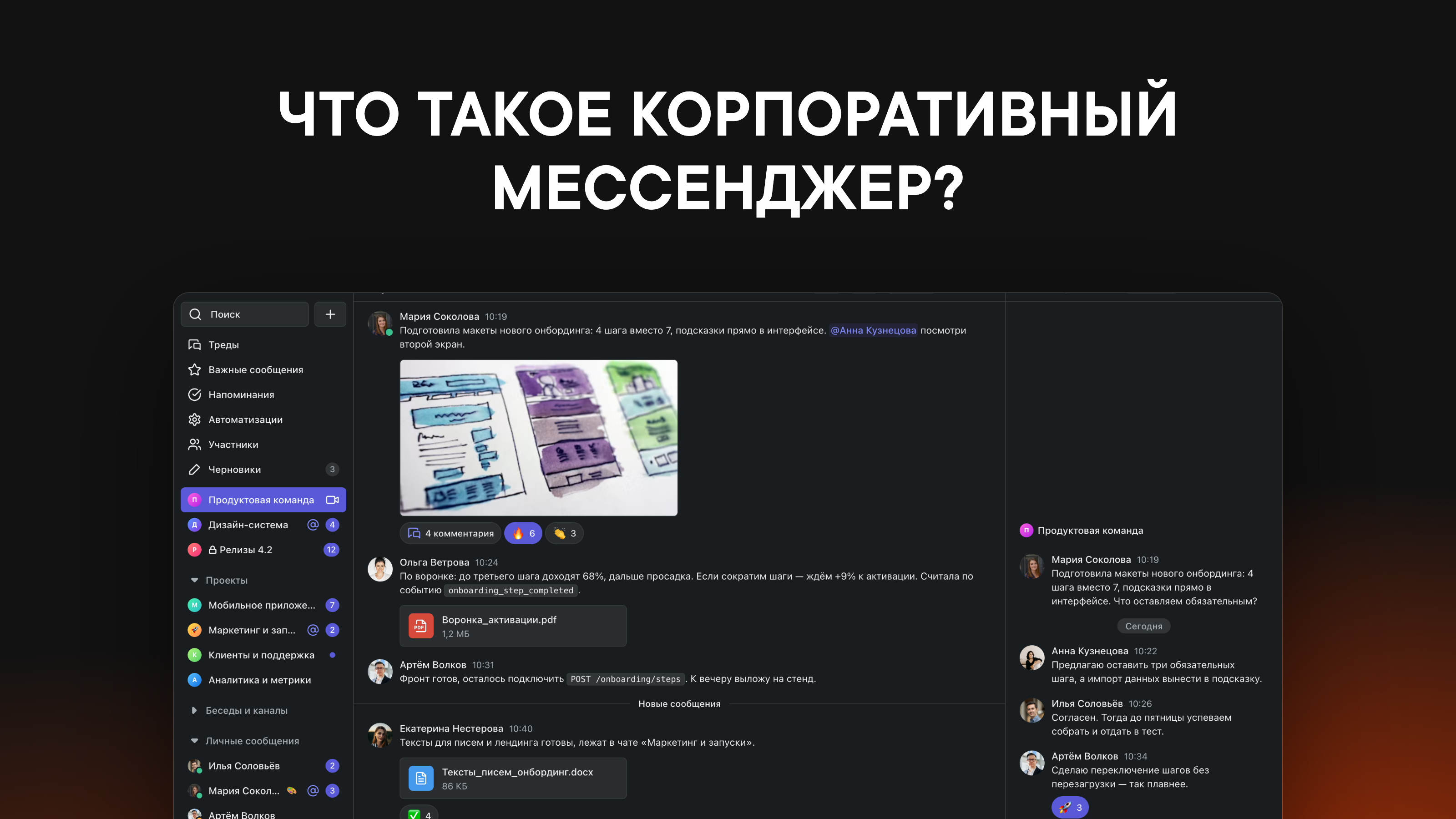
If work questions at your company are discussed in a team chat app, it makes sense to connect the assistant right to the team chat. People ask the question where it came up and don't retell the discussion to the assistant: it can read it itself. Every member of the chat sees the answer, and next time they'll find it in search.
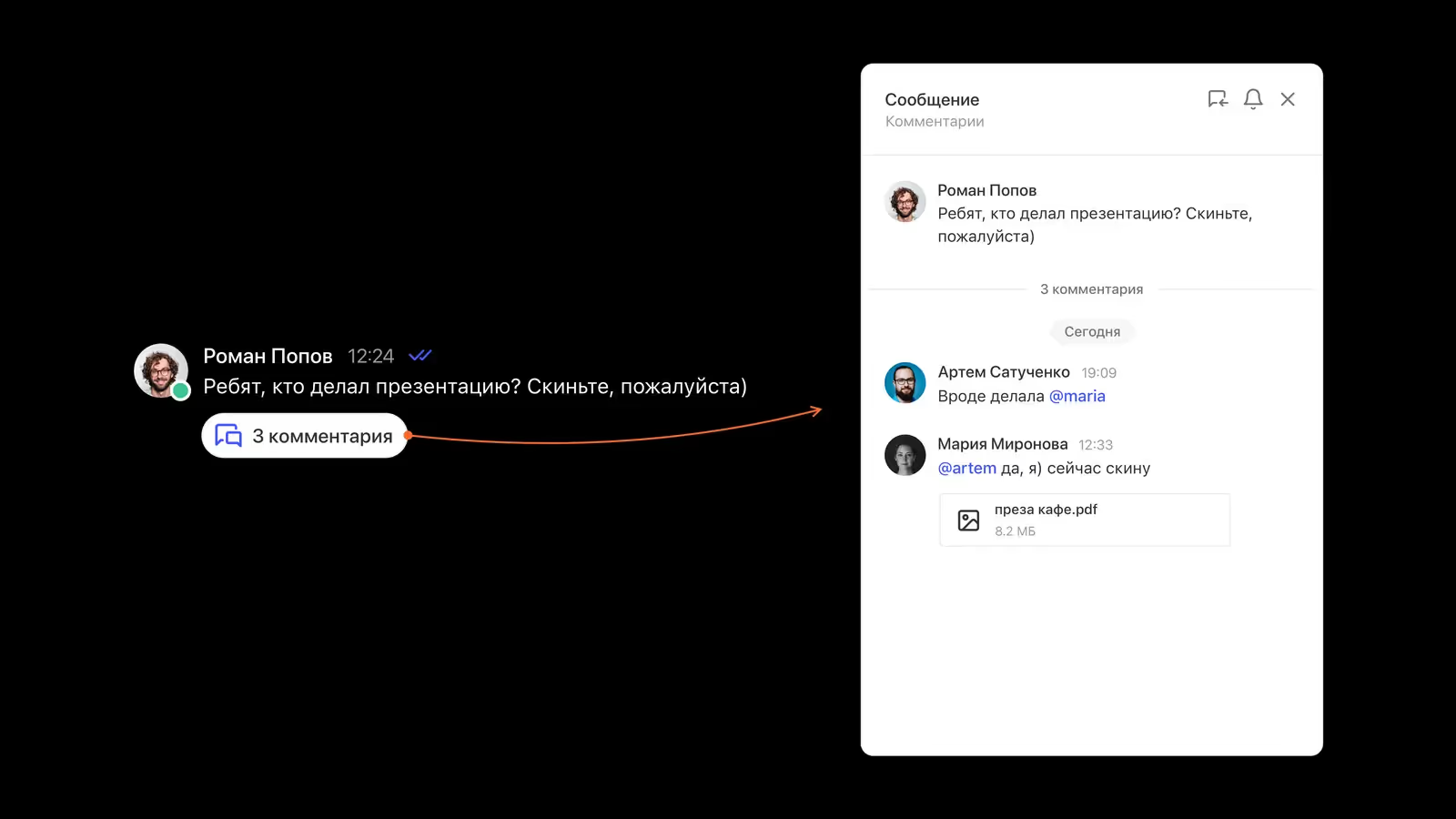
In Pachca, an assistant that answers from the company's documents is connected as an AI agent. The only difference is the job: this agent answers questions from the knowledge base and doesn't do anything in other systems. To employees it's a bot with its own name and avatar, backed by a language model and a knowledge base the company chooses. An employee @mentions the assistant in a thread (a discussion branch under a specific message), and the assistant replies in the same thread. It sees public channels, and private chats only if it's been added to them.
Thread
[Team] Support


A developer connects the assistant using the docs for AI agents, and without code you can build such a bot in the n8n automation service, as in the scenario “How to build an AI agent without code?”.
Frequently asked questions
Yes. A language model sometimes confidently writes something false, even when it has the right document. That's why important answers are checked against the source: with the link in the assistant's answer, it takes a minute.
Not for answering from documents. The assistant searches the knowledge base for relevant documents before every answer, so it picks up a new policy as soon as it's in the base. Fine-tuning changes the model itself, and you'd have to repeat it after every change to the documents.