Is it OK to message employees after hours?
What the Russian Labor Code says, when a message becomes an assignment and how to agree on rules so late-night messages don't bother anyone
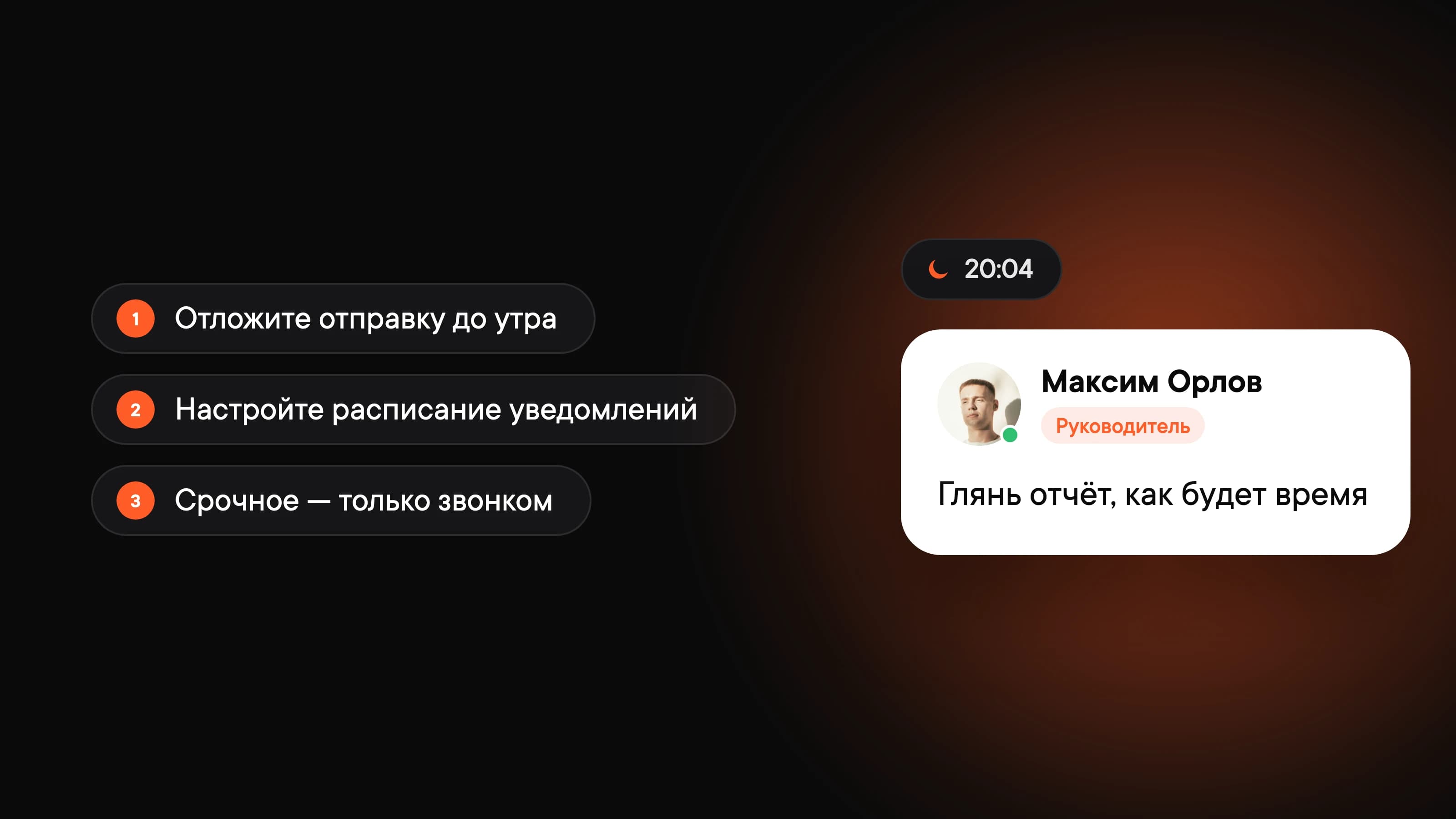
A manager remembers a task at 8 p.m. and drops it in the chat. For them, it's a way not to forget. For the employee, it's a notification that eats up half the evening while they figure out what to say. Here's what the law says and how to agree on rules so these messages don't ruin anyone's downtime.
What the Labor Code says
The Russian Labor Code doesn't ban messaging employees after work. But employees only have duties during working hours (Article 91). In the evening, on weekends and on vacation, they don't have to read or reply to work chats.
If the message is an assignment that has to be done right now, that's work outside working hours:
- Overtime (Article 99). As a rule, only with the employee's written consent and at a higher rate of pay (Article 152).
- Work on a weekend or public holiday (Article 113). Only by written order, paid at least double or compensated with another day off (Article 153).
- Irregular working hours (Article 101). If the employment contract includes them, the employee can occasionally be asked to work after the end of the workday. They get extra vacation days in return.
For remote employees, the hours when they need to be reachable are set by the employment contract or the company's internal policy (Article 312.4).
In short: you can send a message, but you can't require a reply or work. If your company has a lot of exceptions, check the details with your lawyer or HR.
Why late messages hurt even when no reply is needed
A message from your manager at 8 p.m. is hard to just set aside. People start thinking about the task, wonder whether something urgent happened and end up replying so they don't look irresponsible. One message turns into an unspoken rule: "we're always online here."
As a result, the team rests less and burns out faster. And real emergencies get lost among "just so I don't forget" and "take a look when you have a sec."
How to agree on rules with your team
Pin a few rules in a shared chat or add them to your team guidelines:
- Working hours. For example, 9 a.m. to 7 p.m. in each employee's time zone. Outside these hours, nobody replies or expects a reply.
- What counts as urgent. A system is down, a client is at risk, a decision is needed before morning. Everything else can wait.
- How to flag something urgent. Call or @mention a specific person instead of posting in a shared chat. Teams that handle incidents should set up on-call rotations, so only one person is reachable in the evening, not everyone.
- Whoever writes, schedules. If an idea comes up in the evening, the message goes out in the morning.
Rules only work if managers follow them. One reply from the CEO at midnight is enough for the team to decide that's how things work here.
How to set it up in Pachca
Schedule your messages. Wrote something in the evening? Schedule it for 9 a.m. the next workday. You won't lose the thought, and your colleague gets it at the start of their day.
Set a notification schedule. In your profile menu, open Notification settings. Under Schedule, choose Weekdays and During specified period, for example 9 a.m. to 7 p.m. Messages outside these hours are still there, you just won't get notifications for them.
Set your time zone. In your profile, pick a time zone or turn on automatic detection. That way, colleagues in other cities know it's already evening for you.
Set a status. Going on vacation or sick leave? Set a status so colleagues don't wait for a reply.
For more ways to cut down on notifications, see the use case "What to do when you have too many work chats and notifications".
Frequently asked questions
No. Employees perform their job duties during working hours. The exceptions are overtime with their consent, weekend work by written order and irregular working hours if they're in the employment contract.
As a rule, no: outside working hours, employees aren't required to be reachable. If your company has a special work schedule, check the details with your lawyer or HR.
Schedule the message for the morning. Pachca has scheduled messages for this: write it now and choose when to send it.