Connecting your ad account to your team chat app
Why you should connect your PPC services to Pachca

Pachca's API and guides for building your own integration
Teams often use Yandex Direct, Google Ads and other services to run PPC campaigns and collect analytics and leads. To make working with them easier, you can integrate them with Pachca. Here's why and how, using Yandex Direct as an example.

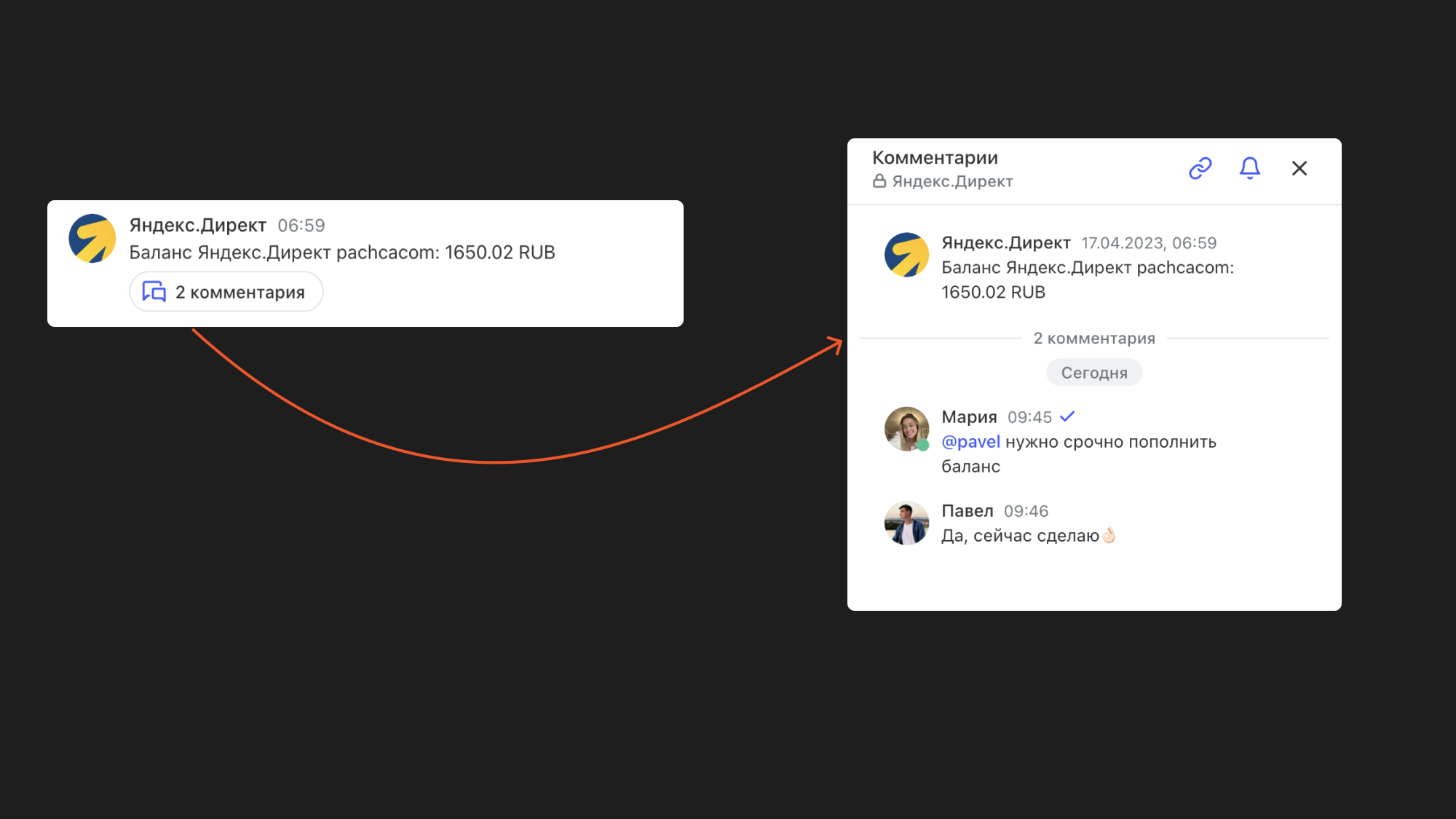
To top up your ad accounts on time, you can set up a chat that gets a notification whenever your ad account balance changes. With a bot like this, you can track ad spend right in Pachca and be sure your ads keep running.
Beyond checking your balance, you can set up deeper integrations too. Yandex Direct has a pretty extensive API. You'll find the details in the Yandex Direct API docs.
For example, you can use the API to get a daily report with ad performance stats or pull data on campaigns, keywords and other entities. Best of all, you can discuss that data with your colleagues right inside your team chat app.
You can set up an integration with Yandex Direct or another PPC service through Albato for simpler use cases or through the open API for more complex ones. You can also use webhooks if your PPC service supports them. For more examples of what you can connect to Pachca, see our integrations overview.