
Exporting messages from Pachca
How to export messages from Pachca: data format, settings and export limitations
Exporting messages via the API: requests and archive format
A message export is an archive of JSON files containing every message from every chat created in your workspace. It's available on the Corporation plan only.
You can request an export in your workspace settings, but only the company Owner in Pachca can do it.
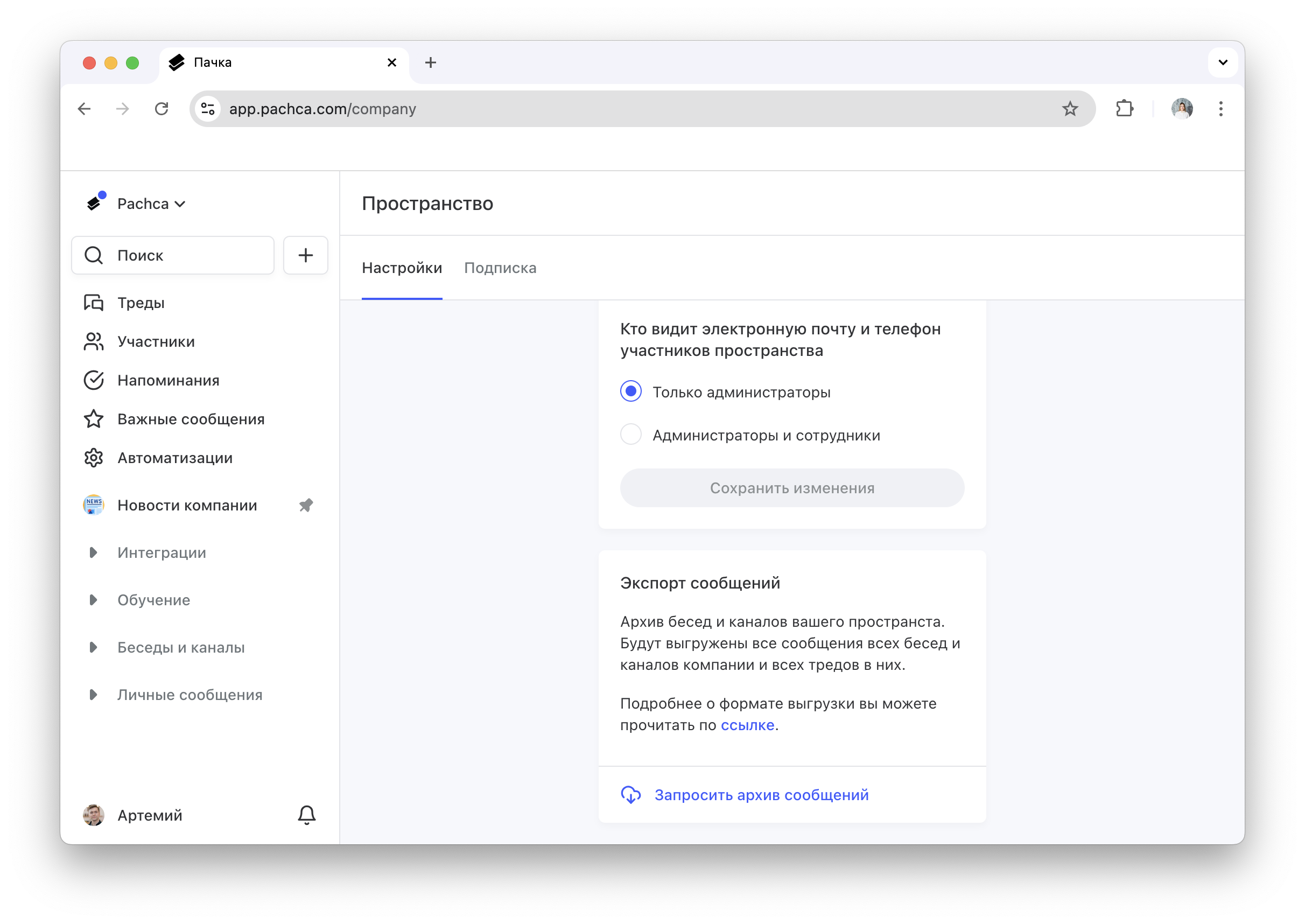
The export includes all messages from public, private and archived chats, including threads. For each message, you get the author, the time it was sent, the text and the list of reactions to it.
The export also includes direct messages, but in a limited format: the message author and the time it was sent, without the content of messages and threads. This data is useful for gauging employee engagement and activity, or for estimating each team member's workload.
Settings and limitations
When you request an export, you can set the period you want data for and add the IDs of the chats you want to export. If you need data for a longer period, request another export with a new date range once the first one is done.
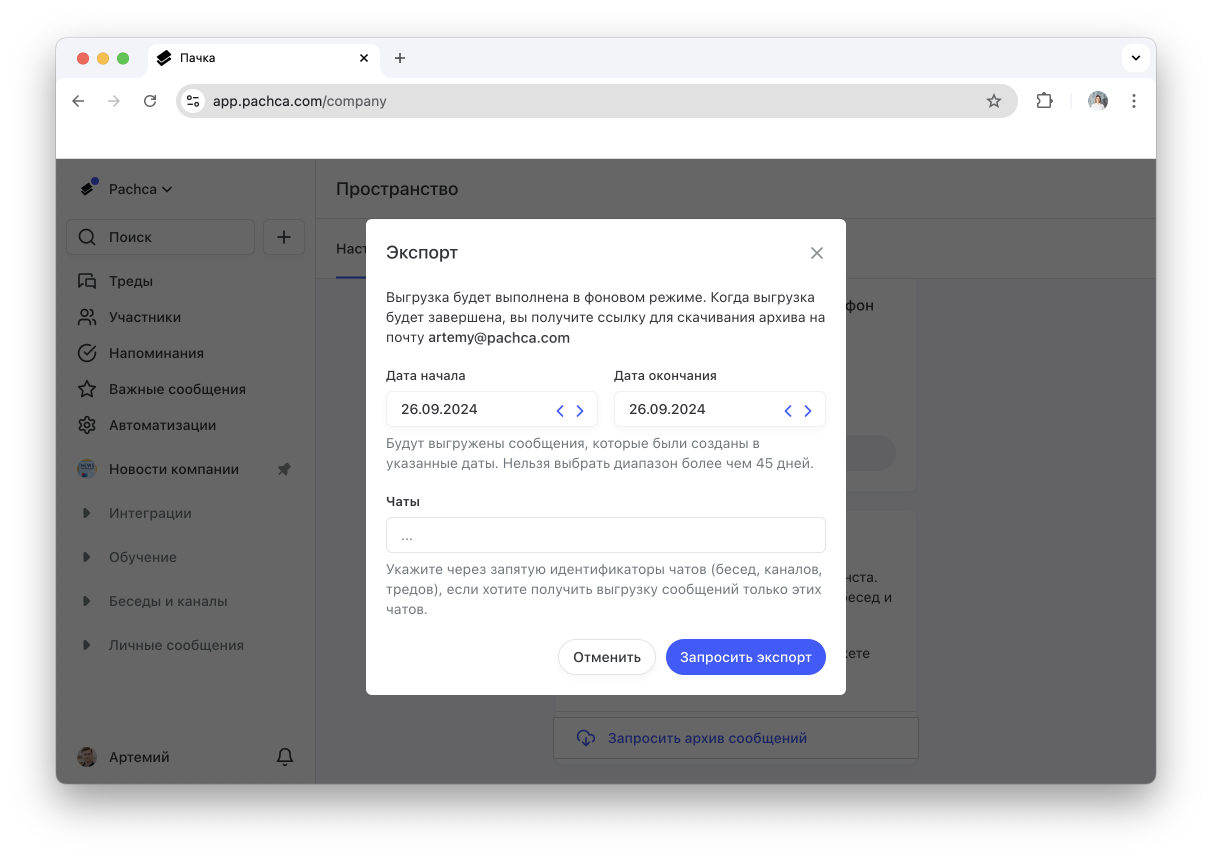
Current export limits (the maximum period and what is and isn't included in the archive) are described in the export guide on the developer portal.
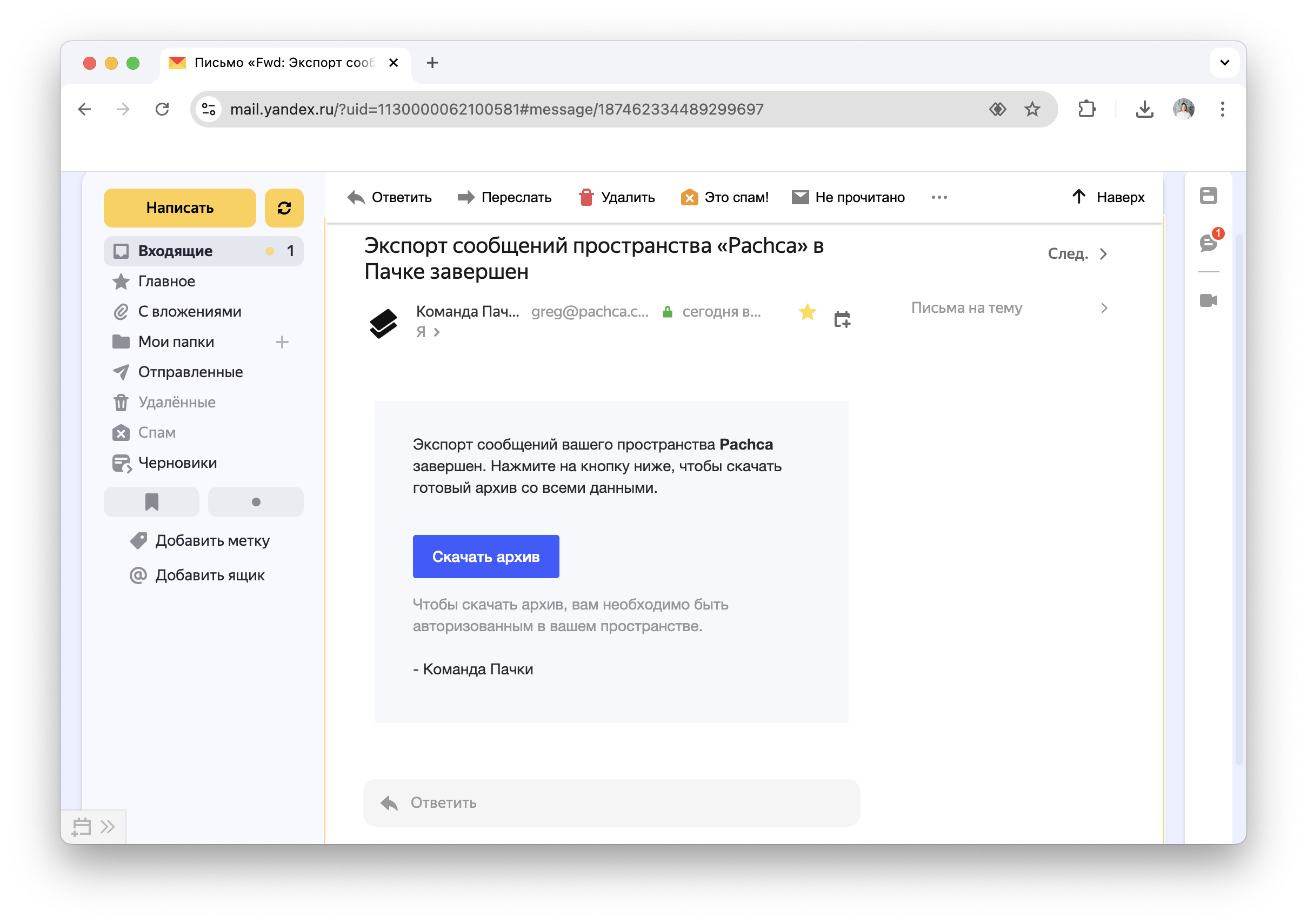
The export runs asynchronously, so you can keep working in Pachca after you request it. When it's ready, the company owner gets an email with a link to download the archive.
Message export format
The archive is split into folders, one for each chat in the workspace. Each folder contains JSON files, one for each day of conversation. The full structure of the archive and all its fields is described in the export guide.
Use the export to measure the number of messages and reactions in shared chats. This lets you calculate your engagement rate and improve company culture and communication. You can also count active chats and see how much discussion is happening across your company.