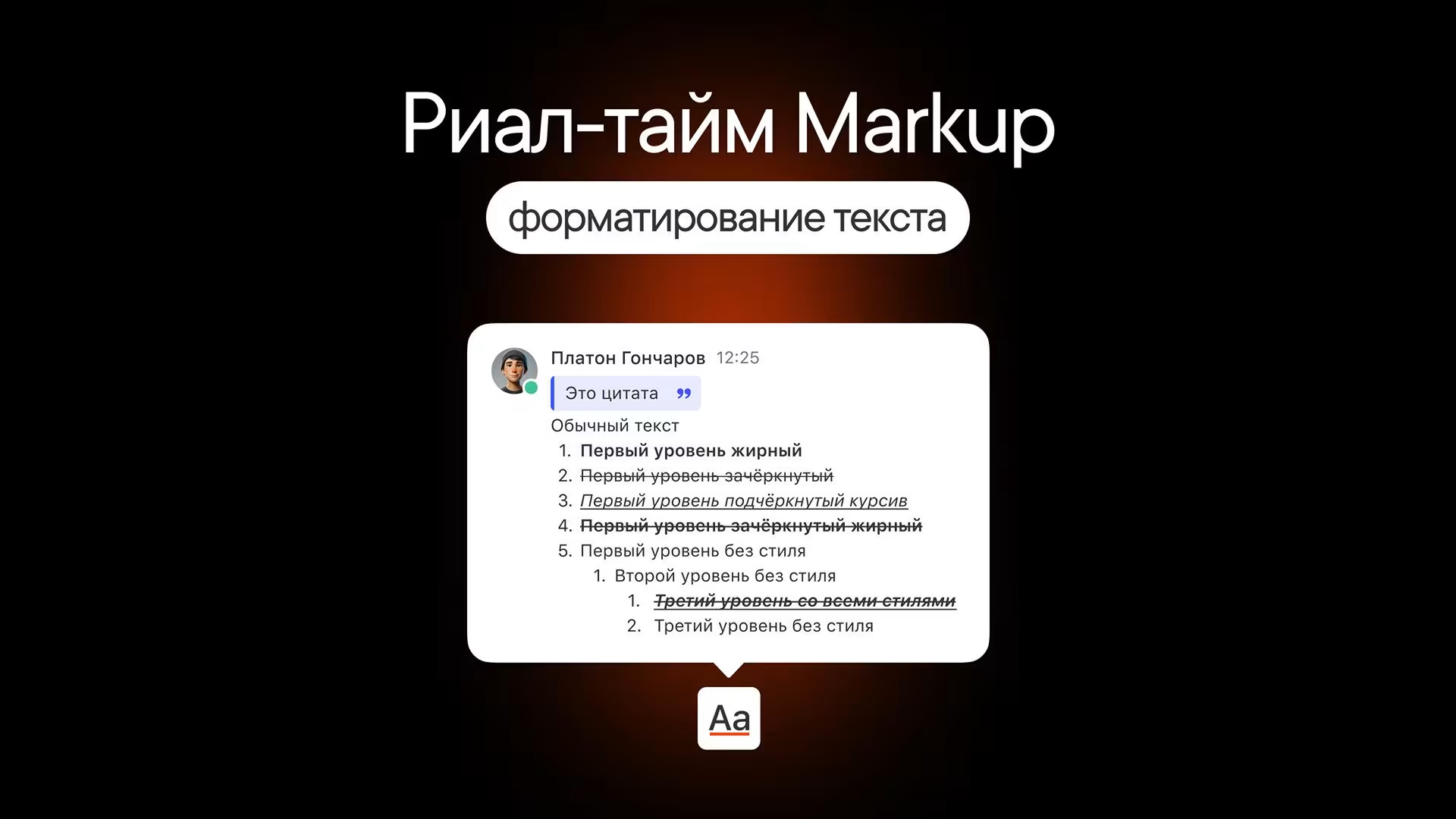
Text formatting
How to make text bold or italic, add a link or insert a code snippet
How to make text bold or italic, add a link or insert a code snippet
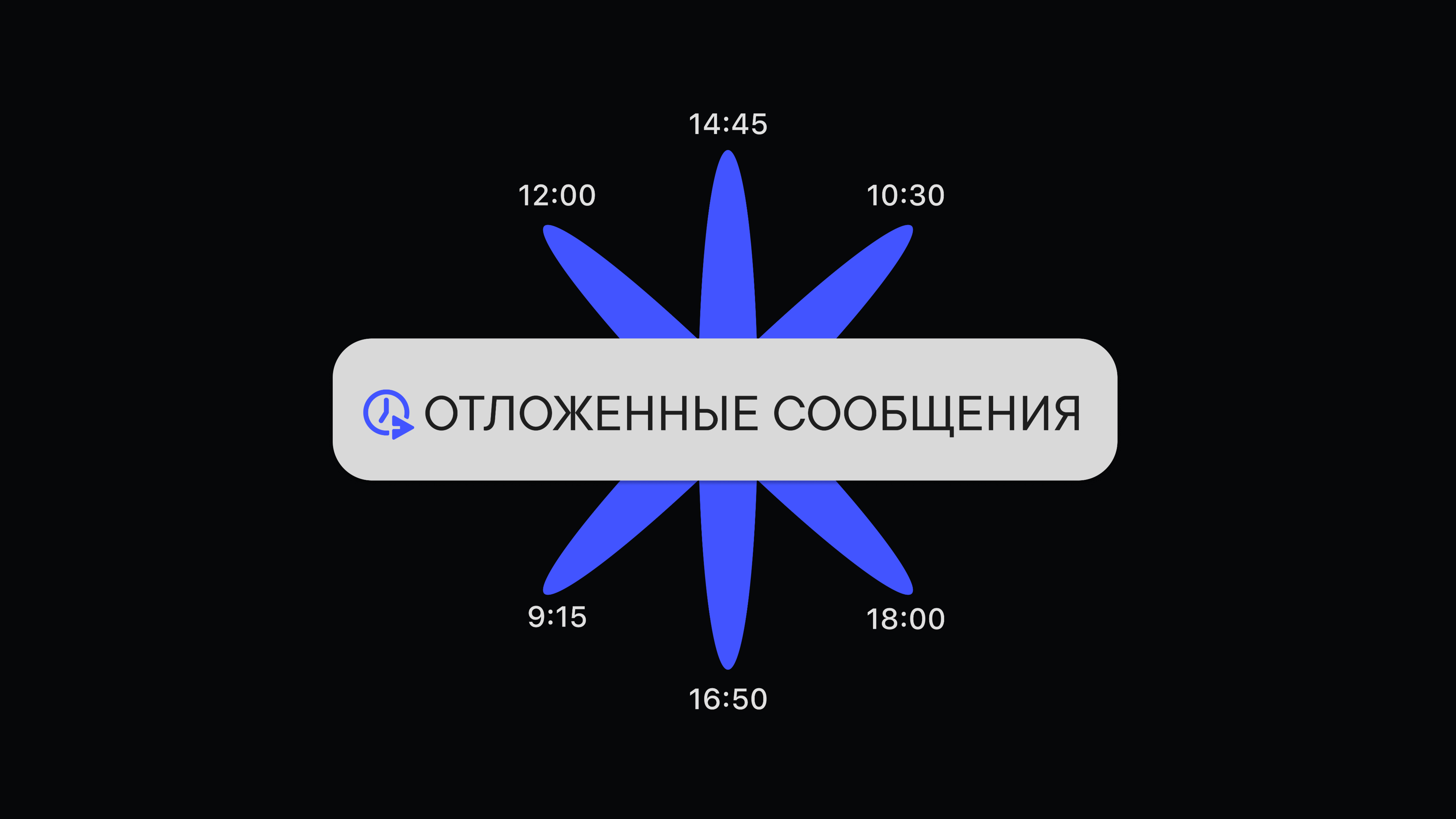
How to schedule a message and why you'd want to
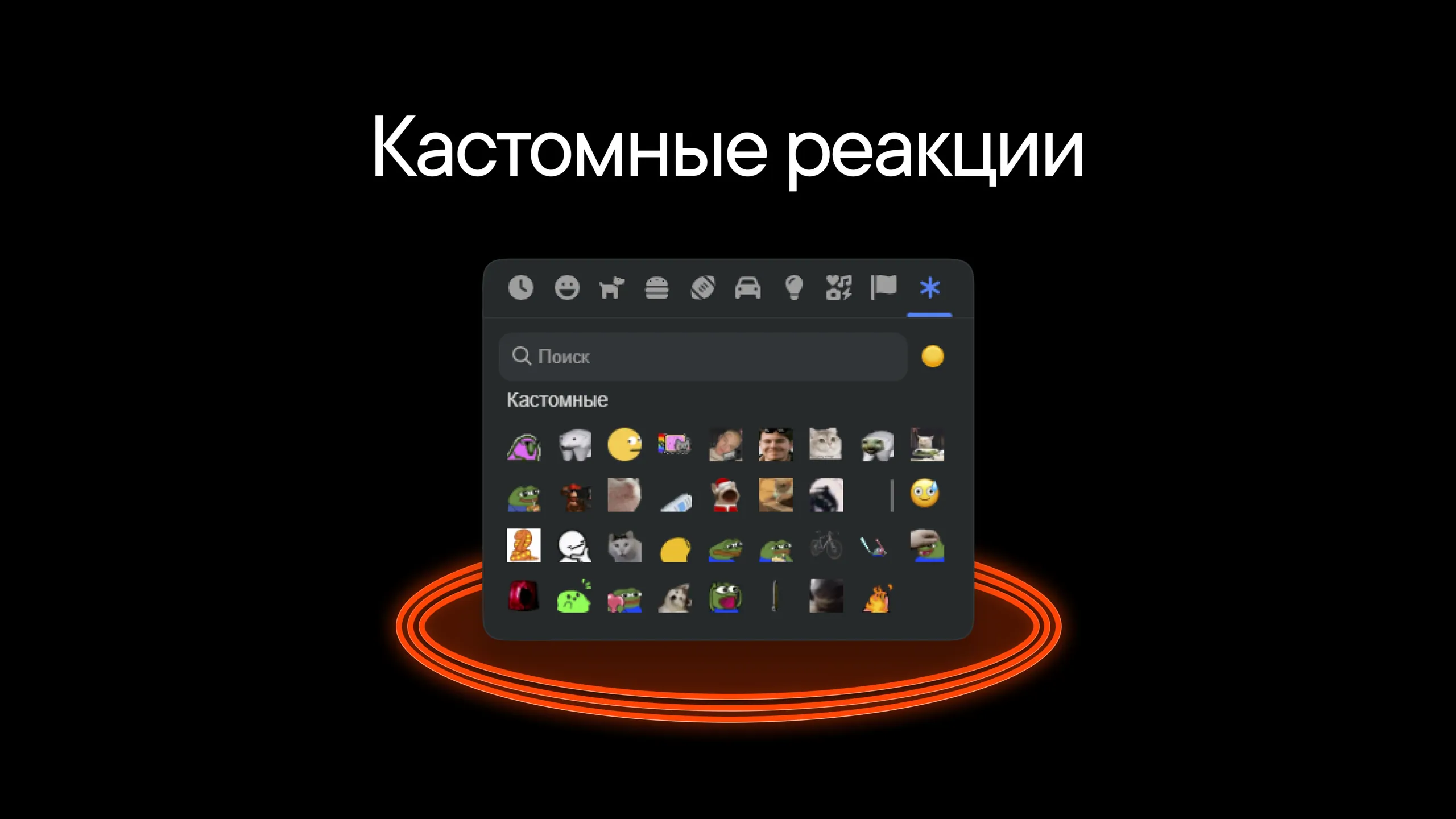
Custom emoji for message reactions
All your unsent messages in one place
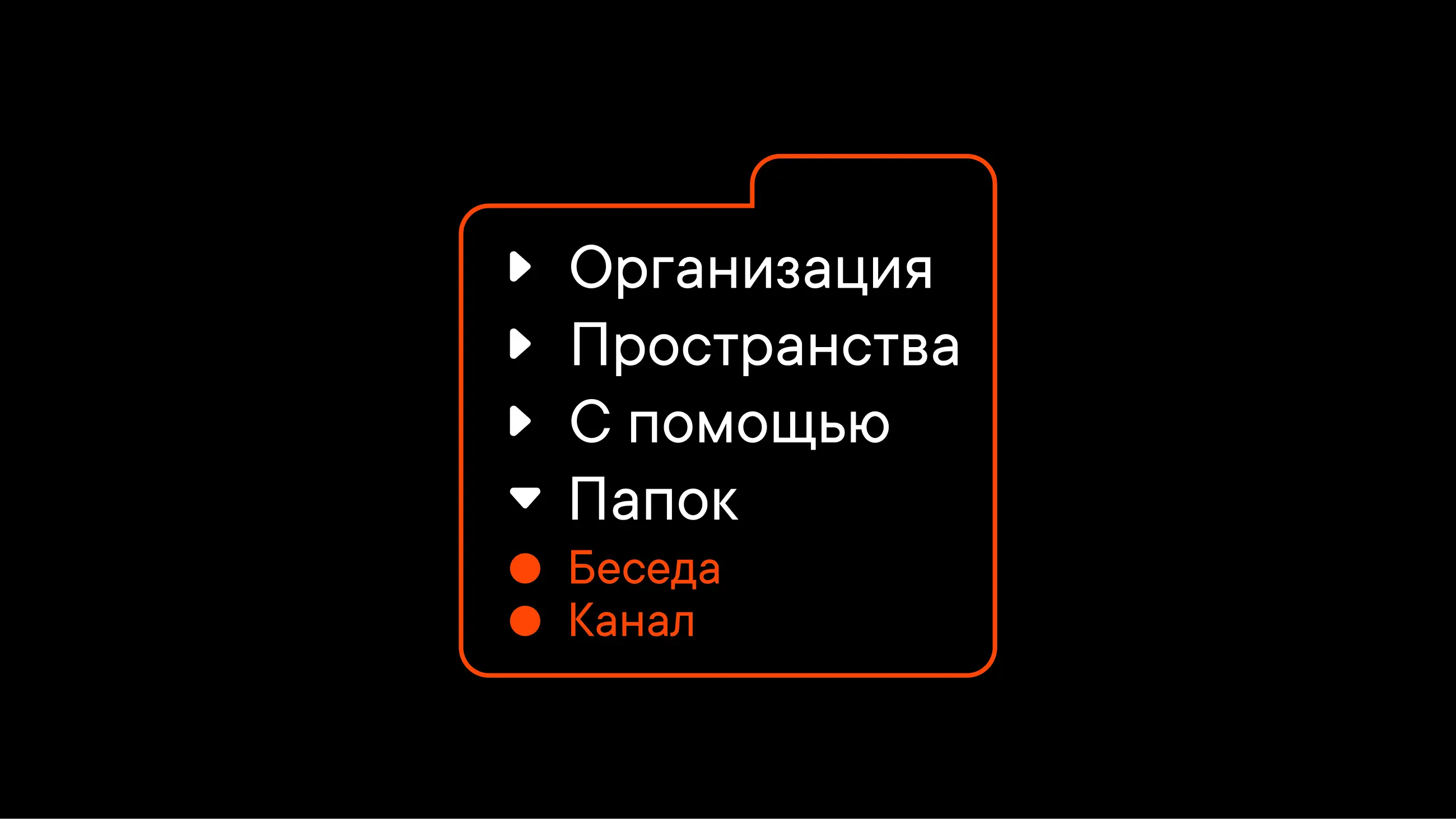
Organize your workspace with folders
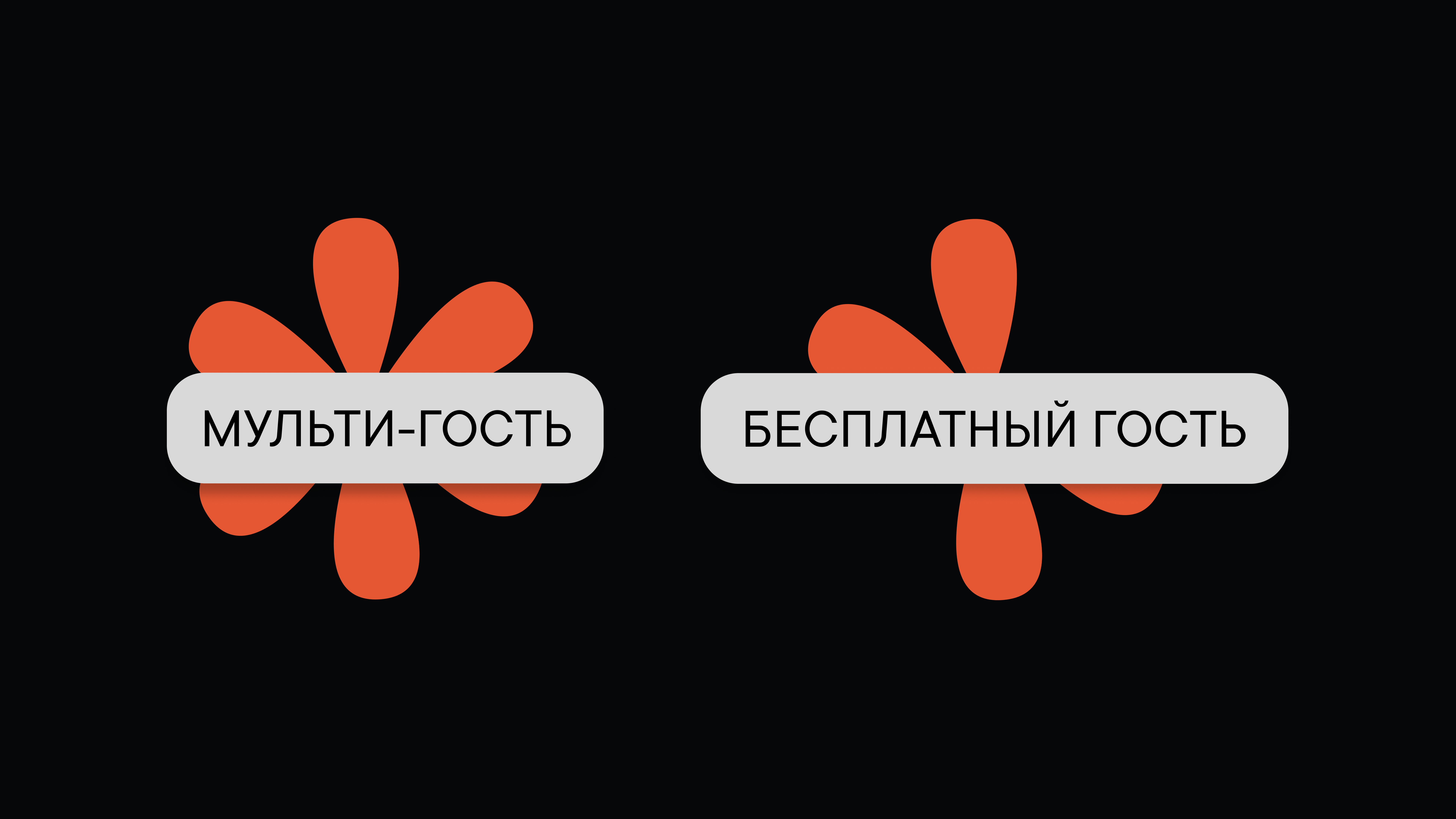
What guest roles can do in Pachca
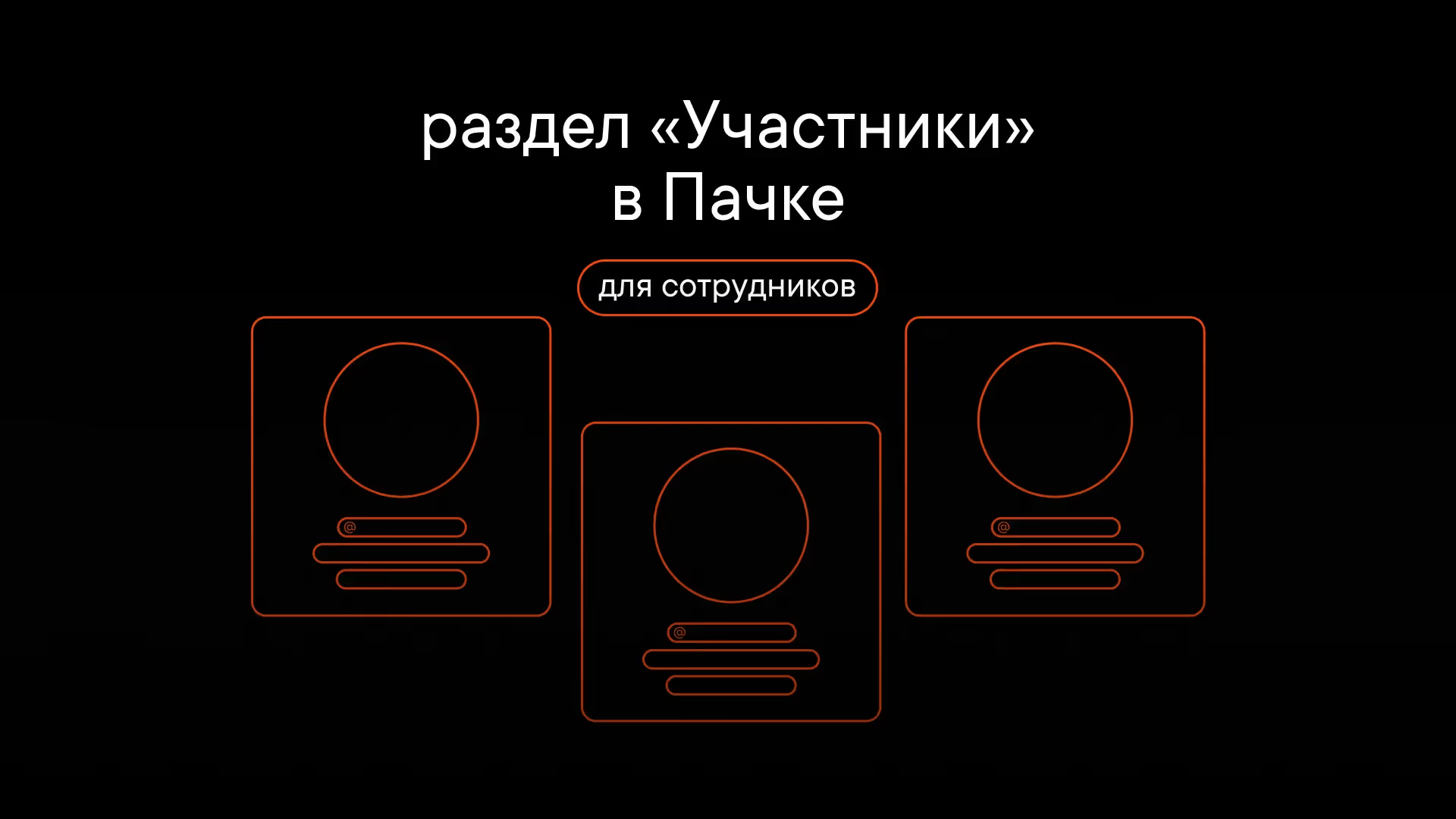
What the Members section offers your team
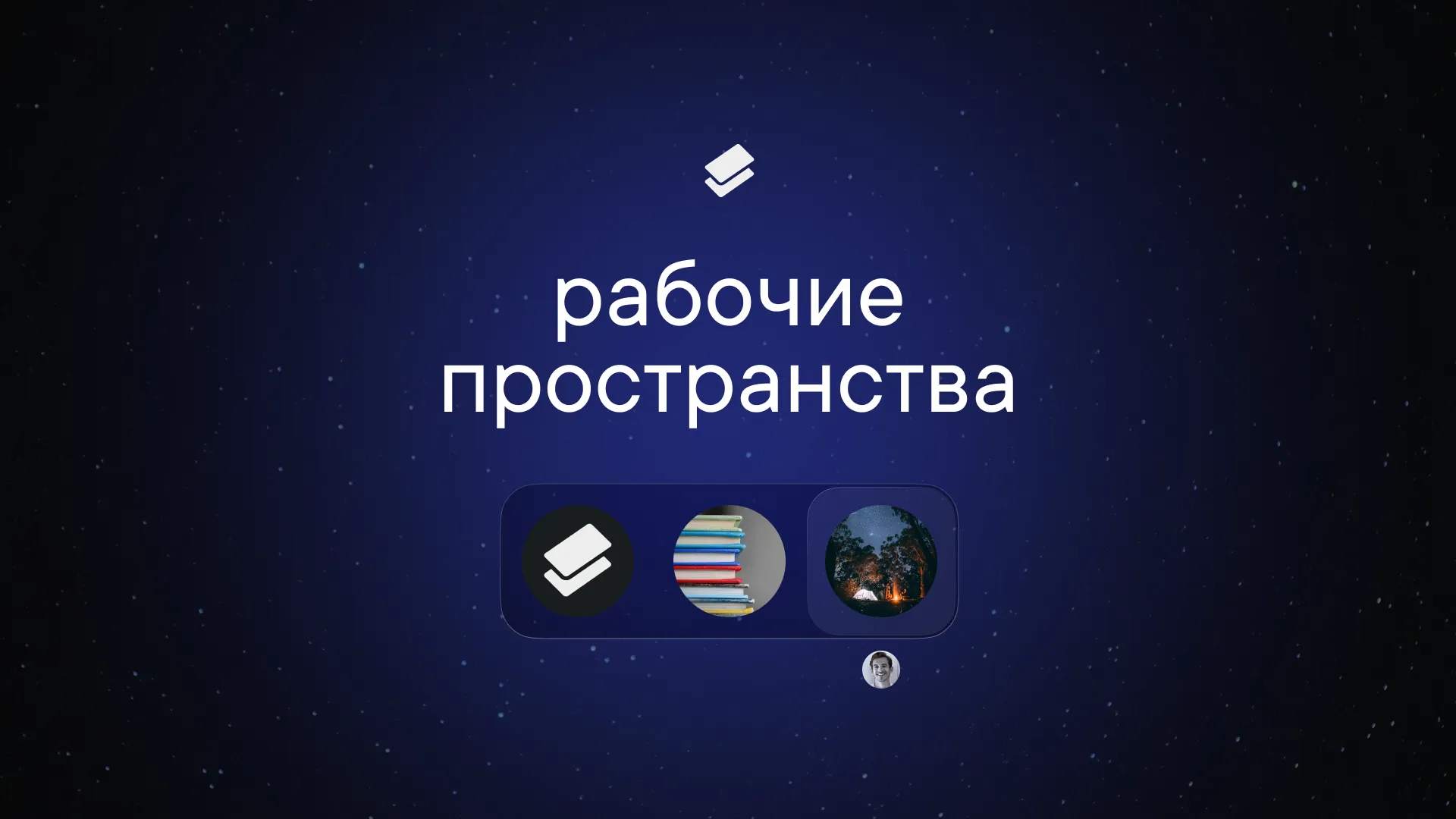
How they work, how to create them and how to switch between them
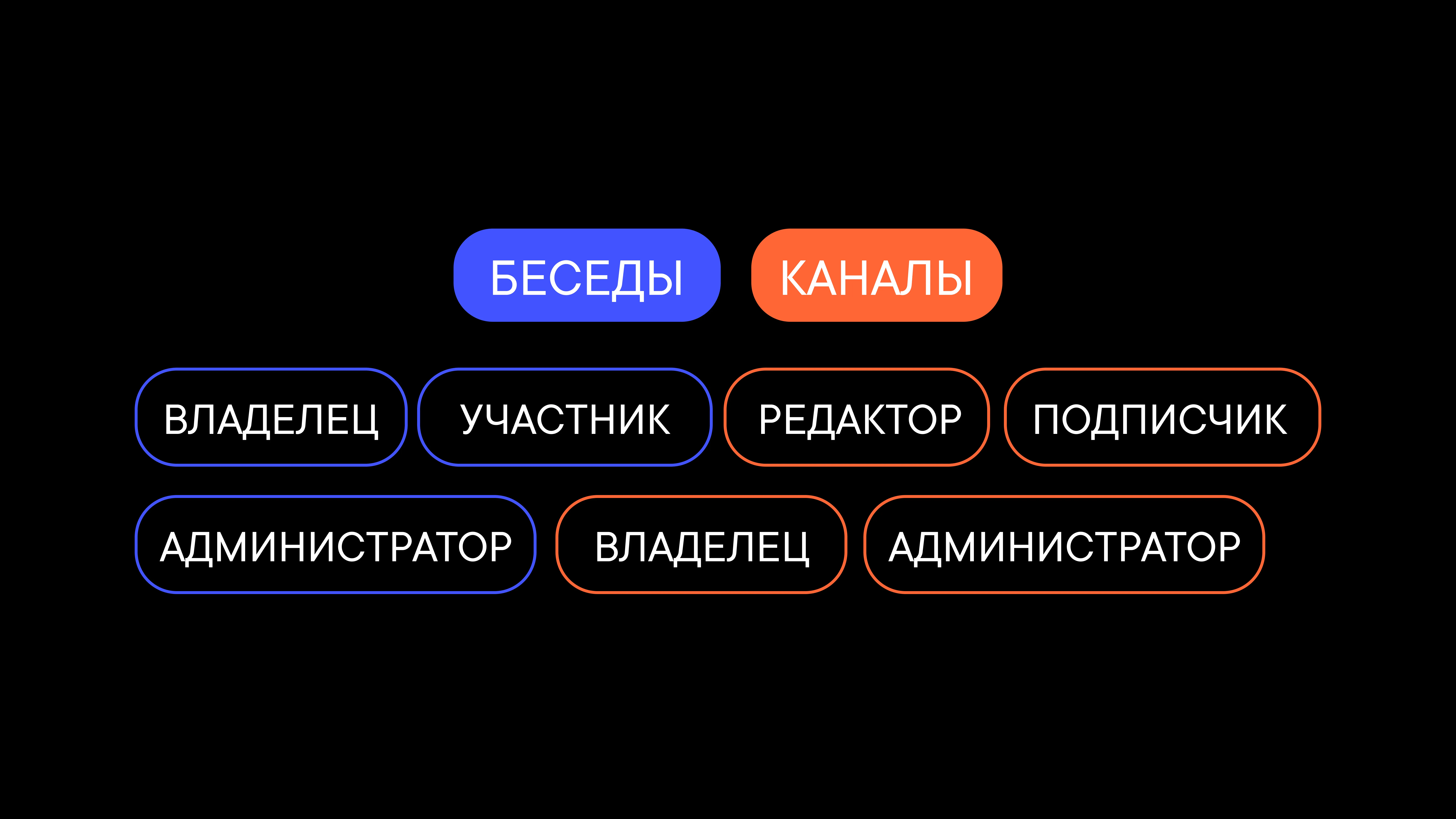
What roles there are and how they differ
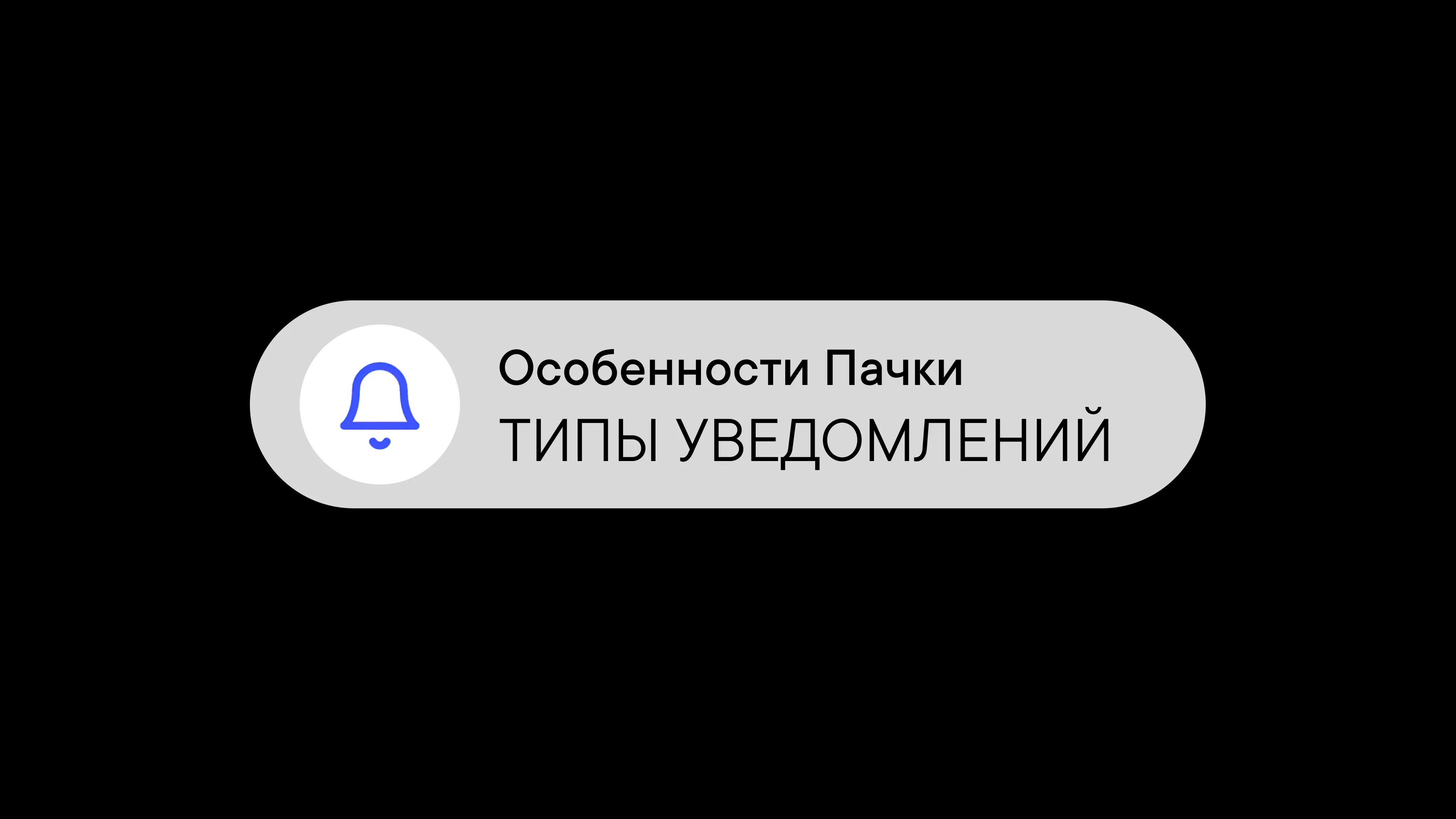
Notification types in Pachca and how they work: setting up push notifications and sounds
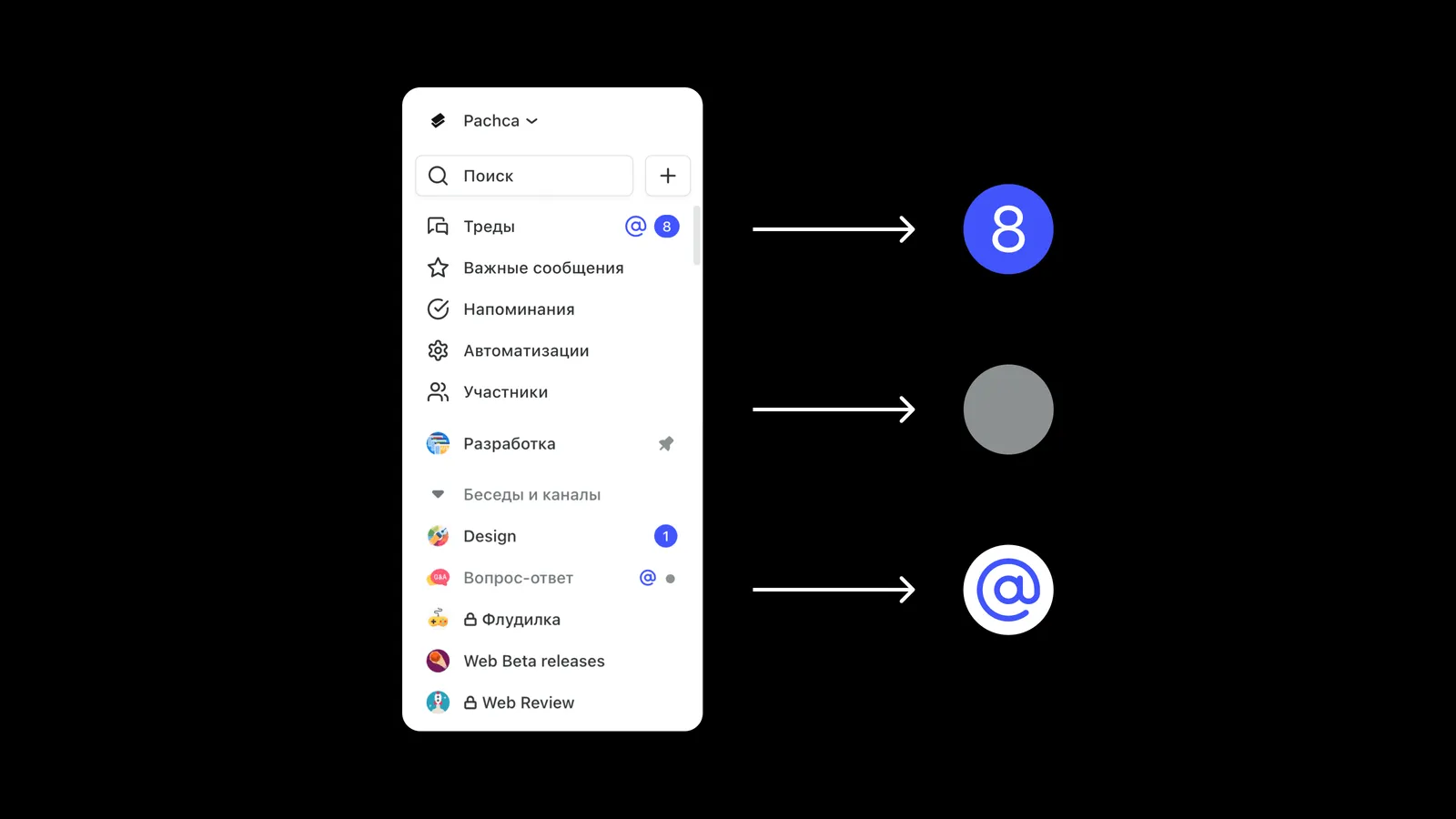
What the visual indicators for new activity mean
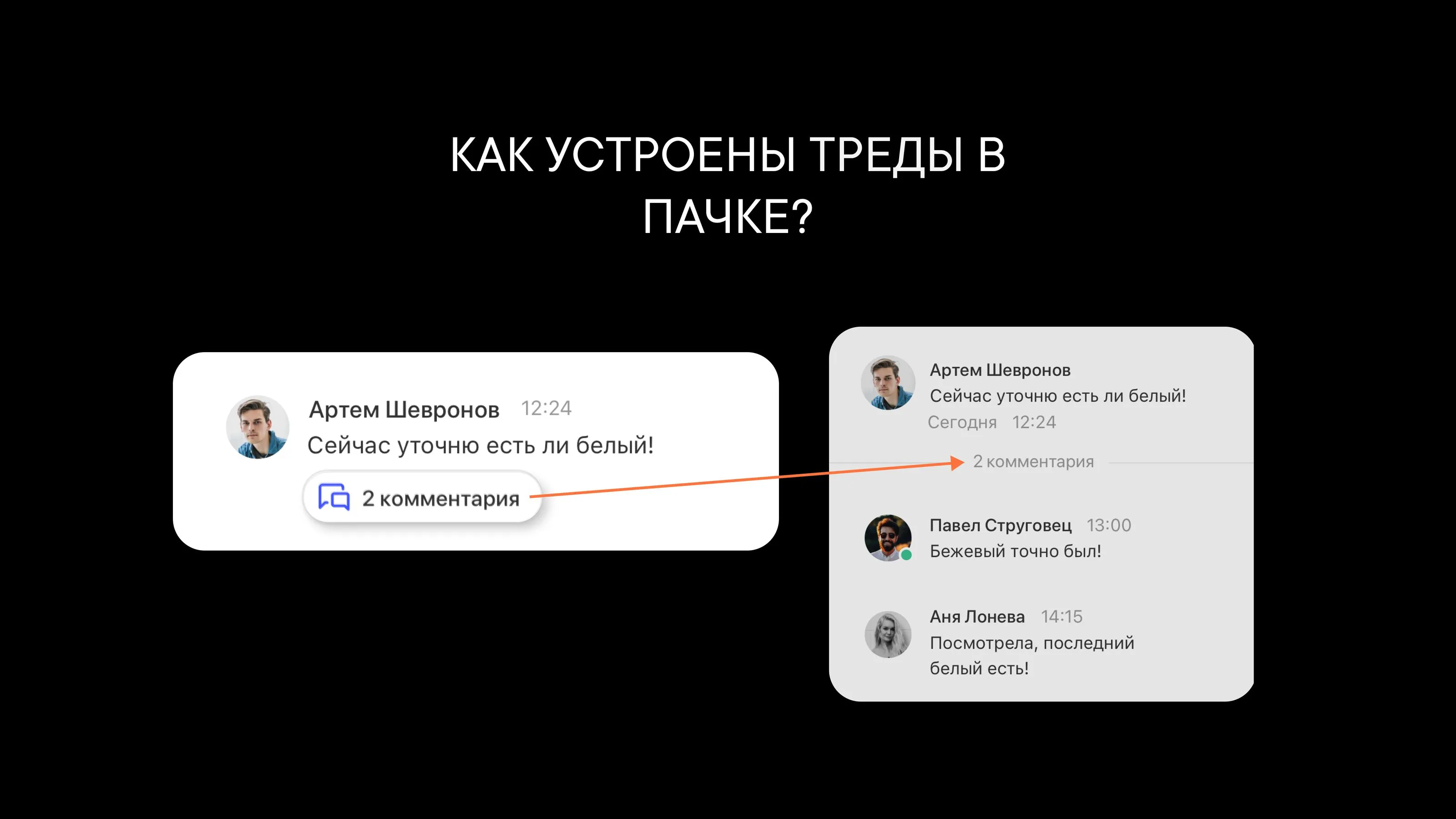
How threads work in Pachca: a detailed look at discussion threads in the team chat app
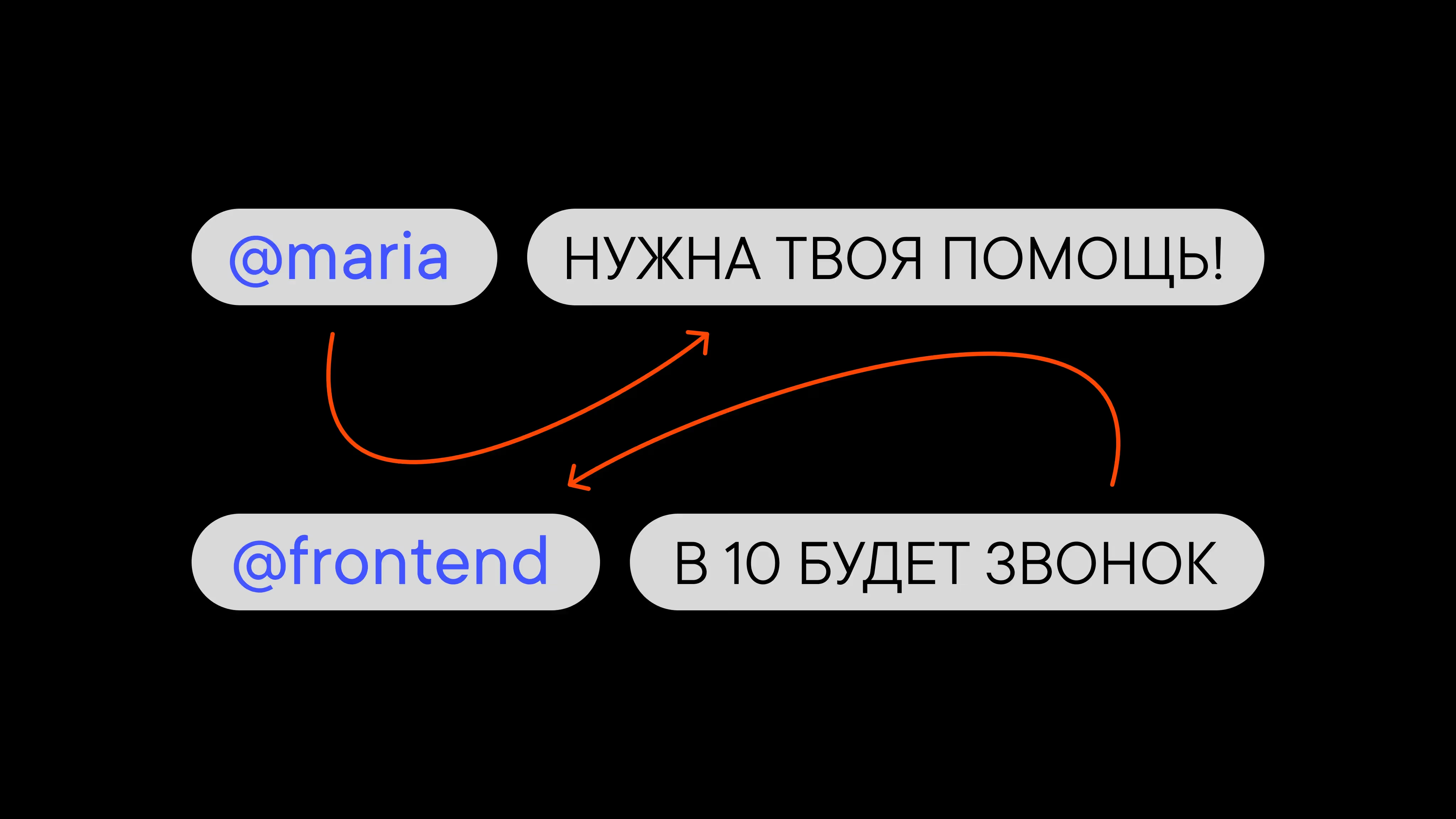
A detailed guide to mentions
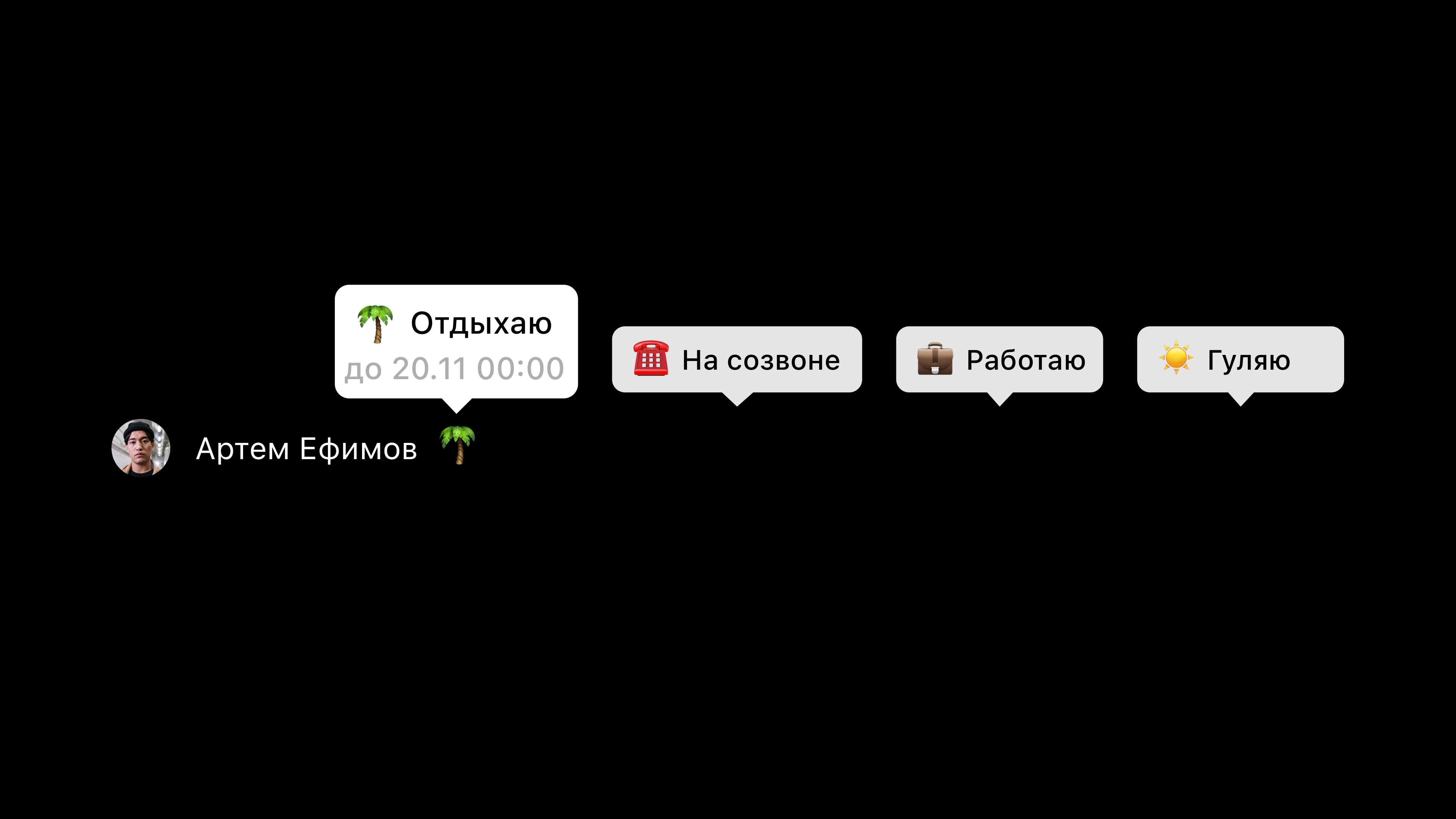
Let your team know what you're up to with an emoji
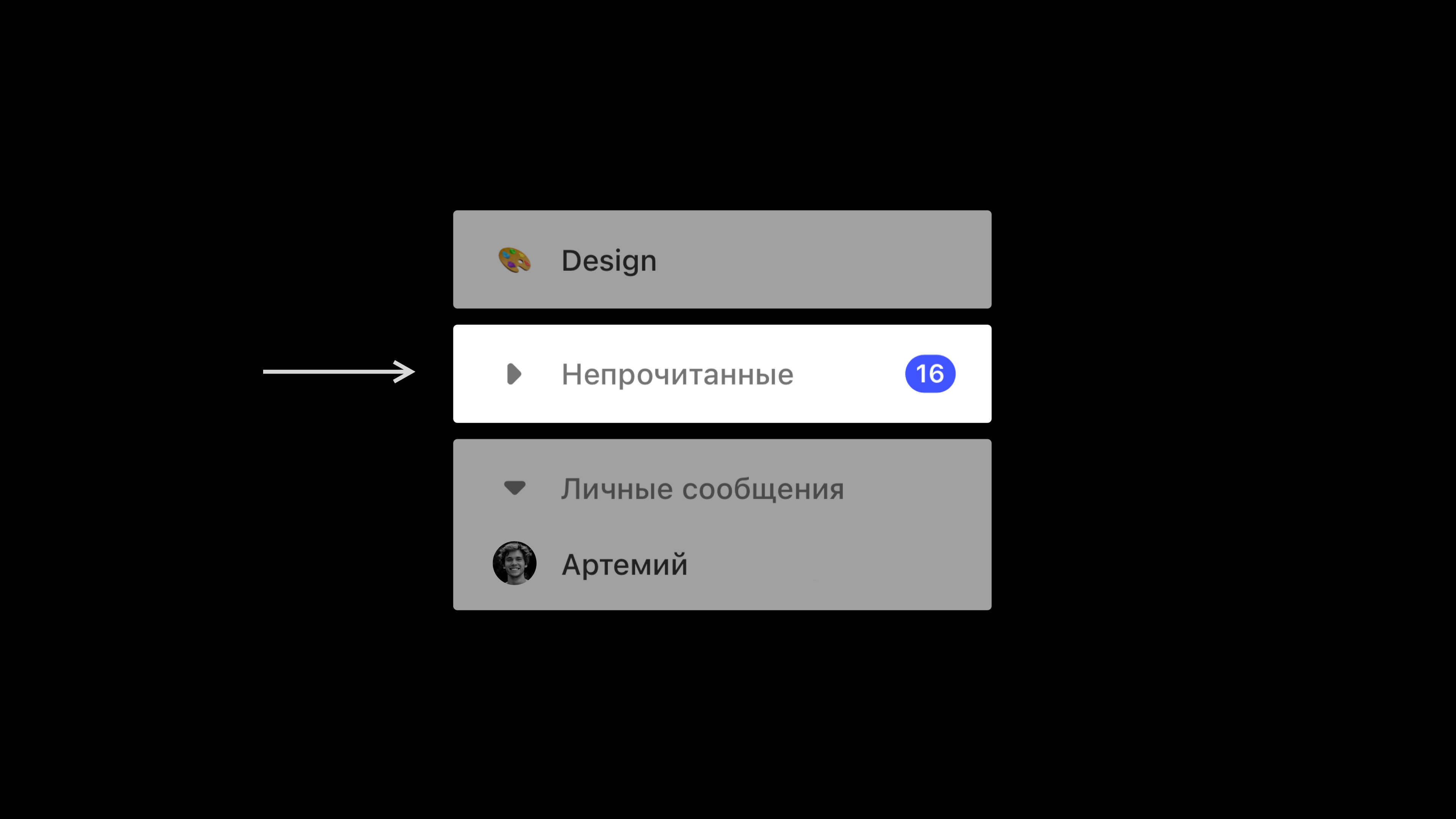
All your unread chats in one place
Spoiler: you might not need one
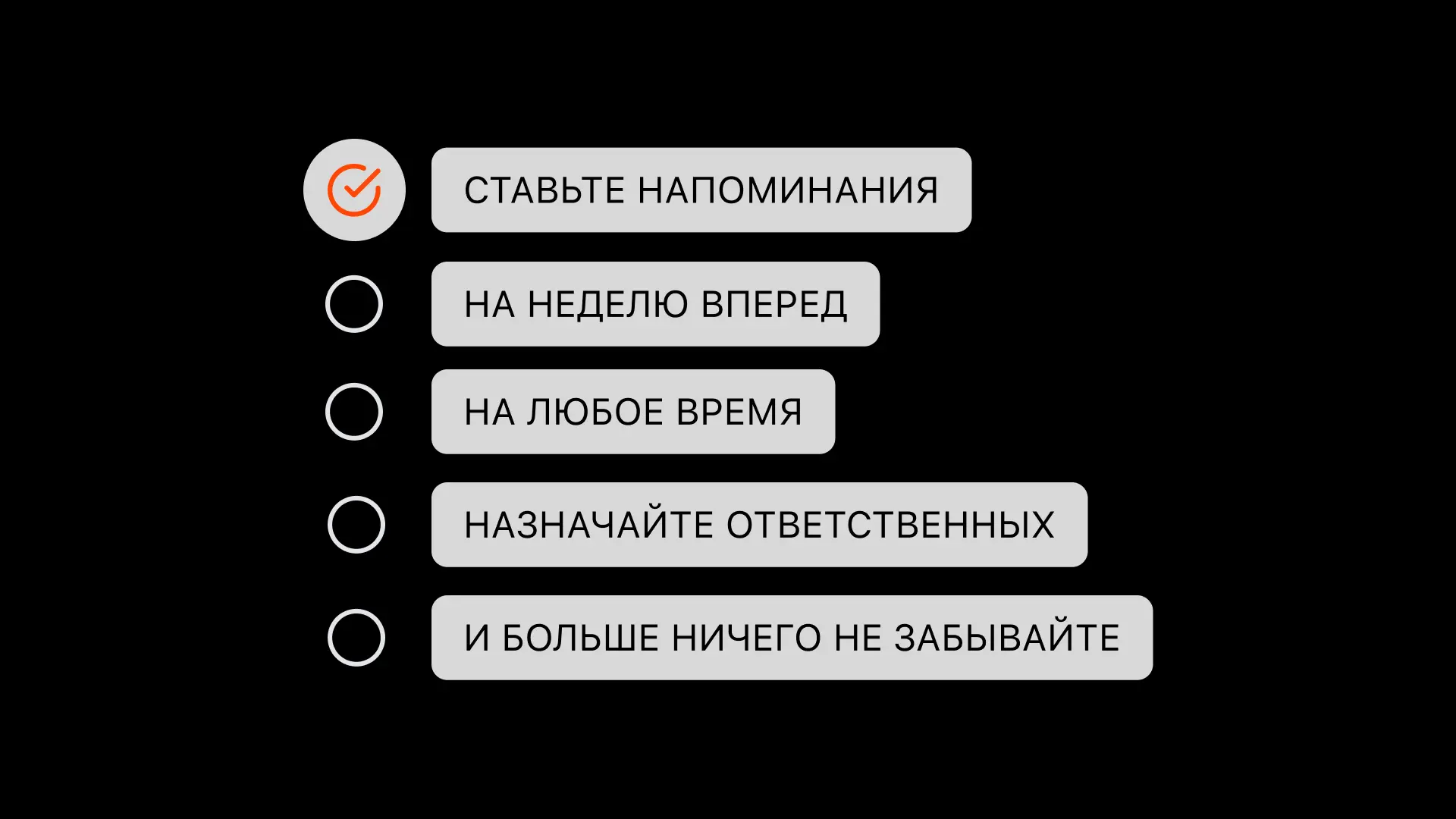
Tasks and reminders in Pachca: plan your day and stay on top of important work right in your team chat app
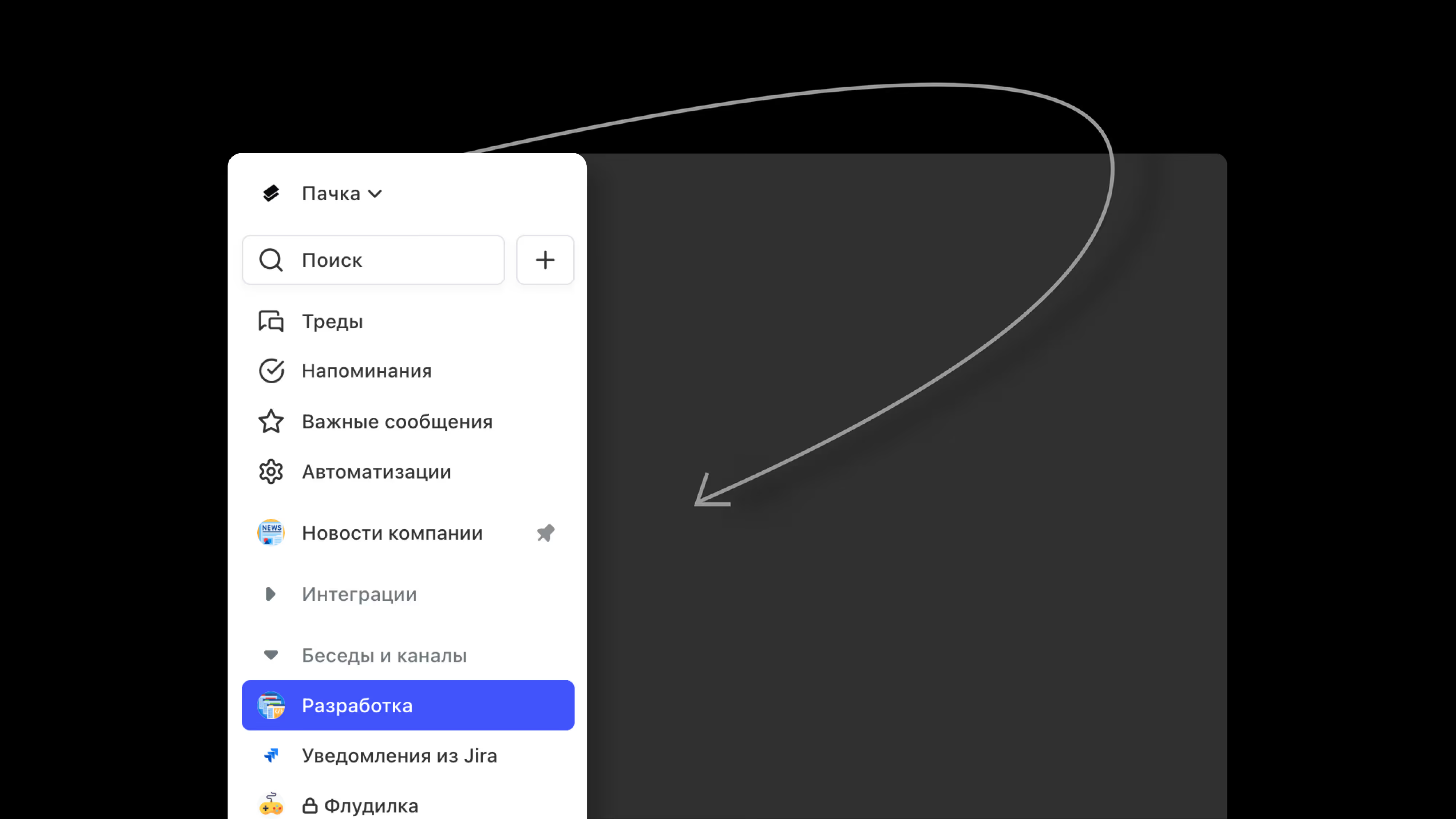
How to set it up, what's in it and tips from the Pachca team
How an employee differs from an administrator
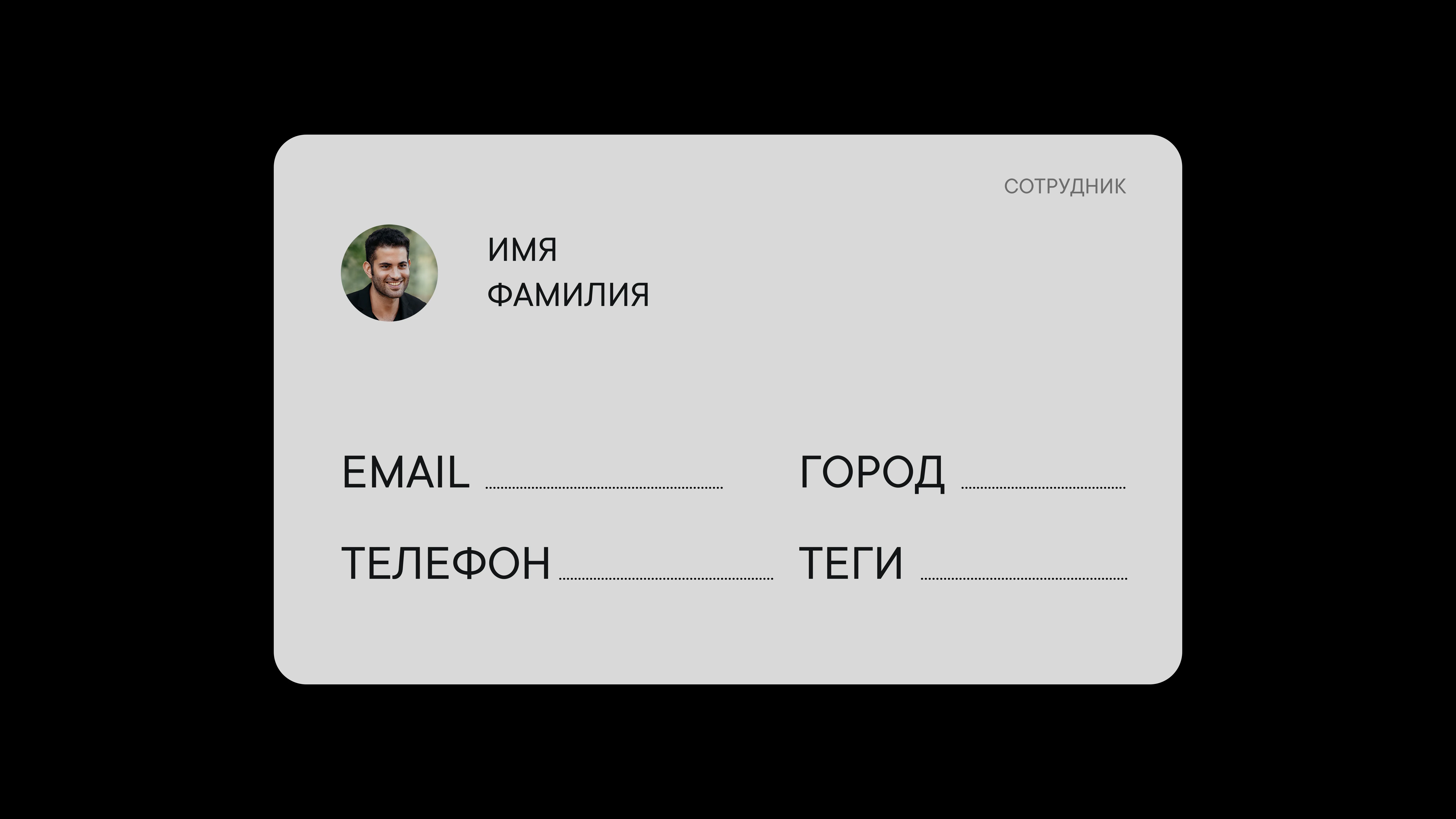
What you can add to a member profile
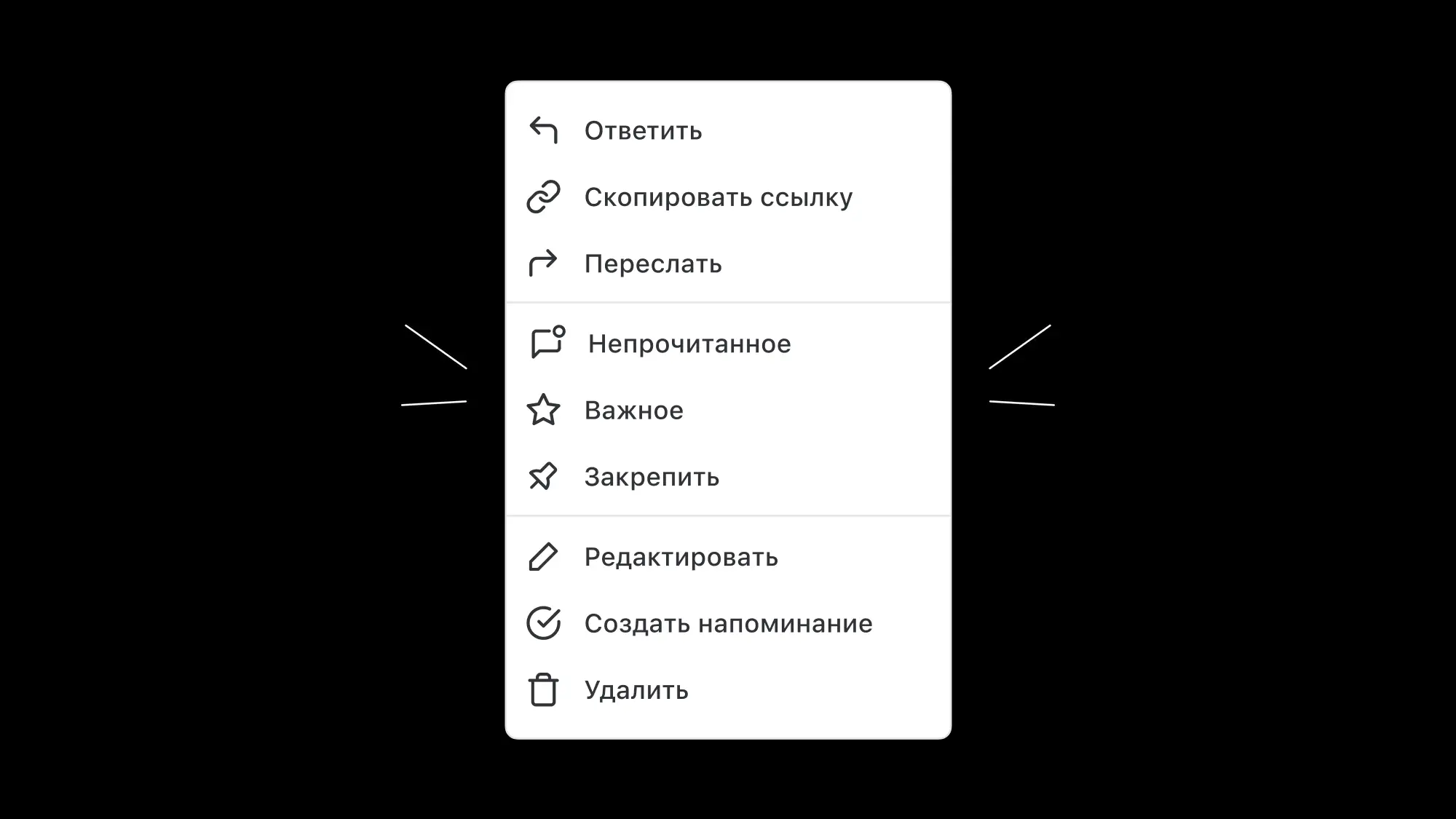
How to pin, reply to or edit a message
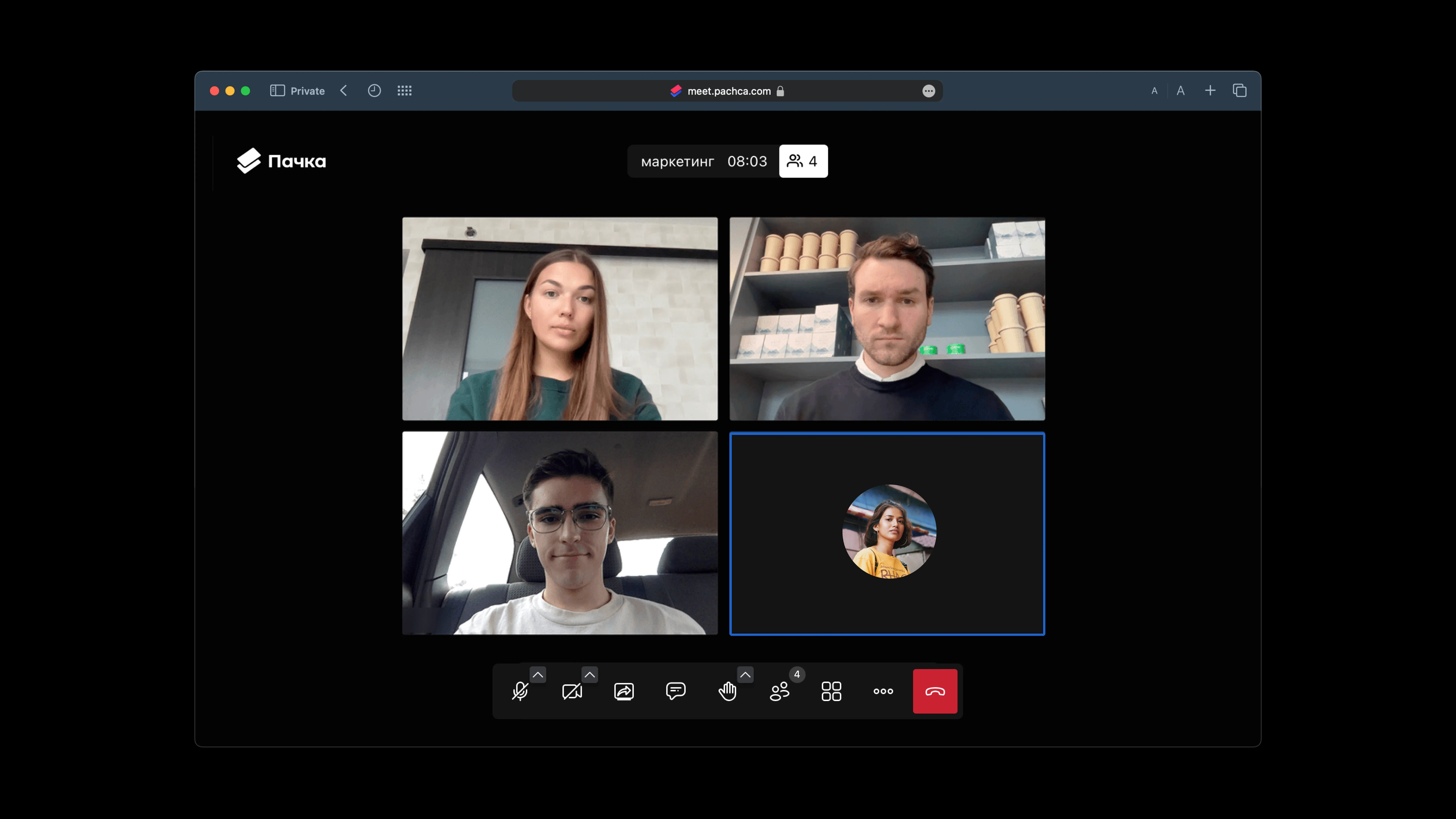
Video calls in Pachca: how to call your team, share your screen and record meetings
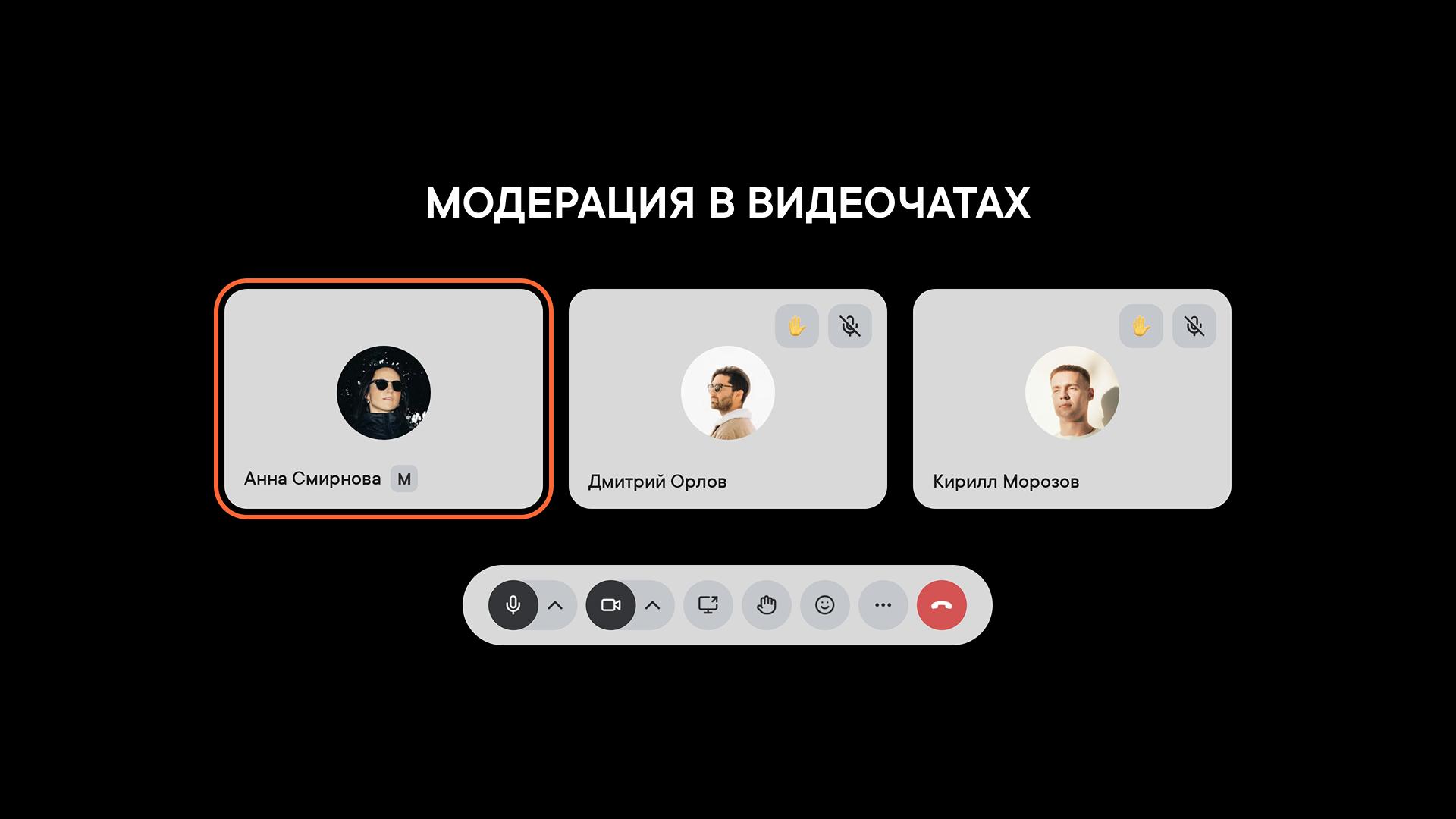
How to assign moderators and manage participants, settings and restrictions in a video call
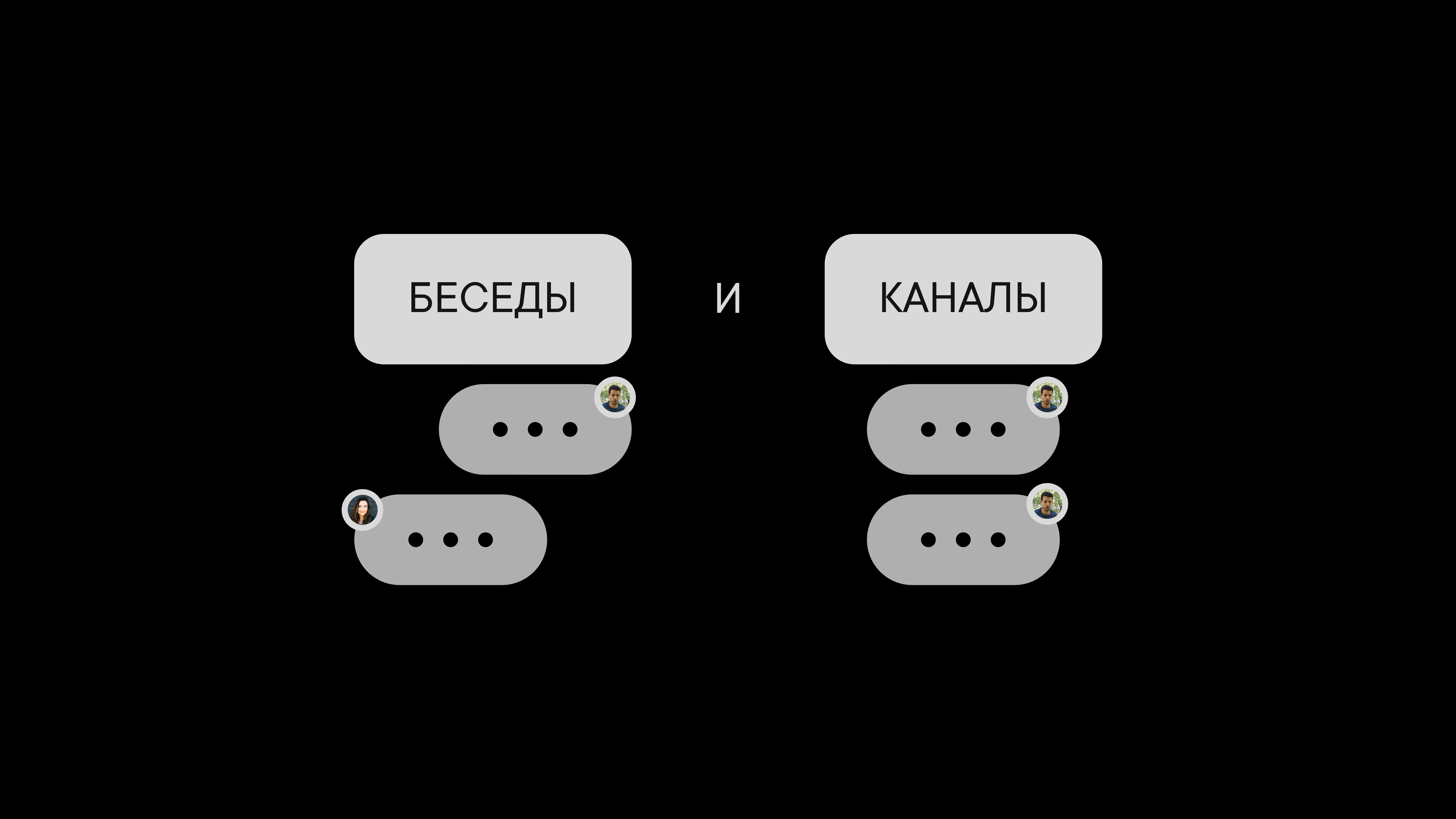
Which one to use and when
Public channels in Pachca: how to create an open space for company news and announcements
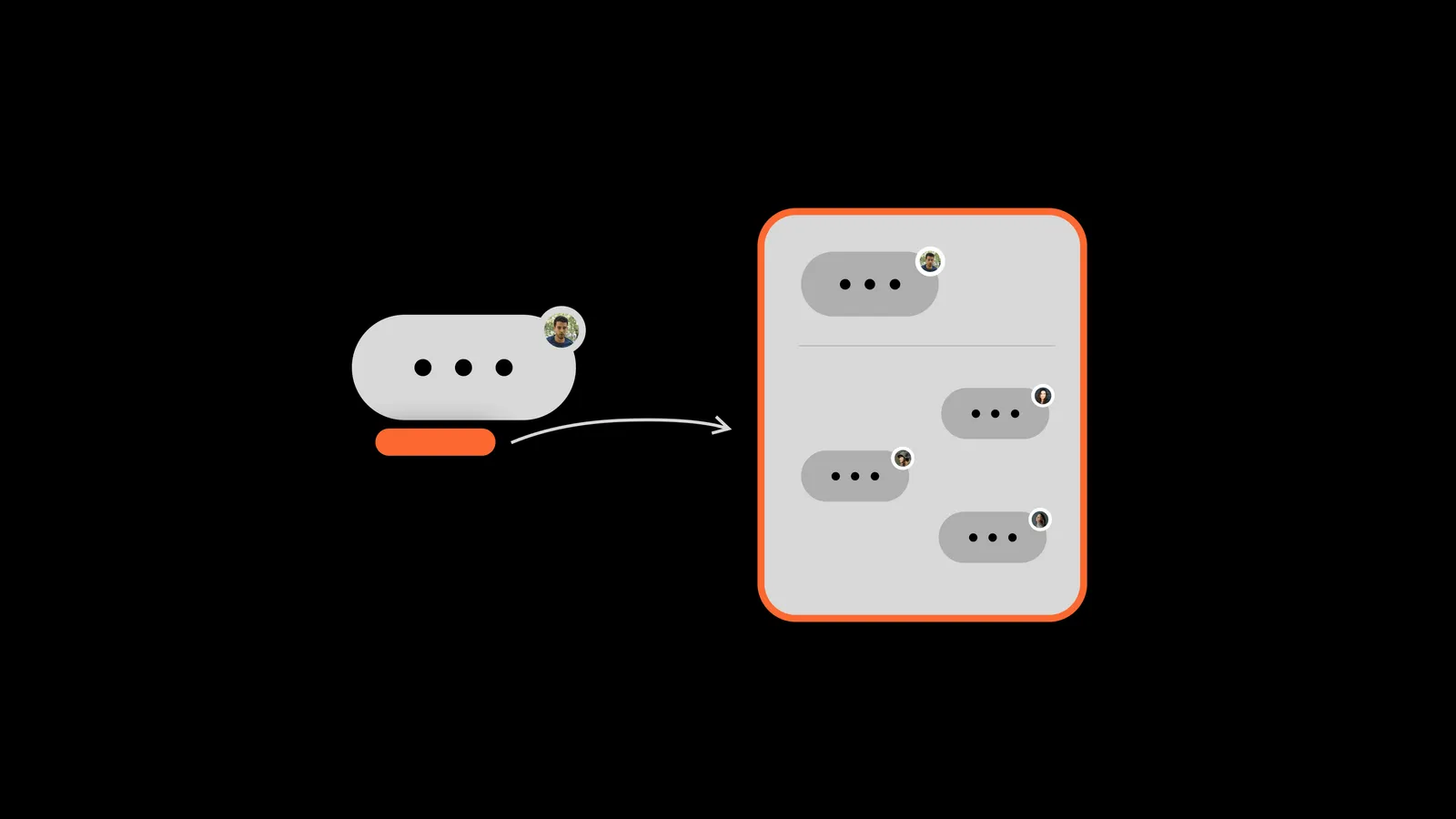
Discussion threads under messages to keep conversations organized
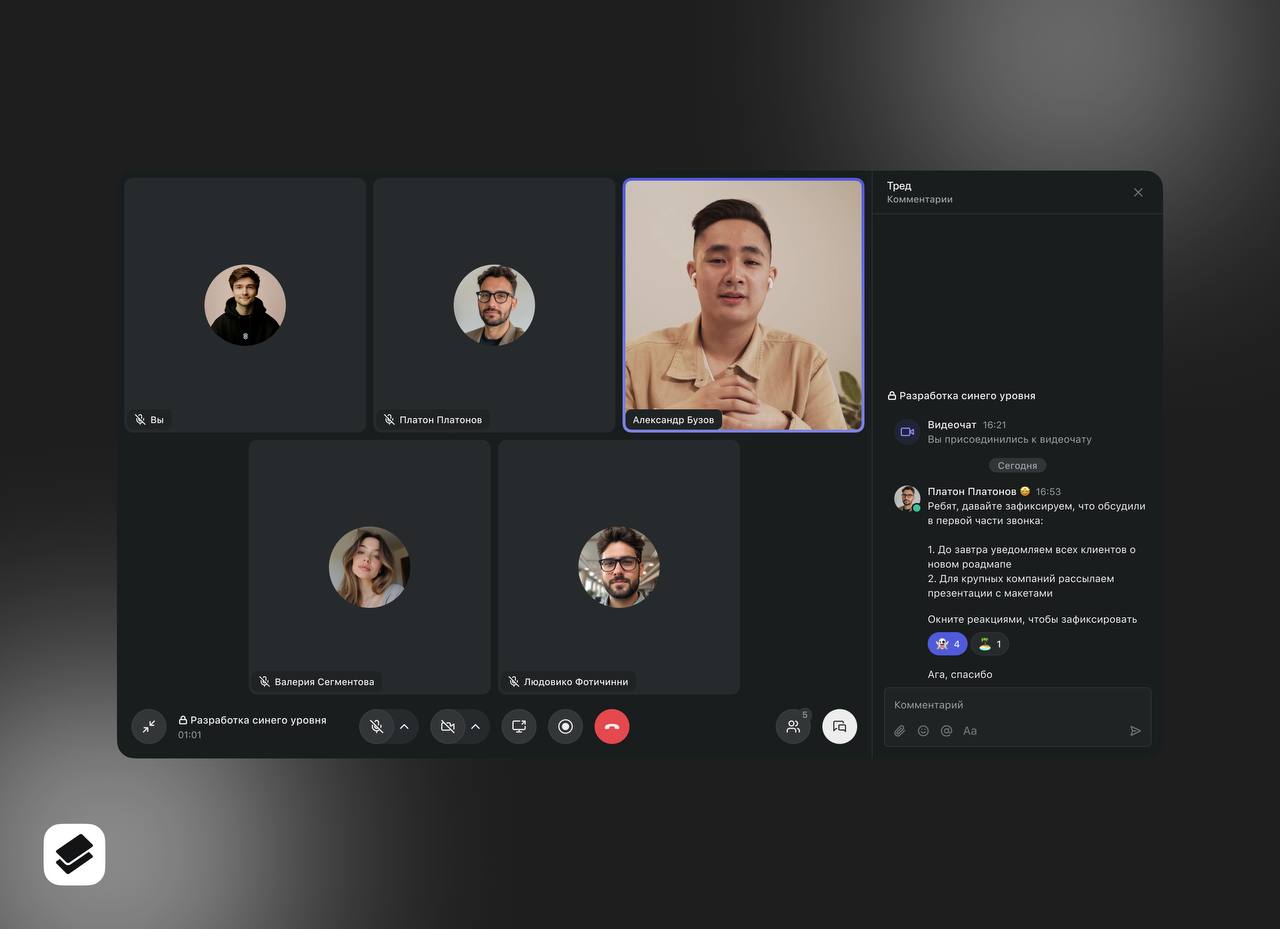
A refreshed interface and new features for video calls
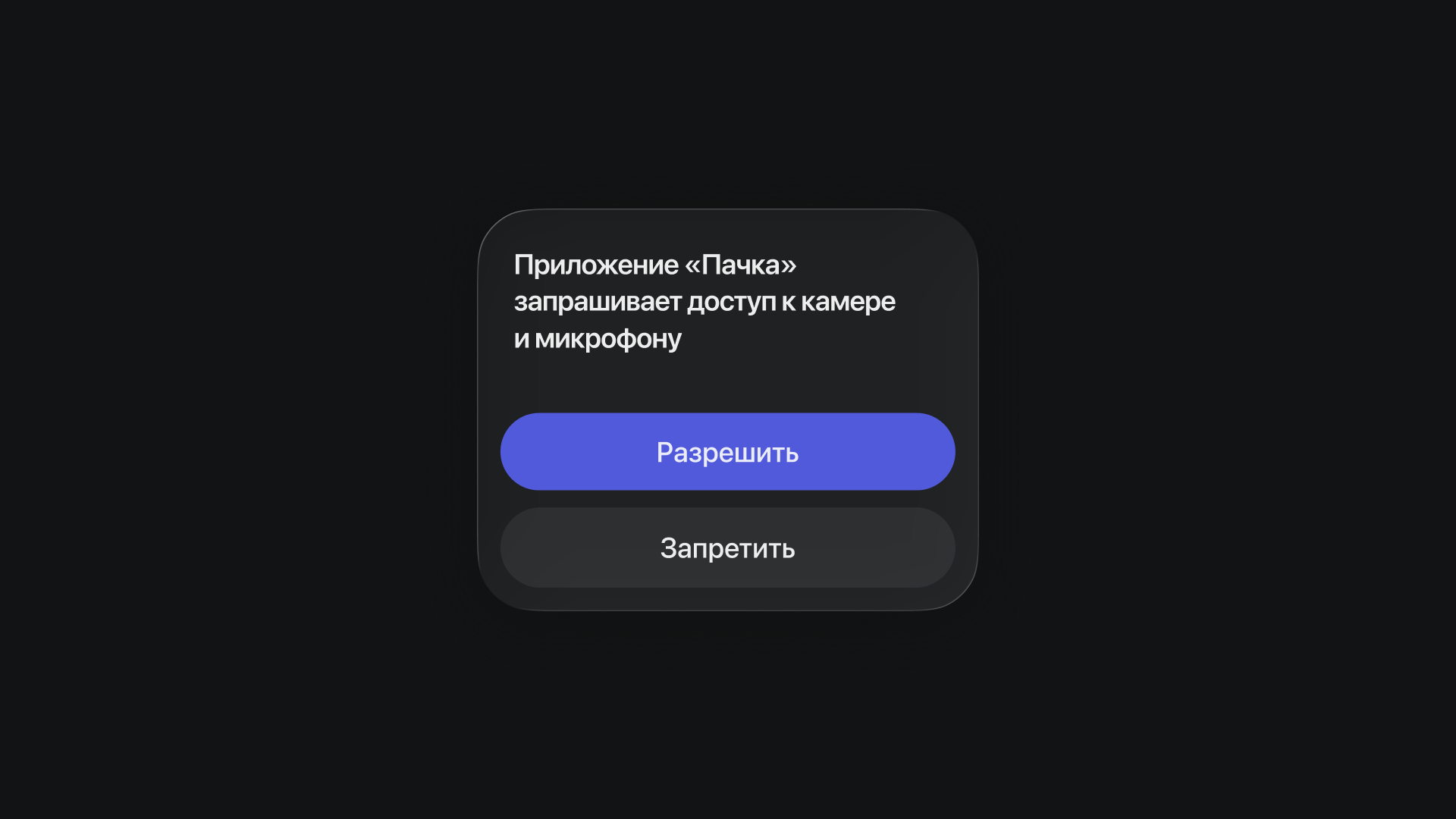
How to set up access to your camera, microphone and screen sharing on different devices
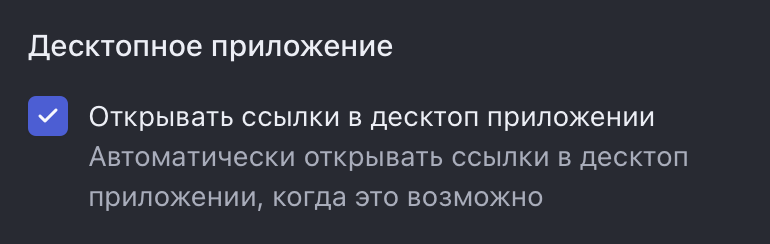
Set links to open automatically in the desktop app