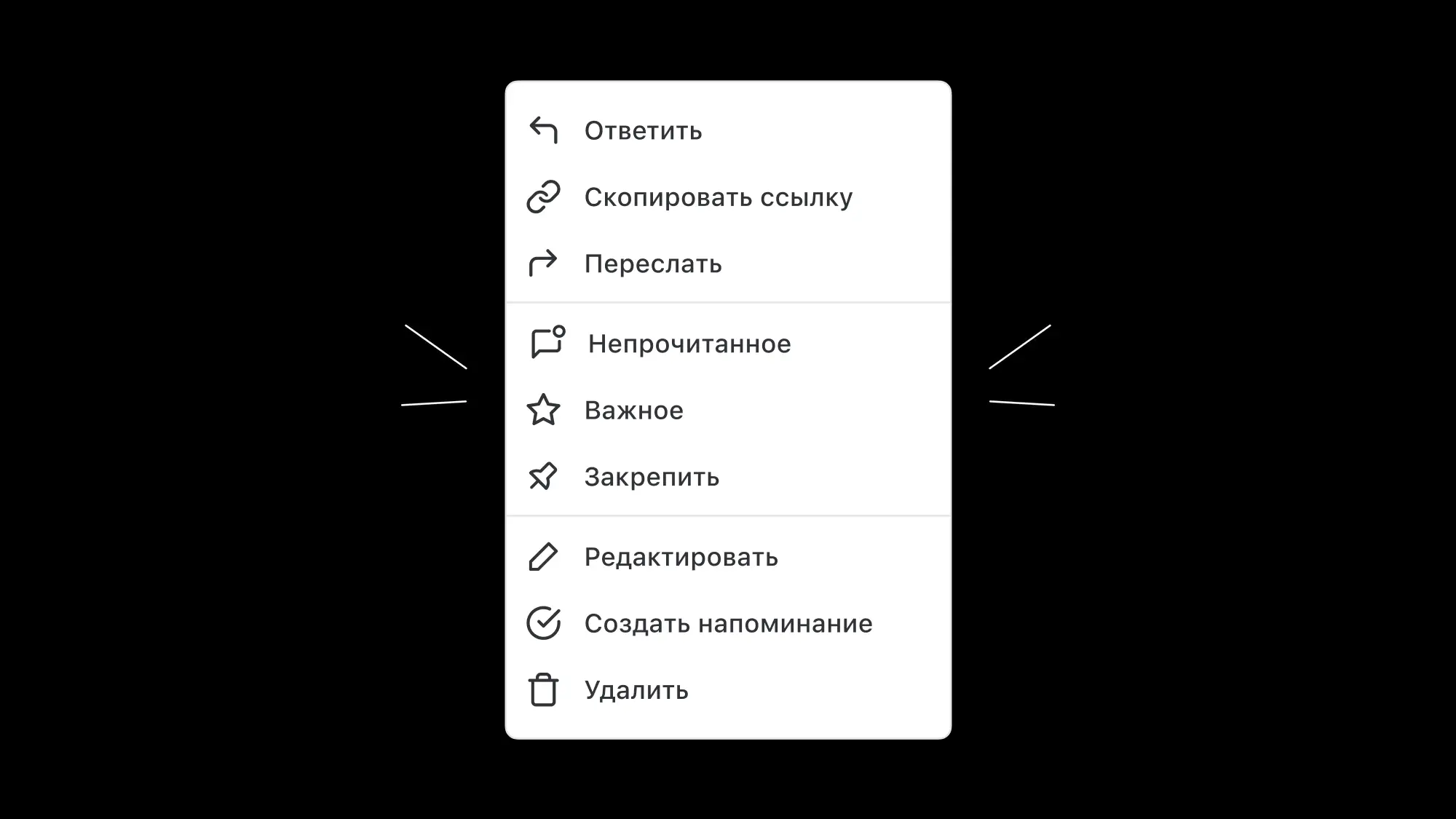
Message actions
How to pin, reply to or edit a message
When you hover over a message in a chat, icons appear on the right:

-
Click the smiley face to open emoji you can use as reactions to the message.
-
Click the speech bubble icon to open a separate panel where you can start a discussion without distracting other chat members. Learn more in the article about threads.
-
Click the three dots to open a list of actions:
Favorites: save the message to your Favorites, available in the sidebar.
Pin: you can pin several messages at once.
Any chat member can remove a pinned message
Copy link: copy a link to this specific message. The link opens the message in its chat, in the context of the conversation. You need access to the chat where the message was sent to open it.
Forward: forward the message to one or more chats. You can choose to hide the original sender, so the message is sent on your behalf and its author or source chat isn't shown.
Download all files: appears on messages with two or more attachments and downloads them all at once. In the desktop app, files are saved straight to your Downloads folder without extra dialogs, and a notification shows the download progress.
Unread: mark the message as unread to come back to it later. The chat with the unread message gets an indicator in the sidebar.
Create reminder: quickly create a reminder for the selected message. Its text is added to the reminder, so you can save it right away or set the time, priority and assignees if you want.
Reply: reply to the message in the current chat.
Edit: make changes to the message text.
Delete: delete a sent message.
You can also right-click a message to open the list of actions.
To make messages easier to find later, you can search chats by links, attachments and pinned messages. Click the magnifying glass icon and set a filter.
Preview HTML files
You can open HTML files right from messages, no download needed. Click the file, and it opens in preview mode without leaving Pachca. Previews run in a secure, isolated environment: you can read the content, and no scripts can touch your data.