Guest accounts in Pachca
What guest roles can do in Pachca
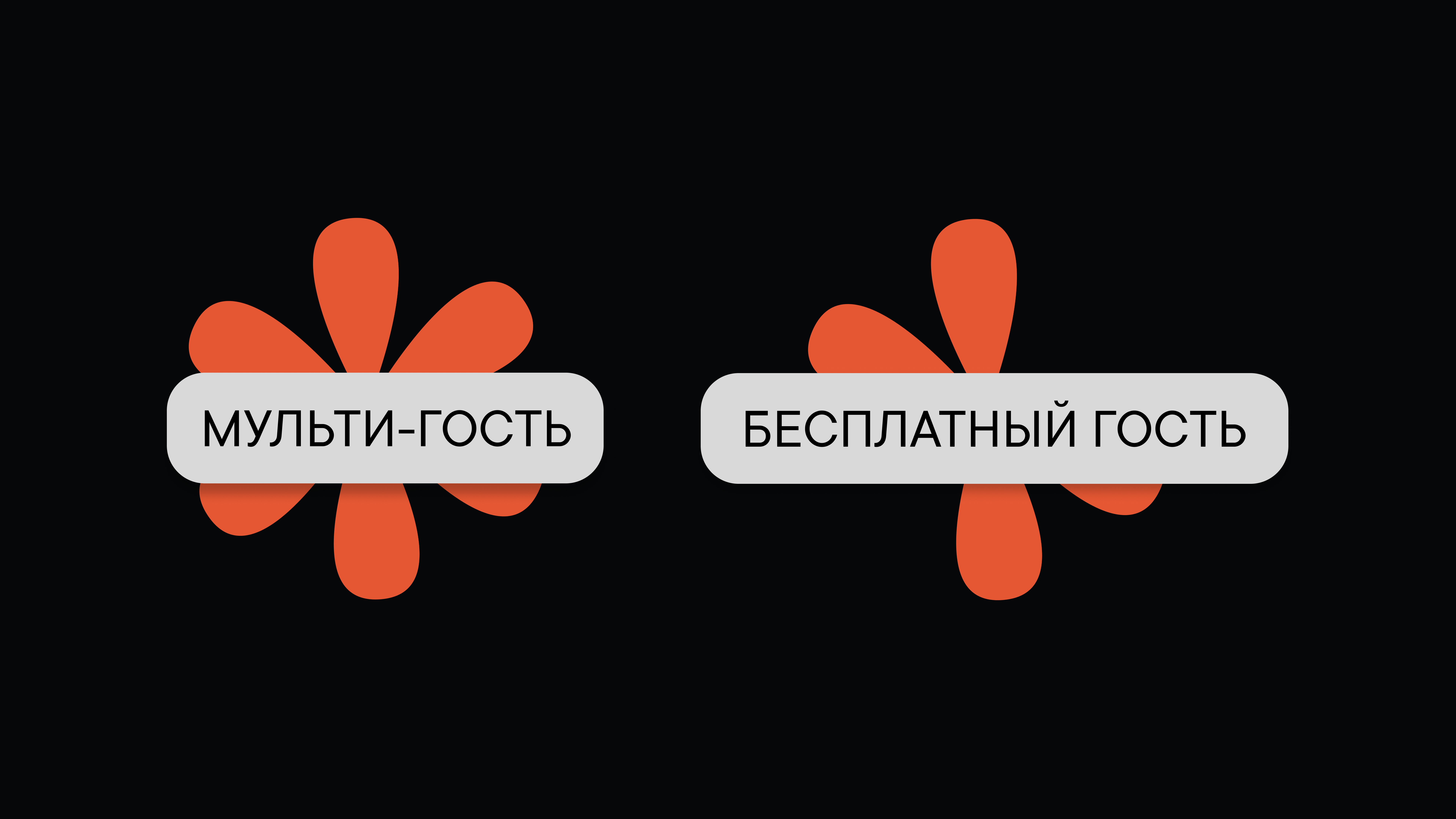
Pachca has two guest roles for inviting contractors, clients, students and other people outside your company: Guest and Multi-guest.
How are guests and multi-guests different?
Access to features:
- Guest: access to only one chat. Guests can't leave it on their own.
- Multi-guest: access to any number of chats. Multi-guests can't leave them on their own.
Neither role can create chats, see the employee list or search for the company's public chats. Guests and multi-guests also can't be made video call moderators.
Pricing:
- Guest: free (up to 3 guests per paid user). Each guest over the limit costs 49 ₽/mo, or 39 ₽/mo with annual billing.
- Multi-guest: billed at the Company plan rate, 199 ₽/mo, or 159 ₽/mo with annual billing.
Guest accounts are available on the Company and Corporation plans. Learn more about how the roles differ here.
How to invite guests to your workspace
Only the owner and administrators can add new members.
Multi-guests: go to Members → Add member and invite them by email or link.
Guests: go to Members, or invite them right from a chat: Info → Add member → enter their email. The guest gets an email invitation, and once they sign up, they land in the chat they were invited to.
Guest role limitations
- Access to only one chat. A guest can't be added to another chat until they're removed from the current one.
- After being removed from the chat (or if the chat is archived), a guest keeps only direct messages with people they shared that chat with. After that, you can add the guest to a new chat.
- Guests can't be added to group tags.