Threads
Discussion threads under messages to keep conversations organized
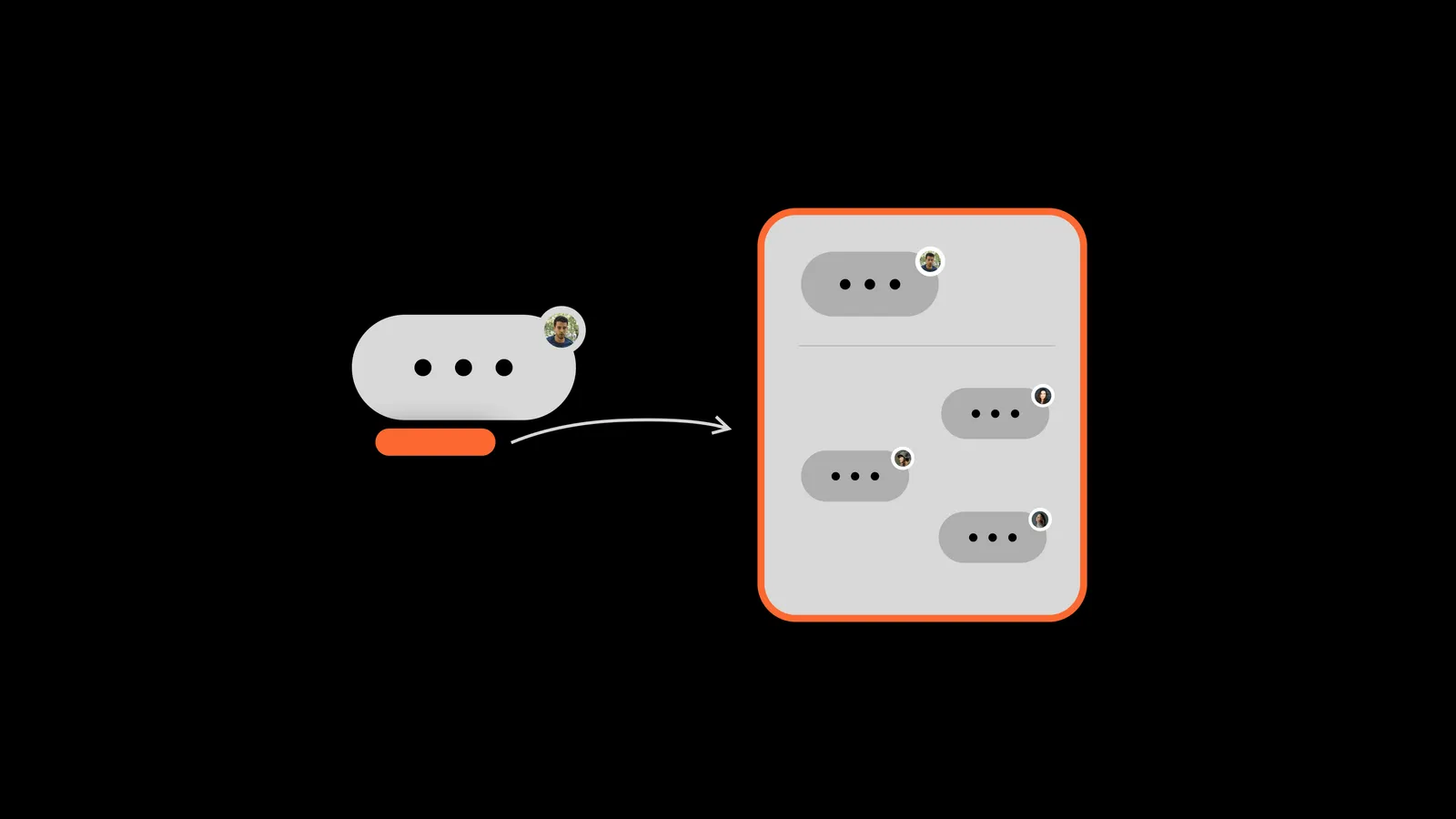
A thread is a separate discussion under a message. Threads are designed for talking about one specific topic.
How will threads change the way your company communicates?
Threads help you keep discussions in chats more focused:
- It's easier to loop in people from different departments
- You get fewer unnecessary push notifications
- Chats don't get cluttered
- Messages become more thoughtful
Why use threads?
The biggest benefit of threads is that you can discuss any topic from a chat without cluttering the chat itself. You also won't distract busy teammates for no reason: thread notifications only go to thread members, people who reacted and people who were mentioned.
How to use threads in Pachca
In Pachca, the button that opens a thread is labeled Comments. Someone posts a message in a team chat, and anyone in the chat can start a thread under it. Threads open in a separate panel on the right, where you'll also see all updates in the discussion. In threads, you can send messages and share files.
Sometimes, in the middle of a thread discussion, you realize you need to step away to check something. Don't worry about losing your unfinished message! It stays in Drafts, and you can always come back to finish and send your comment.
What makes threads in Pachca special: if someone you need for the discussion isn't in the chat, just mention them in the thread. They'll get a notification and see the whole thread history, and you won't have to add them to the chat.
General tips for chatting
Before you post anything in a work chat, ask yourself a couple of questions:
-
How busy is everyone in the chat right now? Is there an active discussion going on?
-
How many people in the chat need to see my message?
-
Is my reply detailed enough to be worth other people's attention?
Many teams use messages like social media posts: they set the topic, and the whole discussion happens in a separate thread. This keeps chats uncluttered, cuts down on unnecessary notifications and keeps discussions of different topics from getting mixed up.
Learn more about how threads work in this article