Notification types in Pachca
Notification types in Pachca and how they work: setting up push notifications and sounds
Pachca has many types of notifications, and they may work differently from what you're used to in other team chat apps. In this article, we'll walk you through how notifications work in Pachca.
Sound notifications for new messages
When you get a new message or a new comment in a thread, Pachca plays a special sound.
When they arrive:
- You're added to a new chat
- A new message in a chat
- A new reaction to your message
- A new mention in a thread or chat
- A new comment in a thread
- A call starts or ends in a chat
- A reminder is due
Push notifications
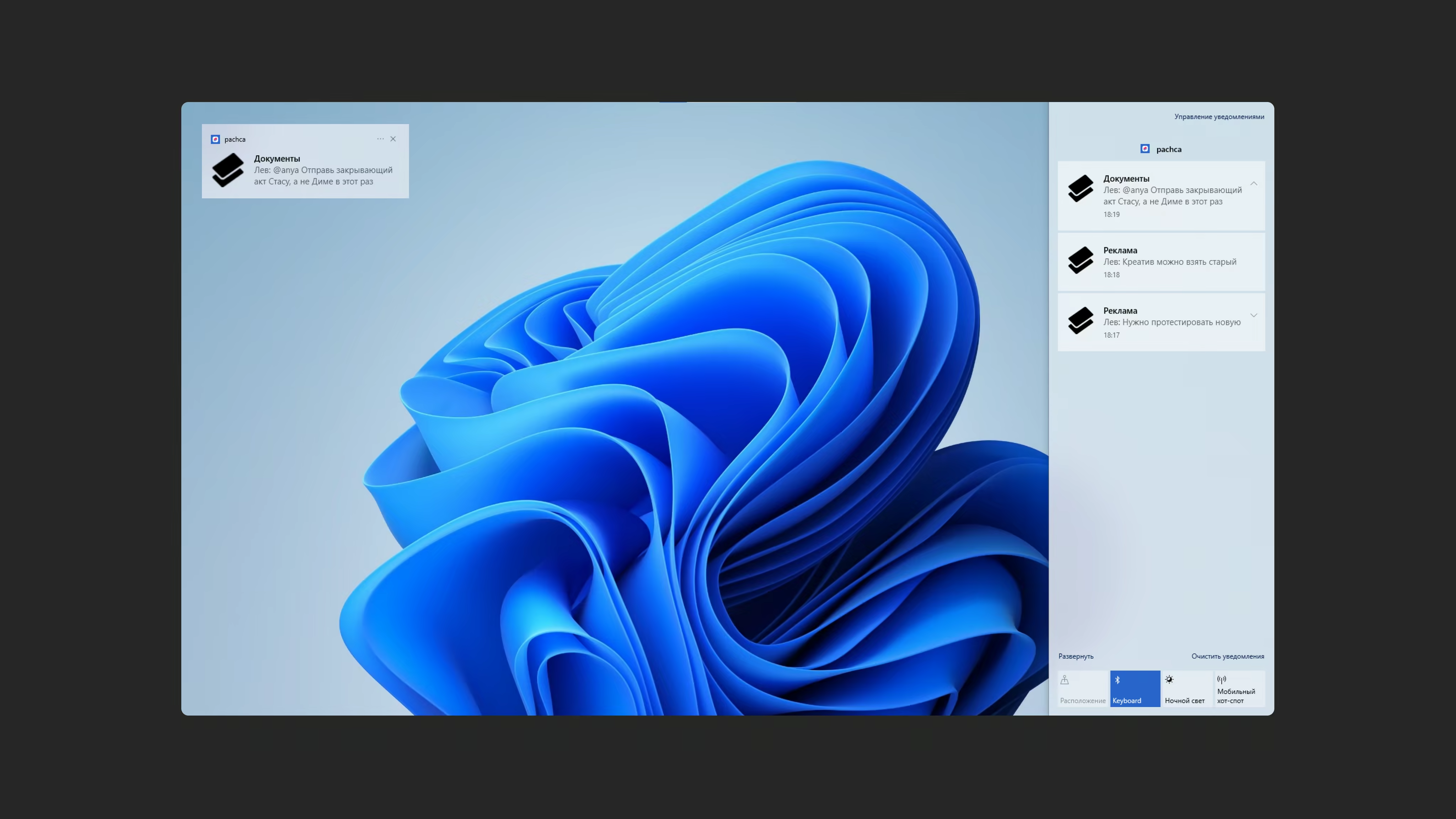
Push notifications arrive on your mobile devices when you get a new message in a chat, a new comment in a thread or when someone mentions you in a chat or thread. You also get push notifications when a reminder is due.
When they arrive:
- You're added to a new chat
- A new message in a chat
- A new reaction to your message
- A new mention in a thread or chat
- A new comment in a thread
- Today's reminders assigned to you: the push arrives early in the morning, around 9:00
- A reminder is due
- If a reminder is overdue, the push arrives at 16:00 or at the time set in the task
Browser notifications
The first time you log in to Pachca, a banner at the top of the chat asks you to allow browser notifications.
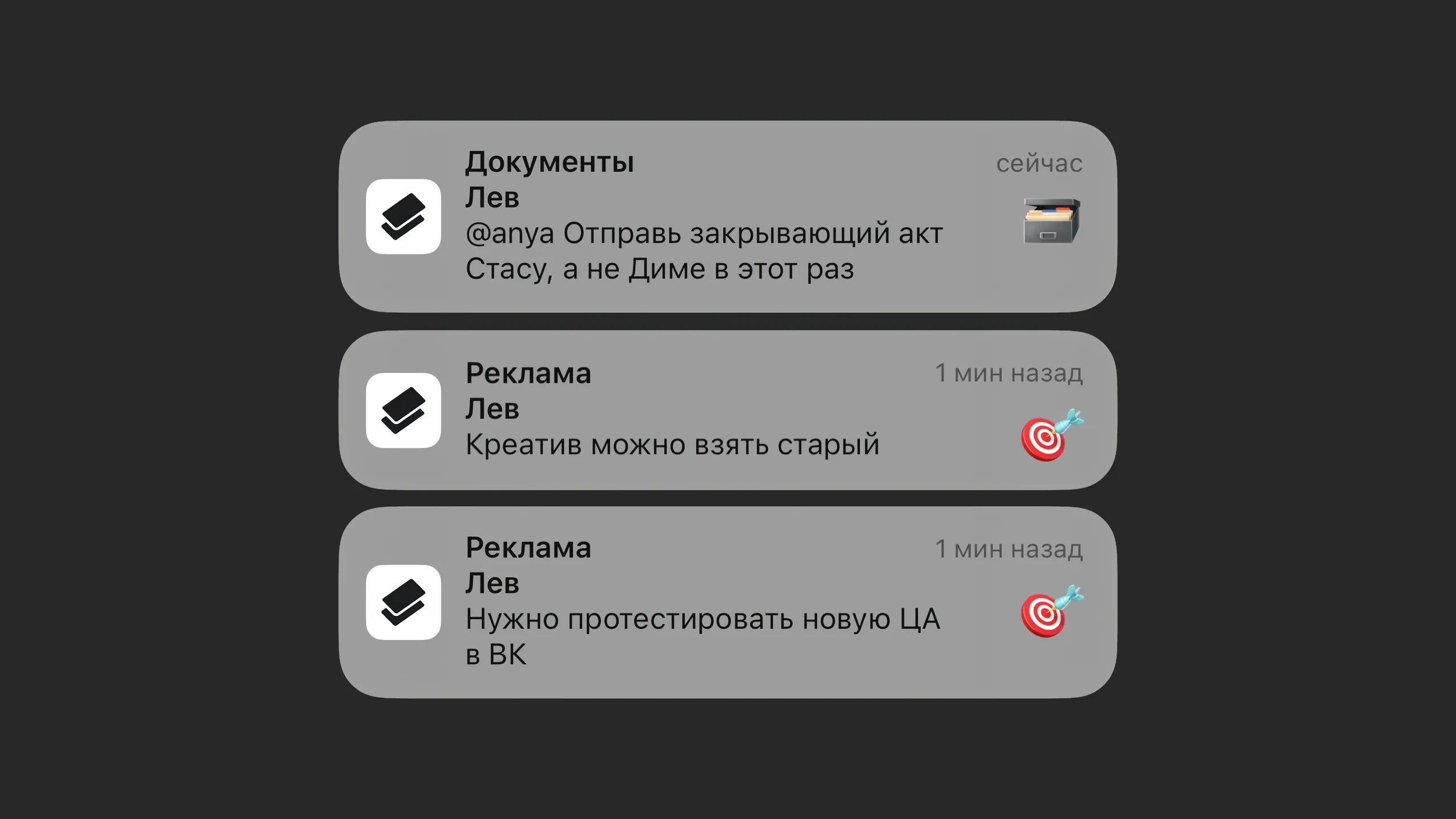
If you allow Pachca to send you browser notifications, a pop-up appears whenever you get a new message or a new comment in a thread.
Your browser sends you notifications while it's open. Once you close it, new notifications stop coming.
Which browsers send which notifications from Pachca:
- Microsoft Edge sends system notifications
- Google Chrome sends system notifications
- Opera sends system notifications
- Safari sends its own in-app notifications, not system ones
- Mozilla Firefox sends its own in-app notifications, not system ones
- Yandex Browser sends its own in-app notifications, not system ones
When they arrive:
- You're added to a new chat
- A new message in a chat
- A new reaction to your message
- A new mention in a thread or chat
- A new comment in a thread
- A call starts or ends in a chat
- A reminder is due
Desktop app notifications
When you get new messages while working in the Pachca desktop app, you'll see system notifications about them.
When they arrive:
- You're added to a new chat
- A new message in a chat
- A new reaction to your message
- A new mention in a thread or chat
- A new comment in a thread
- A call starts or ends in a chat
- A reminder is due
Email notifications
You can set these up in your profile. Email notifications are only sent for reminders: a daily list of reminders (sent every day at 10:00) and a notification for a specific reminder when it's due.
How do I set up notifications in Pachca?
To set up notifications, click your profile and select Notification settings. You can pause all notifications for a set time or choose which notifications you want and when. For example, only direct messages and mentions on workdays, or all messages and all comments on any day.
Personal notification exceptions
In Pachca, you can turn off notifications for the whole app and keep only the chats you still want to hear from. You can view and set up the list of these chats in the desktop version:
Account → Notification settings → Exceptions
How do I mute notifications in a chat?
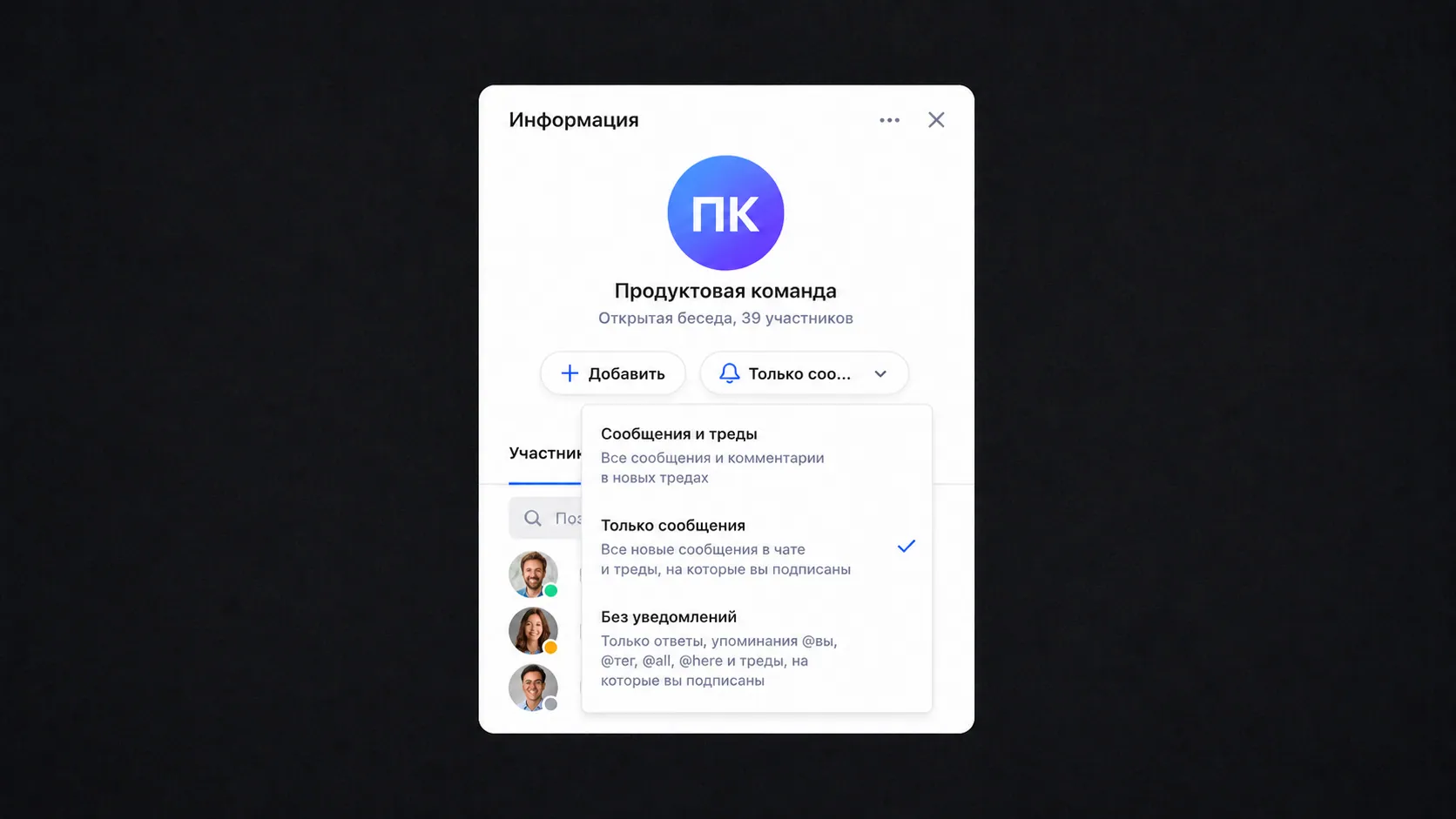
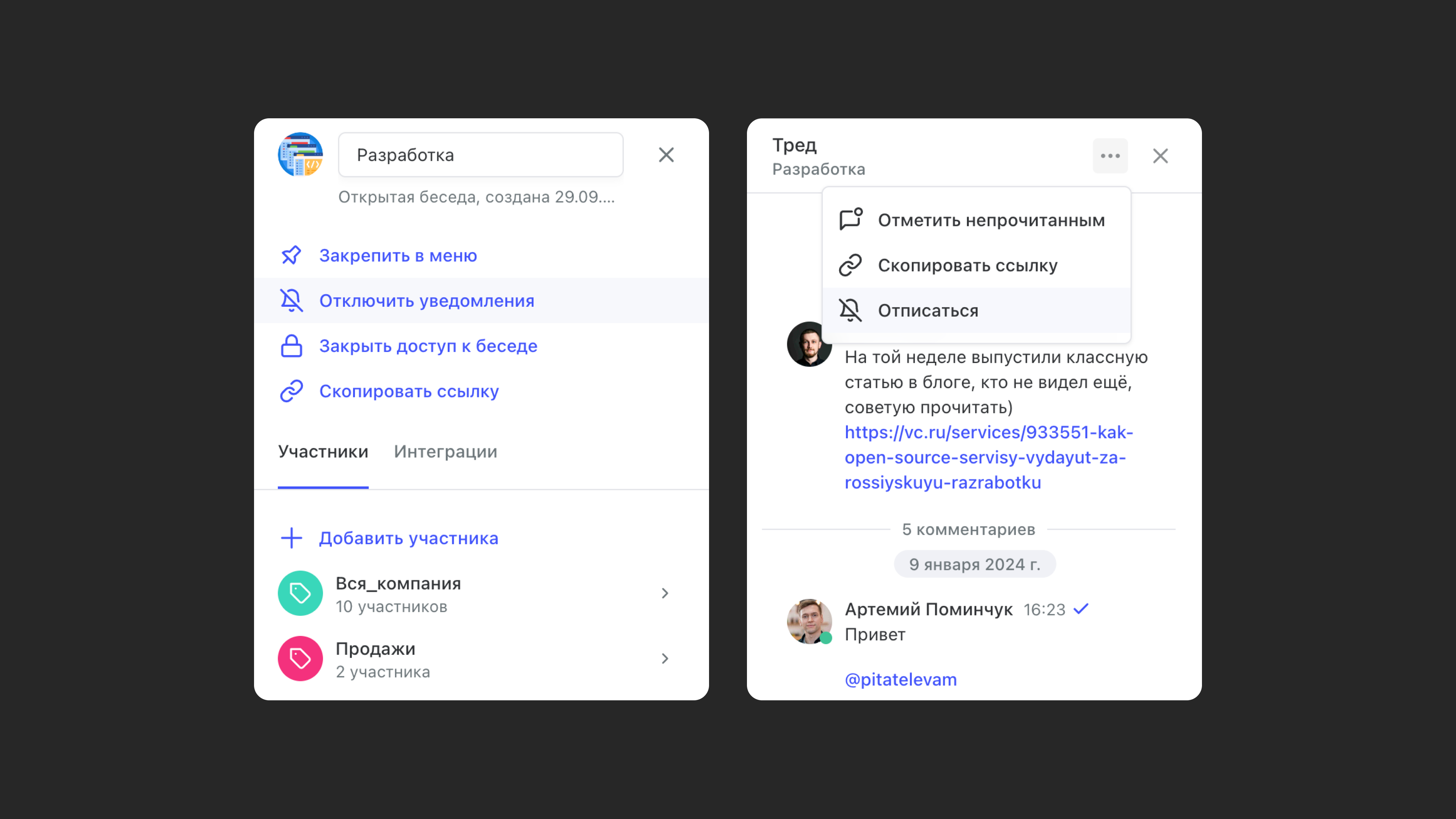
To turn off notifications in a chat, open the chat or thread and click the bell icon. You'll stop getting notifications from that chat (unless someone @mentions you or sends an urgent message).
Why aren't notifications arriving?
Most likely, you haven't given Pachca permission to send notifications. You can check and fix this in Settings on your device.