SSO in Pachca with Yandex 360
The Pachca and Yandex 360 integration lets your employees log in to Pachca with their workspace credentials.
Set up the integration
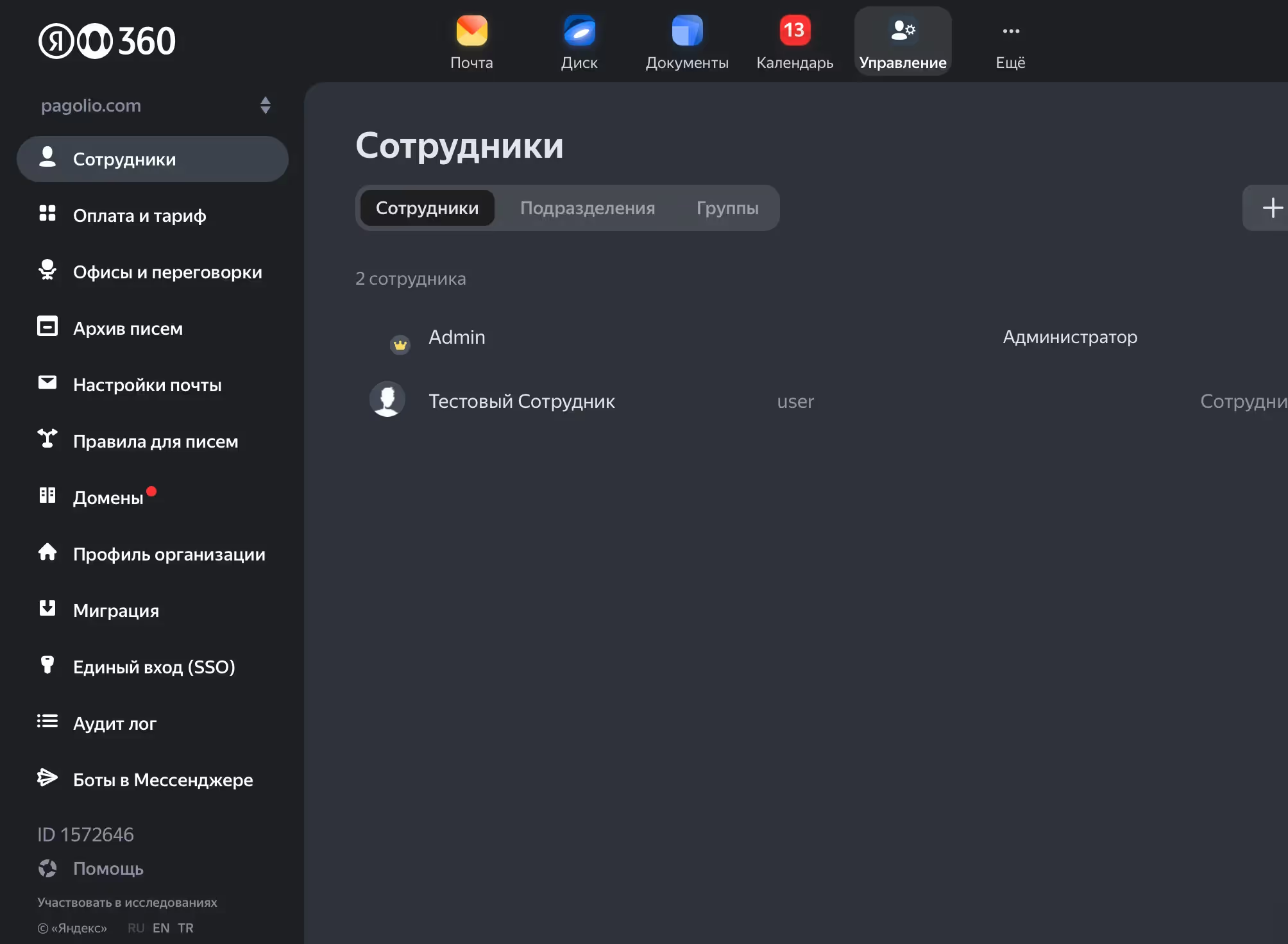
Log in to your Yandex 360 admin account.
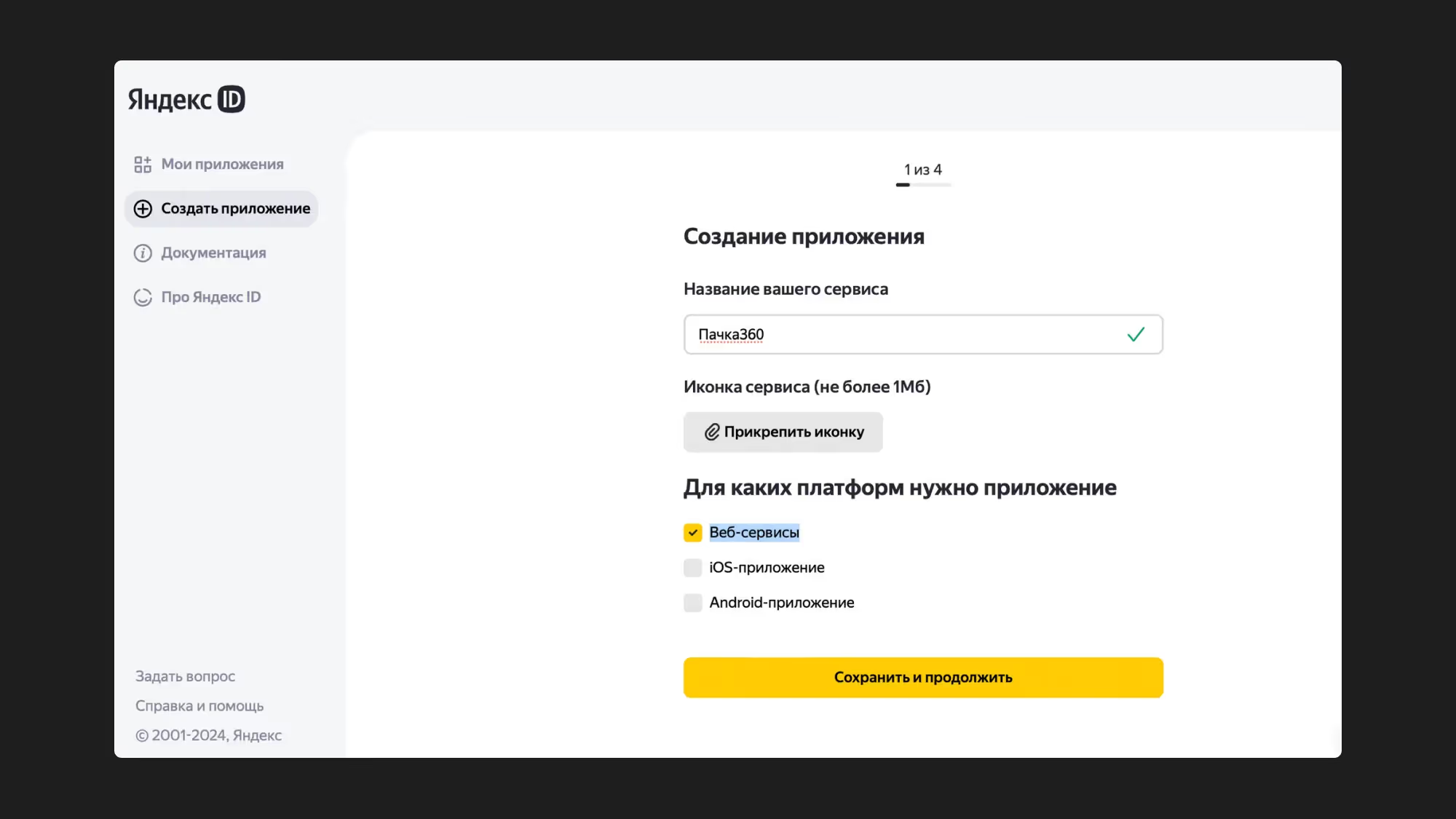
Go to the page for creating a new app: https://oauth.yandex.ru
Click "Create app".
You can give the app any name, such as your company name or just "Pachca".
Make sure to check "Web services".
Keep access to the listed data.
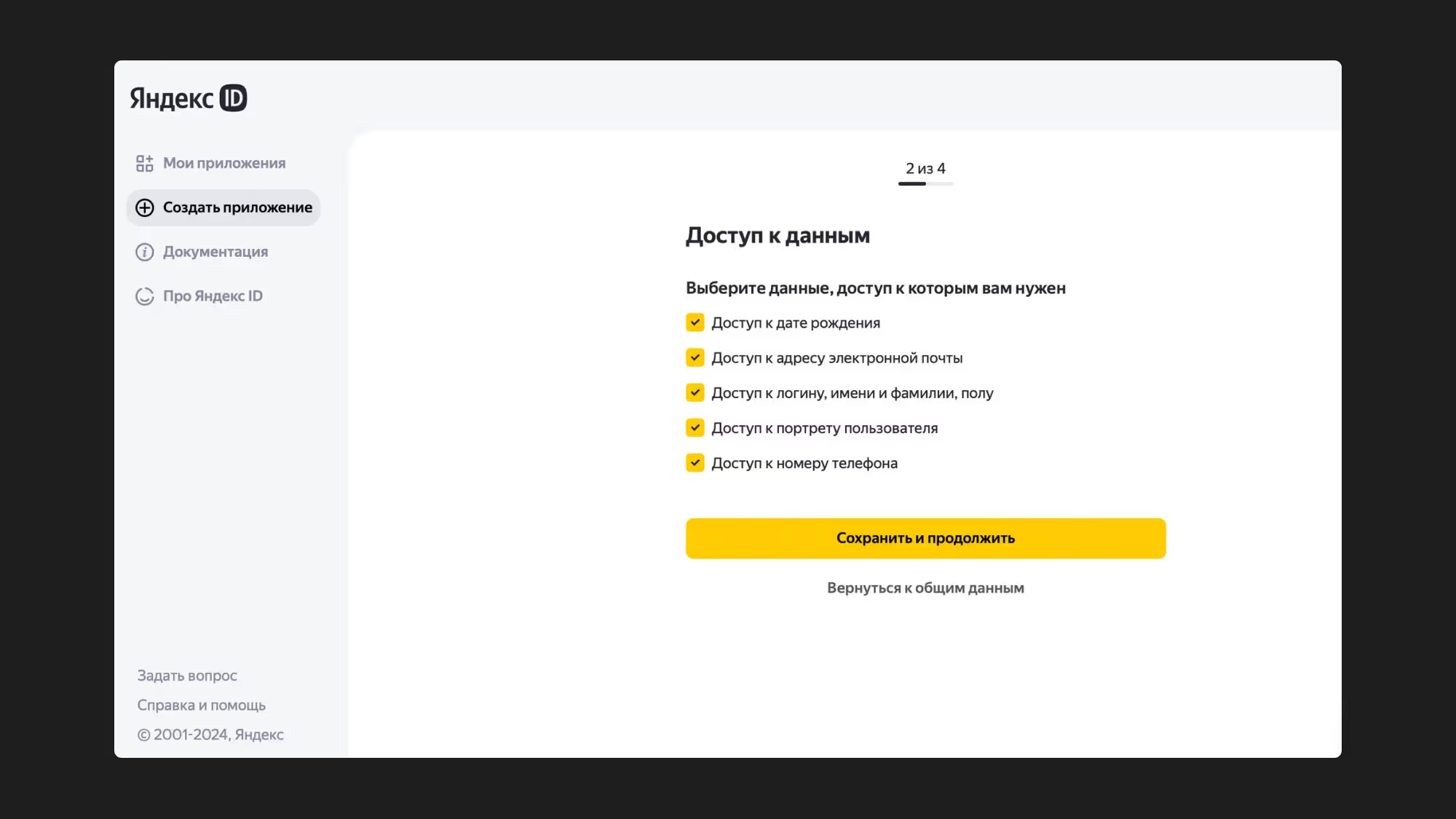
In the "Redirect URI" field, enter your personal URL, which our support team will send you.
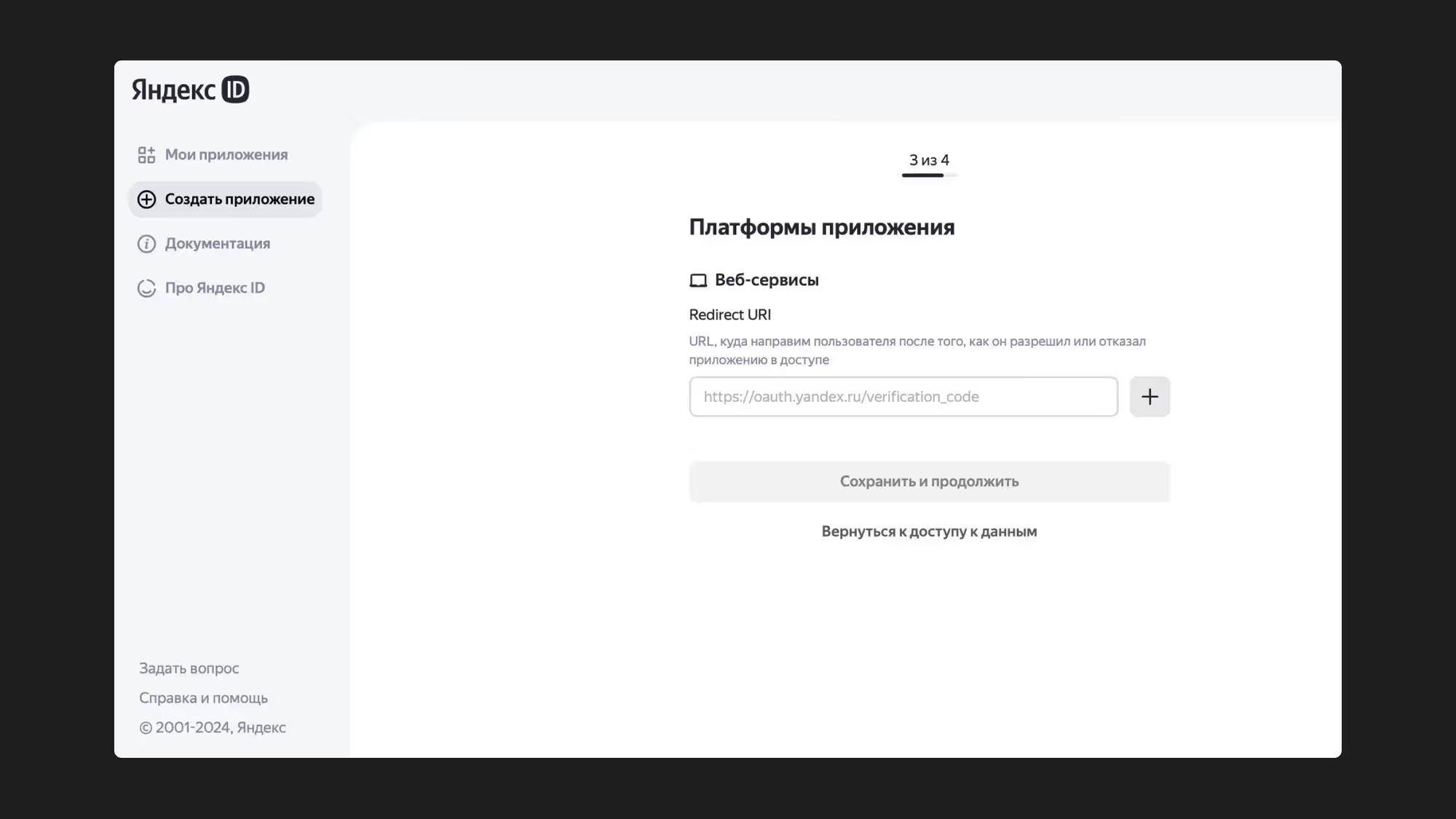
Click Save, and enter any email address on the next form.
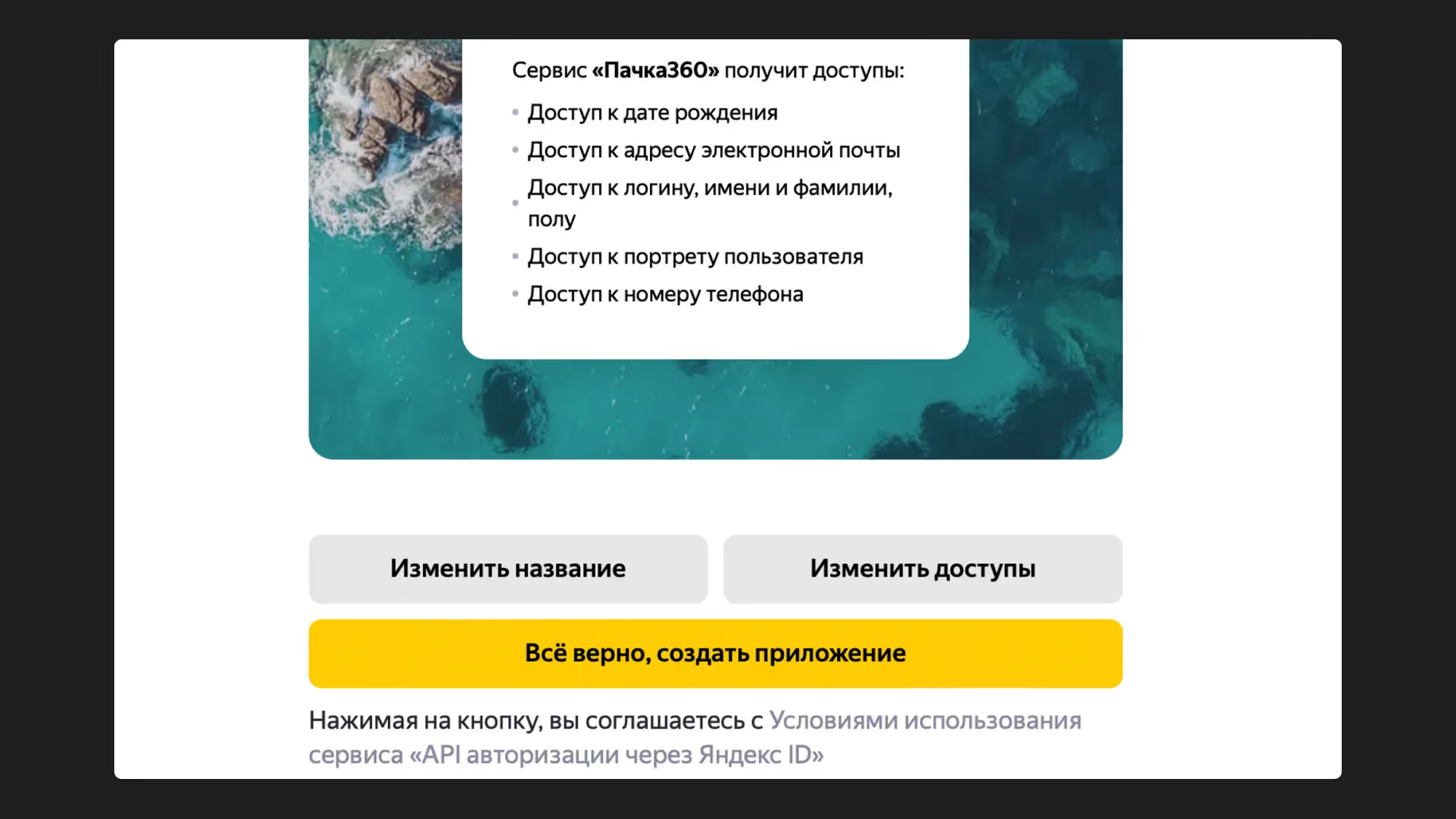
On the final screen, you can preview the login form as your employees will see it when they log in.
Make sure to click "Everything's correct, create app".
On the screen of the app you created, copy the ClientID and Client secret and send them to our support team.
Once setup is complete, you can test logging in to Pachca with Yandex 360.
Test the integration
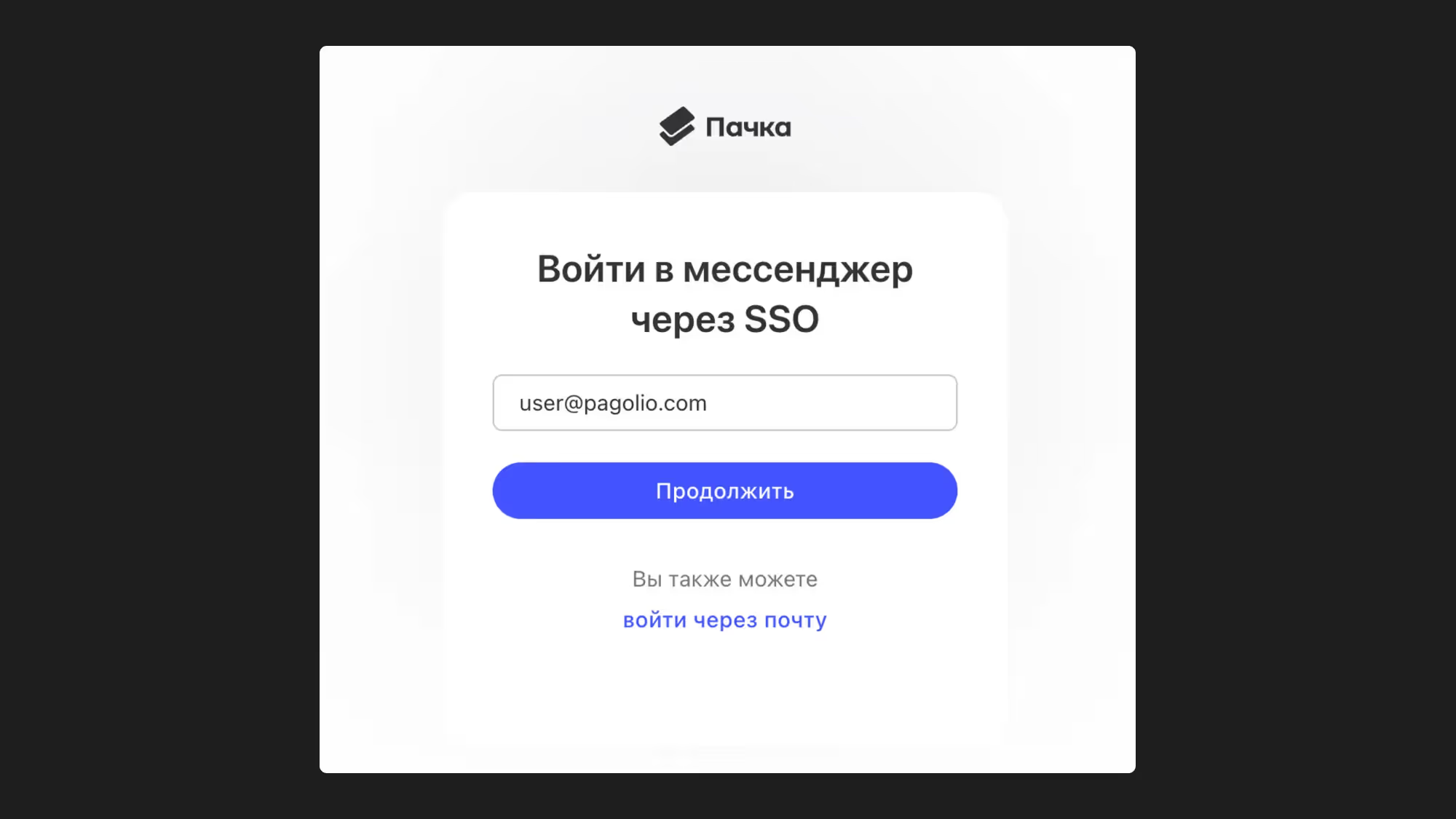
In Pachca, click "Log in with SSO".
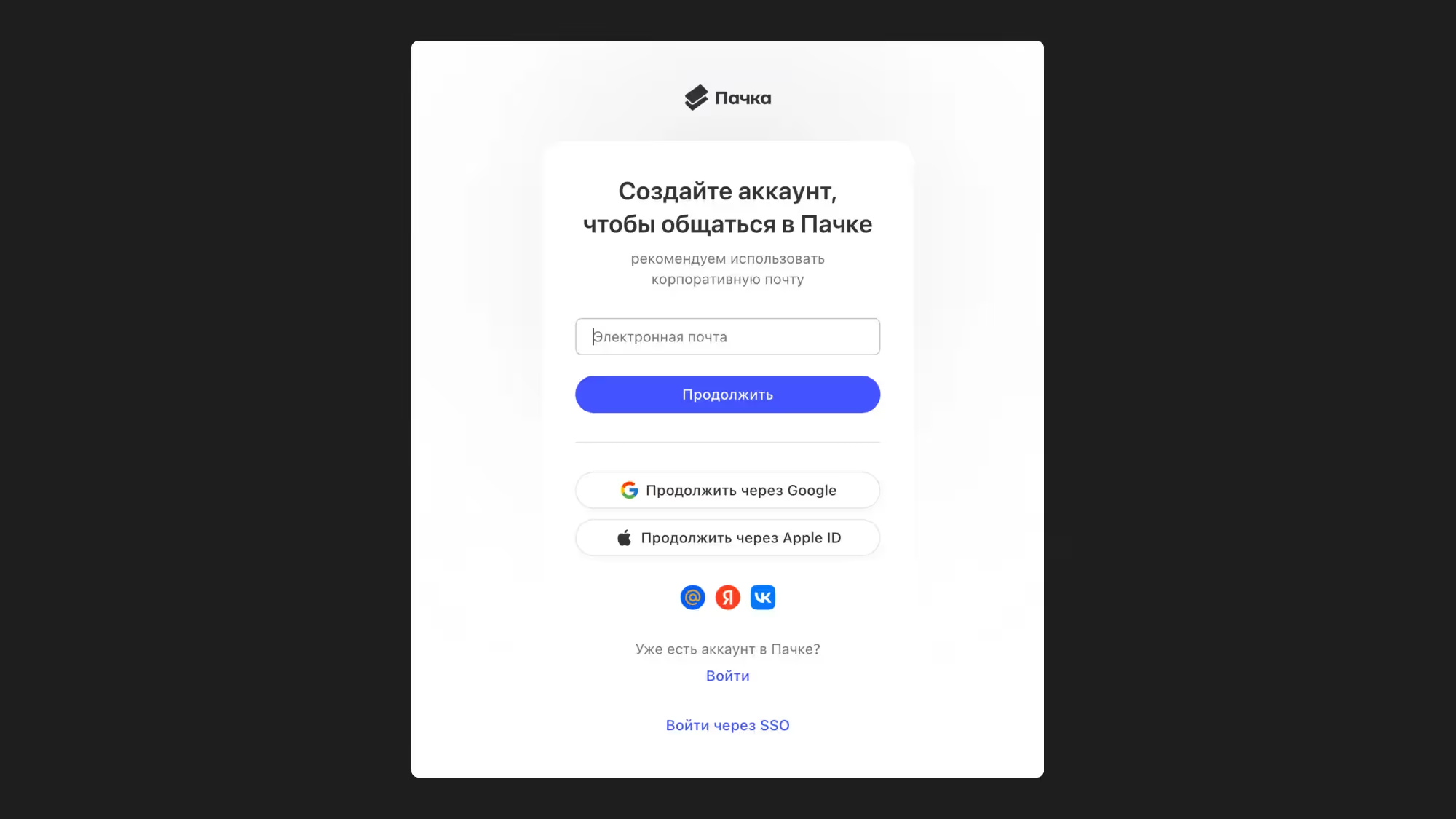
Enter the employee's work email. This account must exist in your Yandex 360.
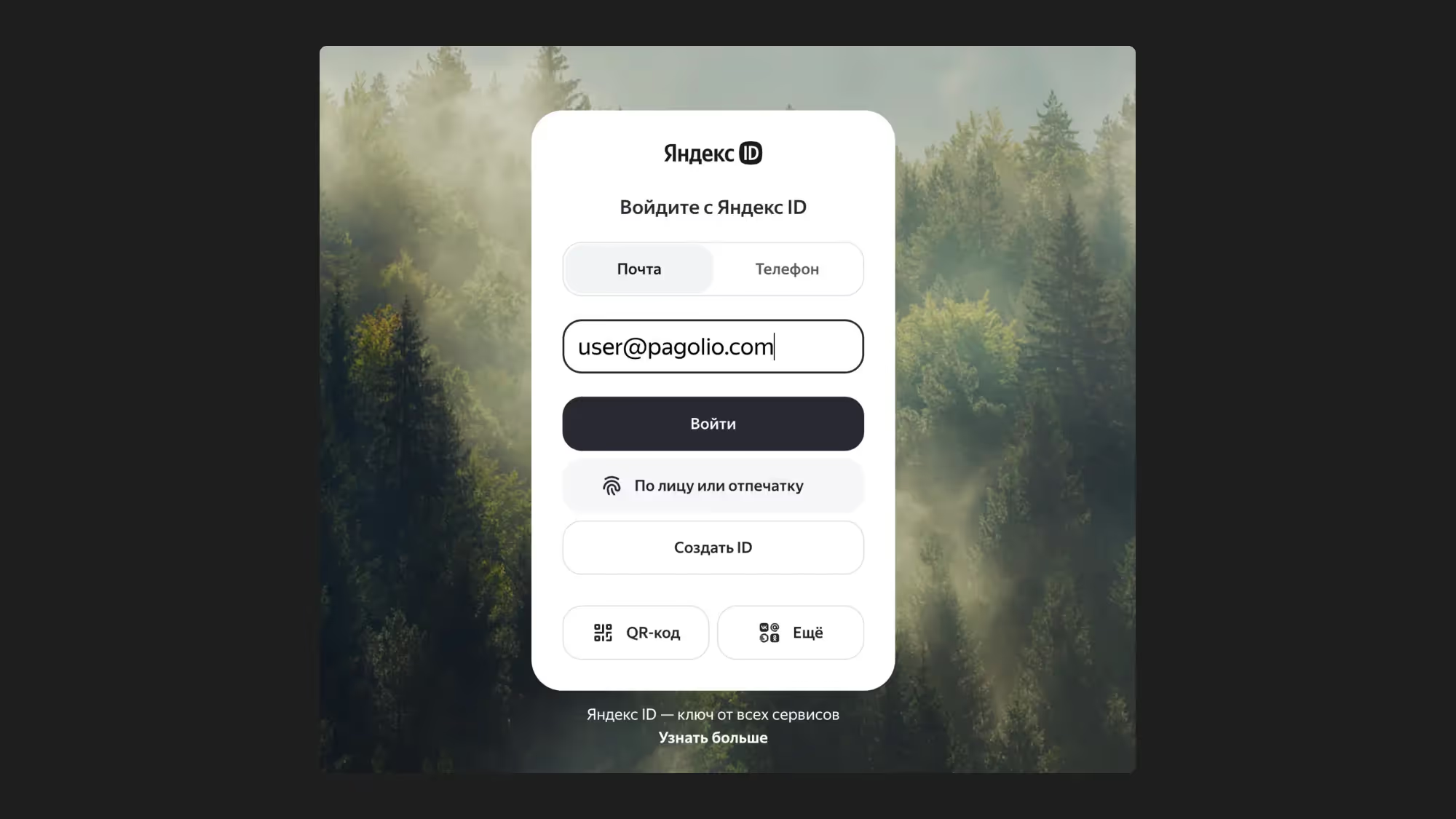
If you haven't logged in before, enter your email again or use another login method available in your organization.
Click "Log in as …".
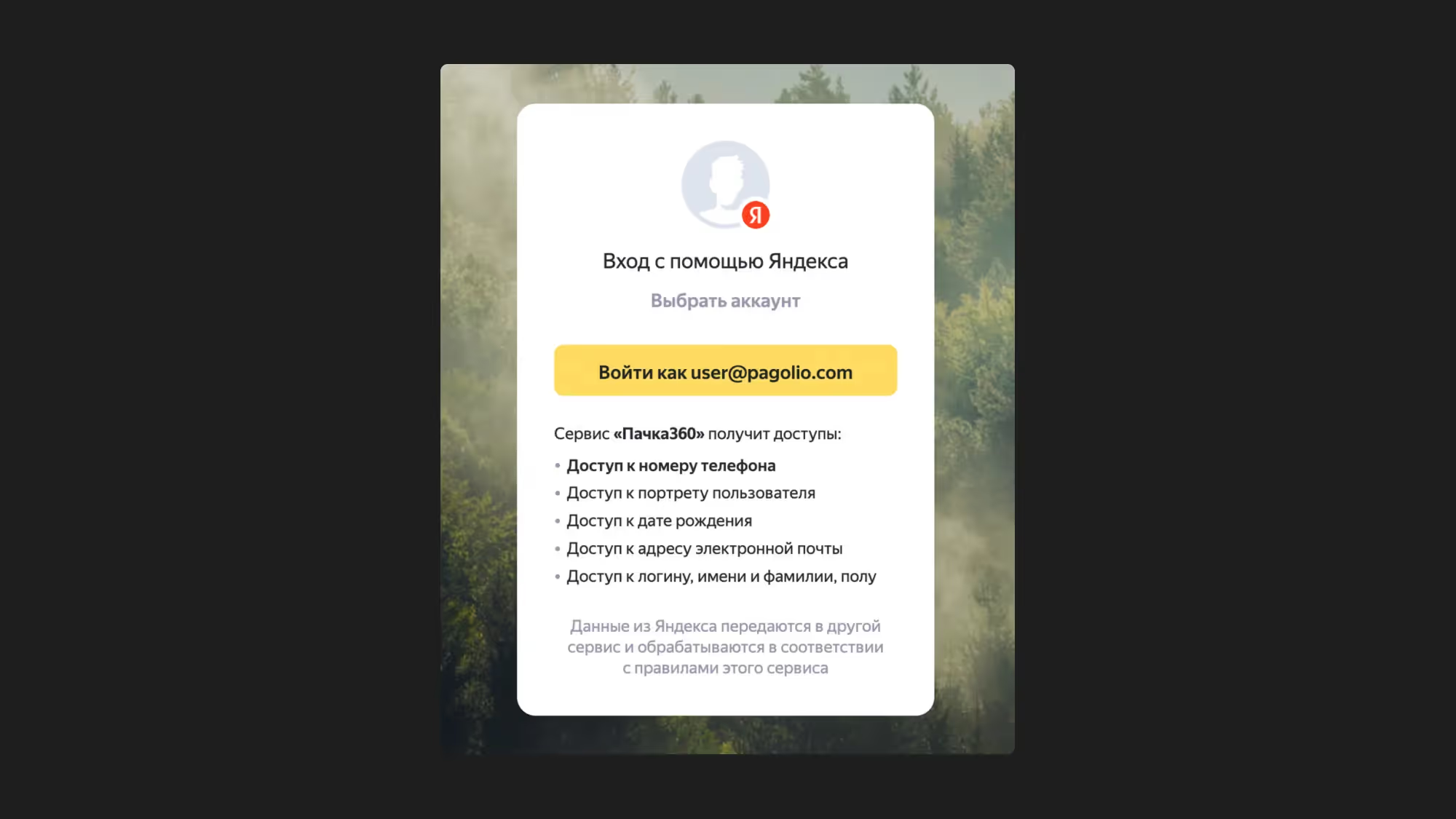
That's it: setup is complete, and you've logged in to Pachca!